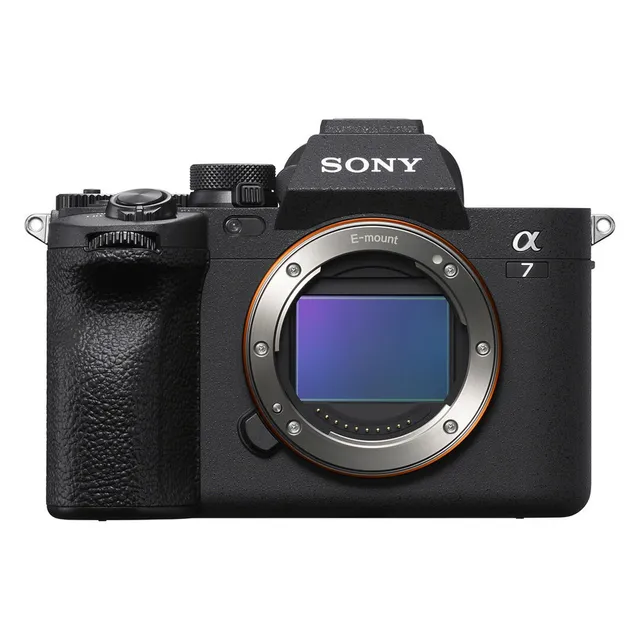
Technical specifications
- Sensor
- Full-Frame CMOS
- Sensor Size
- 35.9 x 23.9 mm
- Megapixels
- 33
- Mount
- Sony E
- Max Resolution
- 4K UHD (3840x2160)
- Max Frame Rate
- 120fps @ 1080p
- Codec
- XAVC S-I, XAVC HS, XAVC S, H.265
- Dynamic Range
- 15 stops
- ISO Range
- ISO 50–204800
- Log / Gamma
- HDR-HLG, Sony S-Log 2, Sony S-Log 3
- Autofocus
- Phase-detect, 759 points
- Stabilization
- Sensor-Shift, 5-Axis
- Ports
- 1x HDMI, 1x 1/8" / 3.5 mm TRS Stereo Headphone, 1x 1/8" / 3.5 mm TRS, 1x USB-C, 1x Sony Multi/Micro-USB Remote, 1x USB-C (USB 3.2 / 3.1 Gen 1) Data Input/Output (Shared with Power Input)
- Battery
- 1x NP-FZ100 Rechargeable Lithium-Ion, 7.2 VDC, 2280 mAh (Included)<br>• Approx. 520 Shots
- Weight
- 658g
- Dimensions
- 131.3 x 96.4 x 79.8 mm
- MSRP
- $2,499
Add your voice
Your ratings help other filmmakers choose the right camera.
Own it?
What do you use this for?
Field guide
Overview
The Sony α7 IV (ILCE-7M4) is a highly versatile full-frame mirrorless camera that bridges the gap between professional stills photography and high-end video production. Positioned as a powerful hybrid, it is designed for creators who need a reliable, all-in-one tool that excels in both worlds without compromise. Its robust feature set, including advanced autofocus capabilities and flexible recording formats, makes it a compelling choice for wedding photographers, content creators, and independent filmmakers.
Beyond its core imaging capabilities, the α7 IV offers deep customization, allowing users to tailor the interface to their specific workflow. With features like real-time eye autofocus for humans, animals, and birds, and a wide array of professional video tools—including S-Log3 and HLG—it provides the control needed for demanding productions. The camera also supports advanced connectivity options, including USB streaming and network streaming, making it a modern powerhouse for live content.
Whether you are shooting narrative projects, fast-paced documentaries, or studio interviews, the α7 IV is built to handle the rigors of professional use. Its intuitive menu system and customizable buttons ensure that essential settings are always at your fingertips, allowing you to focus on the creative process rather than the gear.
Pros & Cons
Pros
Advanced real-time eye autofocus for humans, animals, and birds ensures tack-sharp focus in almost any scenario.
Dual card slots (Slot 1 supports CFexpress Type A and SD, Slot 2 supports SD) provide flexible and reliable backup options.
Extensive customization options, including custom keys and 'My Dial' settings, allow for a highly personalized shooting experience.
Professional video features like S-Log3, HLG, and 10-bit 4:2:2 internal recording offer significant flexibility in post-production.
USB streaming capabilities allow for high-quality live broadcasts without the need for complex external capture cards.
Cons
4K 60p recording involves a 1.5x crop, which significantly impacts the field of view when using wide-angle lenses.
The camera can become warm during extended 4K recording, which may lead to automatic power-off to protect the internal components.
CFexpress Type A cards are expensive compared to standard SD cards, increasing the total cost of ownership for high-bitrate recording.
The complex menu system, while powerful, can have a steep learning curve for users transitioning from simpler camera systems.
The battery life can be significantly reduced when using power-intensive features like high-brightness monitor settings or continuous shooting.
Best Settings
Narrative Filmmaking
Use the XAVC S-I 4K format for high-quality Intra-frame recording, which is easier to edit. Set your Picture Profile to S-Log3 for maximum dynamic range, and use Gamma Display Assist to monitor your image accurately. Ensure your shutter speed is set to 180-degree rule (e.g., 1/50s for 24fps).
Documentary / Run-and-Gun
Set the camera to Intelligent Auto or Aperture Priority for quick adjustments. Enable Real-time Eye AF for humans to ensure subjects remain in focus. Use XAVC S 4K at 24p or 30p for a balance between quality and file size. Keep the SteadyShot setting to 'Standard' for handheld stability.
Interview & Talking Head
Use a fixed aperture (e.g., f/2.8 or f/4) in Aperture Priority mode to control depth of field. Set the focus mode to Continuous AF with Face/Eye Priority enabled. Use an external microphone connected to the 3.5mm jack and monitor audio levels using the on-screen Audio Level Display.
Slow Motion
Use the S&Q (Slow & Quick) mode. Set the frame rate to 60fps or 120fps (depending on your NTSC/PAL setting) for smooth slow-motion playback. Note that sound is not recorded in S&Q mode.
Common Issues
Overheating During 4K Recording
What's happening: The camera displays an overheating warning icon or shuts down during long 4K recording sessions. Why: High-resolution recording generates significant heat, especially in warm environments. Fix: Turn the power off and allow the camera to cool down. Set 'Auto Power OFF Temp.' to 'High' in the power settings to allow for longer recording times before the camera shuts down. Prevention: Use a tripod to avoid holding the camera, keep it out of direct sunlight, and ensure the monitor is open to improve airflow.
Memory Card Errors
What's happening: The camera displays a 'Memory Card Error' or 'Database file error'. Why: This often happens if a card was formatted in another device or if the file system is corrupted. Fix: Use the 'Format' function in the camera's media menu to re-initialize the card. If the error persists, use the 'Recover Image DB' function. Prevention: Always format your memory cards in the camera before starting a new shoot.
Autofocus Not Tracking Correctly
What's happening: The camera struggles to track a subject or switches focus to the background. Why: The focus area or tracking sensitivity settings may not be optimized for the subject's movement. Fix: Ensure 'Focus Mode' is set to 'Continuous AF' and 'Face/Eye Priority in AF' is set to 'On'. Adjust 'AF Tracking Sensitivity' to a higher value for more responsive tracking. Prevention: Use the 'Focus Area' settings to restrict the focus to a specific zone or spot if the camera is picking up unwanted subjects.
FAQ
- Can the Sony α7 IV shoot 4K at 60fps?
Yes, the Sony α7 IV can record 4K movies at 60p/50p. However, please note that this mode involves a 1.5x crop of the sensor, which will change your effective field of view.
- What memory cards are compatible with the Sony α7 IV?
The camera supports CFexpress Type A memory cards and SD memory cards (UHS-I and UHS-II compatible). Slot 1 supports both types, while Slot 2 is for SD cards only.
- Does the Sony α7 IV have built-in ND filters?
No, the Sony α7 IV does not feature built-in ND filters. You will need to use external screw-on or matte box-mounted ND filters to control exposure in bright conditions.
- How do I clean the image sensor on the Sony α7 IV?
You can use the built-in 'Sensor Cleaning' function found in the Setup menu. Ensure your battery is sufficiently charged before starting, and use a commercially available blower to remove dust while the camera is held face-down.
- Can I use the Sony α7 IV for live streaming?
Yes, the Sony α7 IV supports USB streaming. You can connect it to a computer via a USB cable and use it as a high-quality webcam or streaming camera without needing additional capture hardware.
- What is the maximum recording time for movies on the Sony α7 IV?
The maximum continuous recording time for a single movie session is approximately 13 hours. However, actual recording time may be shorter depending on ambient temperature and camera settings.
- Does the Sony α7 IV support 10-bit recording?
Yes, the Sony α7 IV supports 10-bit 4:2:2 internal recording, which provides significantly more color information for professional color grading.
- How can I assign custom functions to buttons on the Sony α7 IV?
You can customize buttons by navigating to the 'Operation Customize' section in the Setup menu. From there, select 'Custom Key/Dial Set.' to assign your preferred functions to the C1-C4 buttons and other controls.
Recommended Accessories
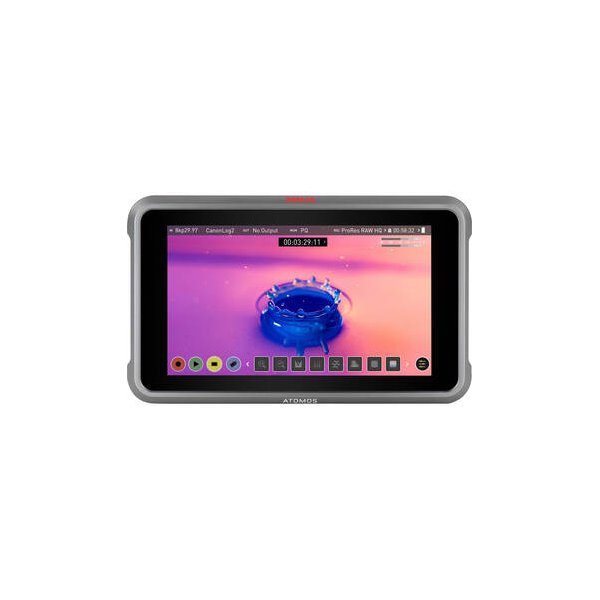
Atomos Ninja 5.2" 4K HDMI Recording Monitor
Atomos
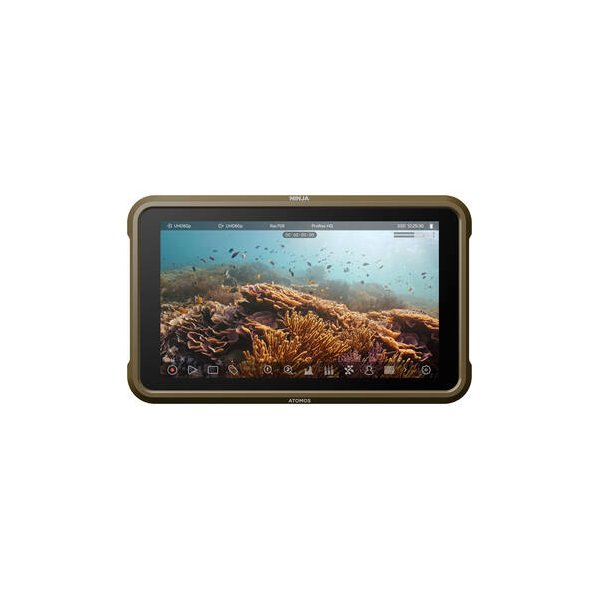
Atomos Ninja V 5" 4K HDMI Recording Monitor
Atomos
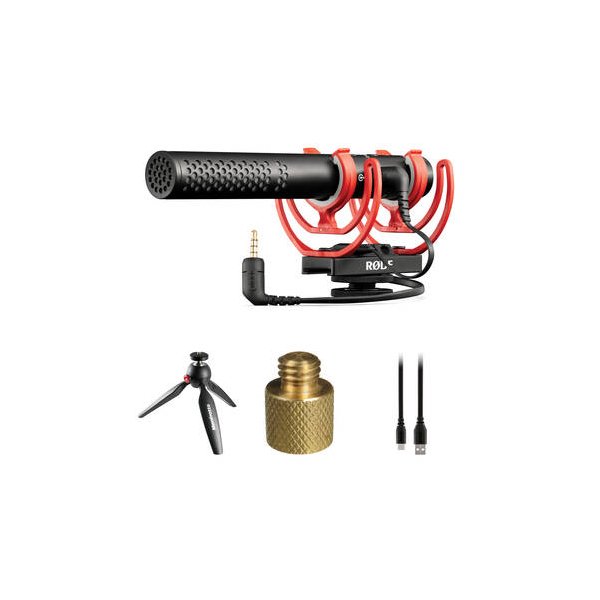
RODE VideoMic NTG Hybrid Analog/USB Camera-Mount Shotgun Microphone
RODE
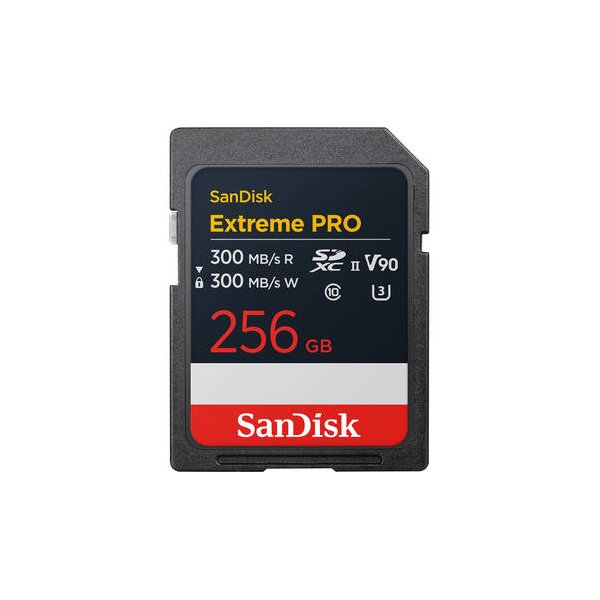
SanDisk 128GB Extreme PRO UHS-II SDXC Memory Card
SanDisk
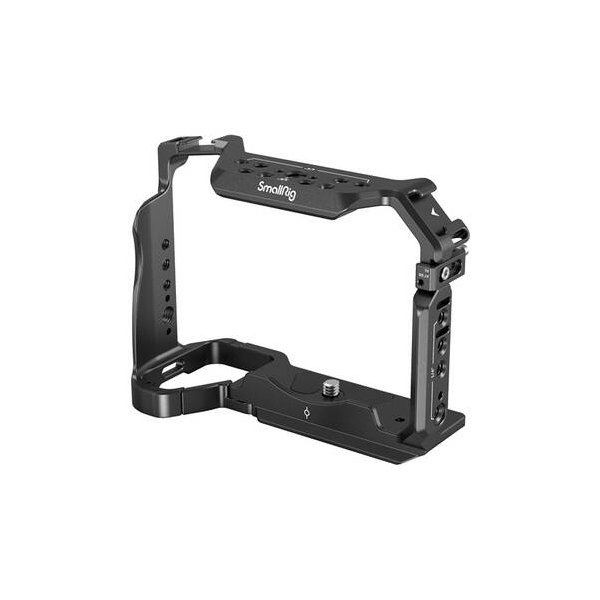
SmallRig "Rhinoceros" Full Cage for Sony a7 V, a7R V & a7 IV
SmallRig
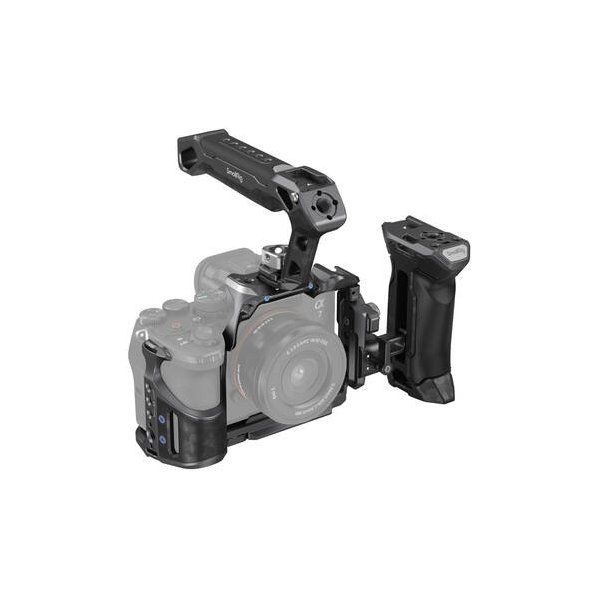
SmallRig Advanced Cage Kit for Sony a7R V, a7 IV & a7S III
SmallRig
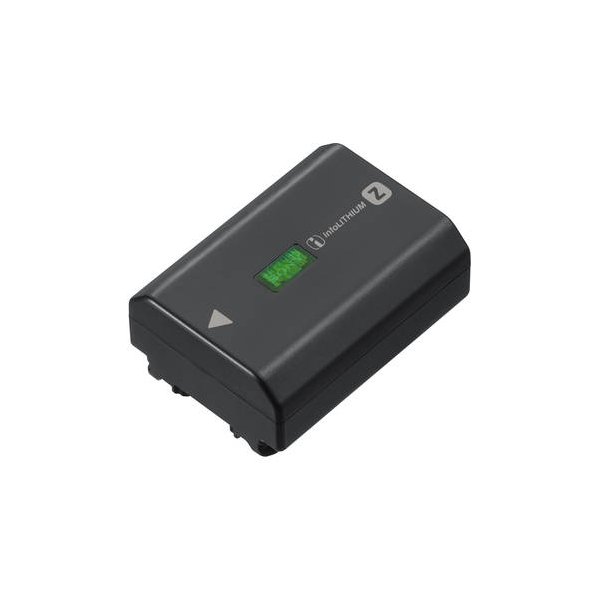
SmallRig NP-FZ100 Kit with 2 Batteries and 2-Bay USB Charger
SmallRig
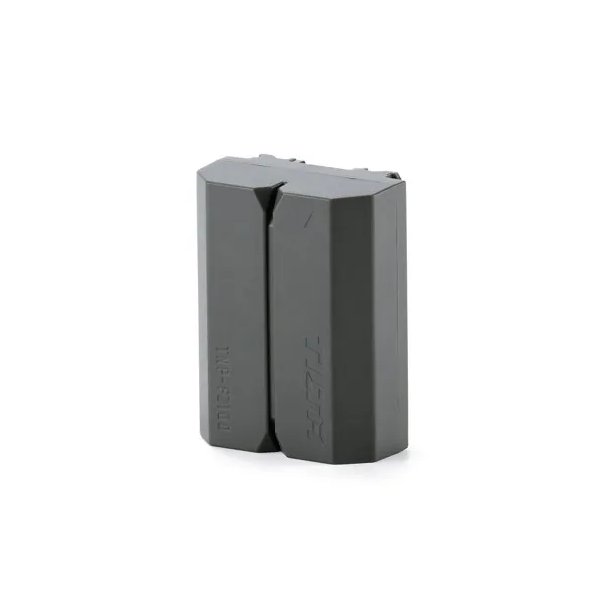
Tilta NP-FZ100 Lithium-ion Battery with USB-C - Green
Tilta
Related comparisons
The a7 IV is a hybrid powerhouse; the a7S III is a dedicated low-light video beast.
See full comparison a7 IV vs a7 V (Alpha 7V)The a7 V elevates video and AF with its new sensor and AI, while the a7 IV remains a strong, more affordable hybrid workhorse.
See full comparison a7 IV vs EOS R6 Mark IIThe Canon EOS R6 Mark II dominates for video with 6K 60p and ProRes RAW; the Sony a7 IV offers higher resolution 33MP stills and dynamic range.
See full comparison a7 IV vs Z6 IIIThe Nikon Z6 III dominates for serious video production with 6K RAW; the Sony a7 IV excels as a high-resolution hybrid workhorse.
See full comparison a7 IV vs X-H2The Fujifilm X-H2 excels in high-resolution video with ProRes, while the Sony a7 IV offers superior full-frame low-light performance.
See full comparison a7 IV vs fp LThe Sigma fp L excels in modular raw video, while the Sony a7 IV dominates as a versatile hybrid with superior AF and stabilization.
See full comparison a7 IV vs LUMIX S5 IIThe LUMIX S5 II is a video powerhouse with 6K and ProRes; the a7 IV offers higher resolution stills and superior AF.
See full comparison