Technical specifications
- Sensor
- Super35 CMOS
- Sensor Size
- 27.03 x 14.26 mm
- Megapixels
- 19.9
- Mount
- Canon RF
- Max Resolution
- 6K (6144x3240)
- Max Frame Rate
- 240fps @ 1080p
- Codec
- ProRes
- Dynamic Range
- 16.5 Stops
- ISO Range
- ISO 250–12800
- Log / Gamma
- REDWideGamutRGB, Log3G10, Rec.709
- Autofocus
- Phase-detect autofocus
- Stabilization
- None
- ND Filter
- No built-in ND filters
- Ports
- 1x BNC (12G-SDI), 1x 5-Pin LEMO Line Input on Camera Body, 1x LEMO 6-Pin (11 to 17VDC), 1x 9-Pin (Genlock, GPI, Timecode), 1x USB-C (Camera Interface) Video/Data/Control Input/Output, 1x RED Cable-Free Monitor Connection
- Battery
- V-Mount
- Weight
- 1190g
- Dimensions
- 129.37 x 101.26 x 95.26 mm
- MSRP
- $9,995
Add your voice
Your ratings help other filmmakers choose the right camera.
Own it?
What do you use this for?
Field guide
Overview
The RED KOMODO-X is the next evolution in the KOMODO family, designed to bridge the gap between the original KOMODO's compact form factor and the professional workflow requirements of the DSMC3 line. It features a redesigned 6K S35 Global Shutter sensor that doubles the frame rates of its predecessor, offering 6K 80P and 4K 120P, making it a formidable tool for high-end cinematography, virtual production, and live broadcast environments.
Beyond the sensor, the KOMODO-X introduces significant architectural improvements, including an integrated micro V-Lock battery mount, a reinforced locking RF lens mount, and robust I/O options like 12G-SDI and phantom-powered audio. The camera is built for IP-based workflows, supporting remote control via RED Control, FTPS data offloading, and the RED Connect license for live 6K streaming over IP.
This camera is ideal for cinematographers and content creators who need a small, lightweight body that doesn't compromise on professional features. Whether you are shooting narrative projects, run-and-gun documentaries, or complex multi-camera LED volume productions, the KOMODO-X provides the flexibility of R3D RAW recording and the reliability of a global shutter sensor.
Pros & Cons
Pros
Global shutter sensor eliminates rolling shutter artifacts and tracking distortions, essential for fast-moving subjects and VFX work.
Integrated micro V-Lock mount allows for direct attachment of professional batteries without bulky adapters.
12G-SDI output and phantom-powered audio connector enable seamless integration into professional broadcast and cinema workflows.
Supports RED Connect for live 6K R3D streaming over IP, opening new possibilities for live broadcast and virtual production.
Reinforced RF lens mount with locking mechanism provides the stability and rigidity required for professional lens kits.
Cons
4K 120fps and other high frame rates may require specific sensor crop modes, limiting your effective field of view.
The camera is designed primarily for indoor use; operating outside the 32° F to 104° F range can lead to performance issues.
Requires specific RED-approved CFexpress Type B media cards for reliable performance at high data rates.
ProRes recording bakes in ISO and White Balance, removing the non-destructive flexibility found in R3D RAW workflows.
The integrated micro V-Lock plate is not compatible with V-Lock batteries wider than 2.95 inches (75 mm) without an adapter.
Best Settings
Narrative Filmmaking
Use R3D format at 6K 17:9 resolution to maximize dynamic range and sensor coverage. Set ISO to 800 (default) and use a 180° shutter angle for natural motion blur. Record in R3D MQ or HQ quality to ensure high-fidelity data for post-production grading.
Documentary / Run-and-Gun
Use ProRes 422 HQ for a balance of quality and manageable file sizes. Enable Pre-Record (up to 30 seconds) to ensure you never miss unexpected events. Use the internal microphones or a 5-Pin to XLR adapter for reliable audio capture.
Interview & Talking Head
Set the project time base to 23.98 or 24 FPS. Use a 3D LUT for on-set monitoring to give the client a finished look while recording in Log3G10 for maximum flexibility in the edit. Ensure the camera is calibrated for the specific ambient temperature of the interview space.
Slow Motion
Switch to 4K 17:9 or 2K 17:9 to achieve up to 120fps or 240fps respectively. Note that audio sync is not guaranteed when shooting varispeed, so record scratch audio or external audio separately.
Common Issues
Overheating
What's happening: The camera may shut down or display overheating warnings. Why: Inadequate airflow or prolonged recording in high-temperature environments. Fix: Ensure the air intake and exhaust vents are unobstructed. If the camera reaches the temperature threshold, it will initiate a shutdown. Prevention: Avoid operating in direct sunlight or near heat sources. Use the camera within the 32° F to 104° F operating range.
Media Card Errors
What's happening: The camera reports media-related errors or fails to mount the card. Why: File system corruption or improper ejection. Fix: Perform a 'Secure Format' in the Media menu. This rebuilds the file system. Prevention: Always eject (unmount) the media card through the camera menu before physical removal.
SDI Connection Damage
What's happening: The SDI port may incur damage. Why: Connecting or disconnecting SDI cables while the camera or accessory is powered, or using unshielded cables. Fix: If the port is damaged, submit a support ticket to RED. Prevention: Always connect the power source to the SDI accessory before connecting the BNC cable. Remove the BNC cable before disconnecting power.
Firmware Update Failure
What's happening: The firmware update process fails or hangs. Why: Corrupt firmware file or improper card preparation. Fix: Ensure the 'upgrade' folder is at the root level of the media card. Try a different, freshly formatted card. Prevention: Always download the firmware directly from the official RED website and verify the file structure before copying to the card.
FAQ
- Can the RED KOMODO-X shoot 4K at 120fps?
Yes, the RED KOMODO-X supports 4K 17:9 recording at up to 120fps. You can select this in the Project Settings menu under Recording Frame Rate.
- What memory card does the RED KOMODO-X use?
The RED KOMODO-X uses CFexpress Type B media cards. RED recommends using RED-branded or other qualified cards to ensure reliable performance at high data rates.
- Does the RED KOMODO-X have a global shutter?
Yes, the RED KOMODO-X features a 6K S35 Global Shutter sensor. This exposes all pixels simultaneously, eliminating rolling shutter artifacts.
- How do I update the firmware on the RED KOMODO-X?
You can update the firmware by downloading the latest version from the RED Downloads website, copying the 'upgrade' folder to the root of a formatted CFexpress card, and selecting 'Upgrade' in the Maintenance menu.
- Can I power the RED KOMODO-X via USB-C?
No, the camera cannot accept power through the USB-C port. It must be powered via the 6-pin DC-IN port or an attached V-Lock battery.
- What is the dynamic range of the RED KOMODO-X?
The RED KOMODO-X sensor offers 16.5+ stops of dynamic range, allowing for significant highlight and shadow detail retention.
- Is the RED KOMODO-X compatible with PL lenses?
Yes, the RED KOMODO-X is compatible with /i PL lenses when using the RED RF to PL Adapter or the RF to PL with Electronic ND Adapter.
- How do I calibrate the sensor on the RED KOMODO-X?
Sensor calibration is performed via the Maintenance menu. It is recommended after firmware upgrades, significant temperature changes, or if you notice image quality concerns.
Recommended Accessories
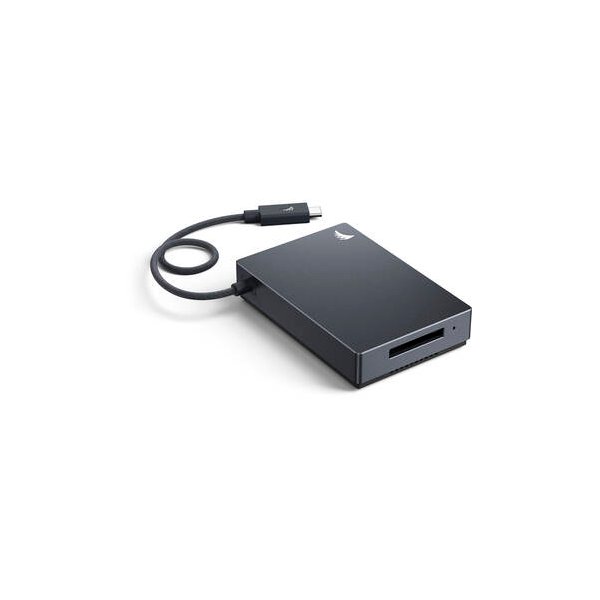
Angelbird 512GB AV PRO SE CFexpress v4 Type B Memory Card
Angelbird
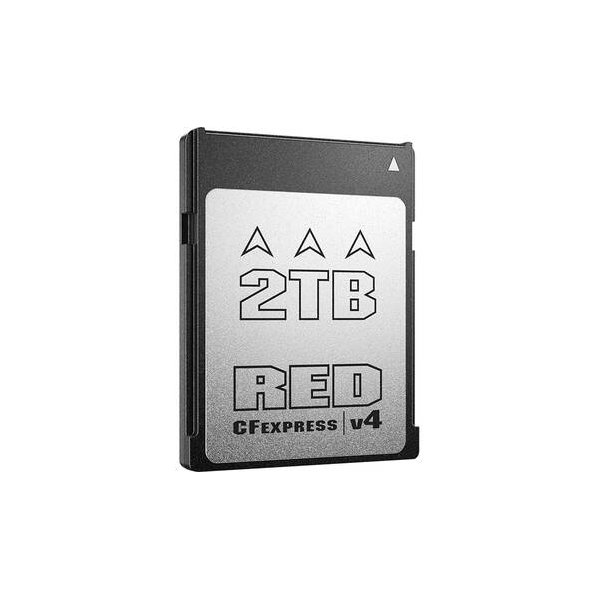
RED DIGITAL CINEMA 1TB PRO CFexpress v4 Type B Memory Card
RED
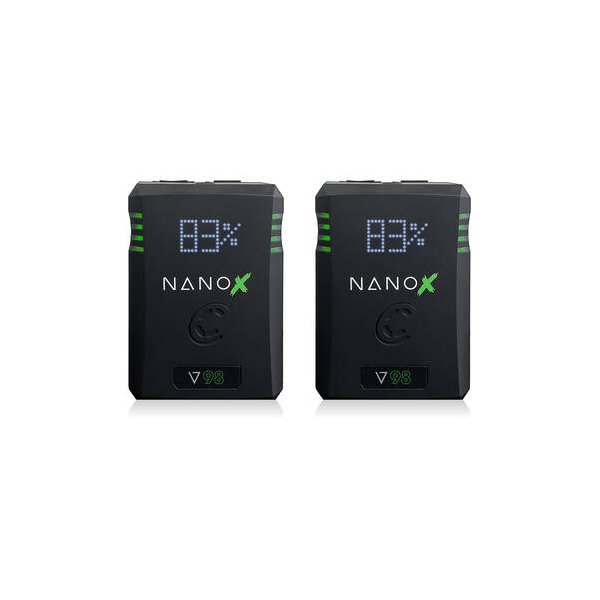
Core SWX NANO X V98 Micro 98Wh Li-Ion Battery (V-Mount)
Core SWX
![RED DIGITAL CINEMA V-RAPTOR \[X\] 8K VV Production Pack with Rigid-Hinge Touch 7.0" (Gold Mount)](https://images.camdex.co/accessories/red-710-0403.jpg)
RED DIGITAL CINEMA V-RAPTOR \[X\] 8K VV Production Pack with Rigid-Hinge Touch 7.0" (Gold Mount)
RED
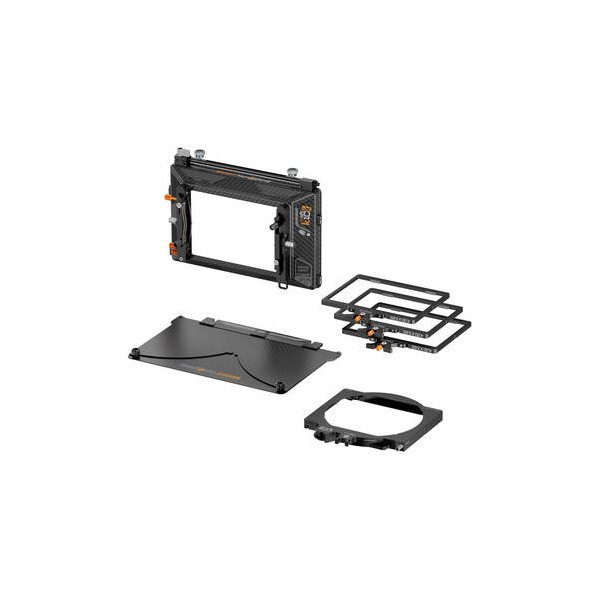
Bright Tangerine Misfit Kick Mk II 3-Stage Matte Box Kit
Bright Tangerine
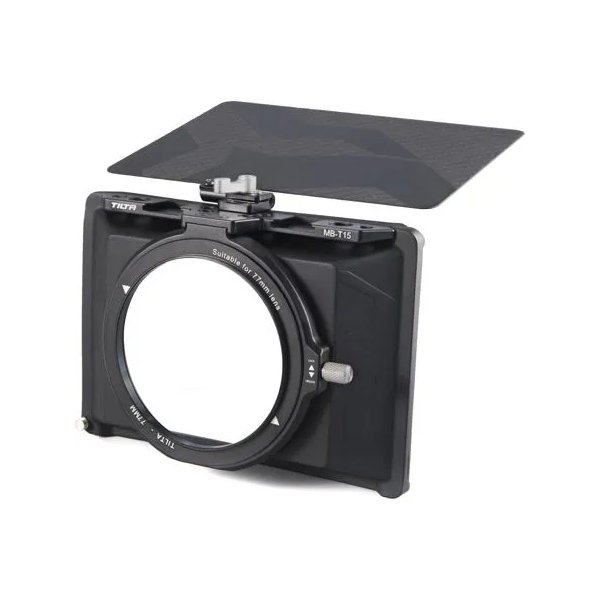
Tilta Mini Matte Box
Tilta
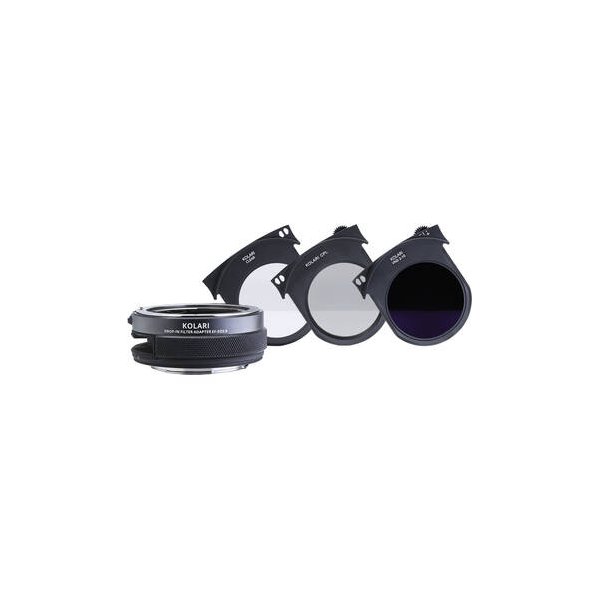
Kolari Vision EF-EOS R Drop-In Lens Adapter with VND Drop-In Filter (2- to 10-Stop)
Kolari
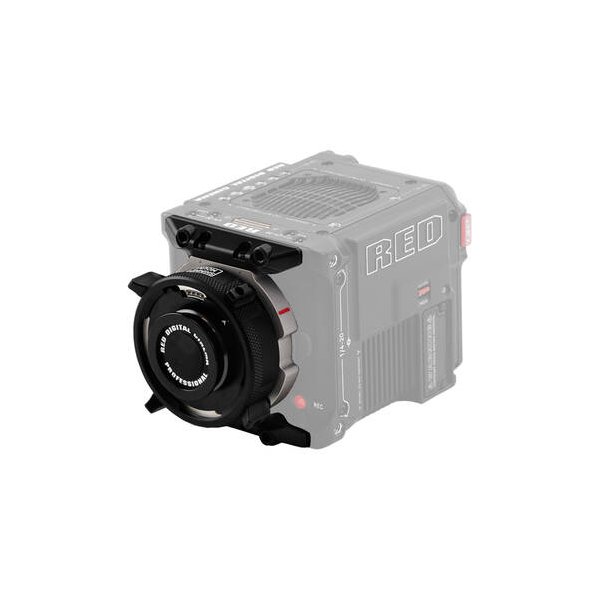
RED DIGITAL CINEMA KOMODO RF to PL Adapter Pack
RED
Related comparisons
KOMODO-X offers global shutter and AF for dynamic shoots; URSA Mini Pro 12K delivers unparalleled resolution and internal NDs.
See full comparison KOMODO-X vs ALEXA Mini LFThe ARRI Mini LF delivers unparalleled cinematic image quality; the RED KOMODO-X offers a compact global shutter powerhouse.
See full comparison KOMODO-X vs KOMODO 6KThe Komodo-X elevates frame rates and I/O for demanding productions; the Komodo 6K offers global shutter on a tighter budget.
See full comparison KOMODO-X vs Ronin 4DThe Ronin 4D is an all-in-one stabilized cinema camera; the KOMODO-X is a compact, modular global shutter powerhouse.
See full comparison