Technical specifications
- Sensor
- Four Thirds MOS
- Sensor Size
- 17.3 x 13 mm
- Megapixels
- 20.33
- Mount
- Micro Four Thirds
- Max Resolution
- 4K UHD (4992x3774)
- Max Frame Rate
- 59.94fps @ 4K UHD
- Codec
- H.265, H.264
- ISO Range
- ISO 100–25600
- Log / Gamma
- V-Log L, Cinelike D, Cinelike V, HLG, Like709, Standard, Vivid, Natural, L.Classic, Monochrome, Scenery, Portrait, Custom
- Autofocus
- Contrast-detect, 225 points
- Stabilization
- Sensor-Shift, 5-Axis
- Ports
- 1x HDMI, 1x 1/8" / 3.5 mm TRS Stereo Headphone, 1x 1/8" / 3.5 mm TRS, 1x USB-C Input/Output, 1x 2.5 mm Sub-Mini Remote, 1x USB-C (USB 3.2 / 3.1 Gen 1) Data Input/Output (Shared with Power Input)
- Battery
- 1x DMW-BLK22 Rechargeable Lithium-Ion, 7.2 VDC, 2200 mAh (Included)<br>• Approx. 400 Shots
- Weight
- 727g
- Dimensions
- 138.5 x 98.1 x 87.4 mm
- MSRP
- $1,699
Add your voice
Your ratings help other filmmakers choose the right camera.
Own it?
What do you use this for?
Field guide
Overview
The Panasonic Lumix DC-GH5M2 is a refined iteration of the legendary GH5, specifically engineered for the modern hybrid creator who demands both high-end video production capabilities and robust live-streaming functionality. Positioned as a versatile workhorse, it bridges the gap between traditional cinema-style shooting and the fast-paced requirements of content creators, offering a reliable, weather-sealed platform that excels in both studio and field environments.
Beyond its familiar ergonomics, the GH5M2 introduces significant workflow enhancements, most notably its integrated live-streaming capabilities that allow for direct streaming via a smartphone or network. The manual highlights its sophisticated 5-axis image stabilization, which can be further augmented by electronic stabilization for handheld video, and its support for V-Log L, providing cinematographers with the dynamic range necessary for professional color grading. The inclusion of a double card slot system ensures redundancy for critical shoots, while the improved battery management and USB-PD power supply options cater to long-form production needs.
This camera is an ideal choice for documentary filmmakers, event videographers, and solo content creators who need a dependable, feature-rich tool that doesn't compromise on image quality. Its extensive customization options, including programmable Fn buttons and custom modes, allow users to tailor the camera to their specific shooting style, making it a powerful asset for any production kit.
Pros & Cons
Pros
Integrated live-streaming functionality allows for direct streaming via network or smartphone, perfect for real-time content delivery
5-axis image stabilization with Dual I.S. 2 support provides exceptional handheld stability, reducing the need for gimbals
Double card slot system offers professional-grade reliability with relay, backup, and allocation recording options
V-Log L support provides a flat profile for professional color grading, maximizing dynamic range for cinematic projects
Robust, weather-resistant body design ensures reliability in challenging field conditions
Cons
Micro Four Thirds sensor size results in a 2x crop factor, which can make achieving a shallow depth of field more challenging compared to full-frame systems
High-frame-rate recording and certain advanced features can lead to increased power consumption and heat, requiring careful battery management
The complex menu system, while powerful, has a steep learning curve for users transitioning from simpler camera interfaces
Some advanced features like 6K/4K Photo or specific filter settings disable other functions, requiring a deep understanding of the camera's limitations
The reliance on specific UHS-II V90 cards for high-bitrate recording adds to the overall cost of ownership
Best Settings
Narrative Filmmaking
Use the [Creative Video Mode] (M mode) to maintain full manual control over exposure. Set [Photo Style] to [V-Log L] to maximize dynamic range for post-production grading. Use [MOV] as the [Rec. File Format] for better editing performance. Enable [Focus Transition] to achieve smooth, repeatable focus pulls between registered points.
Documentary / Run-and-Gun
Set the camera to [P] or [A] mode for quick exposure adjustments. Enable [Continuous AF] (MODE1) to keep subjects in focus while moving. Use [Dual I.S. 2] to ensure stable handheld footage. Keep [Auto Review] set to a short duration to save battery life.
Interview & Talking Head
Use [Manual Exposure Mode] to lock exposure and prevent flickering. Set [White Balance] manually to a fixed Kelvin value to ensure consistent skin tones. Use [Sound Rec Level Adj.] to manually set audio levels, monitoring via headphones to ensure clarity.
Slow Motion
Use [Variable Frame Rate] (VFR) to record at higher frame rates (e.g., 60fps or higher) for smooth slow-motion playback. Note that audio is not recorded in VFR mode, so plan for external audio capture if necessary.
Common Issues
Camera turns off unexpectedly
What's happening: The camera shuts down during operation. Why: This is often due to the [Power Save Mode] being active or the battery being depleted. Fix: Check the [Power Save Mode] settings in the [Setup] menu. Ensure the battery is fully charged and properly seated. Prevention: Disable [Power Save Mode] if you need the camera to stay on indefinitely, or use an external power supply via the USB-PD port.
Overheating during high-bitrate recording
What's happening: The camera displays a warning or stops recording. Why: Continuous high-resolution or high-frame-rate recording generates significant heat. Fix: Stop recording and allow the camera to cool down in a well-ventilated area. Prevention: Avoid direct sunlight and use an external monitor to reduce the load on the internal processor if possible.
Autofocus hunting or failing to lock
What's happening: The camera struggles to maintain focus on the subject. Why: This can occur in low-contrast scenes, low light, or when the subject is outside the focus range. Fix: Switch to [MF] (Manual Focus) and use [MF Assist] to confirm focus. Ensure the lens contacts are clean. Prevention: Use [AF Custom Setting] to tune the AF behavior to your specific subject's movement patterns.
Audio distortion or low volume
What's happening: Recorded audio is crackling or too quiet. Why: Incorrect gain settings or the [Sound Rec Level Limiter] being improperly configured. Fix: Adjust the [Sound Rec Level Adj.] manually. Ensure the microphone is not being blocked. Prevention: Always monitor audio levels using headphones during recording.
FAQ
- Can the Panasonic Lumix DC-GH5M2 shoot 4K at 60fps?
Yes, the DC-GH5M2 supports 4K recording at 60fps. Ensure you are using a memory card that meets the required speed class for high-bitrate recording.
- What memory cards are compatible with the Panasonic Lumix DC-GH5M2?
The camera supports SD, SDHC, and SDXC memory cards. It is recommended to use cards compliant with UHS Speed Class 3 and Video Speed Class 90 for optimal performance, especially for high-bitrate video.
- Does the Panasonic Lumix DC-GH5M2 have built-in image stabilization?
Yes, it features a 5-axis in-body image stabilizer. It is compatible with the Dual I.S. and Dual I.S.2 methods when used with compatible lenses.
- How do I update the firmware on the Panasonic Lumix DC-GH5M2?
You can check and update the firmware via the [Setup] ([Others]) menu. Download the latest firmware from the official Panasonic support website, save it to the root directory of your SD card, and initiate the update from the camera menu.
- Can I use the Panasonic Lumix DC-GH5M2 for live streaming?
Yes, the DC-GH5M2 includes a dedicated streaming function. You can stream by operating the camera directly or via the LUMIX Sync smartphone app.
- What is the battery life of the Panasonic Lumix DC-GH5M2?
Battery life varies based on usage conditions, such as temperature and recording settings. The camera uses the DMW-BLK22 battery pack, and you can extend usage by using the optional Battery Grip (DMW-BGGH5).
- Is the Panasonic Lumix DC-GH5M2 weather-sealed?
The camera is designed to be splash-resistant, offering protection against moisture and dust. However, this does not guarantee complete immunity to water damage, so caution is still advised in extreme conditions.
- Can I record video in V-Log L on the Panasonic Lumix DC-GH5M2?
Yes, the camera supports V-Log L, which can be selected in the [Photo Style] menu. This profile is designed for professional post-production color grading.
Recommended Accessories
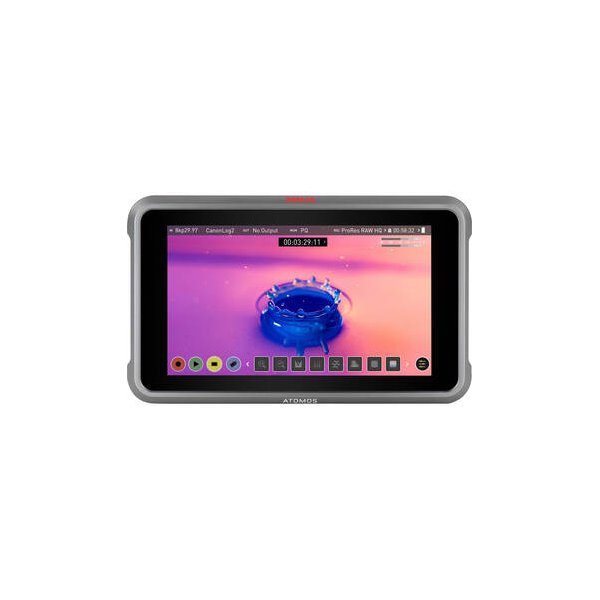
Atomos Ninja 5.2" 4K HDMI Recording Monitor
Atomos
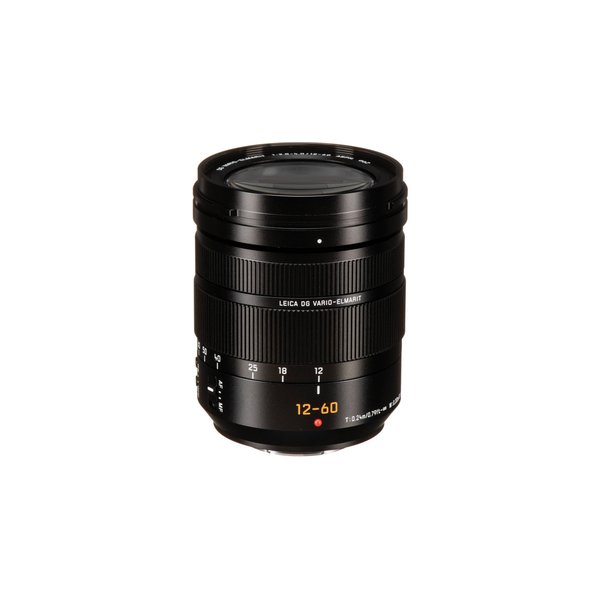
Panasonic Leica DG Vario-Elmarit 12-60mm f/2.8-4 ASPH. POWER O.I.S. Lens
Panasonic
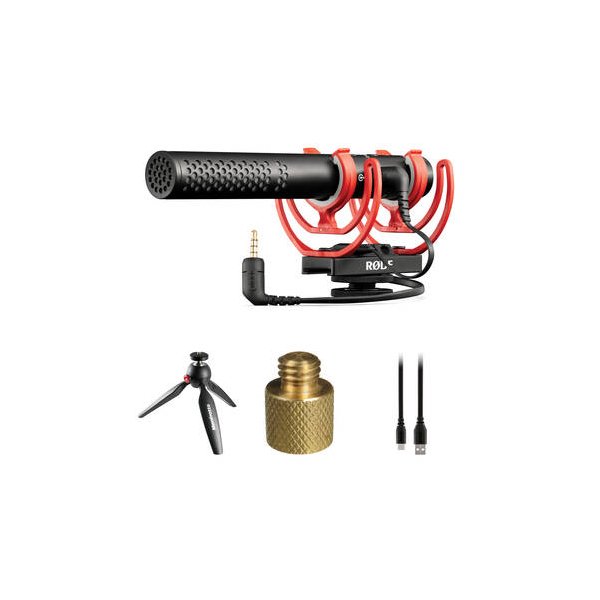
RODE VideoMic NTG Hybrid Analog/USB Camera-Mount Shotgun Microphone
RODE
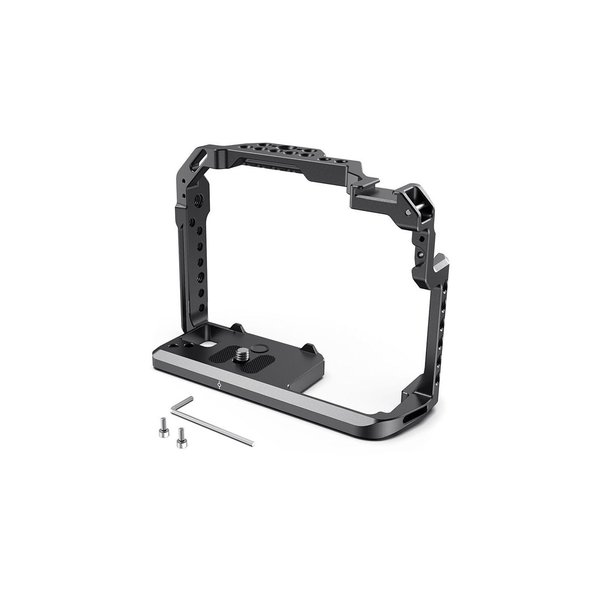
SmallRig Camera Cage for Panasonic GH5/GH5 II and GH5S
SmallRig
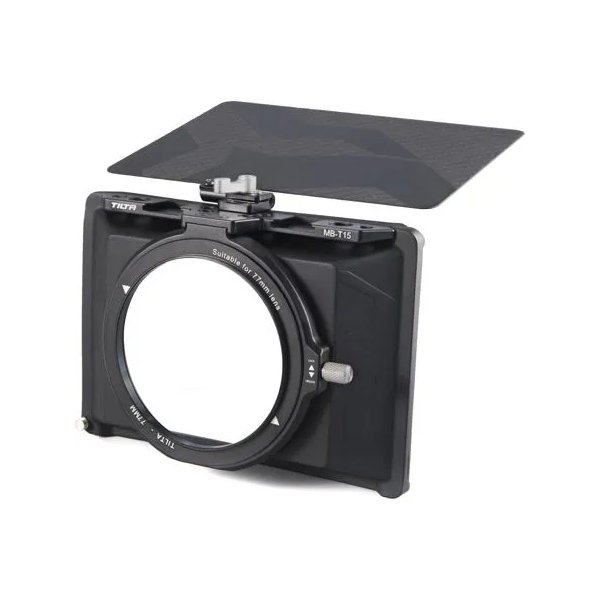
Tilta Mini Matte Box
Tilta
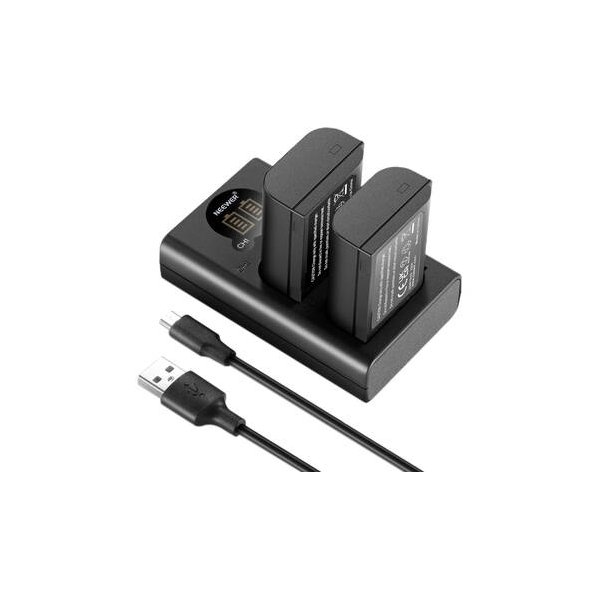
Watson DMW-BLK22 Lithium-Ion Battery Pack (2250mAh)
Watson
Related comparisons
The FX30 delivers superior cinematic image quality and AF; the LUMIX GH5 II excels in hybrid shooting, robust codecs, and stabilization.
See full comparison LUMIX GH5 II vs X-H2SThe Fujifilm X-H2S dominates for professional video with ProRes and superior AF; the LUMIX GH5 II excels for M4/3 users and live streaming.
See full comparison