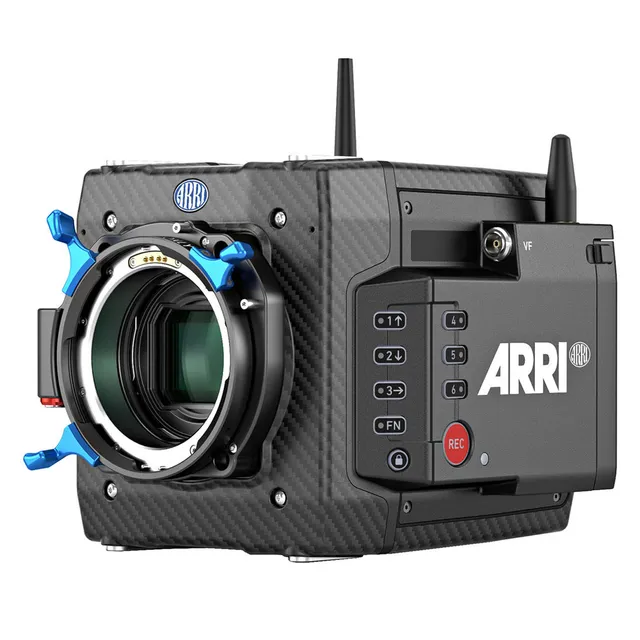
Technical specifications
- Sensor
- ARRI Large Format CMOS
- Sensor Size
- 36.7 x 25.54 mm
- Megapixels
- 0
- Mount
- Interchangeable Mount
- Max Resolution
- 4K UHD (4448x3096)
- Max Frame Rate
- 100fps @ 1080p
- Codec
- ProRes
- Dynamic Range
- 14 Stops
- ISO Range
- ISO 160–3200
- Log / Gamma
- ARRI Log C, Rec709, Rec2020
- Autofocus
- No
- Stabilization
- No
- ND Filter
- 2–6 stop (3-position wheel)
- Ports
- 2x BNC (6G-SDI), 1x 6-Pin LEMO, 1x LEMO 8-Pin (10.5 to 34VDC), 1x RS 3-Pin (24VDC), 1x LEMO 2-Pin (12VDC), 1x Proprietary (24VDC), 1x LEMO 5-Pin (Timecode) Data Input/Output, 1x LEMO 10-Pin (LAN) Data/Control Input/Output, 1x BNC (Sync) Control, 1x LEMO 7-Pin Monitor/Video Input/Output, 1x USB-A (USB 2.0) Data, 1x Proprietary Viewfinder
- Battery
- 10.5-34 V DC
- Weight
- 2600g
- Dimensions
- 188 x 143 x 140 mm
- MSRP
- $58,760
Add your voice
Your ratings help other filmmakers choose the right camera.
Own it?
What do you use this for?
Field guide
Overview
The ARRI ALEXA Mini LF is a powerhouse of a camera, designed to bring the immersive, large-format aesthetic of the ALEXA LF into a compact, lightweight form factor. It is built for cinematographers who need the uncompromising image quality of ARRI’s large-format sensor—which is slightly larger than full frame—without the bulk of a traditional cinema camera. It competes directly with high-end cinema cameras by offering a native 4.5K resolution, true 800 ASA sensitivity, and the ability to record uncompressed ARRIRAW or efficient Apple ProRes, making it a versatile tool for everything from high-end feature films to specialized, mobile productions.
What truly sets the Mini LF apart is its integration into a complete large-format system. It features the LPL lens mount, which is optimized for large sensors, allowing for smaller, lighter lenses with fast T-stops and beautiful bokeh. Despite its modern design, it maintains excellent compatibility with existing PL-mount lenses via a tool-less adapter, and it shares the robust, proven design language of the original ALEXA Mini, meaning many existing accessories work right out of the box. The inclusion of the MVF-2 viewfinder, with its high-contrast OLED display and flip-out monitor, provides a seamless interface for both live view and menu navigation.
This camera is an ideal choice for cinematographers working on productions that demand the highest image quality, HDR, and WCG workflows, but require the flexibility to move quickly. Whether you are shooting on a drone, a stabilizer, or in a tight space, the Mini LF provides the perfect canvas for modern, subtle lighting techniques, all while maintaining the reliability and workflow efficiency that ARRI is known for.
Pros & Cons
Pros
Large format 4.5K sensor provides an immersive aesthetic with ARRI's signature color science and 14+ stops of dynamic range.
Built-in motorized FSND filters (0.6, 1.2, 1.8) eliminate the need for external NDs, saving time and reducing accessory weight.
LPL mount with tool-less PL-to-LPL adapter offers massive lens flexibility, supporting both modern large-format glass and legacy PL lenses.
Compact and lightweight design is perfect for handheld, gimbal, and drone work without sacrificing professional connectivity.
Versatile recording options including uncompressed ARRIRAW up to 60 fps and Apple ProRes up to 90 fps.
Cons
LF Open Gate 4.5K mode disables the Surround View monitoring feature, limiting the operator's ability to see outside the frame.
The camera is exclusively available to commercial customers, making it inaccessible for individual owner-operators without a commercial entity.
Codex Compact Drives can get extremely hot during extended operation, requiring caution when handling.
Changing the recording codec or resolution requires a partial software reload, which can cause a brief delay in a fast-paced production environment.
The camera is sensitive to sensor contamination; dust on the sensor cover glass can be visible in the image, requiring strict adherence to cleaning protocols.
Best Settings
Narrative Filmmaking
Use the LF Open Gate 4.5K resolution to maximize the sensor area and capture the highest quality image for post-production. Record in ARRIRAW for maximum flexibility in color grading. Set the project rate to 23.976p or 24p to match standard cinema frame rates.
Documentary / Run-and-Gun
Record in Apple ProRes 422 HQ or 4444 to balance image quality with manageable file sizes. Use the LF 16:9 UHD resolution for standard delivery. Enable the built-in FSND filters to quickly adjust to changing lighting conditions without swapping external filters.
Interview & Talking Head
Set the camera to 24p or 25p depending on your region. Use a Log C look for the recording to preserve dynamic range, and apply a standard Rec 709 look to the monitor output for a natural preview. Ensure audio is set to 'Auto' or 'Manual' with a limiter to prevent clipping.
Slow Motion
Use the LF 16:9 2K or UHD resolution to achieve higher frame rates up to 90 fps. Note that the maximum frame rate is dependent on the recording resolution and codec; always check the 'Maximum FPS Info' screen in the menu before shooting.
Common Issues
Media Not Recognized
What's happening: The camera does not recognize the inserted Codex Compact Drive. Why: The drive may not be properly formatted or the media door may not be fully closed. Fix: Ensure the drive is fully inserted and the media door is locked. If the issue persists, use the 'Erase Media' function in the 'Media' menu to format the drive in-camera. Prevention: Always handle media with care and ensure the contacts are clean and free of debris.
Image Flickering
What's happening: The image shows flickering or bands of different brightness. Why: Interference from light sources like LEDs or discharge tubes, or a mismatch between shutter angle and light frequency. Fix: Adjust the shutter angle in the 'SHUTTER' menu until the flicker is minimized. For filming monitors, use the 'Shutter Angle' setting and fine-tune the value. Prevention: Test your lighting setup before recording and adjust the shutter angle accordingly.
Overheating
What's happening: The camera fan speed increases significantly or the camera shuts down. Why: High ambient temperatures or high data rates during extended operation. Fix: Ensure the fan openings are not obstructed. If in a hot environment, set the fan mode to 'Rec Low' in the 'System > Fan Mode' menu. Prevention: Avoid covering the camera's fan inlets/outlets and keep the camera out of direct sunlight in temperatures above 25°C.
Audio Clipping
What's happening: The audio signal is distorted or clipping. Why: The input signal level is too high for the current gain settings. Fix: Set the audio channel control to 'Manual (+L)' to engage the limiter, or use 'Auto' mode to let the camera manage the levels. Prevention: Monitor audio levels using the on-screen meters and adjust gain before recording starts.
FAQ
- Can the ARRI ALEXA Mini LF shoot 4K at 120fps?
No, the ARRI ALEXA Mini LF supports a maximum sensor frame rate of 90 fps. The maximum frame rate is dependent on the chosen recording resolution and codec.
- What memory card does the ARRI ALEXA Mini LF use?
The ARRI ALEXA Mini LF records onto Codex Compact Drives. These are high-performance solid-state drives designed specifically for the camera's form factor.
- Does the ARRI ALEXA Mini LF have built-in ND filters?
Yes, the ARRI ALEXA Mini LF features a built-in, motorized, and sealed filter stage for Full Spectrum Neutral Density (FSND) filters with densities of 0.6, 1.2, and 1.8, plus an optical clear filter.
- Can I use my existing PL mount lenses on the ARRI ALEXA Mini LF?
Yes, the ARRI ALEXA Mini LF includes a PL-to-LPL adapter that offers full backwards compatibility with all PL mount lenses, whether they are Super 35 or full frame.
- How do I update the firmware on the ARRI ALEXA Mini LF?
The camera software is updated using a FAT 32 formatted USB memory stick. You must download the Software Update Package (SUP) from the ARRI website, copy the update file to the 'SUP' folder, and the update key to the 'LICENSES' folder, then initiate the update via the camera's 'System > Update' menu.
- What is the base sensitivity of the ARRI ALEXA Mini LF?
The base sensitivity of the ARRI ALEXA Mini LF is 800 ASA. The camera's sensitivity can be adjusted from 160 to 3200 ASA in 1/3 stop increments.
- Can the ARRI ALEXA Mini LF record audio?
Yes, the ARRI ALEXA Mini LF can record 4 channels of linear PCM (24 bit, 48 kHz) audio. It features a 6-pin LEMO audio connector for external sources and built-in microphones for scratch audio.
- How do I connect the MVF-2 viewfinder to the ARRI ALEXA Mini LF?
The MVF-2 connects to the camera using an industrial CoaXPress cable. The interface transmits power, video, and control data, and supports cable lengths of up to 10 meters.
Recommended Accessories
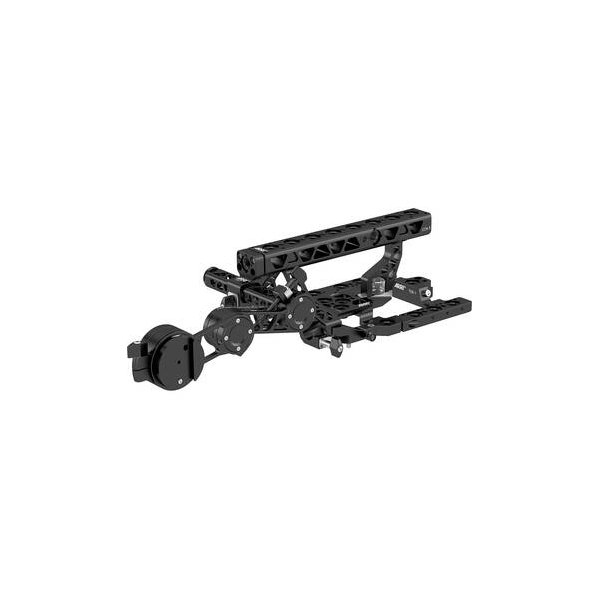
ARRI Camera Center Handle CCH-4
ARRI
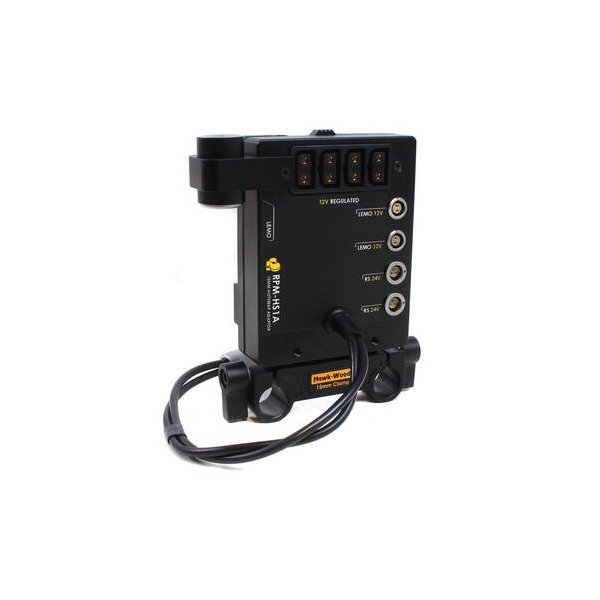
Hawk-Woods V-Lok Side Plate for ARRI ALEXA Mini
Hawk-Woods
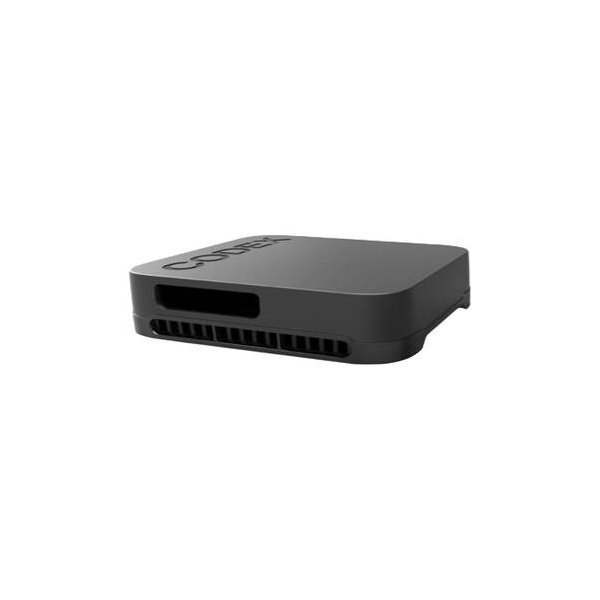
ARRI Codex Compact Drive 1TB
ARRI
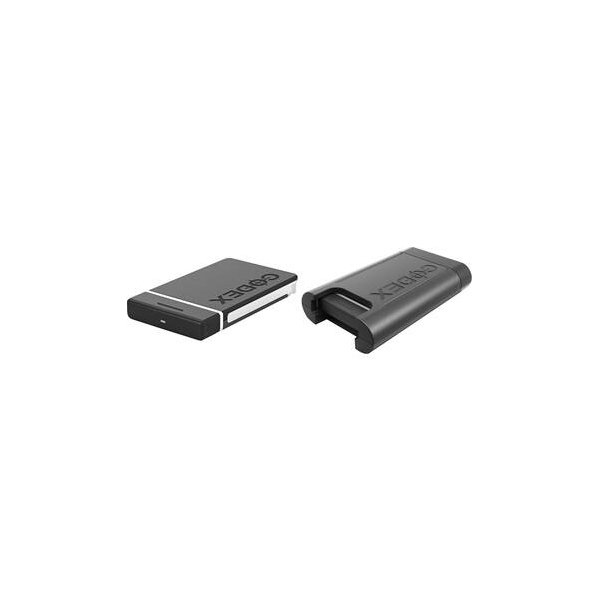
ARRI Codex Compact Drive Express 1TB
ARRI
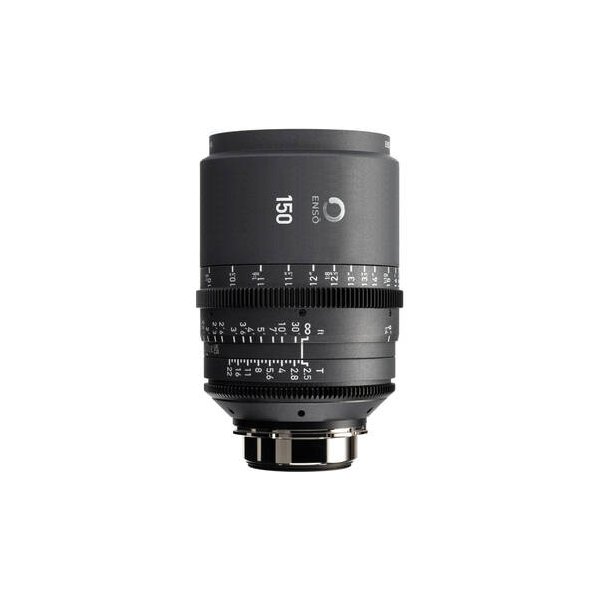
ARRI Ensō 250mm T2.8 Prime Lens Plus (ARRI LPL, Feet)
ARRI
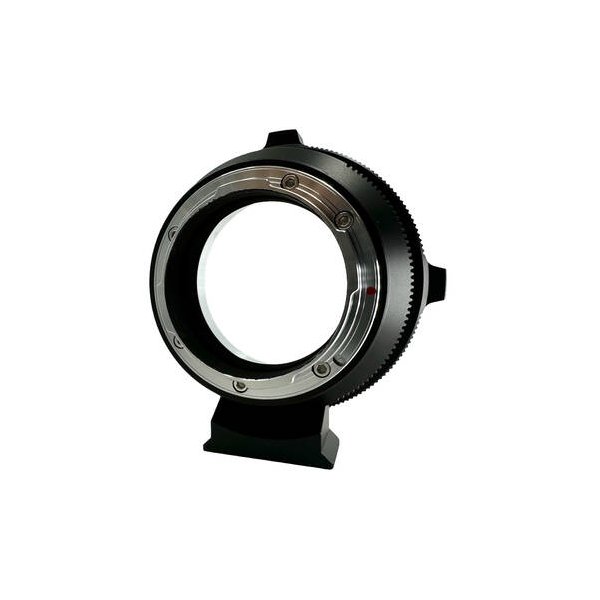
FotodioX Pro Lens Mount Adapter ARRI PL to Canon EF
FotodioX
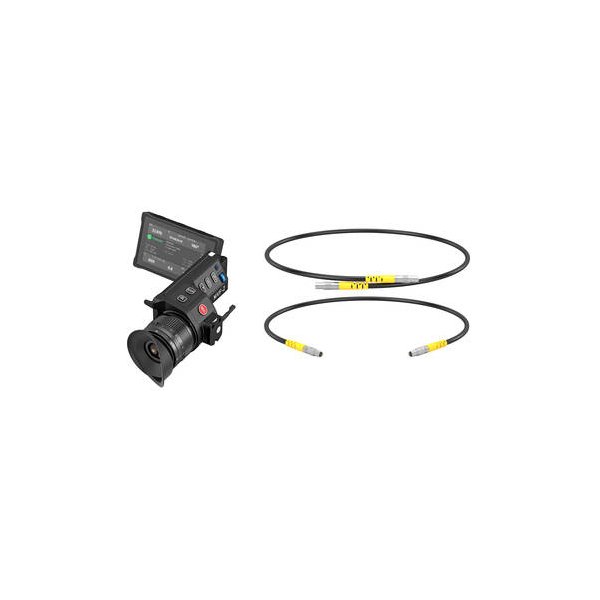
ARRI MVF-2 Viewfinder Set
ARRI
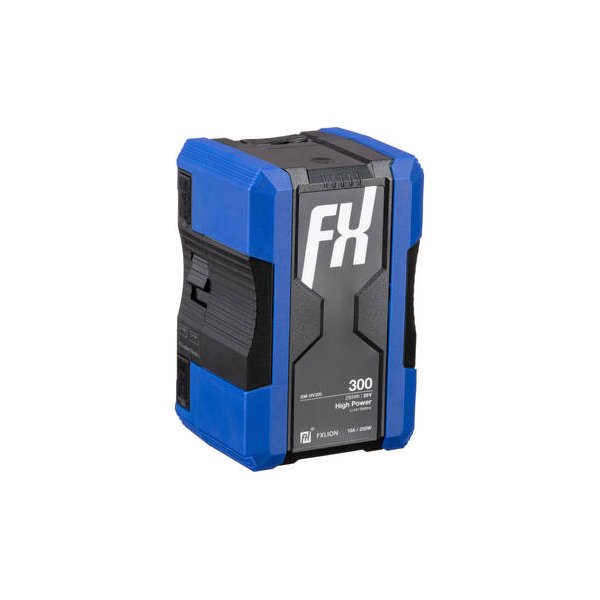
FXLion High-Power 28.8V Lithium-Ion Battery (196Wh, B-Mount)
FXLion
Related comparisons
The ARRI Mini LF delivers unparalleled cinematic image quality; the RED KOMODO-X offers a compact global shutter powerhouse.
See full comparison ALEXA Mini LF vs EOS C500 Mark IIThe ARRI ALEXA Mini LF delivers unparalleled cinematic image quality, while the Canon C500 Mark II offers versatile full-frame capture with reliable autofocus.
See full comparison ALEXA Mini LF vs GFX Eterna 55The ARRI ALEXA Mini LF delivers unparalleled cinematic quality; the Fujifilm GFX Eterna 55 offers 8K medium format at a fraction of the cost.
See full comparison ALEXA Mini LF vs VENICE 2The ARRI ALEXA Mini LF delivers the classic ARRI look; the Sony VENICE 2 pushes resolution and dynamic range boundaries.
See full comparison