Technical specifications
- Sensor
- Full-Frame CMOS
- Sensor Size
- 35.6 x 23.8 mm
- Megapixels
- 10.2
- Mount
- Sony E
- Max Resolution
- 4K DCI (4096x2160)
- Max Frame Rate
- 240fps @ 1080p
- Codec
- XAVC
- Dynamic Range
- 15 Stops
- ISO Range
- ISO 3–409600
- Log / Gamma
- HDR-HLG, Rec709, S Cinetone, Sony S-Log 3, Standard
- Autofocus
- Phase-detect, 627 points
- Stabilization
- Supplies Stabilization Metadata
- ND Filter
- 2–7 stop (variable)
- Ports
- 1x BNC (12G-SDI), 1x HDMI 2.0, 2x XLR 3-Pin Mic/Line Input on Included Handle (+48 V Phantom Power), 1x 1/8" / 3.5 mm TRS, 1x Barrel (19.5VDC), 1x USB-C (USB 3.2 / 3.1 Gen 1), 1x Sony Multi/Micro-USB Data, 1x BNC (Timecode), 1x 2.5 mm Sub-Mini Control, 1x 1/8" / 3.5 mm Control, 1x Proprietary
- Battery
- Sony BP-U Series
- Weight
- 890g
- Dimensions
- 152.9 x 116.1 x 114 mm
- MSRP
- $5,999
Add your voice
Your ratings help other filmmakers choose the right camera.
Own it?
What do you use this for?
Field guide
Overview
The Sony FX6 is a powerhouse in the compact cinema camera market, designed to bridge the gap between the mirrorless Alpha series and the high-end Venice line. It is a purpose-built tool for cinematographers and documentary filmmakers who need a full-frame sensor in a modular, lightweight body. Competing directly with cameras like the Canon C70 or Blackmagic Pocket Cinema Camera 6K Pro, the FX6 stands out by offering a robust E-mount system, internal variable ND filters, and a high-sensitivity sensor that excels in low-light environments.
What makes the FX6 truly compelling is its dual-base ISO capability and the inclusion of professional-grade features like internal 10-bit 4:2:2 recording, S-Cinetone, and Cine EI mode. The manual highlights its versatility, allowing users to switch between a flexible Custom mode for quick turnarounds and a more controlled Cine EI workflow for high-end post-production. The modular design, featuring a detachable handle and grip, makes it highly adaptable for everything from handheld run-and-gun work to rigged-out studio setups.
This camera is an ideal choice for solo operators, documentary crews, and corporate videographers who require reliable, high-quality imagery without the bulk of a traditional cinema camera. Its ability to handle diverse shooting conditions—from bright exteriors using the variable ND to dim interiors using its high-base ISO—makes it a workhorse for any production.
Pros & Cons
Pros
Internal variable ND filter (1/4 to 1/128) allows for precise exposure control without changing lenses or stacking filters — essential for maintaining a consistent depth of field in changing light.
Full-frame sensor with dual-base ISO (800/12800 in Cine EI) provides exceptional low-light performance, reducing the need for heavy lighting setups.
Modular design with a detachable handle and grip remote control allows for quick transitions between handheld, gimbal, and tripod configurations.
Advanced autofocus system with face/eye detection AF provides reliable tracking, even when shooting at wide apertures on full-frame lenses.
Dual CFexpress Type A/SD card slots support relay and simultaneous recording, ensuring data redundancy and extended recording times.
Cons
4K120fps recording is limited by a sensor crop, which changes your effective field of view and requires careful lens planning.
The camera lacks internal image stabilization, relying on compatible E-mount lenses for active stabilization, which may limit lens choices for handheld work.
The menu system is deep and complex; while powerful, it can be overwhelming for users transitioning from simpler mirrorless cameras.
The proprietary battery system (BP-U series) is more expensive and less universal than standard V-mount or NP-F batteries.
The camera does not support internal RAW recording; it requires an external recorder via the SDI output, adding bulk and cost to the rig.
Best Settings
Narrative Filmmaking
- Shooting Mode: Cine EI
- Base ISO: 800 (or 12800 for low light)
- Codec: XAVC-I
- Color Gamut: S-Gamut3.Cine/SLog3
- Why: Cine EI provides the most latitude for color grading in post-production, ensuring you capture the maximum dynamic range.
Documentary / Run-and-Gun
- Shooting Mode: Custom
- Base Look: S-Cinetone
- ND Filter: Variable (Auto)
- Focus: AF with Face/Eye Detection
- Why: S-Cinetone provides a cinematic look straight out of the camera, and Auto Variable ND allows you to maintain exposure while moving between different lighting environments.
Interview & Talking Head
- Shooting Mode: Custom
- Base Look: Standard or S-Cinetone
- Audio: Manual levels on CH1/CH2 using XLR inputs
- Why: Manual audio control is critical for consistent levels, and a standard look ensures accurate skin tones without heavy grading.
Slow Motion
- Shooting Mode: Custom
- Frame Rate: 120fps (XAVC-I)
- Note: Be aware that high frame rates may disable certain autofocus features or Clear Image Zoom depending on the specific resolution and codec settings.
Common Issues
Recording Fails to Start
- What's happening: Pressing the record button does not trigger recording.
- Why: The memory card may be full, or it requires restoration.
- Fix: Check the remaining capacity on the status screen. If the card needs restoration, follow the prompt in the viewfinder or use the TC/Media menu to restore it.
- Prevention: Regularly check media capacity and format cards before important shoots.
Distorted Audio
- What's happening: Recorded audio sounds clipped or distorted.
- Why: The input levels are set too high.
- Fix: Adjust the audio levels using the physical dials on the side of the camera or the XLR adaptor.
- Prevention: Monitor audio levels using the on-screen meters and set the limiter mode in the Audio menu.
Camera Won't Power On
- What's happening: The camera fails to turn on when the power switch is toggled.
- Why: The battery may be completely exhausted or not properly seated.
- Fix: Ensure the battery is locked into the attachment. If exhausted, charge it using the supplied BC-CU1 charger.
- Prevention: Always carry a spare, fully charged battery.
ND Filter Won't Move
- What's happening: The internal ND filter is stuck.
- Why: Mechanical obstruction or error.
- Fix: Use the manual override procedure: remove the round cap on the bottom, insert a small screwdriver, and turn counterclockwise to move the filter to the Clear position.
- Prevention: Do not force the ND filter during normal operation; only use the manual override in emergencies.
FAQ
- Can the Sony FX6 shoot 4K at 120fps?
Yes, the Sony FX6 can record 4K at up to 120fps. However, note that this mode may involve a sensor crop and specific codec limitations as outlined in the manual.
- What memory cards does the Sony FX6 use?
The Sony FX6 uses dual slots that accept either CFexpress Type A cards or SDXC memory cards. For high-bitrate recording, CFexpress Type A cards are recommended.
- Does the Sony FX6 have built-in ND filters?
Yes, the Sony FX6 features an internal variable ND filter system. It can be set to preset values or adjusted continuously in variable mode.
- Can I record RAW video on the Sony FX6?
Yes, but only to an external recorder. The Sony FX6 outputs a RAW signal via the SDI connector, which must be captured by a compatible external RAW recorder.
- What is the base ISO of the Sony FX6?
In Cine EI mode, the Sony FX6 has a dual-base ISO of 800 and 12800. This allows for excellent performance in both bright and low-light conditions.
- Is the Sony FX6 weather-sealed?
The manual does not explicitly claim weather sealing. It does, however, provide specific usage and storage precautions regarding dust and damp locations.
- Can I use A-mount lenses on the Sony FX6?
Yes, you can use A-mount lenses by attaching a lens mount adaptor (sold separately). Note that some autofocus and iris features may be limited.
- How do I update the firmware on the Sony FX6?
The manual mentions updating E-mount lens software via the camera's mass storage mode. For general camera firmware, follow the specific instructions provided with the update file.
Recommended Accessories
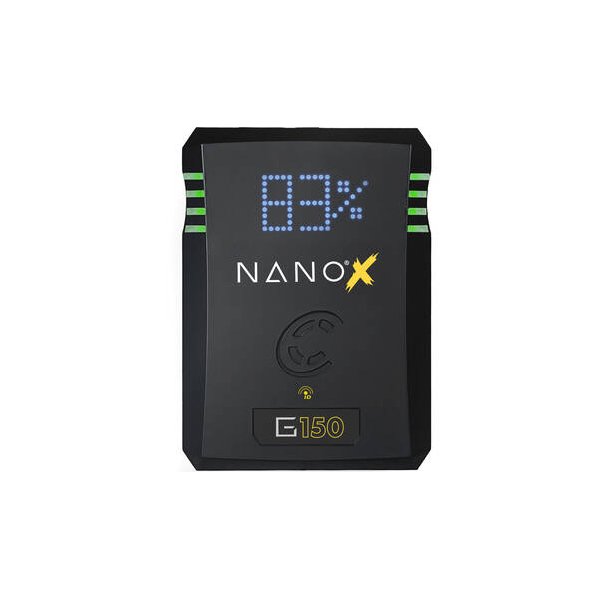
Core SWX NANO Micro 147Wh Lithium-Ion Battery (V-Mount)
Core SWX
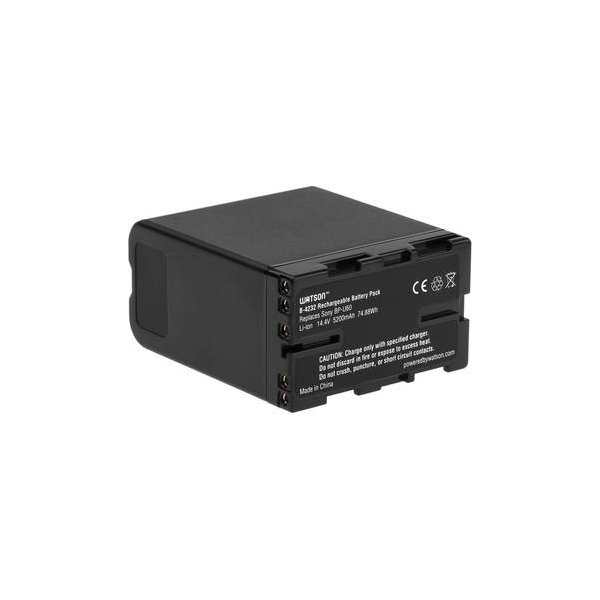
SmallRig BP-U60 Battery (99Wh, BP-U)
SmallRig
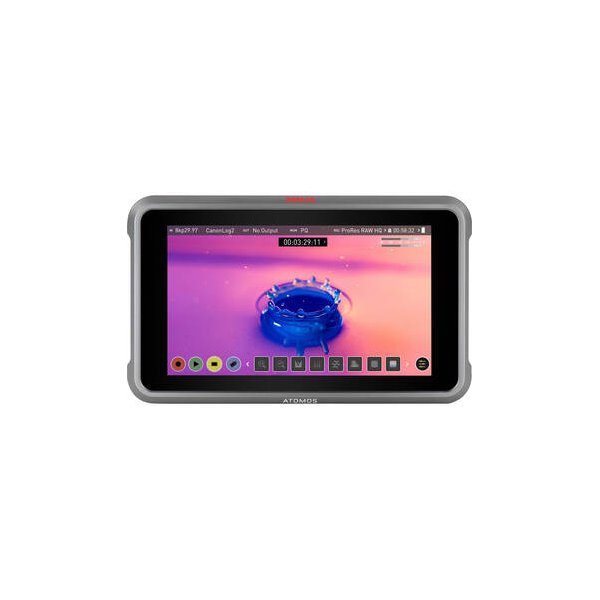
Atomos Ninja 5.2" 4K HDMI Recording Monitor
Atomos
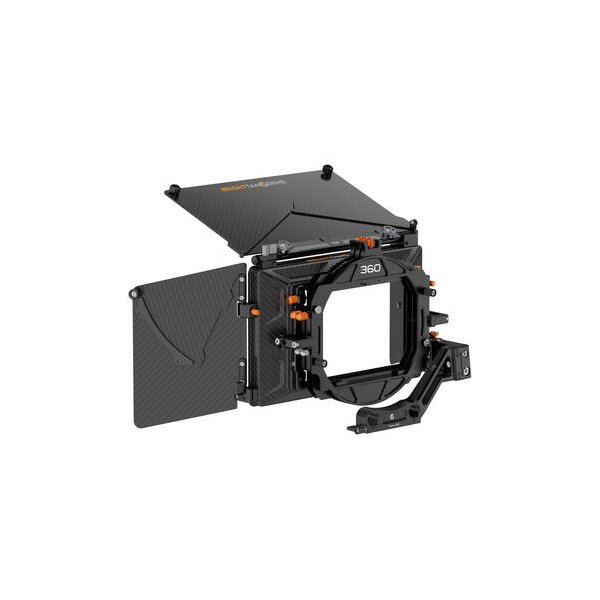
Bright Tangerine Misfit Kick Mk II 3-Stage ONE Tray Matte Box Kit
Bright Tangerine
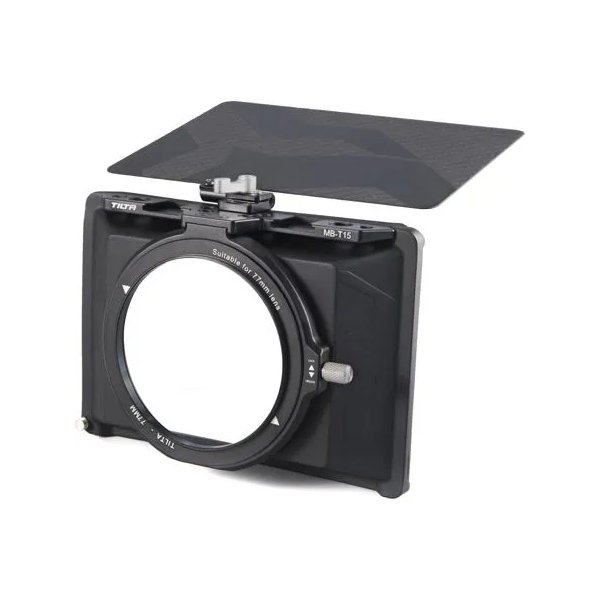
Tilta Mini Matte Box
Tilta
Kondor Blue XLR Handle Extension for FX6 Top Handle (Raven Black)
Kondor Blue
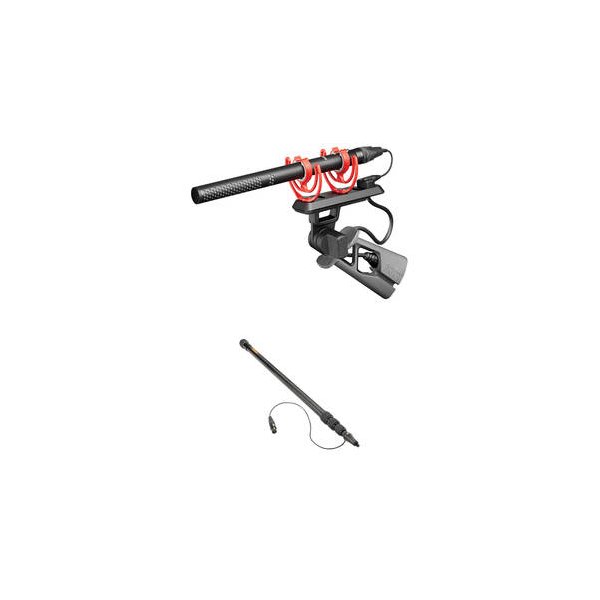
RODE NTG5 Moisture-Resistant Short Shotgun Microphone
RODE
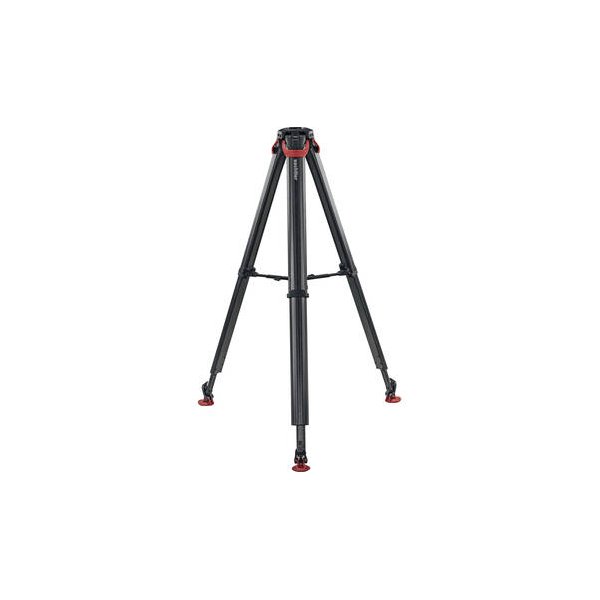
Sachtler flowtech 75 GS Carbon Fiber Tripod with Ground Spreader
Sachtler
Related comparisons
The FX6 excels in compact, low-light scenarios; the FX9 offers a 6K sensor and more robust production features.
See full comparison FX6 vs FX3The FX3 excels for compact, stabilized shooting; the FX6 dominates professional sets with its variable ND and robust I/O.
See full comparison FX6 vs EOS C300 Mark IIIThe C300 Mark III offers superior image quality and professional I/O, while the FX6 excels in low-light and run-and-gun.
See full comparison FX6 vs a7S IIIThe FX6 is a dedicated cinema workhorse with pro features; the a7S III is a versatile hybrid mirrorless for compact, run-and-gun shoots.
See full comparison FX6 vs EOS C400The Canon C400 offers superior 6K resolution and dynamic range; the Sony FX6 excels in low light and compact run-and-gun.
See full comparison FX6 vs FX3AThe FX3A is ideal for compact, stabilized shooting; the FX6 is a professional workhorse with integrated ND and robust I/O.
See full comparison FX6 vs KOMODO 6KThe RED KOMODO 6K offers global shutter precision and REDCODE RAW; the Sony FX6 delivers full-frame low-light prowess and variable ND.
See full comparison