Technical specifications
- Sensor
- APS-C CMOS
- Sensor Size
- 23.3 x 15.5 mm
- Megapixels
- 26
- Mount
- Sony E
- Max Resolution
- 4K UHD (3840x2160)
- Max Frame Rate
- 240fps @ 1080p
- Codec
- XAVC S-I, XAVC HS, XAVC S
- Dynamic Range
- 14+ stops
- ISO Range
- ISO 50–102400
- Log / Gamma
- HDR-HLG, S Cinetone, Sony S-Log 3
- Autofocus
- Phase-detect, 495 points
- Stabilization
- Sensor-Shift, 5-Axis
- Ports
- 1x HDMI, 1x 1/8" / 3.5 mm TRS, 1x 1/8" / 3.5 mm TRS Stereo Headphone, 1x USB-C, 1x Sony Multi/Micro-USB Data, 1x USB-C (USB 3.2 / 3.1 Gen 2) Data Output (Shared with Power Input)
- Battery
- NP-FZ100
- Weight
- 562g
- Dimensions
- 129.7 x 77.8 x 84.5 mm
- MSRP
- $1,800
Add your voice
Your ratings help other filmmakers choose the right camera.
Own it?
What do you use this for?
Field guide
Overview
The Sony ILME-FX30 is a dedicated cinema-line camera designed to bring professional-grade video features to a more accessible APS-C sensor format. It is built for content creators, independent filmmakers, and videographers who need a reliable, compact, and highly capable tool for high-end production. It sits in a unique spot in the market, offering advanced features like dual base ISO, professional Log shooting, and a robust cooling system that sets it apart from standard hybrid mirrorless cameras.
This camera is packed with features that cinematographers will appreciate, including a dedicated XLR handle unit (on the ILME-FX30 model) for professional audio, advanced autofocus capabilities with real-time tracking, and extensive customization options for buttons and dials. It supports a wide range of professional codecs, including XAVC S-I, and offers sophisticated Log shooting modes like Cine EI and Cine EI Quick, making it a powerful choice for productions that require high-quality color grading and a professional workflow.
Pros & Cons
Pros
Includes a detachable XLR handle unit for professional audio inputs, saving on external audio gear costs.
Advanced autofocus system with real-time tracking and eye-AF for humans, animals, and birds.
Dual base ISO and professional Log shooting modes (Cine EI/Cine EI Quick) provide high dynamic range and flexibility in post-production.
Active cooling system allows for extended recording times without overheating.
Extensive customization options for buttons, dials, and the function menu to tailor the camera to specific workflows.
Cons
APS-C sensor size may not provide the same low-light performance or depth-of-field characteristics as full-frame alternatives.
High-frame-rate recording (e.g., 4K 120p) introduces a sensor crop, which can limit wide-angle lens choices.
The camera lacks a built-in electronic viewfinder, which may be a disadvantage for some shooters in bright outdoor conditions.
Requires high-speed memory cards (CFexpress Type A or V90 SD) for the highest quality codecs like XAVC S-I 4K.
The complexity of the menu system and professional features may have a steeper learning curve for beginners.
Best Settings
Narrative Filmmaking
Use the Cine EI or Cine EI Quick Log shooting modes to maximize dynamic range. Set the base ISO to 800 or 2500 depending on your lighting conditions. Use XAVC S-I 4K for the highest quality intra-frame compression, which is ideal for editing.
Documentary / Run-and-Gun
Use Flexible ISO mode for quick exposure adjustments. Enable real-time tracking and Eye-AF to ensure subjects remain in focus during unpredictable movement. Use the XLR handle for professional audio input directly into the camera.
Interview & Talking Head
Set the camera to a standard picture profile or use S-Cinetone for a cinematic look straight out of the camera. Use the 4-channel audio monitoring feature to ensure both lavalier and shotgun microphones are balanced correctly.
Slow Motion
Use S&Q mode. Note that 4K 120p/100p recording introduces a 1.6x crop factor, so choose your lens focal length accordingly. Ensure you are using a CFexpress Type A or V90 SD card to handle the high bit rates required for slow-motion recording.
Common Issues
Recording Interrupted
What's happening: Movie recording stops unexpectedly. Why: This is often due to the memory card being too slow for the selected bit rate or the camera reaching its thermal limit. Fix: Ensure you are using a memory card that meets the speed requirements (e.g., V90 or CFexpress Type A for high bit rates). If the camera is hot, turn it off and allow it to cool.
Overheating Warning
What's happening: The overheating warning icon appears on the monitor. Why: Continuous high-resolution recording in high ambient temperatures causes the internal temperature to rise. Fix: Turn the power off and wait for the camera to cool down. You can also set [Auto Power OFF Temp.] to [High] to extend operation time.
Autofocus Not Tracking
What's happening: The camera fails to track the subject. Why: The focus mode might be set to Manual Focus, or the subject is in a situation where AF is difficult (e.g., low contrast, back-lit). Fix: Ensure [Focus Mode] is set to [Continuous AF]. If using a lens that doesn't support phase detection, some tracking features may be limited.
Audio Not Recording
What's happening: No sound is being recorded in the movie file. Why: [Audio Recording] might be set to [Off], or the external microphone is not properly connected or configured. Fix: Check the [Audio Recording] menu setting. If using the XLR handle, ensure the switches are set to the correct input (MIC/LINE) and the HANDLE AUDIO switch is set to ON.
FAQ
- Can the Sony FX30 shoot 4K at 120fps?
Yes, the Sony FX30 can record 4K at 120fps/100fps in S&Q mode. Note that this mode introduces a 1.6x crop to the sensor.
- What memory cards are compatible with the Sony FX30?
The camera supports CFexpress Type A memory cards and SD memory cards (UHS-I and UHS-II compatible). For high-bitrate recording like XAVC S-I 4K, a CFexpress Type A (VPG200 or higher) or SDXC V90 card is required.
- Does the Sony FX30 have built-in ND filters?
No, the Sony FX30 does not have built-in ND filters.
- Can I record 4-channel audio on the Sony FX30?
Yes, you can record 4-channel audio by attaching the supplied XLR handle unit or a compatible accessory to the Multi Interface Shoe.
- How do I prevent the Sony FX30 from overheating?
The camera features an active cooling fan. Ensure the air vents are not covered. You can also set [Auto Power OFF Temp.] to [High] to allow the camera to operate at higher temperatures before shutting down.
- Does the Sony FX30 have an electronic viewfinder?
No, the Sony FX30 does not have an electronic viewfinder; it relies on the rear LCD monitor for framing and monitoring.
- Can I use my existing E-mount lenses on the Sony FX30?
Yes, the Sony FX30 uses the Sony E-mount, making it compatible with a wide range of E-mount lenses.
- What is the sensor size of the Sony FX30?
The Sony FX30 features an APS-C size (23.3 mm x 15.5 mm) CMOS image sensor.
Recommended Accessories
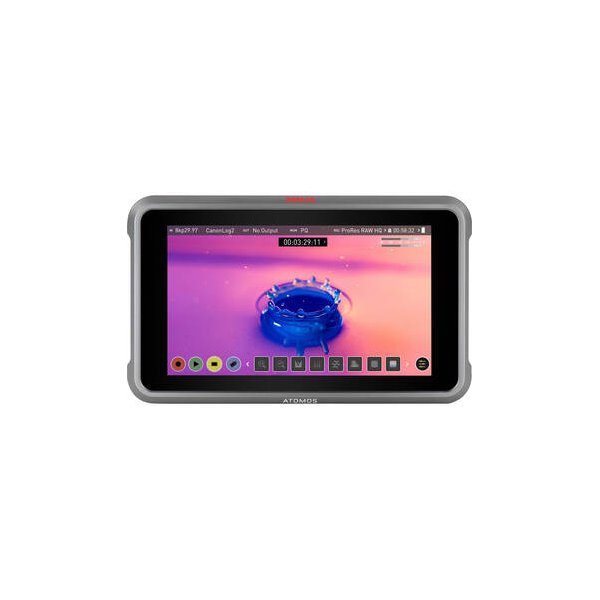
Atomos Ninja 5.2" 4K HDMI Recording Monitor
Atomos
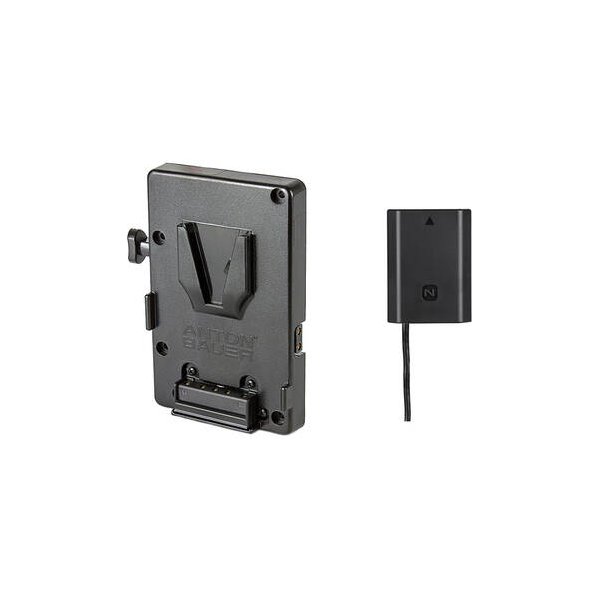
Bescor Multi-Output V-Mount Battery Plate with FZ100 Dummy Battery
Bescor
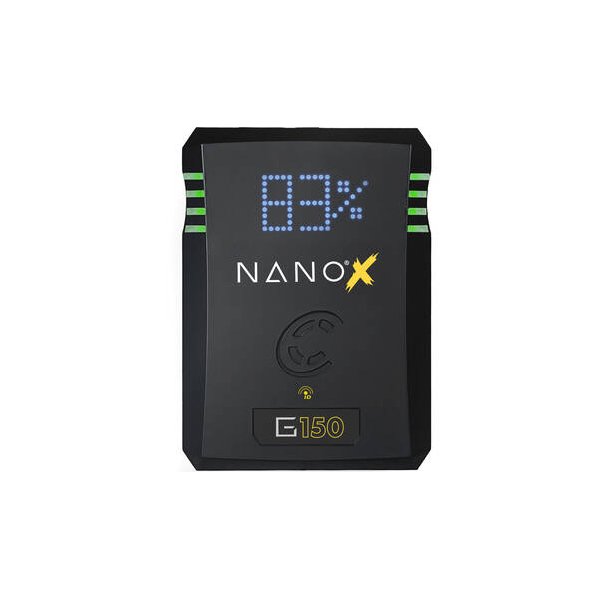
Core SWX NANO Micro 147Wh Lithium-Ion Battery (V-Mount)
Core SWX
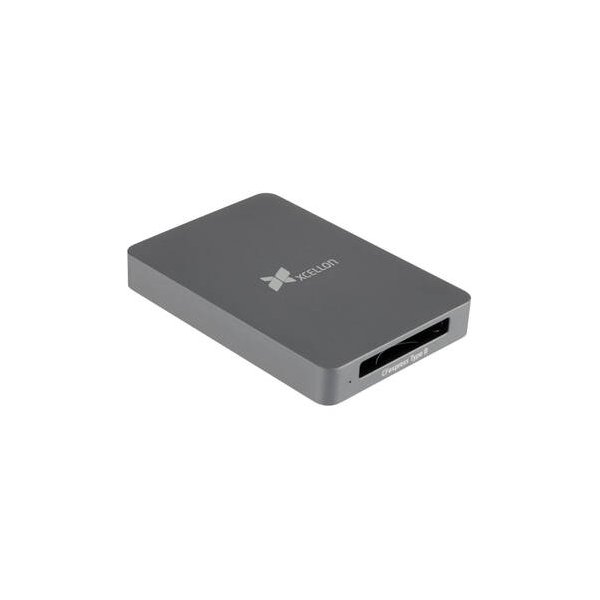
PGYTECH CreateMate CFexpress Type B/SD Card Reader Case (Moss Green)
PGYTECH
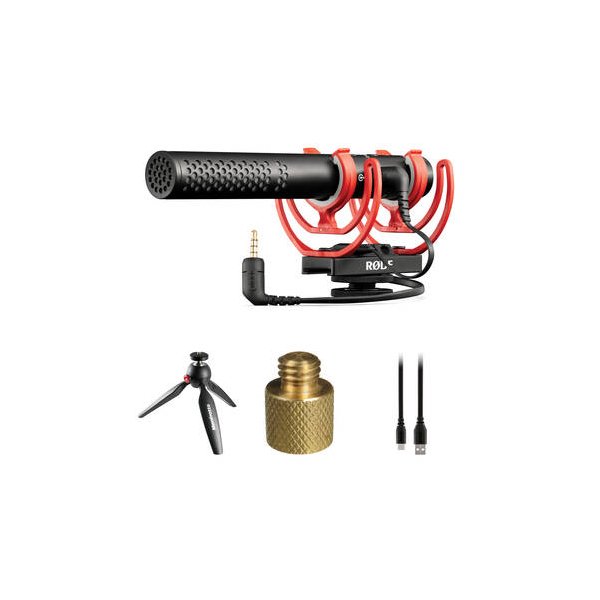
RODE VideoMic NTG Hybrid Analog/USB Camera-Mount Shotgun Microphone
RODE
Sennheiser MKH 416-P48U3 Moisture-Resistant Shotgun Microphone
Sennheiser
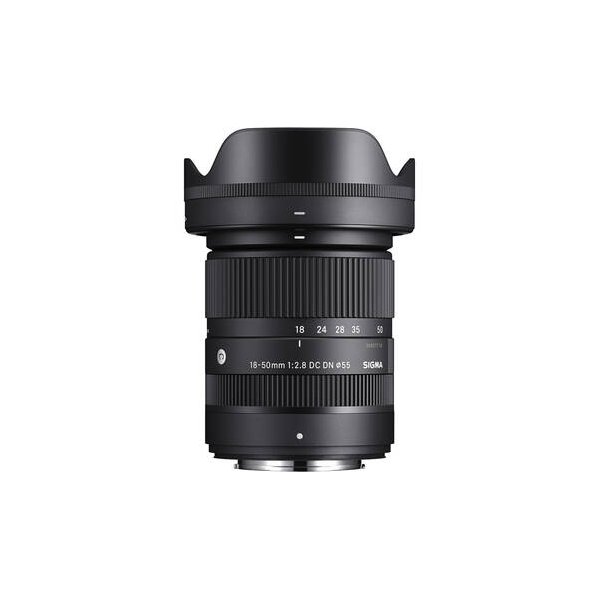
Sigma 18-50mm f/2.8 DC DN Contemporary Lens (Sony E)
Sigma
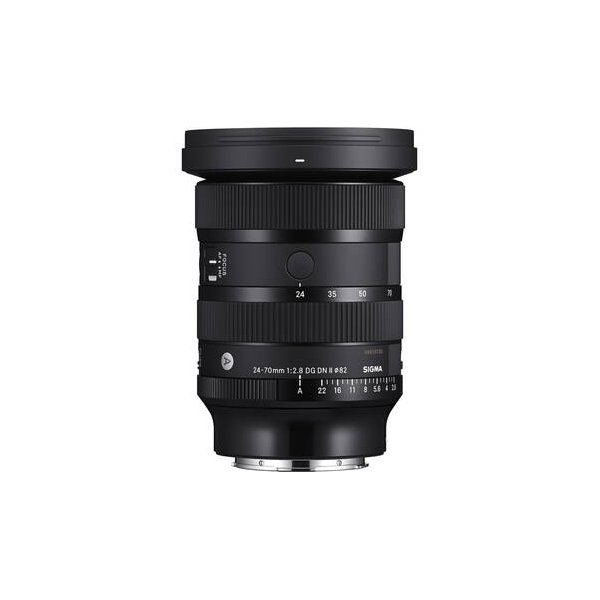
Sigma 24-70mm f/2.8 DG DN II Art Lens (Sony E)
Sigma
Related comparisons
The FX30 offers an affordable APS-C entry into Sony Cinema Line; the FX3A delivers superior full-frame low-light performance.
See full comparison FX30 vs a6700The a6700 excels as a hybrid shooter, while the FX30 is a dedicated cinema camera with superior image quality.
See full comparison FX30 vs X-H2SThe Fujifilm X-H2S excels for hybrid shooters needing speed, while the Sony FX30 offers cinema-focused video at an accessible price.
See full comparison FX30 vs EOS C50The Canon EOS C50 delivers full-frame 8K for high-end productions; the Sony FX30 offers accessible APS-C 4K with excellent dynamic range.
See full comparison FX30 vs LUMIX GH5 IIThe FX30 delivers superior cinematic image quality and AF; the LUMIX GH5 II excels in hybrid shooting, robust codecs, and stabilization.
See full comparison FX30 vs LUMIX GH7The LUMIX GH7 excels with internal ProRes RAW and 5.8K resolution; the FX30 offers superior low light and dynamic range with its APS-C sensor.
See full comparison