Technical specifications
- Sensor
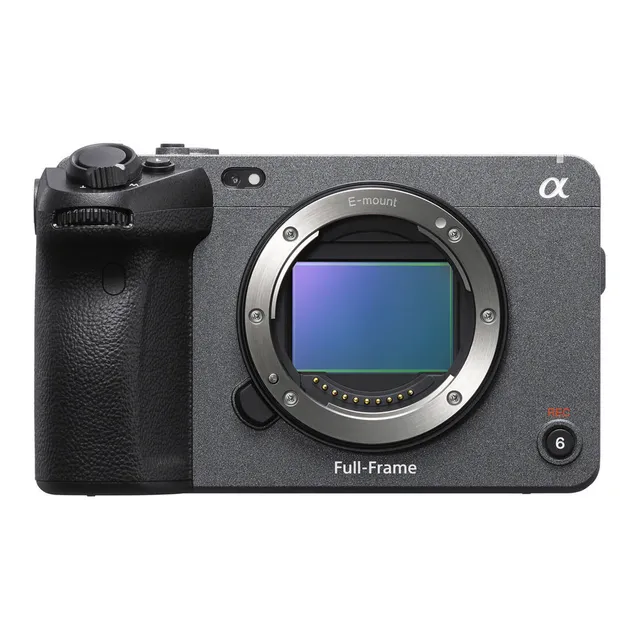
- Full-Frame CMOS
- Sensor Size
- 35.6 x 23.8 mm
- ISO Range
- ISO 80–409600
- Log / Gamma
- HDR-HLG, S Cinetone, Sony S-Log 2, Sony S-Log 3, Standard
- Autofocus
- Phase-detect, 627 points
- Stabilization
- Sensor-Shift, 5-Axis
- Weight
- 640g
- Dimensions
- 129.7 x 84.5 x 77.8 mm
- MSRP
- $3,899
Add your voice
Your ratings help other filmmakers choose the right camera.
Own it?
What do you use this for?
Community Take
The Sony FX3 is owned by 1 user. Its primary use cases are evenly distributed across Commercial, Narrative, Run & Gun, and Travel, each accounting for 25% of its usage. The camera has a 50% win rate in head-to-head comparisons, winning 4 out of 8.
Field guide
Overview
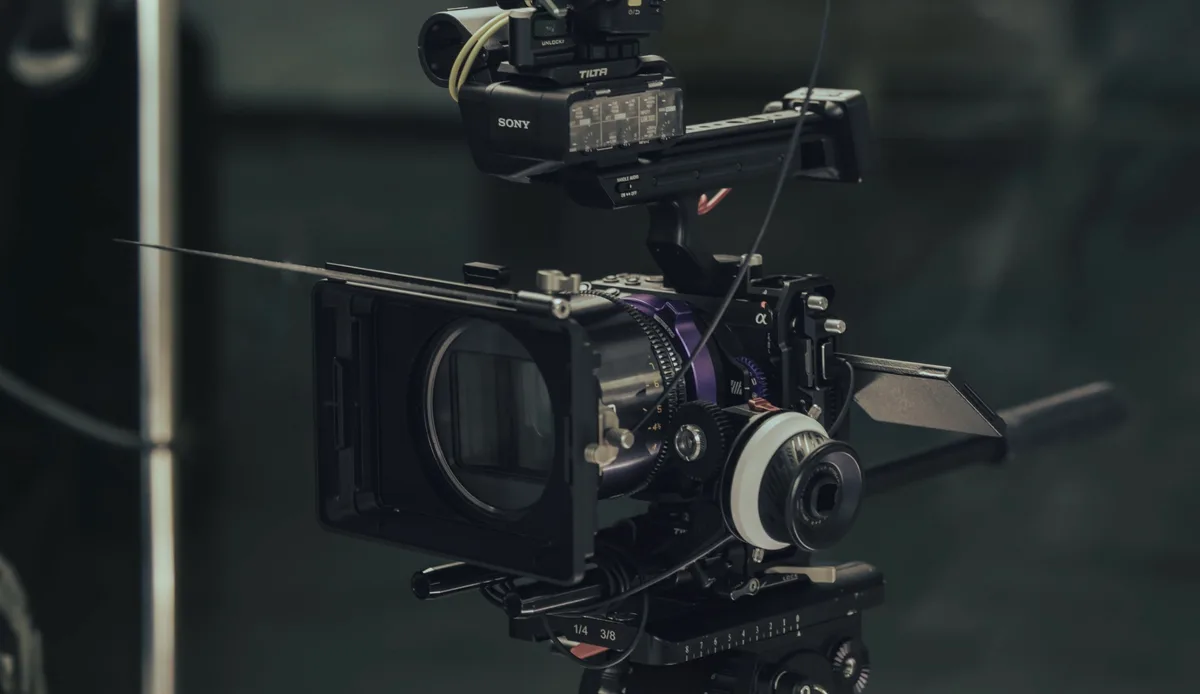
The Sony FX3 is a compact, high-performance cinema camera designed for solo shooters and small production crews who need professional-grade video in a form factor that fits into tight spaces. Positioned as a bridge between the Alpha mirrorless line and the professional Cinema Line, it offers a familiar interface for Sony users while providing dedicated video-centric features like an active cooling fan, a detachable XLR handle unit, and a robust, modular body design. It is a direct competitor to high-end mirrorless cameras used for video, but with a clear focus on reliability and long-form recording.
Revealed by the manual, the FX3 supports advanced professional workflows including Log shooting (Flexible ISO, Cine EI, and Cine EI Quick), 4K recording with high bit rates, and 4-channel audio recording via the included XLR handle. It also features sophisticated autofocus capabilities, including real-time eye tracking for humans and animals, and a flexible exposure control system that allows for seamless switching between automatic and manual settings for aperture, shutter, and ISO.
This camera is an excellent choice for documentary filmmakers, run-and-gun content creators, and interview-focused productions where portability and high-quality output are paramount. Its ability to handle long recording sessions without overheating, combined with its professional audio handling, makes it a workhorse for those who need to move quickly without sacrificing image quality.
Pros & Cons
Pros
Active cooling fan allows for extended 4K recording times without the overheating issues common in smaller mirrorless bodies.
Detachable XLR handle unit provides professional-grade audio inputs (XLR/TRS) and physical audio level controls, saving on external audio gear.
Advanced Log shooting modes (Cine EI, Flexible ISO) offer professional-grade color grading flexibility for high-end productions.
Highly reliable autofocus system with real-time eye tracking for both humans and animals, essential for solo operators.
Compact, modular design with multiple 1/4-20 thread holes for easy rigging without needing a full camera cage.
Cons
The camera lacks a built-in electronic viewfinder (EVF), which can make shooting in bright outdoor conditions difficult.
No built-in ND filters, requiring the use of external filters which can slow down run-and-gun workflows.
The cooling fan can potentially introduce noise if not managed correctly, though it is designed to be quiet.
The menu system is deep and complex, which may require a significant learning curve for those not familiar with Sony's professional interface.
The camera is not weather-sealed to the same degree as some dedicated cinema cameras, requiring caution in harsh environments.
Best Settings
Narrative Filmmaking
Use Cine EI mode for maximum dynamic range and color grading flexibility. Record in XAVC S-I 4K (Intra-frame) to ensure the highest image quality and easiest editing performance. Set your base ISO to the native values (800 or 12800) to maintain the best signal-to-noise ratio.
Documentary / Run-and-Gun
Use Flexible ISO mode for quick exposure adjustments while maintaining Log recording. Enable Real-time Eye AF for both humans and animals to ensure critical focus during unpredictable action. Use XAVC HS 4K for a balance of high quality and manageable file sizes.
Interview & Talking Head
Set the camera to Manual Exposure mode. Use the XLR handle for professional audio input, setting the input level to manual to avoid sudden volume spikes. Use Peaking Display to ensure precise manual focus on the subject's eyes.
Slow Motion
Use S&Q Mode to set your desired frame rate (e.g., 120fps for 5x slow motion). Note that audio is not recorded in S&Q mode. Ensure you are using a V90 or higher SDXC card or a CFexpress Type A card to handle the high bit rates required for slow-motion recording.
Common Issues
Overheating Warning
What's happening: The camera displays an overheating warning icon and may stop recording. Why: Continuous high-resolution recording generates significant heat, especially in high ambient temperatures. Fix: Turn off the camera and allow it to cool down. Ensure the cooling fan is not obstructed and is set to an appropriate mode (e.g., 'Auto'). Prevention: Keep the camera out of direct sunlight and use a tripod to avoid holding it, which can transfer body heat to the camera.
Memory Card Errors
What's happening: The camera displays a 'Memory Card Error' or 'Unable to use memory card' message. Why: The card may be incompatible, damaged, or formatted incorrectly. Fix: Try re-inserting the card. If the error persists, format the card using the camera's internal [Format] function (Note: this erases all data). Prevention: Always format new memory cards in the camera before first use and avoid using cards that are not on the recommended compatibility list.
Autofocus Not Tracking
What's happening: The camera fails to track a subject or loses focus. Why: The focus mode or area settings may not be optimized for the subject's movement. Fix: Ensure [Focus Mode] is set to [Continuous AF] and [Focus Area] is set to [Tracking]. Check that [Face/Eye Prior. in AF] is enabled if tracking people. Prevention: Regularly update your lens firmware and ensure the subject is within the camera's detection range.
Audio Noise or No Audio
What's happening: Audio is distorted, missing, or has excessive noise. Why: Incorrect input settings on the XLR handle or improper microphone connection. Fix: Check the [INPUT1/INPUT2] switches on the handle. Ensure they are set to 'MIC' or 'MIC+48V' as appropriate for your microphone. Check the [ATT] switch settings to ensure the input level is not too high. Prevention: Always perform a test recording to check audio levels before starting the main shoot.
FAQ
- Can the Sony FX3 record 4K at 120fps?
Yes, the Sony FX3 can record 4K at 120fps. You should use the S&Q (Slow & Quick) mode to set the frame rate to 120fps. Note that you may need a V90 or higher SDXC card or a CFexpress Type A card for this frame rate.
- What memory cards are compatible with the Sony FX3?
The Sony FX3 supports CFexpress Type A memory cards and SD memory cards (UHS-I and UHS-II compatible). For high-bitrate recording like XAVC S-I 4K, a CFexpress Type A (VPG200 or higher) or an SDXC V90 card is required.
- Does the Sony FX3 have built-in ND filters?
No, the Sony FX3 does not have built-in ND filters. You will need to use external ND filters on your lenses to control exposure in bright lighting conditions.
- How do I record 4-channel audio on the Sony FX3?
To record 4-channel audio, you must attach the supplied XLR handle unit to the Multi Interface Shoe. Once attached, you can configure the audio settings in the menu to record 4-channel, 24-bit audio.
- Can I use the Sony FX3 for livestreaming?
Yes, the Sony FX3 supports network streaming. You can connect the camera to a network via a wired or wireless connection and livestream video and audio directly from the camera using the Network Streaming function.
- Does the Sony FX3 overheat?
The Sony FX3 is equipped with an active cooling fan to prevent overheating during long recording sessions. It is designed to handle continuous 4K recording, but you should ensure the air vents are not covered.
- Can I use A-mount lenses on the Sony FX3?
Yes, you can use A-mount lenses by using a compatible Mount Adaptor (such as the LA-EA3 or LA-EA5). Note that autofocus performance may vary depending on the lens used.
- How do I reset the Sony FX3 to factory settings?
You can reset the camera by going to MENU → (Setup) → [Reset/Save Settings] → [Setting Reset] → [Initialize] → [Enter]. This will reset all settings to their defaults.
Recommended Accessories
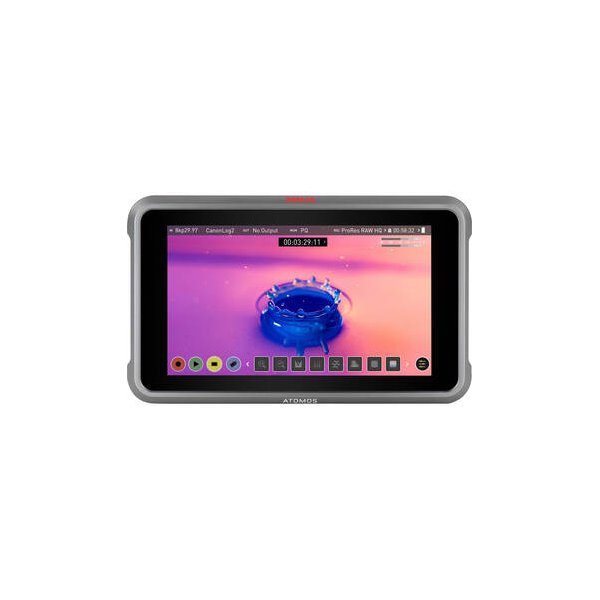
Atomos Ninja 5.2" 4K HDMI Recording Monitor
Atomos
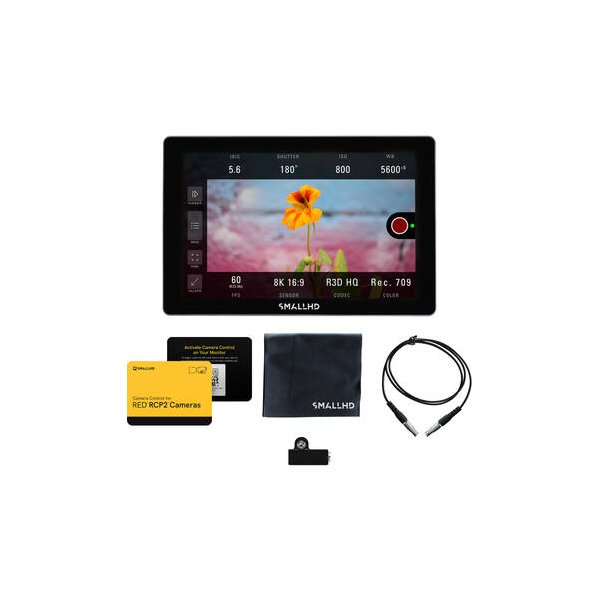
SmallHD INDIE 7 Touchscreen On-Camera Monitor
SmallHD
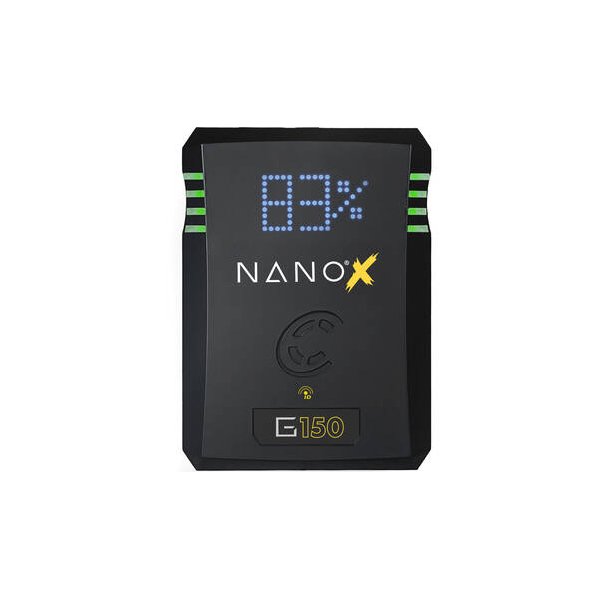
Core SWX NANO Micro 147Wh Lithium-Ion Battery (V-Mount)
Core SWX
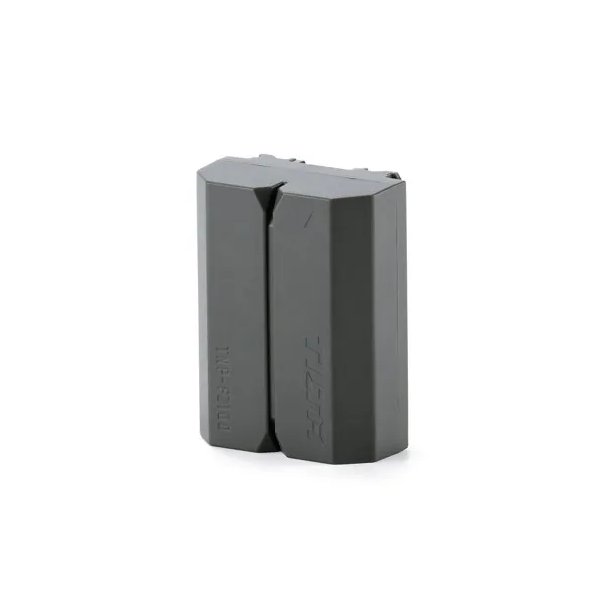
Tilta NP-FZ100 Lithium-ion Battery with USB-C - Green
Tilta
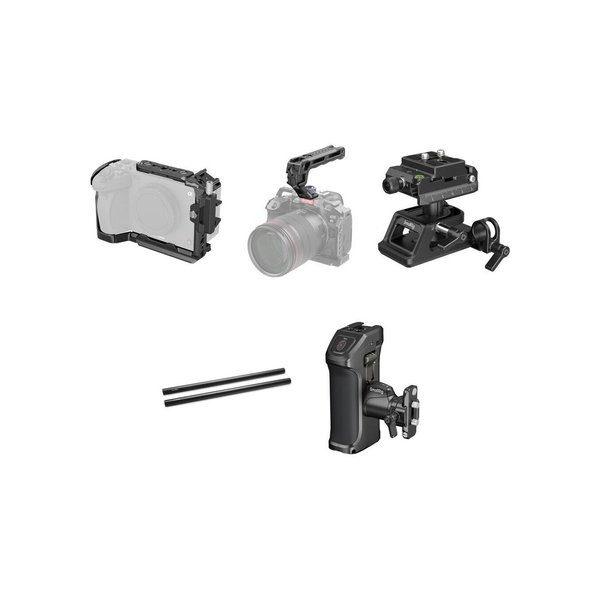
SmallRig 4183B Camera Cage Kit with Top Handle, Side Handle, Mounting Plate Set & 15mm Rods for Sony FX30/FX3
SmallRig
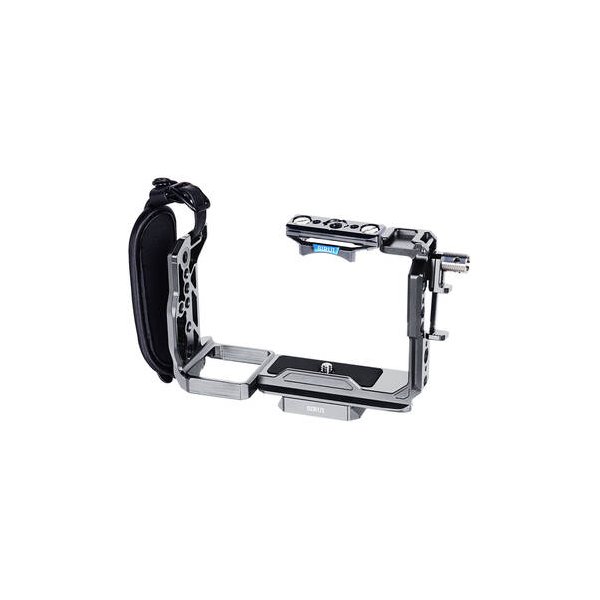
SmallRig 4183B Camera Cage for Sony FX30 and FX3
SmallRig
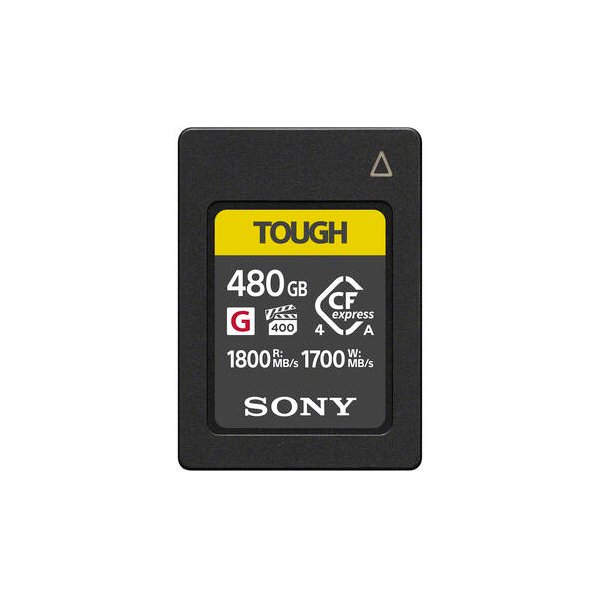
Sony 240GB CFexpress 4.0 Type A TOUGH Memory Card
Sony
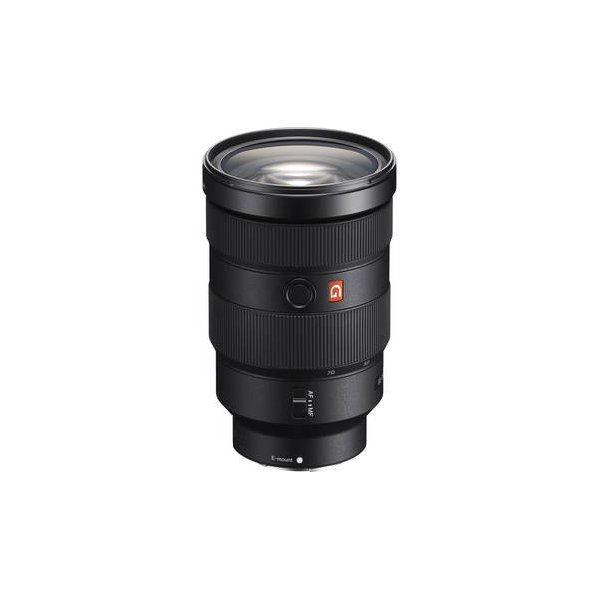
Sony FE 24-70mm f/2.8 GM II Lens (Sony E)
Sony
Related comparisons
The FX3 excels for compact, stabilized shooting; the FX6 dominates professional sets with its variable ND and robust I/O.
See full comparison FX3 vs FX3AThe FX3A offers DCI 4K and an upgraded screen, while the FX3 remains a strong 4K UHD workhorse for run-and-gun.
See full comparison FX3 vs Pocket Cinema Camera 6KThe FX3 wins for run-and-gun; the BMPCC 6K owns narrative on a budget.
See full comparison FX3 vs EOS C70The C70 offers cinema-grade image with built-in NDs, while the FX3 excels in run-and-gun with IBIS and full-frame.
See full comparison FX3 vs a7S IIIThe FX3 is a cinema-focused powerhouse; the a7S III is the ultimate hybrid for photo and video.
See full comparison FX3 vs KOMODO 6KThe RED Komodo 6K excels for narrative and VFX with its global shutter; the Sony FX3 dominates run-and-gun with IBIS and AF.
See full comparison FX3 vs Canon EOS R5 CThe Canon R5 C excels with 8K RAW and stills, while the Sony FX3 dominates for run-and-gun with IBIS and superior low light.
See full comparison FX3 vs FX2The FX3 offers proven high frame rates and dynamic range; the FX2 is a more general cinema camera with less specified performance.
See full comparison FX3 vs EOS C500 Mark IIThe Canon C500 Mark II is a modular cinema workhorse for high-end productions; the Sony FX3 is a compact, agile tool for solo shooters.
See full comparison