Technical specifications
- Sensor
- APS-C CMOS
- Sensor Size
- 23.5 x 15.6 mm
- Megapixels
- 26.16
- Mount
- FUJIFILM X
- Max Resolution
- 6K (6240x4160)
- Max Frame Rate
- 240fps @ 1080p
- Codec
- ProRes, H.265
- Dynamic Range
- ~14 stops (F-Log2)
- ISO Range
- ISO 80–51200
- Log / Gamma
- FUJIFILM F-Log, FUJIFILM F-Log2
- Autofocus
- Phase-detect, 425 points
- Stabilization
- Sensor-Shift, 5-Axis
- Ports
- 1x HDMI, 1x 1/8" / 3.5 mm TRS Stereo Headphone, 1x 1/8" / 3.5 mm TRS, 1x USB-C Input/Output, 1x 2.5 mm Sub-Mini Remote, 1x PC Flash Sync, 1x USB-C (USB 3.2 / 3.1 Gen 2) Data/Remote Input/Output (Shared with Power Input)
- Battery
- 1x NP-W235 Rechargeable Lithium-Ion, 7.2 VDC, 2200 mAh (Included)<br>• Approx. 720 Shots
- Weight
- 579g
- Dimensions
- 136.3 x 92.9 x 84.6 mm
- MSRP
- $2,499
Add your voice
Your ratings help other filmmakers choose the right camera.
Own it?
What do you use this for?
Field guide
Overview
The Fujifilm X-H2S is a powerhouse flagship mirrorless camera designed for professional hybrid shooters who demand high-speed performance without compromise. Positioned as a top-tier APS-C body, it competes directly with full-frame flagships by offering blistering burst rates and advanced subject detection, making it an ideal choice for sports, wildlife, and high-end video production. Its robust build and deep feature set cater to cinematographers who need reliable, high-bitrate recording and photographers who cannot afford to miss a single frame.
Revealed by the manual, the X-H2S is built around a high-speed sensor that enables advanced features like subject detection, deep-customization of autofocus tracking, and extensive movie-optimized controls. The camera supports professional workflows with dual card slots (CFexpress Type B and SD), internal cooling fan support for extended recording, and comprehensive audio settings, including 4-channel audio recording when using the XLR adapter.
This camera is best suited for professional cinematographers and photographers working in demanding environments. Whether you are shooting fast-paced sports, documentary work that requires long, uninterrupted takes, or narrative projects needing high-quality internal codecs, the X-H2S provides the speed and reliability required for professional-grade results.
Pros & Cons
Pros
Dual card slots (CFexpress Type B and SD) provide flexible, high-speed storage options for professional workflows
Advanced subject detection (animals, birds, cars, motorcycles, airplanes, trains) significantly improves autofocus reliability for tracking
Supports optional cooling fan attachment, essential for preventing overheating during long-form 4K/6K video recording
Extensive movie-optimized controls allow for silent adjustment of settings during recording, preventing unwanted handling noise
High-speed burst rates (up to 40fps with electronic shutter) make it a formidable tool for sports and wildlife photography
Cons
High-speed burst modes (1.25x crop) reduce the effective field of view, requiring careful lens planning
Electronic shutter limitations include potential rolling shutter distortion and banding under certain artificial lighting conditions
Advanced features like subject detection and high-speed recording significantly increase battery drain, necessitating spare batteries
Complex menu system requires significant time to master, especially for customizing the deep AF-C tracking settings
Requires expensive CFexpress Type B cards to unlock the full potential of the camera's high-speed recording capabilities
Best Settings
Narrative Filmmaking
Use F-Log or F-Log2 for maximum dynamic range in post-production. Set the codec to ProRes or H.265 (10-bit 4:2:2) to ensure high color fidelity. Use the 'Movie Optimized Control' to adjust settings silently during the take.
Documentary / Run-and-Gun
Set the camera to 'Continuous AF' with 'Subject Detection' enabled for reliable tracking. Use the 'Internal Mic Level Adjustment' to monitor audio levels in real-time. If shooting in high temperatures, attach the optional cooling fan to ensure no interruptions.
Interview & Talking Head
Use 'Single AF' with 'Face/Eye Detection' to keep the subject's eyes sharp. Set the 'White Balance' to a fixed color temperature (e.g., 5600K) to ensure consistency across the interview.
Slow Motion
Use 'High Speed Rec' mode. Note that high-speed recording is compressed and does not record sound. Ensure you are using a high-speed CFexpress card to handle the data throughput.
Common Issues
Camera Does Not Turn On
What's happening: The camera fails to power up when the switch is moved to ON. Why: The battery may be exhausted, inserted incorrectly, or the battery-chamber cover is not fully latched. Fix: Charge the battery, reinsert it in the correct orientation, and ensure the battery-chamber cover is securely latched.
Camera Overheating
What's happening: The camera displays a temperature warning or shuts down during long recordings. Why: Extended use in high-temperature environments or high-bitrate recording. Fix: Turn the camera off and allow it to cool down. For long-form recording, use the optional FAN-001 cooling fan.
Autofocus Not Tracking
What's happening: The camera struggles to maintain focus on a moving subject. Why: Incorrect AF-C custom settings or the subject is not suited for the current AF mode. Fix: Adjust the 'AF-C Custom Settings' to match the subject's movement patterns (e.g., Set 2 for obstacles, Set 3 for accelerating subjects).
No Sound in Movie Playback
What's happening: Recorded movies have no audio. Why: High-speed recording modes do not record sound, or the microphone was obstructed. Fix: Ensure you are not in a high-speed recording mode if audio is required. Check that the internal microphone is not covered by your hands or accessories.
FAQ
- Can the Fujifilm X-H2S shoot 4K at 120fps?
Yes, the Fujifilm X-H2S supports high-speed recording. You can configure these settings in the 'High Speed Rec' menu to achieve high frame rates for slow-motion playback.
- What memory cards does the Fujifilm X-H2S use?
The Fujifilm X-H2S features dual card slots. Slot 1 supports CFexpress Type B cards, and Slot 2 supports SD, SDHC, and SDXC cards (UHS-II compliant).
- Does the Fujifilm X-H2S have a cooling fan?
The camera does not have a built-in fan, but it is designed to support an optional external cooling fan (FAN-001) that attaches to the back of the camera to allow for longer periods of non-stop movie recording.
- How do I update the firmware on my Fujifilm X-H2S?
To update the firmware, first check your current version by turning the camera on while holding the DISP/BACK button. Download the latest firmware from the official Fujifilm website onto a formatted memory card, then follow the instructions provided on the support page.
- Can I use the Fujifilm X-H2S for tethered shooting?
Yes, the Fujifilm X-H2S supports tethered shooting. You can use the FUJIFILM Tether Shooting Plug-in for Adobe Lightroom Classic or the X Acquire application to connect the camera to a computer via USB or Wi-Fi.
- What is the battery life of the Fujifilm X-H2S?
Battery life varies based on settings and usage. Under CIPA standards, you can expect approximately 530 shots in Performance mode using the LCD. Using the VG-XH vertical battery grip significantly increases the number of shots available.
- Does the Fujifilm X-H2S support ProRes recording?
Yes, the Fujifilm X-H2S supports internal ProRes 422 HQ, 422, and 422 LT recording. This is available when using a CFexpress Type B card in Slot 1.
- How do I reset the Fujifilm X-H2S to factory settings?
You can reset the camera by navigating to the 'User Setting' menu and selecting 'Reset'. You can choose to reset 'Still Menu Reset', 'Movie Menu Reset', 'Set-up Reset', or 'Initialize' to restore all settings to default.
Recommended Accessories
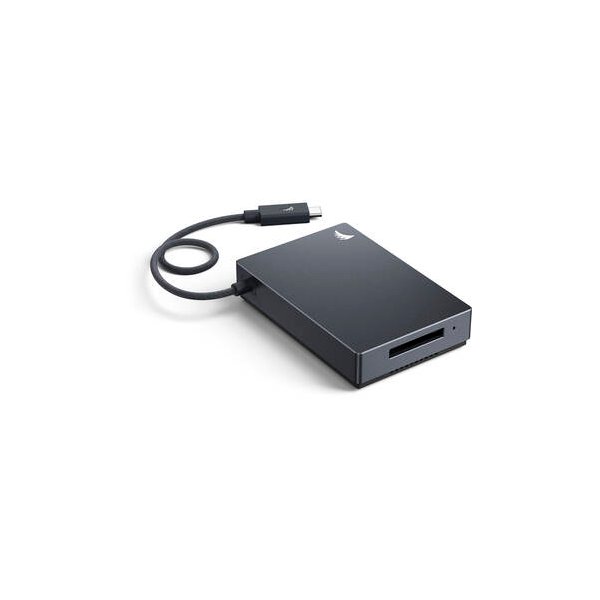
Angelbird 512GB AV PRO SE CFexpress v4 Type B Memory Card
Angelbird

SanDisk 512GB Extreme PRO CFexpress Type B Memory Card
SanDisk
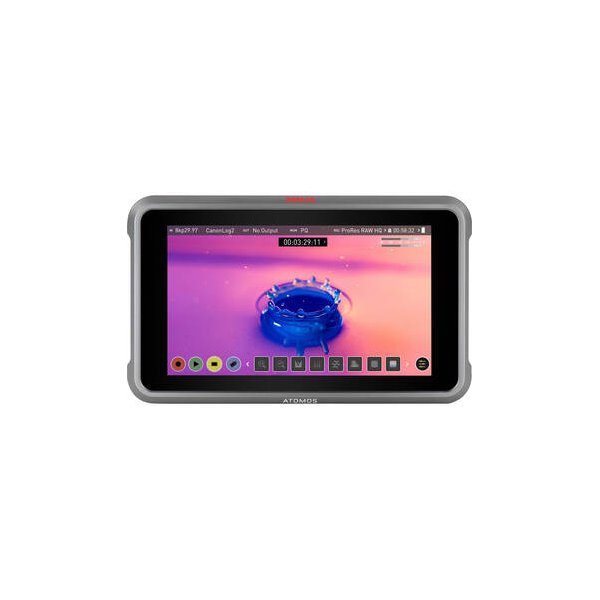
Atomos Ninja 5.2" 4K HDMI Recording Monitor
Atomos
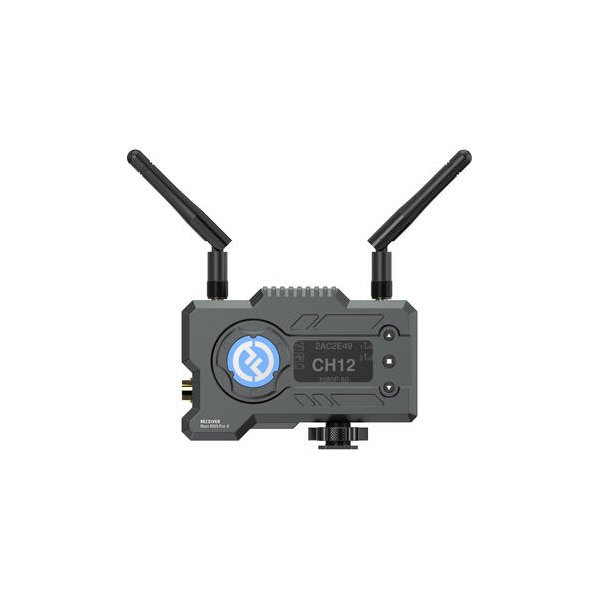
Hollyland Mars 400S PRO SDI/HDMI Wireless Video Receiver
Hollyland
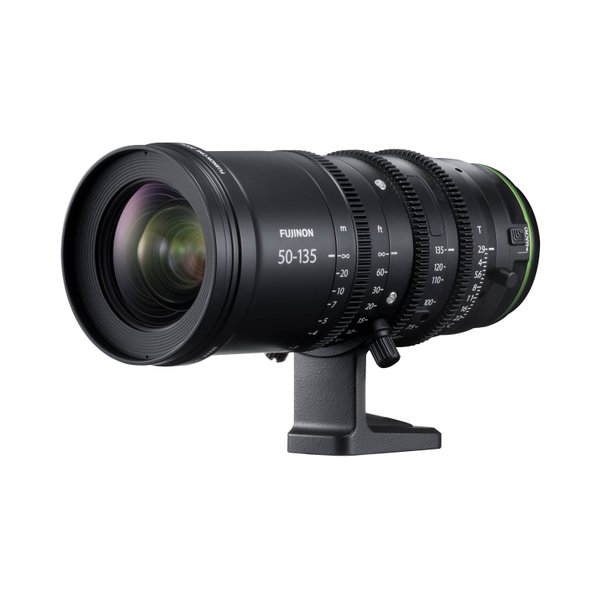
FUJIFILM MKX50-135mm T2.9 Lens (FUJIFILM X)
FUJIFILM
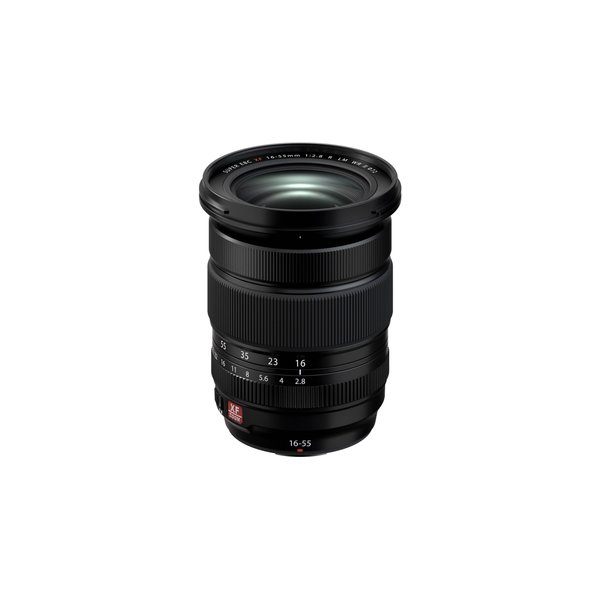
FUJIFILM XF 16-55mm f/2.8 R LM WR II Lens
FUJIFILM
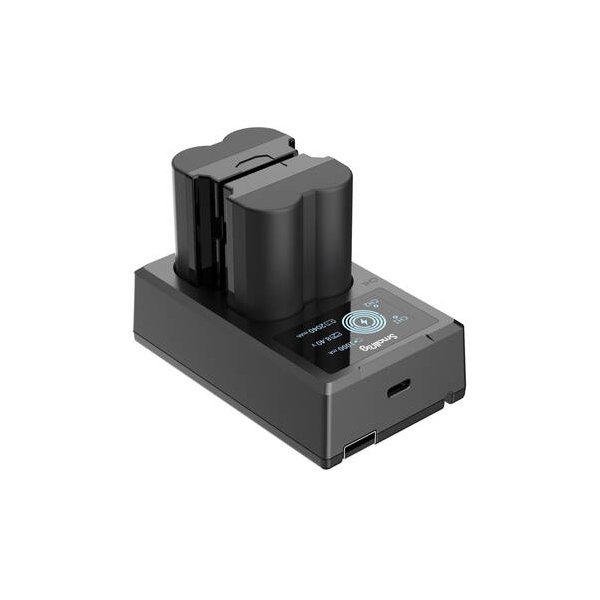
FUJIFILM NP-W235 Lithium-Ion Battery (7.2V, 2200mAh)
FUJIFILM
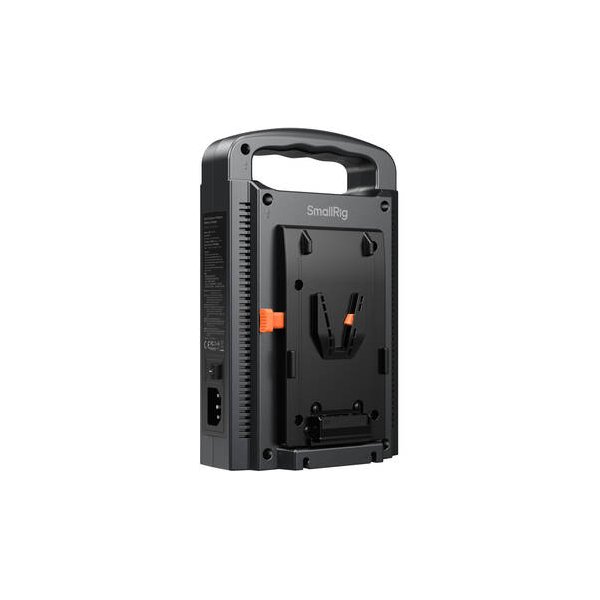
SmallRig Gold Mount Battery to V-Mount Adapter Plate
SmallRig
Related comparisons
The X-H2S excels for professional video with ProRes and 6.2K; the A6700 wins for compact hybrid shooting with AI AF.
See full comparison X-H2S vs FX30The Fujifilm X-H2S excels for hybrid shooters needing speed, while the Sony FX30 offers cinema-focused video at an accessible price.
See full comparison X-H2S vs LUMIX GH5 IIThe Fujifilm X-H2S dominates for professional video with ProRes and superior AF; the LUMIX GH5 II excels for M4/3 users and live streaming.
See full comparison X-H2S vs LUMIX S5 IIThe Fujifilm X-H2S dominates for speed and internal ProRes, while the LUMIX S5 II offers superior full-frame image quality and robust PDAF.
See full comparison X-H2S vs X-H2The X-H2 prioritizes resolution with 8K, while the X-H2S excels in speed and high frame rates with its stacked sensor.
See full comparison