Technical specifications
- Sensor
- Full-Frame CMOS
- Sensor Size
- 35.9 x 23.9 mm
- Megapixels
- 24.2
- Mount
- Canon RF
- Max Resolution
- 4K UHD (3840x2160)
- Max Frame Rate
- 150fps @ 1080p
- Codec
- H.265, H.264
- Dynamic Range
- 14 stops
- ISO Range
- ISO 50–204800
- Log / Gamma
- Canon Log 3, HDR-PQ
- Autofocus
- Phase-detect, 1053 points
- Stabilization
- Sensor-Shift, 5-Axis
- ND Filter
- No
- Ports
- 1x Micro-HDMI, 1x 1/8" / 3.5 mm TRS Stereo Headphone, 1x 1/8" / 3.5 mm TRS, 1x USB-C, 1x 2.5 mm Sub-Mini Remote, 1x USB-C (USB 3.2 / 3.1 Gen 2) Data Output (Shared with Power Input)
- Battery
- 1x LP-E6NH Rechargeable Lithium-Ion, 7.2 VDC, 2130 mAh (Included)<br>• Approx. 760 Shots
- Weight
- 588g
- Dimensions
- 138.4 x 98.4 x 88.4 mm
- MSRP
- $2,499
Add your voice
Your ratings help other filmmakers choose the right camera.
Own it?
What do you use this for?
Field guide
Overview
The Canon EOS R6 Mark II is a powerhouse hybrid that bridges the gap between high-end stills performance and professional-grade video. Positioned as a versatile workhorse, it competes directly with other full-frame mirrorless cameras by offering a compelling mix of speed and image quality. For filmmakers, it is particularly interesting because it removes many of the arbitrary limitations found in its predecessor, offering a more robust feature set that feels at home on a professional set.
What makes this camera stand out is its ability to handle high-speed continuous shooting—up to 40 fps with the electronic shutter—while simultaneously providing advanced video tools like Canon Log 3, false color, and zebra patterns. The inclusion of Dual Pixel CMOS AF across the entire sensor area ensures that focus tracking is reliable, whether you are shooting fast-paced sports or controlled interviews. It is a camera designed for those who need to switch between mediums without compromising on performance.
This camera is an excellent choice for documentary filmmakers, wedding videographers, and content creators who need a reliable, all-in-one solution. Its ability to record 4K video and its extensive connectivity options make it a strong contender for productions that require a compact, high-performance camera that can keep up with demanding schedules.
Pros & Cons
Pros
40 fps electronic shutter burst rate allows for capturing split-second action that mechanical shutters simply miss.
Includes professional video monitoring tools like false color and zebra patterns, which are essential for accurate exposure.
Dual Pixel CMOS AF provides reliable, fast focusing for both stills and video, even in low-light conditions down to EV -6.5.
Dual UHS-II SD card slots provide reliable backup and overflow recording options for professional workflows.
Canon Log 3 support offers a wide dynamic range, making it much easier to match footage with higher-end Cinema EOS cameras in post.
Cons
High Frame Rate (179.82/150.00 fps) recording is limited to 1 hour, which can be restrictive for long-form slow-motion setups.
The camera lacks internal cooling fans, meaning extended high-resolution recording in hot environments may trigger thermal warnings.
4K video recording is limited to 6 hours per clip, which may require manual restarts for extremely long events.
The use of a Micro HDMI (Type D) port is fragile and prone to wear, necessitating a cable clamp or external cage for secure connections.
High Frame Rate movies do not record audio, requiring external audio capture if you need ambient sound for your slow-motion shots.
Best Settings
Narrative Filmmaking
Use the M (Manual) mode to lock in your shutter speed (typically 1/50s for 24fps) and aperture. Set the picture profile to Canon Log 3 to maximize dynamic range for color grading. Use ALL-I compression if available for easier editing, and ensure Zebra settings are enabled to monitor highlight clipping.
Documentary / Run-and-Gun
Use P (Program AE) or Av (Aperture-priority) with ISO Auto to react quickly to changing light. Enable Movie Servo AF with face/eye tracking to ensure your subject stays sharp. Use IPB (Standard) compression to balance file size and quality, and keep IS Mode set to 'On' to stabilize handheld shots.
Interview & Talking Head
Set the camera to M (Manual) mode. Use a fixed ISO (e.g., 800 for Canon Log 3) to prevent exposure flickering. Use an external microphone connected via the 3.5mm jack and monitor levels manually. Set the white balance to a fixed Kelvin value rather than Auto to ensure color consistency.
Slow Motion
Select the High Frame Rate menu option. Choose 119.88 fps for 1/4 speed or 179.82 fps for 1/6 speed. Note that audio is not recorded in this mode, and the camera will output a 29.97 fps file. Ensure your shutter speed is at least 1/250s to maintain a natural motion blur at these higher frame rates.
Common Issues
Movie Recording Stops Automatically
What's happening: Recording cuts off unexpectedly. Why: This is often caused by the card's writing speed being too slow for the selected bitrate or the camera's internal temperature rising. Fix: Use a high-speed UHS-II card and perform a low-level format. If the camera is hot, power it off and let it cool. Prevention: Always use cards that meet the required performance specifications for your chosen resolution and frame rate.
Battery Drains Quickly
What's happening: The battery life is significantly shorter than expected. Why: Frequent use of AF, Image Stabilizer, or wireless functions consumes power rapidly. Fix: Check battery health in the menu. Disable wireless functions when not in use and avoid half-pressing the shutter button for extended periods. Prevention: Carry spare LP-E6NH batteries and use the 'Power saving' mode in the menu settings.
Focus Hunting or Orange AF Point
What's happening: The camera fails to lock focus. Why: The subject may lack contrast, or you are shooting in extremely low light. Fix: Aim the AF point at an area with higher contrast or use manual focus. Ensure the lens is set to AF mode. Prevention: Use the center AF point for better performance in challenging lighting conditions.
HDMI Output Issues
What's happening: No image on external monitor or recording device. Why: The HDMI resolution setting may not match the external device, or the cable is faulty. Fix: Check the 'HDMI resolution' setting in the menu and ensure it is set to 'Auto' or a compatible resolution. Ensure the cable is securely connected. Prevention: Use a high-quality, short HDMI cable and a cable clamp to prevent port damage.
FAQ
- Can the Canon EOS R6 Mark II record 4K video at 60fps?
Yes, the Canon EOS R6 Mark II supports 4K UHD recording at 59.94 fps using IPB (Standard) or IPB (Light) compression.
- Does the Canon EOS R6 Mark II have a recording time limit?
Yes, for standard movie recording, the maximum time per clip is 6 hours. For High Frame Rate movies, the limit is 1 hour 30 minutes at 119.88 fps and 1 hour at 179.82 fps.
- What type of memory cards does the Canon EOS R6 Mark II use?
The camera uses SD, SDHC, and SDXC memory cards. Both card slots are compatible with the high-speed UHS-II standard.
- Can I use my old LP-E6 batteries in the Canon EOS R6 Mark II?
Yes, the camera is compatible with LP-E6NH, LP-E6N, and LP-E6 battery packs. However, the LP-E6NH provides the best performance and highest number of shots.
- Does the Canon EOS R6 Mark II record audio in High Frame Rate mode?
No, sound is not recorded when shooting in High Frame Rate modes. You will need to record audio separately if it is required for your project.
- How do I enable Canon Log on the Canon EOS R6 Mark II?
You can enable it by navigating to the movie shooting menu and selecting 'Canon Log settings'. From there, set 'Canon Log' to 'On' to enable 10-bit recording.
- Is the Canon EOS R6 Mark II weather-sealed?
The manual does not explicitly detail weather-sealing ratings, but it does specify an operating temperature range of 0–40°C and humidity of 85% or less. It is recommended to handle the camera with care in harsh environments.
- Can I charge the Canon EOS R6 Mark II via USB?
Yes, the camera supports USB battery charging and power supply using the optional USB Power Adapter PD-E1. Note that charging does not occur while the camera is powered on.
Recommended Accessories
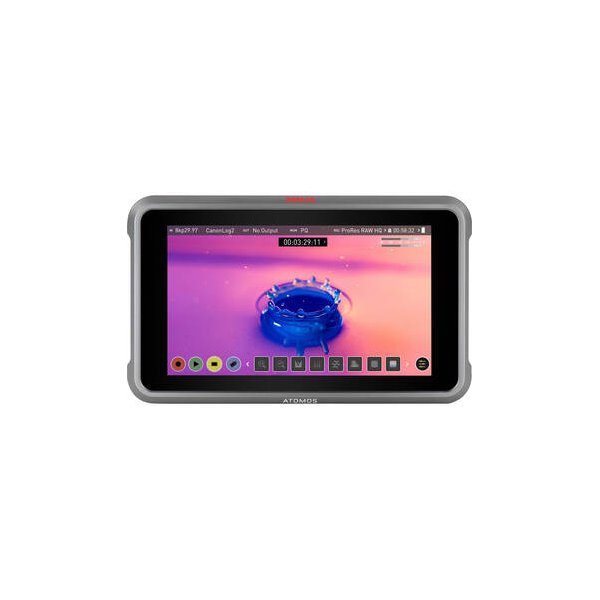
Atomos Ninja 5.2" 4K HDMI Recording Monitor
Atomos
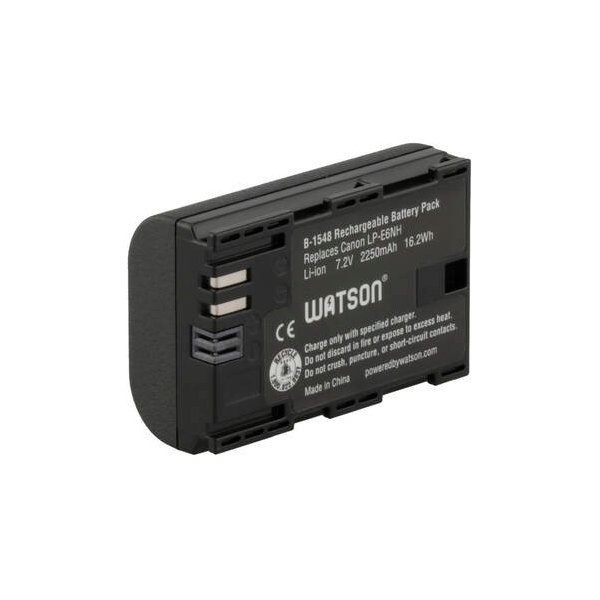
Canon LP-E6P Lithium-Ion Battery
Canon
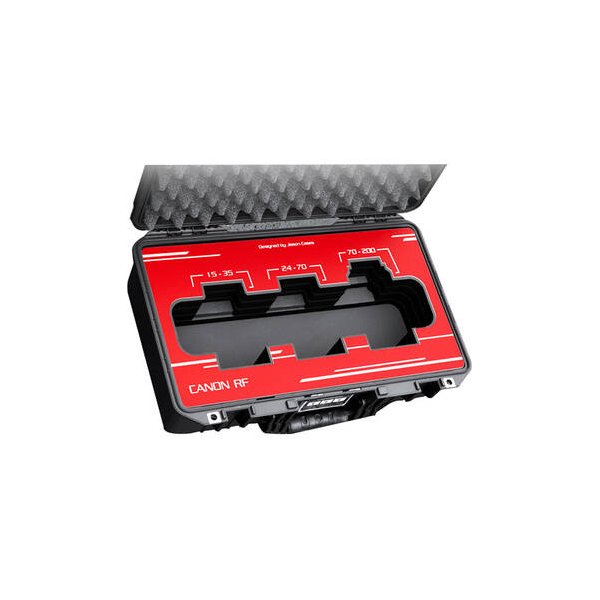
Canon RF 24-70mm f/2.8 L IS USM Lens
Canon
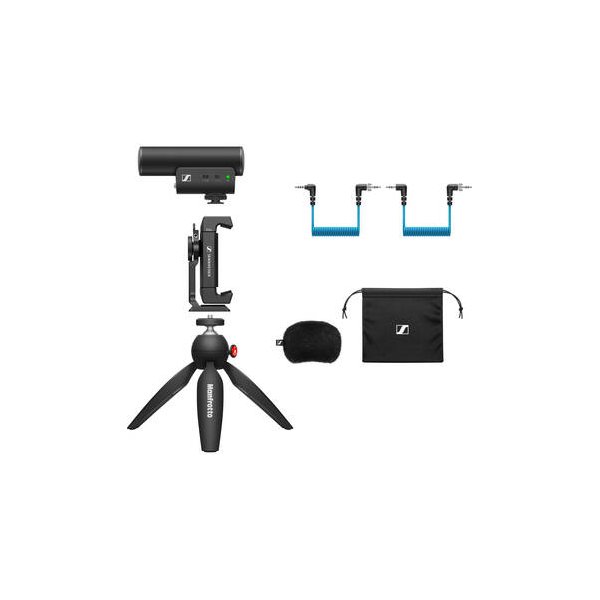
Sennheiser MKE 400 Camera-Mount Shotgun Microphone (2nd Generation)
Sennheiser
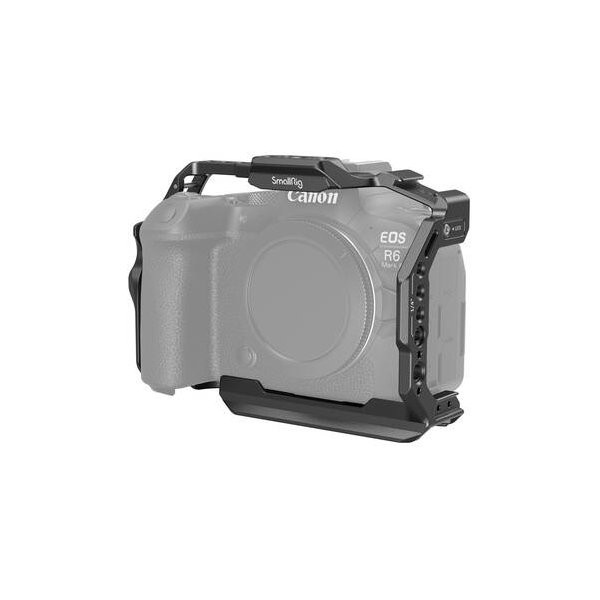
SmallRig Cage Kit for Canon EOS R6 Mark II
SmallRig
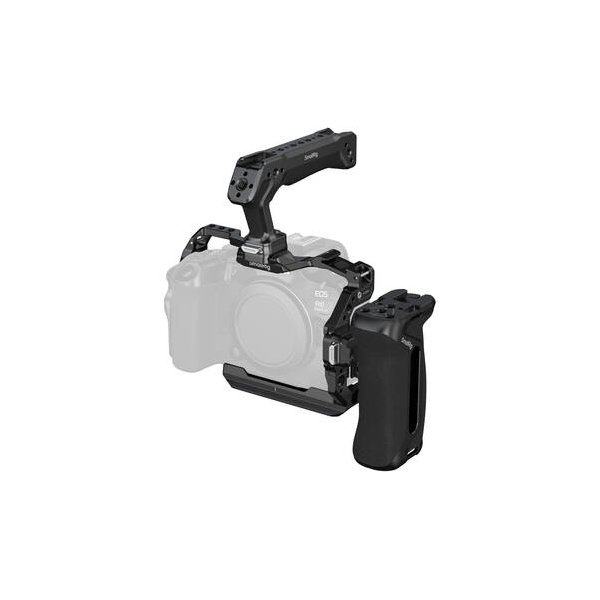
SmallRig Full Camera Cage for Canon EOS R6 Mark III/R6 II (Hawklock)
SmallRig
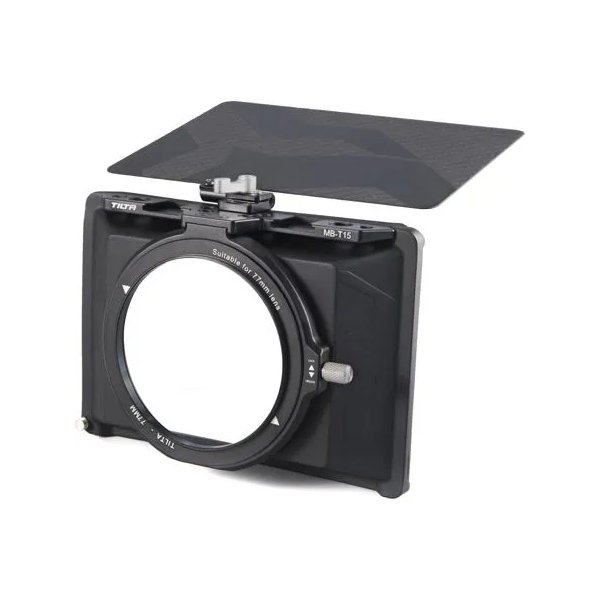
Tilta Mini Matte Box
Tilta
Related comparisons
The Canon EOS R6 Mark II dominates for video with 6K 60p and ProRes RAW; the Sony a7 IV offers higher resolution 33MP stills and dynamic range.
See full comparison EOS R6 Mark II vs Z6 IIIThe Canon R6 Mark II excels in AF and ergonomics; the Nikon Z6 III dominates with internal RAW and higher frame rates.
See full comparison