Technical specifications
- Sensor
- Full-Frame CMOS
- Sensor Size
- 38.1 x 20.1 mm
- Megapixels
- 18.69
- Mount
- Canon EF
- Max Resolution
- 5K (5952x3140)
- Max Frame Rate
- 120fps @ 1080p
- Codec
- Cinema RAW Light, XF-AVC (H.264)
- Dynamic Range
- 15 Stops
- ISO Range
- ISO 100–102400
- Log / Gamma
- Canon Log 2, Canon Log 3, HDR-HLG, HDR-PQ, Normal 1, Wide DR
- Autofocus
- Dual Pixel CMOS AF
- Stabilization
- Digital
- ND Filter
- 2–10 stop (5-position wheel)
- Ports
- 1x BNC (12G-SDI), 1x BNC (3G-SDI), 1x HDMI, 2x XLR 3-Pin Mic/Line, 1x 1/8" / 3.5 mm TRS, 1x 1/8" / 3.5 mm TRS, 1x 1/8" / 3.5 mm TRS Stereo Headphone, 1x XLR 4-Pin (11.5 to 20VDC), 1x BNC (Timecode) Input/Output
- Battery
- Canon BP-A Series
- Weight
- 1770g
- Dimensions
- 168 x 152 x 147 mm
- MSRP
- $15,999
Add your voice
Your ratings help other filmmakers choose the right camera.
Own it?
What do you use this for?
Field guide
Overview
The Canon EOS C500 Mark II is a powerhouse full-frame cinema camera designed for high-end production environments that demand both flexibility and uncompromising image quality. Positioned as a versatile workhorse, it competes directly with other flagship cinema cameras by offering a modular design that allows it to scale from a compact, handheld configuration to a fully rigged studio setup. Its ability to record 5.9K Cinema RAW Light internally to CFexpress cards makes it a formidable choice for cinematographers who need high-resolution, high-dynamic-range masters without the bulk of external recorders.
What truly sets the C500 Mark II apart is its sensor flexibility and robust internal processing. It features a full-frame CMOS sensor that can be switched between Full Frame, Super 35mm, and Super 16mm modes, providing immense creative control over depth of field and lens compatibility. The inclusion of Dual Pixel CMOS AF technology brings reliable, professional-grade autofocus to a cinema-grade body, which is a massive advantage for solo operators or documentary filmmakers working in fast-paced environments.
This camera is an ideal candidate for narrative filmmakers, high-end documentary crews, and commercial production houses. Its modularity means it can adapt to almost any shooting scenario, from gimbal-mounted action to tripod-based interviews. If you are looking for a camera that bridges the gap between massive studio rigs and agile, modern cinema tools, the C500 Mark II is a top-tier contender.
Pros & Cons
Pros
Full-frame 5.9K sensor provides exceptional image quality and flexibility with multiple crop modes (Super 35mm/Super 16mm).
Internal 5.9K Cinema RAW Light recording to CFexpress cards eliminates the need for bulky external recorders.
Dual Pixel CMOS AF provides industry-leading autofocus performance, even in demanding cinema workflows.
Modular design allows the camera to be stripped down for gimbals or built up with expansion units for studio work.
Built-in motorized ND filters (up to 10 stops with extended range) are essential for maintaining exposure in bright conditions.
Cons
CFexpress cards can become extremely hot during operation, posing a risk of burns or card damage if removed immediately after heavy use.
The camera is power-hungry, requiring significant battery capacity (BP-A60 recommended) for long-form production.
Some advanced features like IP streaming are restricted to XF-AVC mode and are unavailable when shooting in RAW.
The cooling fan, while necessary, can be audible in quiet environments if not managed correctly via the menu settings.
The modular nature means essential features like extra SDI or Genlock ports require purchasing additional expansion units.
Best Settings
Narrative Filmmaking
Shoot in Cinema RAW Light to maximize dynamic range and color grading potential. Use the Full Frame sensor mode for the cinematic look. Set your base ISO to 800 (for Canon Log 2/3) to ensure the best signal-to-noise ratio. Use a shutter angle of 180 degrees for natural motion blur.
Documentary / Run-and-Gun
Use XF-AVC for a balance of high quality and manageable file sizes. Enable Continuous AF with Face Detection to keep subjects sharp while moving. Use the Automatic fan mode to keep the camera quiet during interviews, but monitor the temperature icons closely. Use the built-in ND filters to maintain a consistent aperture in changing light.
Interview & Talking Head
Set the camera to XF-AVC at 4K resolution. Use Custom White Balance with a gray card for perfect skin tones. If using an external monitor, output via the MON. terminal to utilize the camera's internal LUT and assistance tools (peaking, zebra). Ensure audio is set to 4-channel linear PCM, using the XLR inputs for professional microphones.
Slow Motion
Use the Slow & Fast Motion recording mode. Note that this disables certain features like relay recording and double slot recording. Ensure you are using a high-speed CFexpress card, as slow motion recording requires higher write speeds.
Common Issues
Overheating and Fan Noise
What's happening: The camera becomes hot during extended use, or the fan is too loud. Why: High-performance recording generates significant heat. Fix: Adjust the fan mode in [B System Setup] > [Fan Mode]. Use [Automatic] for quiet environments, or [Always On] for maximum cooling. Prevention: Ensure air vents are not obstructed and avoid leaving the camera in direct sunlight.
Autofocus Not Working
What's happening: The camera fails to lock focus on a subject. Why: The subject may be difficult for the AF system, or the lens is not compatible. Fix: Switch to manual focus using the lens ring. If using AF-boosted MF, manually focus until the frame turns white. Prevention: Clean the lens contacts and ensure the lens is on the list of compatible Canon EF lenses.
Recording Media Errors
What's happening: The camera cannot record to the CFexpress or SD card. Why: The card may be full, corrupted, or not initialized. Fix: Initialize the card via [Recording/Media Setup] > [Initialize Media]. Prevention: Always initialize new cards in the camera before the first use and avoid removing cards while the access indicator is red.
Audio Distortion
What's happening: Audio is distorted or recorded at very low levels. Why: Incorrect input settings or gain levels. Fix: Check the INPUT switches (MIC/LINE/AES/EBU). If recording loud sounds, activate the microphone attenuator (20 dB). Prevention: Monitor audio levels on the screen and adjust manually before starting the take.
FAQ
- Can the Canon EOS C500 Mark II record 5.9K video internally?
Yes, the Canon EOS C500 Mark II can record 5.9K Cinema RAW Light internally to CFexpress cards. This allows for full-quality data capture without the need for external recorders.
- Does the Canon EOS C500 Mark II have built-in ND filters?
Yes, it features a built-in, motor-operated ND filter system. By default, it offers 2, 4, and 6 stops, and can be extended to 8 or 10 stops via the menu settings.
- What type of memory cards does the Canon EOS C500 Mark II use?
The camera uses CFexpress Type B cards for primary clips and SD cards for proxy clips and photos. It features two CFexpress slots for relay or double slot recording.
- Is the Canon EOS C500 Mark II a full-frame camera?
Yes, it features a full-frame CMOS sensor. It also offers crop modes for Super 35mm and Super 16mm, providing flexibility for different lens types.
- Can I use autofocus on the Canon EOS C500 Mark II?
Yes, the camera incorporates Dual Pixel CMOS AF technology. It supports One-shot AF, AF-boosted MF, and Continuous AF, along with face detection and subject tracking.
- How do I update the lens firmware on the Canon EOS C500 Mark II?
You can update lens firmware by placing the .LFU file on an SD card and using the camera's menu system. Ensure the camera is powered by an AC adapter or a fully charged battery during the process.
- Does the Canon EOS C500 Mark II support IP streaming?
Yes, it supports IP streaming of live video and audio over a network, but this feature is only available when the main recording format is set to XF-AVC.
- What is the maximum power consumption of the Canon EOS C500 Mark II?
The maximum power consumption of the camera is 63 W. It is recommended to use the BP-A60 battery or an AC adapter for extended shooting sessions.
Recommended Accessories
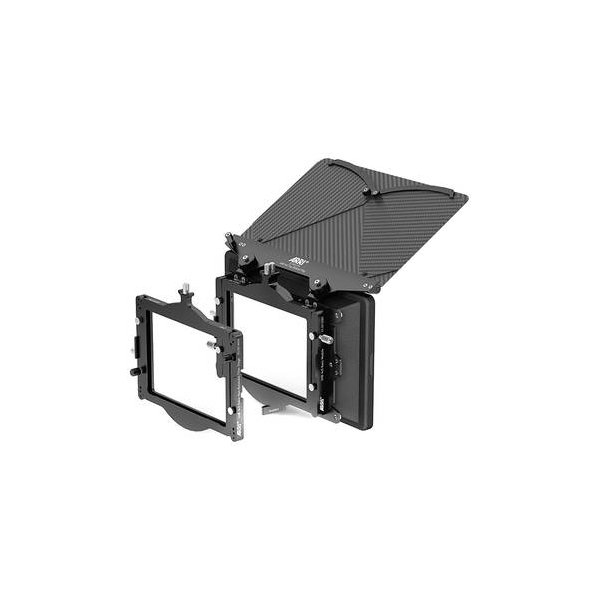
ARRI LMB 4x5 Matte Box 15mm LWS Pro Set
ARRI
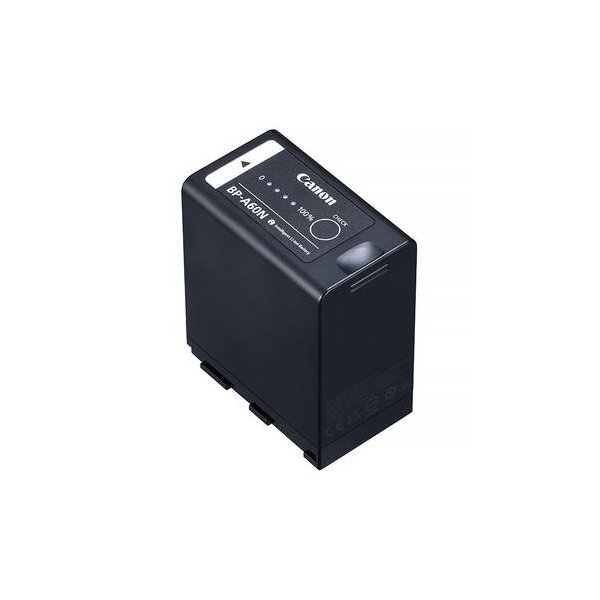
Canon BP-A60 Battery Pack for EOS C300 Mark II, C200, and C200B
Canon
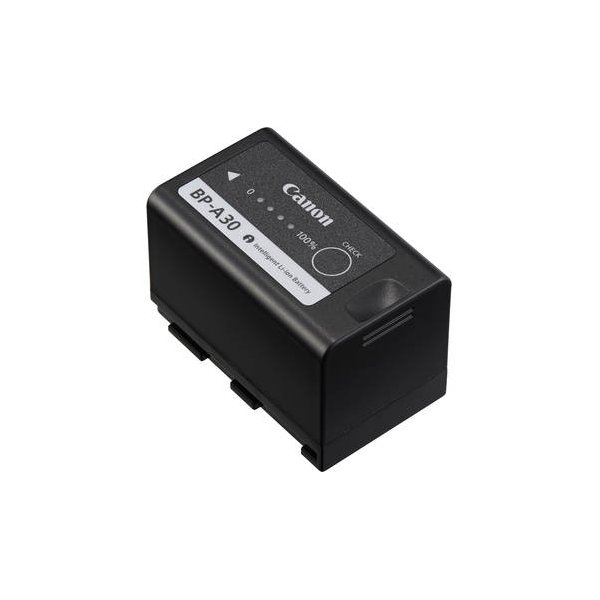
Canon BP-A60N Battery Pack
Canon
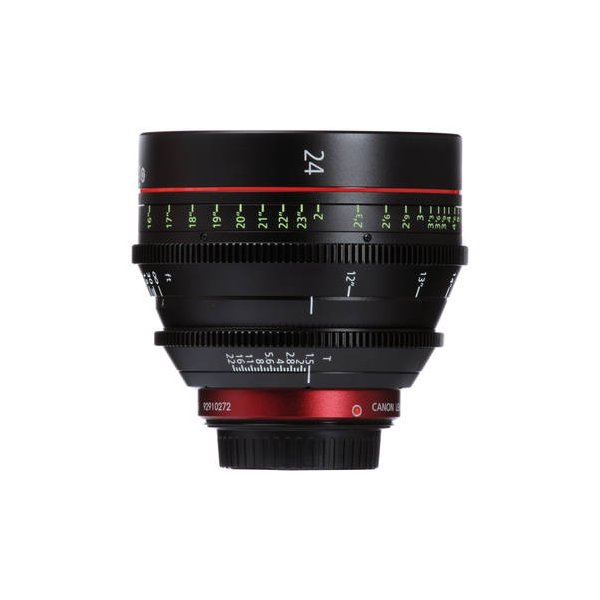
Canon CN-E 85mm T1.3 L F Cinema Prime Lens (EF Mount)
Canon
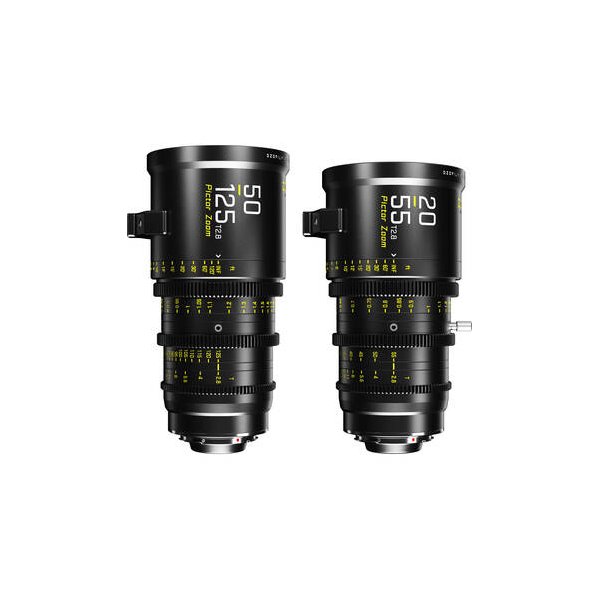
DZOFilm PL-Mount Tool Kit for Vespid Prime/Cyber, Gnosis Macro Lenses
DZOFilm
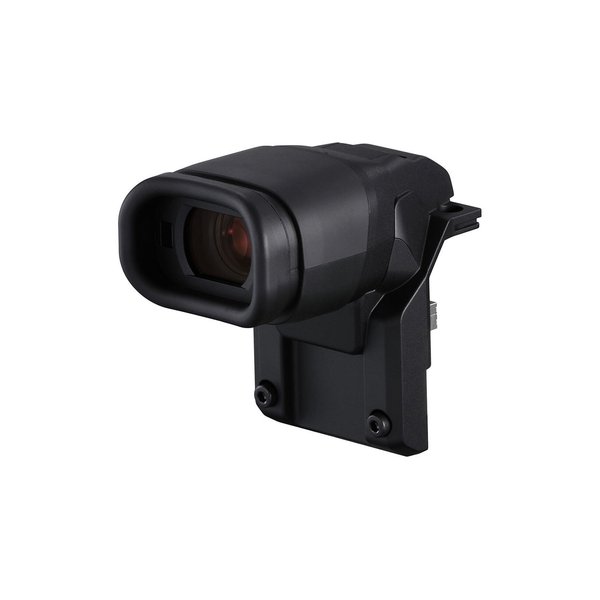
Canon EVF-V50 OLED Viewfinder for C500 Mark II
Canon
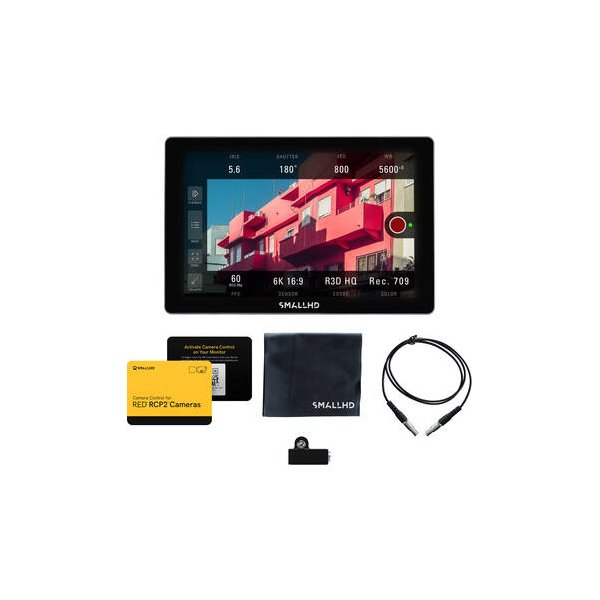
SmallHD Cine 7 Touchscreen On-Camera Monitor (L-Series)
SmallHD
SanDisk 512GB Extreme PRO CFexpress Type B Memory Card
SanDisk
Related comparisons
The Canon C500 Mark II offers full-frame DPAF reliability; the URSA Mini Pro 12K delivers unparalleled 12K resolution and BRAW.
See full comparison EOS C500 Mark II vs FX3The Canon C500 Mark II is a modular cinema workhorse for high-end productions; the Sony FX3 is a compact, agile tool for solo shooters.
See full comparison EOS C500 Mark II vs ALEXA Mini LFThe ARRI ALEXA Mini LF delivers unparalleled cinematic image quality, while the Canon C500 Mark II offers versatile full-frame capture with reliable autofocus.
See full comparison