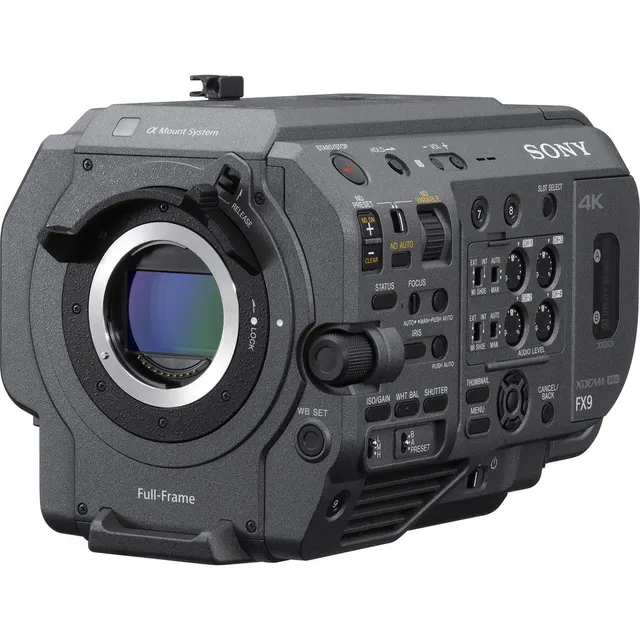
Technical specifications
- Sensor
- Full-Frame CMOS
- Sensor Size
- 35.7 x 18.8 mm
- Mount
- Sony E
- Max Resolution
- 4096 x 2160
- Max Frame Rate
- 120 fps
- Codec
- XAVC-I, XAVC-L, MPEG HD422
- Dynamic Range
- 15 Stops
- ISO Range
- ISO 800–102400
- Log / Gamma
- HDR-HLG, S Cinetone, Sony S-Log 3, Standard
- Autofocus
- Fast Hybrid AF
- Stabilization
- Supplies Stabilization Metadata
- ND Filter
- 2–6 stop (3-position wheel)
- Ports
- 1x BNC (12G-SDI), 1x BNC (3G-SDI), 1x HDMI 2.0, 2x XLR 3-Pin Mic/Line (+48 V Phantom Power), 1x 1/8" / 3.5 mm TRS Stereo Headphone, 1x Barrel (18 to 20.5VDC), 1x BNC (Genlock) Data, 1x BNC (Timecode) Data Input/Output, 1x 2.5 mm Sub-Mini (LANC) Control, 1x Micro-USB (USB 3.2 / 3.1 Gen 1) Data
- Battery
- Sony BP-U Series
- Weight
- 4800g
- Dimensions
- 146 x 142.5 x 229 mm
- MSRP
- $10,999
Add your voice
Your ratings help other filmmakers choose the right camera.
Own it?
What do you use this for?
Field guide
Overview
The Sony PXW-FX9 is a powerhouse full-frame camcorder that sits at the intersection of cinema-style production and broadcast-ready reliability. Designed for cinematographers who need the shallow depth-of-field and high dynamic range of a full-frame sensor without sacrificing the ergonomic, run-and-gun features of a traditional ENG camera, the FX9 is a direct competitor to high-end cinema cameras in the documentary and corporate space. It is a versatile workhorse that bridges the gap between the FS7 legacy and modern full-frame aesthetics.
What sets the FX9 apart is its sophisticated sensor and autofocus system. It features a 35mm full-frame CMOS sensor capable of 15+ stops of dynamic range, paired with a hybrid autofocus system that combines phase detection and contrast AF for high-speed, high-accuracy tracking. The manual reveals a deep level of control, including dual base ISO settings, a variable ND filter system that allows for seamless exposure adjustments without changing aperture or shutter speed, and extensive network capabilities for file transfer and remote control.
This camera is an ideal choice for documentary filmmakers, interview-based productions, and corporate videographers who require a reliable, all-in-one solution. Its modular design, which supports the XDCA-FX9 extension unit, makes it equally capable for multi-camera broadcast setups or solo-operator field work where speed and image quality are paramount.
Pros & Cons
Pros
Full-frame 35mm sensor provides a cinematic look with 15+ stops of dynamic range, offering significant latitude for color grading.
Built-in variable ND filter (1/4ND to 1/128ND) allows for precise exposure control without affecting depth of field, essential for run-and-gun shooting.
Hybrid autofocus system with phase detection and face tracking provides reliable performance, even for solo operators.
Dual base ISO settings (ISO 800/4000 in Cine EI mode) provide excellent low-light performance without excessive noise.
Extensive network connectivity, including LAN and Wi-Fi, supports file transfer and remote control via the Content Browser Mobile app.
Cons
4K/HD sub-recording and other special modes like S&Q Motion are mutually exclusive, limiting the ability to record proxies or high frame rates simultaneously.
The camera requires a specific, proprietary XDCA-FX9 extension unit for advanced features like V-shoe battery support and wired LAN, increasing the total cost and weight.
The internal cooling fan, while necessary, can be a point of failure; if it stops, the camera must be powered down to prevent overheating.
The menu system is deep and complex, requiring significant time to master for quick on-set adjustments.
The camera does not support the digital audio interface of the XLR-K3M, limiting the integration of some newer Sony audio accessories.
Best Settings
Narrative Filmmaking
- Shooting Mode: Cine EI
- Base ISO: 800 (for normal light) or 4000 (for low light)
- Codec: XAVC-I
- Gamma: S-Log3
- Monitor LUT: S-Log3 to 709(800%) for monitoring
- Why: Cine EI mode provides the most latitude for post-production color grading and ensures the sensor is used at its optimal dynamic range.
Documentary / Run-and-Gun
- Shooting Mode: Custom
- Base Sensitivity: Low (for normal light) or High (for low light)
- Codec: XAVC-L
- Autofocus: Face Priority AF
- ND Filter: Variable (Auto)
- Why: Custom mode allows for quick adjustments on the fly, and the variable ND filter ensures consistent exposure without needing to stop down the lens.
Interview & Talking Head
- Shooting Mode: Custom
- White Balance: Preset (5600K or 3200K)
- Audio: Manual level control (CH1/CH2)
- Focus: Flexible Spot (AF)
- Why: Manual audio control is critical for clean dialogue, and Flexible Spot AF ensures the subject's eyes remain sharp throughout the interview.
Slow Motion
- Shooting Mode: Custom
- S&Q Motion: On
- Frame Rate: 60fps or 120fps (depending on resolution)
- Note: Audio is not recorded in S&Q mode, and autofocus/auto-iris are disabled.
Common Issues
Recording Fails to Start
- What's happening: Pressing the record button does not trigger recording.
- Why: The XQD card may be full, or the card requires restoration due to a previous error.
- Fix: Check the remaining capacity in the viewfinder. If the card needs restoration, follow the on-screen prompt to restore it via the TC/Media menu.
- Prevention: Regularly check media capacity and format cards using the camera's internal formatting tool before important shoots.
Audio Distortion or High Noise
- What's happening: Recorded audio is either distorted or has a high noise floor.
- Why: The audio input levels are set incorrectly (too high or too low).
- Fix: Adjust the physical AUDIO LEVEL dials on the side of the camera. Ensure the input reference levels (INPUT MIC Reference) are correctly matched to your microphone.
- Prevention: Always perform a sound check and monitor levels using headphones during the shoot.
ND Filter Stuck
- What's happening: The ND filter does not move when the switch is toggled.
- Why: Mechanical failure or obstruction.
- Fix: Use the manual override procedure: remove the round cap on the bottom, insert a 2.4mm screwdriver, and turn counterclockwise to move the filter to the Clear position.
- Prevention: Do not use the manual override during normal operation; consult a Sony service center if the filter fails repeatedly.
Camera Won't Power On
- What's happening: The camera fails to turn on when the power switch is toggled.
- Why: Battery is exhausted or not properly seated.
- Fix: Ensure the battery is locked into the attachment. If using AC power, check the connection to the DC IN connector.
- Prevention: Always charge batteries fully before use and ensure the power switch is in the 'Off' position before connecting power sources.
FAQ
- Can the Sony PXW-FX9 shoot 4K at 120fps?
The Sony PXW-FX9 supports high frame rates in S&Q mode, but 4K/120fps is not supported. It can record up to 120fps in 1920x1080 resolution when the imager scan mode is set to FF 2K or S35 2K.
- What memory cards does the Sony PXW-FX9 use?
The Sony PXW-FX9 uses XQD memory cards for primary video recording. It also features a UTILITY SD/MS card slot used for proxy recording, saving/loading settings, and software updates.
- Does the Sony PXW-FX9 have built-in ND filters?
Yes, the Sony PXW-FX9 features an internal variable ND filter system. It can be set to preset values (1/4, 1/16, 1/64) or used in variable mode to adjust transmittance linearly from 1/4ND to 1/128ND.
- Can I use A-mount lenses on the Sony PXW-FX9?
Yes, you can use A-mount lenses by attaching an optional lens mount adaptor (such as the LA-EA3 or LA-EA4). Note that when using A-mount lenses, the iris is set manually and focus is set to MF.
- How do I update the firmware on the Sony PXW-FX9?
Firmware updates are performed by setting the camcorder to mass storage mode and following the procedure supplied with the update software. You can check the current version in the Maintenance > Version menu.
- What is the maximum clip duration on the Sony PXW-FX9?
The maximum duration for a single continuous recording is 6 hours. If the recording time exceeds this, a new clip is created automatically.
- Does the Sony PXW-FX9 support simultaneous recording to two cards?
Yes, the Sony PXW-FX9 supports 2-slot simultaneous recording (Simul Rec). This can be enabled in the Project menu, though it is not supported in S&Q Motion or Picture Cache Rec modes.
- Can I power the Sony PXW-FX9 via the XDCA-FX9 extension unit?
Yes, when the XDCA-FX9 is attached, you can attach a V-shoe battery or connect an external power supply to the extension unit. The standard camcorder battery pack cannot be attached when the extension unit is in use.
Recommended Accessories
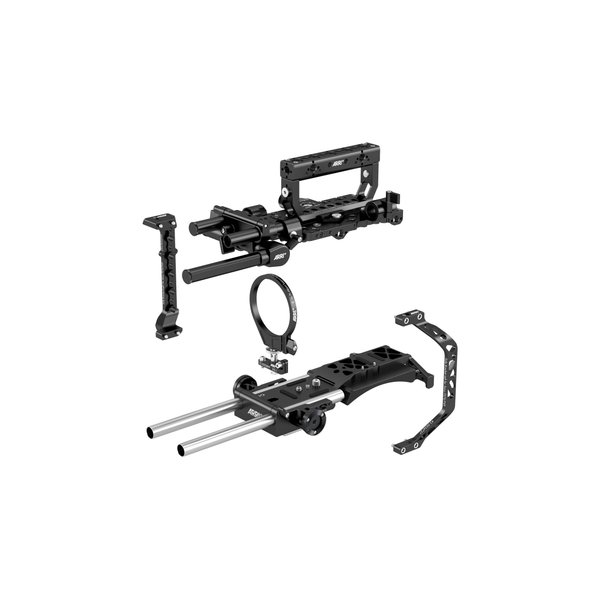
ARRI Pro Set for Sony FS7 II and FX9
ARRI
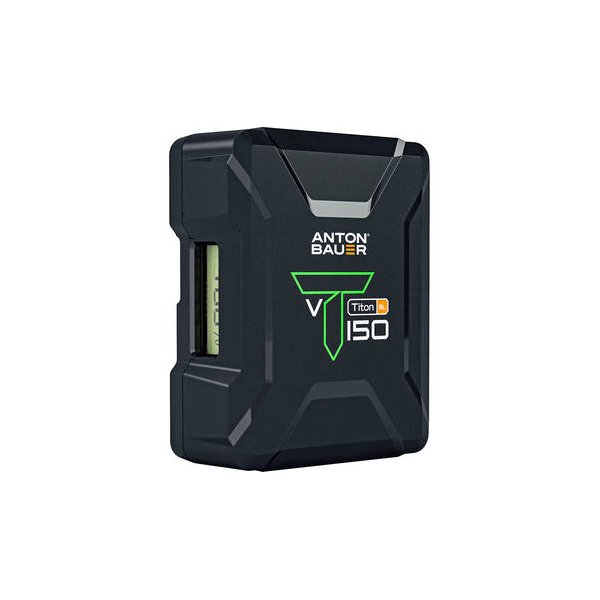
Anton/Bauer Titon 150 Gold Mount Lithium-Ion Battery
Anton/Bauer
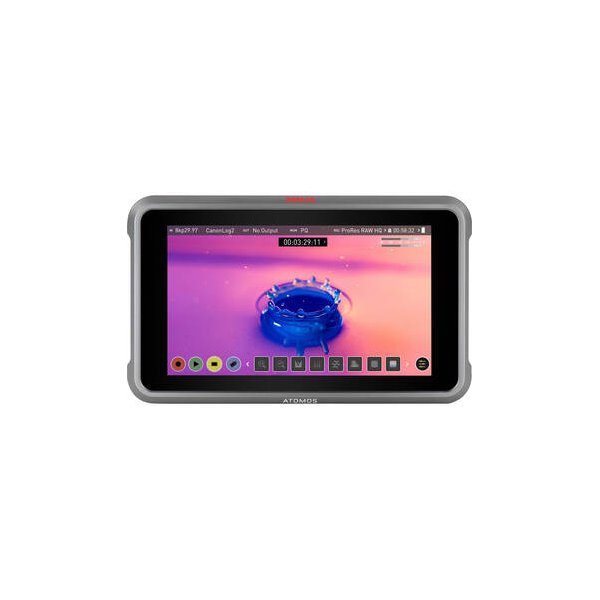
Atomos Ninja 5.2" 4K HDMI Recording Monitor
Atomos
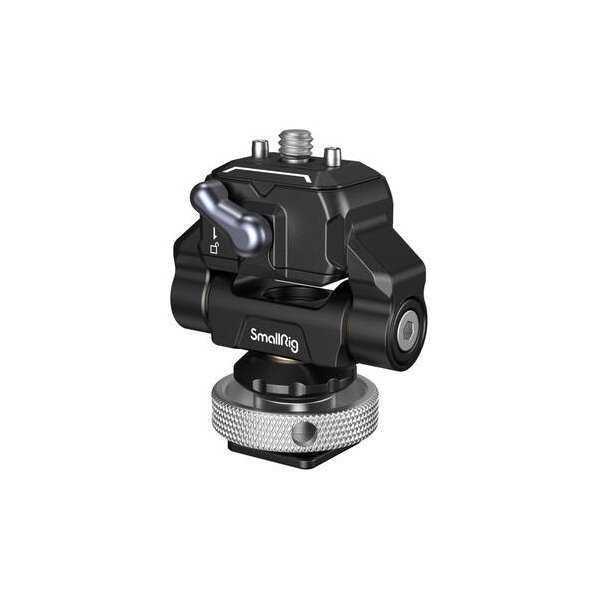
Chrosziel Top Plate with 15mm Rods for Sony BURANO
Chrosziel
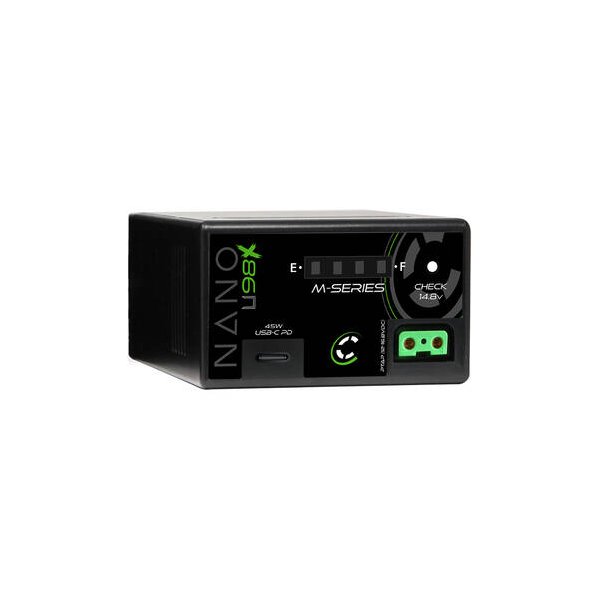
Core SWX Nano-U98 14.8V Battery with D-Tap for Select Sony Camcorders
Core SWX
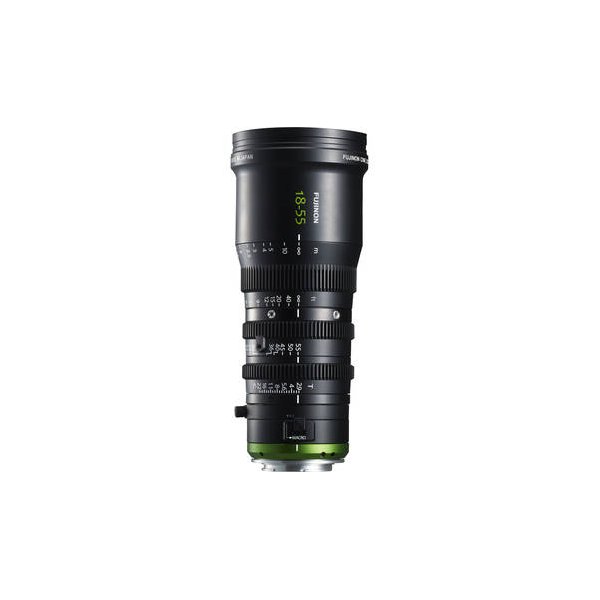
Fujinon MK-R 18-55mm T2.9 Cine Zoom Lens (Canon RF Mount)
Fujinon
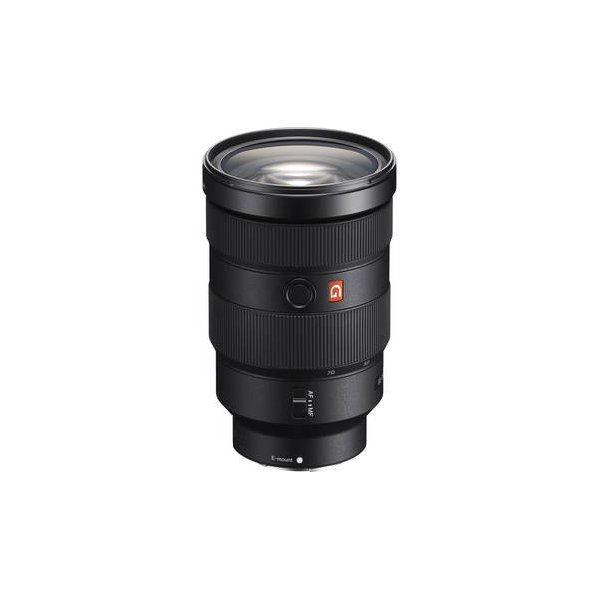
Sony FE 24-70mm f/2.8 GM II Lens (Sony E)
Sony
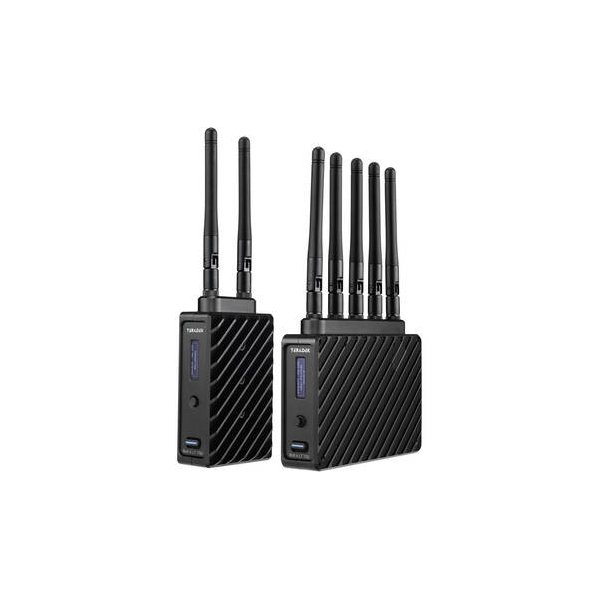
Teradek Bolt 6 LT 1500 3G-SDI/HDMI Wireless RX/TX Deluxe Kit (V-Mount)
Teradek
Related comparisons
The FX6 excels in compact, low-light scenarios; the FX9 offers a 6K sensor and more robust production features.
See full comparison FX9 vs Ronin 4DThe Ronin 4D integrates stabilization and LiDAR AF; the FX9 is a versatile cinema workhorse with superior image science.
See full comparison FX9 vs BuranoThe Burano offers cutting-edge 8.6K resolution and 5-axis IBIS, while the FX9 remains a cost-effective 4K workhorse.
See full comparison