Technical specifications
- Sensor
- Full-Frame CMOS
- Sensor Size
- 35.6 x 23.8 mm
- Megapixels
- 10.2
- Mount
- Sony E
- Max Resolution
- 4K DCI (4096x2160)
- Max Frame Rate
- 240fps @ 1080p
- Codec
- XAVC S-I, XAVC HS, XAVC S, H.265, H.264
- Dynamic Range
- 15 Stops
- ISO Range
- ISO 80–409600
- Log / Gamma
- HDR-HLG, S Cinetone, Sony S-Log 2, Sony S-Log 3, Standard
- Autofocus
- Phase-detect, 759 points
- Stabilization
- Sensor-Shift, 5-Axis
- Ports
- 1x HDMI, 1x 1/8" / 3.5 mm TRS, 1x 1/8" / 3.5 mm TRS Stereo Headphone, 1x USB-C, 1x Micro-USB
- Battery
- NP-FZ100
- Weight
- 640g
- Dimensions
- 129.7 x 84.5 x 77.8 mm
- MSRP
- $3,898
Add your voice
Your ratings help other filmmakers choose the right camera.
Own it?
What do you use this for?
Field guide
Overview
The Sony ILME-FX3A is a professional-grade, compact cinema camera designed for filmmakers who need high-end performance in a run-and-gun form factor. Positioned as a versatile tool for both solo operators and production teams, it bridges the gap between mirrorless convenience and cinema-line capabilities. Its compact, modular design, complete with a detachable XLR handle unit, makes it an ideal choice for documentary, event, and independent narrative filmmaking where mobility is paramount.
Built around a full-frame sensor, the FX3A offers advanced features like Log shooting, internal 4K recording, and a robust cooling system to ensure reliability during long-form production. The camera is highly customizable, allowing users to tailor button assignments and menu structures to their specific workflow, whether they are shooting high-quality 4K or utilizing slow-motion capabilities.
This camera is best suited for cinematographers and content creators who require a reliable, high-performance camera that can handle demanding production environments without the bulk of traditional cinema cameras. It is particularly effective for projects requiring high-quality audio via the included XLR handle, as well as those needing a camera that can be easily rigged for various shooting scenarios.
Pros & Cons
Pros
Detachable XLR handle unit provides professional audio inputs and mounting points, essential for high-quality sound recording.
Advanced cooling system allows for extended 4K recording times without overheating.
Highly customizable interface with assignable buttons and a dedicated 'My Menu' for quick access to frequently used settings.
Supports professional Log shooting workflows for maximum dynamic range and color grading flexibility.
Compact, modular design is ideal for handheld, gimbal, or drone-based cinematography.
Cons
4K 120fps/100fps recording modes may require specific high-speed memory cards (V90 or CFexpress Type A).
The camera does not have a built-in electronic viewfinder, which can be a disadvantage for outdoor shooting in bright light.
The cooling fan can potentially introduce noise if not managed correctly during quiet audio recording sessions.
Complex menu system requires significant time to master for efficient on-set operation.
Requires specific, high-performance memory cards for the highest quality recording formats, increasing the total cost of ownership.
Best Settings
Narrative Filmmaking
Use a Log shooting profile (e.g., S-Log3) to maximize dynamic range for post-production color grading. Set the camera to Manual Exposure mode to maintain consistent shutter speed and aperture. Use the XLR handle for professional audio input, setting the input level to match your microphone's sensitivity.
Documentary / Run-and-Gun
Use 'Flexible Exp. Mode' to quickly switch between auto and manual settings for aperture, shutter, and ISO. Enable 'Touch Tracking' for reliable subject focus. Set the 'Auto Power OFF Temp.' to 'High' to prevent the camera from shutting down during long, unpredictable shoots.
Interview & Talking Head
Use 'Aperture Priority' or 'Manual Exposure' to lock in your depth of field. Enable 'Face/Eye AF' to ensure the subject remains in sharp focus. Use the XLR handle for clean, direct audio input from a lavalier or shotgun microphone.
Slow Motion
Use the S&Q (Slow & Quick) mode. Note that high frame rates like 120fps or 240fps may require specific memory cards (CFexpress Type A or V90 SD cards) and may result in a crop or reduced image quality depending on the settings.
Common Issues
Overheating
What's happening: The camera may display an overheating warning or shut down during extended 4K recording. Why: High-performance recording generates significant heat, especially in warm environments. Fix: Set 'Auto Power OFF Temp.' to 'High' in the power settings. Ensure the cooling fan is set to 'Auto' or 'Minimum'. Prevention: Avoid direct sunlight and use a tripod to keep the camera body away from your hands, which can trap heat.
Memory Card Errors
What's happening: The camera fails to record or displays a 'Memory Card Error' message. Why: The card may be incompatible, full, or have a corrupted database file. Fix: Format the card using the camera's 'Format' function. If the error persists, try a different, compatible card. Prevention: Always format new cards in the camera before use and avoid removing the card while the access lamp is lit.
Autofocus Hunting
What's happening: The camera struggles to lock focus on the subject. Why: The subject may have low contrast, or the focus mode/area settings are not optimized for the scene. Fix: Check that 'Focus Mode' is set to 'Continuous AF' for moving subjects. Use 'Focus Area' settings like 'Spot' or 'Zone' to limit the focus area. Prevention: Ensure the lens is clean and the subject has sufficient contrast. Avoid shooting through glass if possible.
Audio Noise
What's happening: Unwanted noise or interference in the recorded audio. Why: Improper gain staging, wind noise, or interference from nearby radio towers. Fix: Use the 'Low Cut' switch on the XLR handle to attenuate low-frequency noise. Adjust the 'Audio Rec Level' to avoid clipping. Prevention: Keep the microphone away from the camera's internal cooling fan and ensure all cables are securely connected.
FAQ
- Can the Sony ILME-FX3A shoot 4K at 120fps?
Yes, the Sony ILME-FX3A supports high frame rate recording. However, you may need a high-speed memory card, such as an SDXC V90 or a CFexpress Type A card, to record at these frame rates.
- What memory cards are compatible with the Sony ILME-FX3A?
The camera supports CFexpress Type A memory cards and SD memory cards (UHS-I and UHS-II compatible). For high-bitrate recording, VPG200 or V90 rated cards are recommended.
- Does the Sony ILME-FX3A have a cooling fan?
Yes, the camera features an internal cooling fan to prevent overheating during long recording sessions. You can control the fan behavior via the 'Fan Control' menu setting.
- Can I record audio through the XLR handle on the Sony ILME-FX3A?
Yes, the supplied XLR handle unit allows you to connect professional microphones via two XLR/TRS inputs. You can adjust the audio levels and settings directly on the handle.
- How do I reset the Sony ILME-FX3A to factory settings?
You can reset the camera by navigating to MENU → (Setup) → [Reset/Save Settings] → [Setting Reset] → [Initialize] → [Enter].
- Is the Sony ILME-FX3A weather-sealed?
The manual does not explicitly state an IP rating for weather sealing. It advises against using the product in highly humid locations or areas exposed to dust, oily smoke, or steam.
- Can I use the Sony ILME-FX3A for livestreaming?
Yes, the camera supports network streaming. You can connect it to a network via a wired or wireless connection to livestream video and audio.
- Does the Sony ILME-FX3A support internal Log recording?
Yes, the camera supports Log shooting. You can configure these settings in the 'Log Shooting Setting' menu.
Recommended Accessories
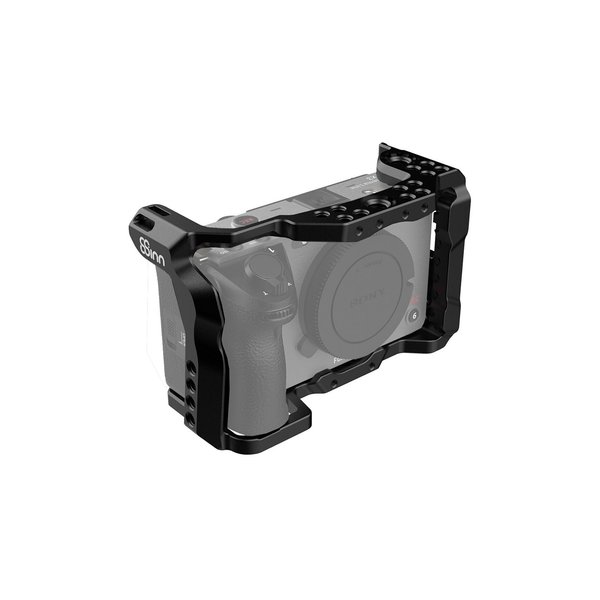
8Sinn Cage for Sony FX3/FX30
8Sinn
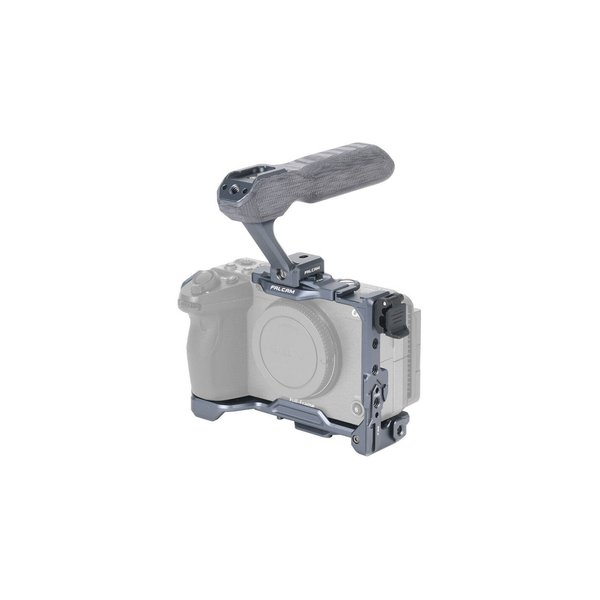
Falcam F22, F38 & F50 Quick Release Basic Cage Kit for Sony FX3 and FX30
Falcam
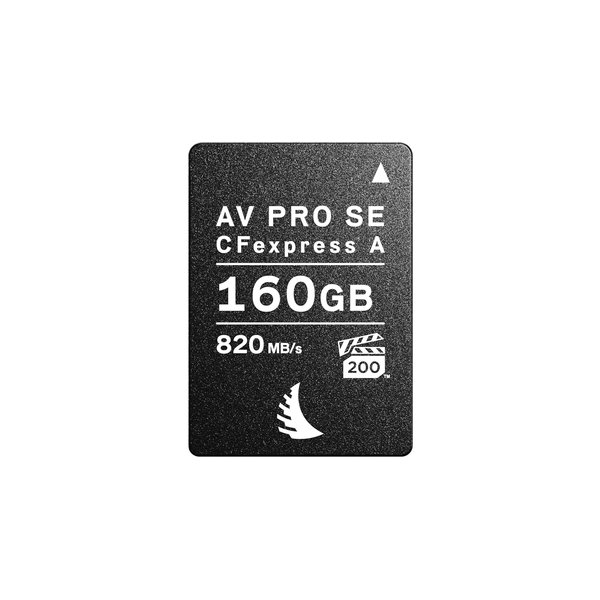
Angelbird 160GB AV PRO CFexpress 2.0 Type A SE Memory Card
Angelbird
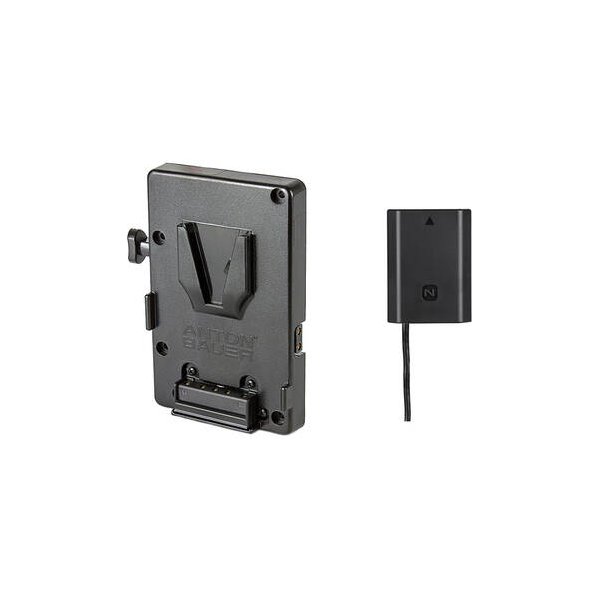
Bescor Multi-Output V-Mount Battery Plate with FZ100 Dummy Battery
Bescor
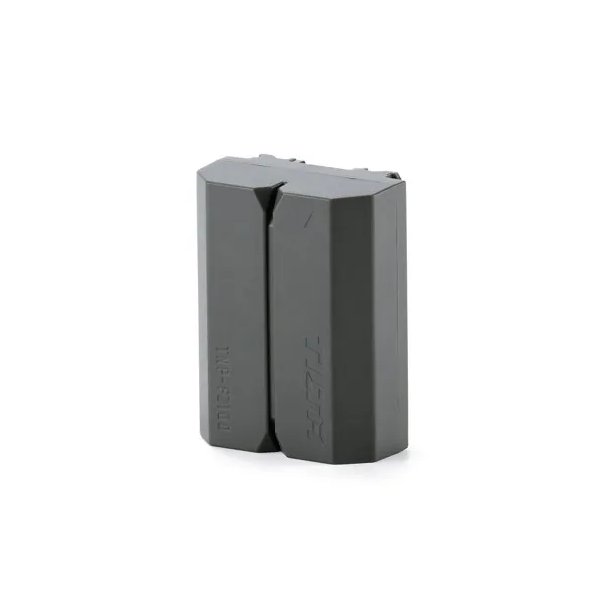
Tilta NP-FZ100 Lithium-ion Battery with USB-C - Green
Tilta
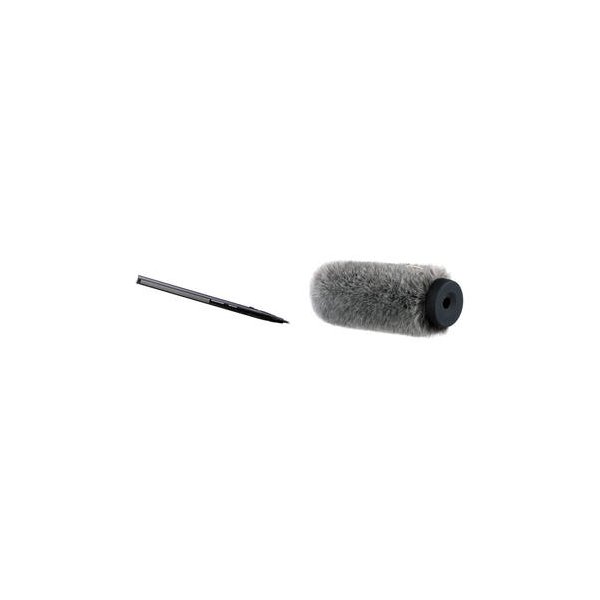
Sennheiser MKH 416-P48U3 Moisture-Resistant Shotgun Microphone
Sennheiser
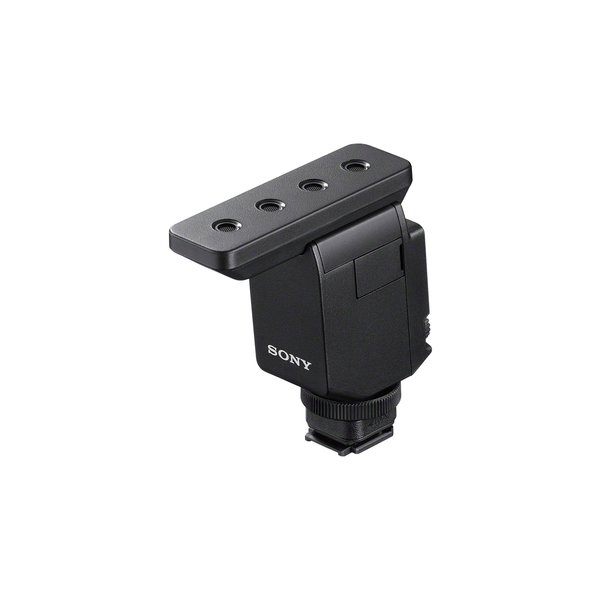
Sony ECM-B10 Compact Camera-Mount Digital Shotgun Microphone
Sony
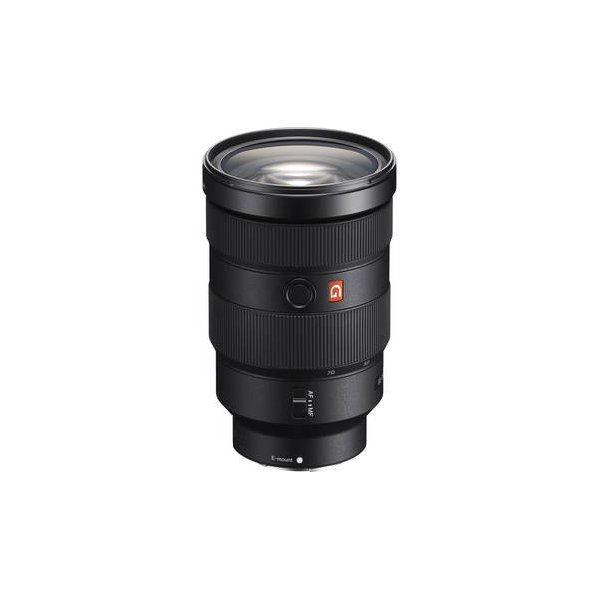
Sony FE 24-70mm f/2.8 GM II Lens (Sony E)
Sony
Related comparisons
The FX3A is ideal for compact, stabilized shooting; the FX6 is a professional workhorse with integrated ND and robust I/O.
See full comparison FX3A vs FX3The FX3A offers DCI 4K and an upgraded screen, while the FX3 remains a strong 4K UHD workhorse for run-and-gun.
See full comparison FX3A vs FX30The FX30 offers an affordable APS-C entry into Sony Cinema Line; the FX3A delivers superior full-frame low-light performance.
See full comparison FX3A vs Canon EOS R5 CThe Canon R5 C offers 8K RAW and high-res stills, while the Sony FX3A excels in low light with superior stabilization and AF.
See full comparison