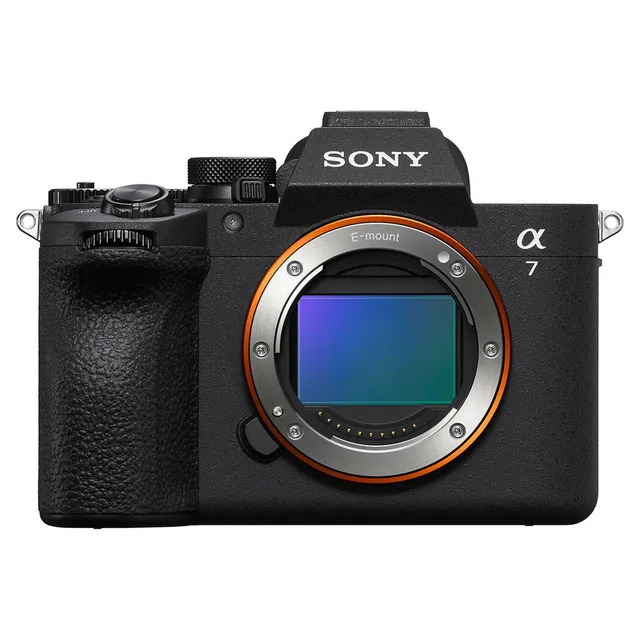
Technical specifications
- Sensor
- Full-Frame CMOS
- Sensor Size
- 35.9 x 23.9 mm
- Megapixels
- 33
- Mount
- Sony E
- Max Resolution
- 4K UHD (3840x2160)
- Max Frame Rate
- 120fps @ 1080p
- Codec
- XAVC S-I, XAVC HS, XAVC S, H.265
- Dynamic Range
- 14+ stops
- ISO Range
- ISO 50–204800
- Log / Gamma
- HDR-HLG, Sony S-Log 2, Sony S-Log 3
- Autofocus
- Phase-detect, 759 points
- Stabilization
- Sensor-Shift, 5-Axis
- Ports
- 1x HDMI, 1x 1/8" / 3.5 mm TRS Stereo Headphone, 1x 1/8" / 3.5 mm TRS, 1x USB-C, 1x Sony Multi/Micro-USB Remote, 1x USB-C (USB 3.2 / 3.1 Gen 1) Data Input/Output (Shared with Power Input)
- Battery
- 1x NP-FZ100 Rechargeable Lithium-Ion, 7.2 VDC, 2280 mAh (Included)<br>• Approx. 520 Shots
- Weight
- 658g
- Dimensions
- 131.3 x 96.4 x 79.8 mm
- MSRP
- $3,998
Add your voice
Your ratings help other filmmakers choose the right camera.
Own it?
What do you use this for?
Field guide
Overview
The Sony α7V (ILCE-7M5) is a high-performance, full-frame mirrorless camera designed for both professional photographers and serious videographers. It sits as a versatile powerhouse in Sony's lineup, offering a sophisticated balance of high-resolution imaging and advanced video capabilities. With its robust build, extensive customization options, and advanced subject recognition autofocus, it is a compelling choice for those who need a reliable, all-in-one tool for diverse production environments, from studio portraiture to run-and-gun documentary work.
What sets the α7V apart is its deep integration of professional-grade features, including support for advanced codecs like XAVC S-I and XAVC HS, sophisticated Log shooting settings with LUT support, and a highly customizable interface. The camera is built to handle demanding workflows, featuring dual card slots (CFexpress Type A/SD), USB-PD power delivery, and advanced thermal management to support extended recording sessions. It is a camera that rewards users who take the time to map its extensive custom button and menu options to their specific shooting style.
This camera is ideal for hybrid shooters who need to switch seamlessly between high-quality stills and professional video. Whether you are a wedding photographer needing reliable eye-tracking, a filmmaker requiring 10-bit 4:2:2 internal recording, or a content creator looking for a robust streaming solution, the α7V provides the tools to get the job done. Its extensive customization and professional output options make it a workhorse for any production.
Pros & Cons
Pros
Dual card slots (CFexpress Type A/SD) provide flexible, high-speed storage options for professional workflows.
Advanced subject recognition AF (human, animal, bird, insect, car, train, airplane) ensures tack-sharp focus in complex scenes.
Extensive customization of buttons, dials, and the 'My Menu' system allows for a highly personalized shooting experience.
Supports professional video codecs like XAVC S-I and XAVC HS, with internal 10-bit 4:2:2 recording.
USB-PD power delivery allows for extended shooting times without relying solely on internal battery power.
Cons
4K 120p/100p recording modes impose a 1.5x crop, which significantly changes the effective focal length of your lenses.
The camera can become warm during extended 4K recording, which may limit recording time in high-temperature environments.
The complexity of the menu system and customization options can be overwhelming for beginners or those needing a simple, 'out-of-the-box' experience.
Some advanced features, like certain high-speed continuous shooting modes, are only available when using the electronic shutter, which may cause rolling shutter distortion.
The camera's reliance on specific memory card types (CFexpress Type A) for the highest bitrates can increase the total cost of ownership.
Best Settings
Narrative Filmmaking
- Codec: XAVC S-I 4K (Intra-frame compression for better editing performance).
- Frame Rate: 24p (for a cinematic look).
- Picture Profile: S-Log3 with a custom LUT applied via 'Display LUT' for accurate monitoring.
- Focus: Manual Focus with 'Peaking Display' and 'Focus Map' enabled for precise control.
Documentary / Run-and-Gun
- Codec: XAVC HS 4K (high compression efficiency for longer recording).
- Frame Rate: 60p (allows for smooth motion or 2.5x slow motion in post).
- Focus: Continuous AF with 'Subject Recognition' set to 'Auto' or 'Human' for reliable tracking.
- Audio: 4-channel audio recording if using a compatible Multi Interface Shoe accessory.
Interview & Talking Head
- Codec: XAVC S 4K.
- Frame Rate: 30p or 24p.
- Focus: Continuous AF with 'Subject Recognition' set to 'Human' and 'Eye AF' enabled.
- Audio: Manual audio levels set via 'Audio Rec Level' to ensure consistent, clean sound.
Slow Motion
- Mode: S&Q (Slow & Quick Motion).
- Frame Rate: 120fps (for 5x slow motion at 24p).
- Note: Be aware that sound is not recorded in S&Q mode.
Common Issues
Overheating during extended recording
What's happening: The camera may stop recording or turn off to protect itself during long 4K recording sessions. Why: High-resolution, high-bitrate recording generates significant heat, especially in warm environments. Fix: Set [Auto Power OFF Temp.] to [High] in the menu to allow for longer recording times. Ensure the monitor is open to improve airflow. Prevention: Use a tripod and avoid holding the camera in your hand for long periods when [Auto Power OFF Temp.] is set to [High].
Memory card errors or slow performance
What's happening: Recording may be interrupted, or the camera may display a database file error. Why: Data fragmentation or using an incompatible/slow memory card. Fix: Back up your data and perform a [Format] of the memory card within the camera menu. Prevention: Always format new memory cards in the camera before first use and avoid deleting files on a computer.
Autofocus not tracking as expected
What's happening: The camera struggles to lock onto or track the intended subject. Why: Incorrect focus area or subject recognition settings for the specific scene. Fix: Check that [Subject Recog in AF] is set to [On] and that the correct [Recognition Target] is selected. Use the multi-selector to manually position the focus area if necessary. Prevention: Regularly update lens firmware and ensure the subject is within the camera's recognition capabilities.
Audio not recording or low quality
What's happening: No sound or poor sound quality in recorded movies. Why: Incorrect audio input settings or external microphone issues. Fix: Check [Audio Recording] is set to [On] and verify [Audio Rec Level] is set appropriately. If using an external mic, ensure it is securely connected to the microphone terminal. Prevention: Always perform a test recording and monitor audio levels using headphones before starting a critical shoot.
FAQ
- Can the Sony α7V shoot 4K at 120fps?
Yes, the Sony α7V supports 4K recording at 120fps. However, please note that this mode imposes a 1.5x crop on the sensor, which will affect your field of view.
- What memory cards are compatible with the Sony α7V?
The camera supports CFexpress Type A memory cards and SD memory cards (UHS-I and UHS-II compatible). For high-bitrate recording like XAVC S-I 4K, CFexpress Type A (VPG200 or higher) or high-speed SDXC cards are recommended.
- Does the Sony α7V have built-in ND filters?
No, the Sony α7V does not have built-in ND filters. You will need to use external ND filters for controlling exposure in bright conditions.
- How do I clean the image sensor on the Sony α7V?
You can use the built-in 'Sensor Cleaning' function found in the menu under (Setup) -> [Setup Option] -> [Anti-dust Function]. Always ensure the battery is charged to at least 51% before performing this.
- Can I record audio in 4 channels on the Sony α7V?
Yes, you can record 4-channel audio by attaching a compatible Sony accessory to the Multi Interface Shoe that supports 4-channel and 24-bit audio recording.
- Does the Sony α7V support USB streaming?
Yes, the camera supports USB streaming. You can connect it to a computer via USB and use it as a high-quality webcam or for livestreaming.
- How do I reset the Sony α7V to factory settings?
You can reset the camera by going to MENU -> (Setup) -> [Reset/Save Settings] -> [Setting Reset]. You can choose between 'Camera Settings Reset' or 'Initialize' for a full factory reset.
- Is the Sony α7V weather-sealed?
The camera is designed to be dustproof and drip-proof, but it cannot completely prevent the ingress of dust or water droplets. Use caution in extreme weather conditions.
Recommended Accessories
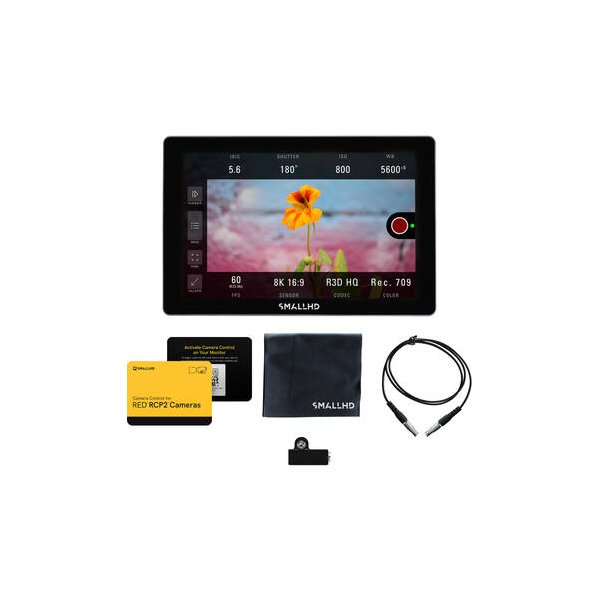
SmallHD INDIE 7 Touchscreen On-Camera Monitor
SmallHD
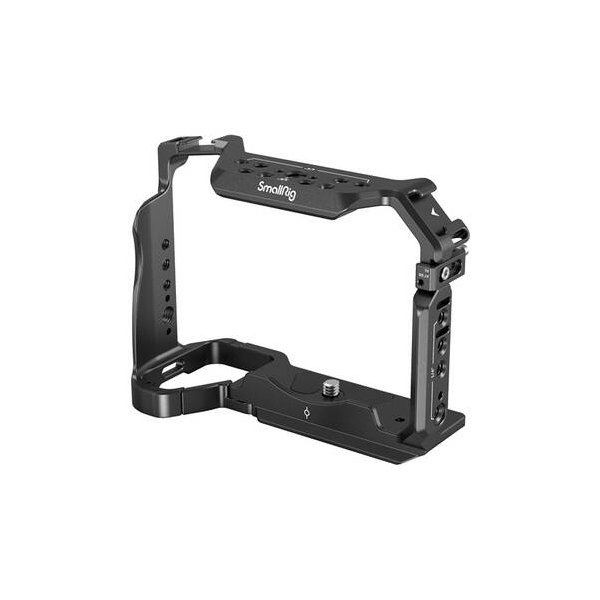
SmallRig "Rhinoceros" Full Cage for Sony a7 V, a7R V & a7 IV
SmallRig
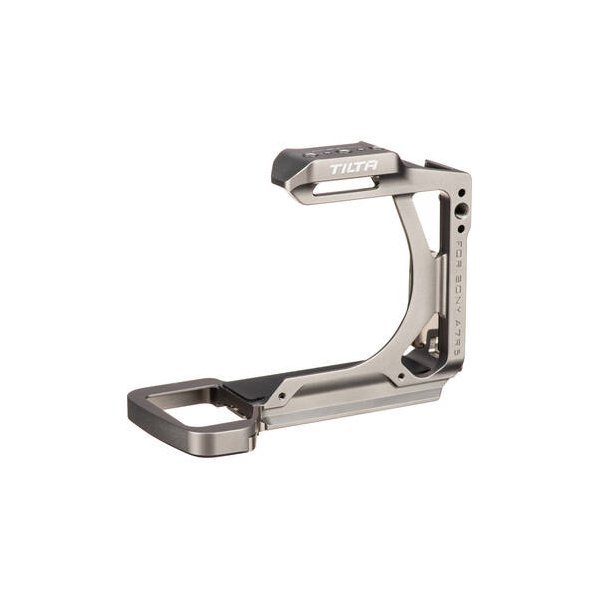
Tilta Half Camera Cage for Sony a7R V (Black)
Tilta
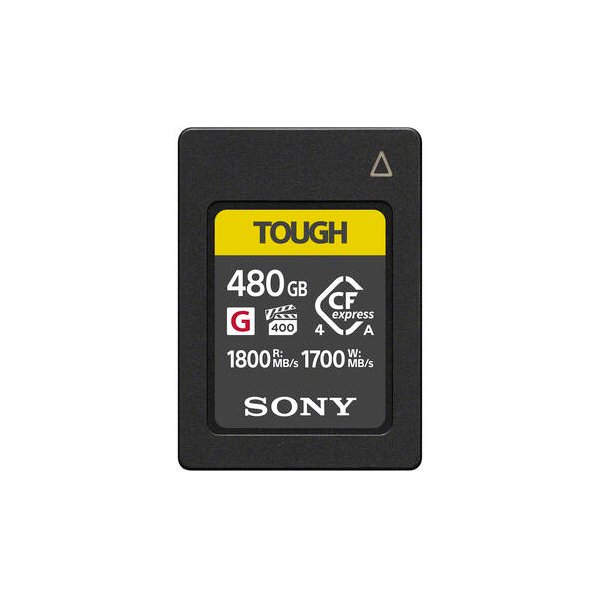
Sony 240GB CFexpress 4.0 Type A TOUGH Memory Card
Sony
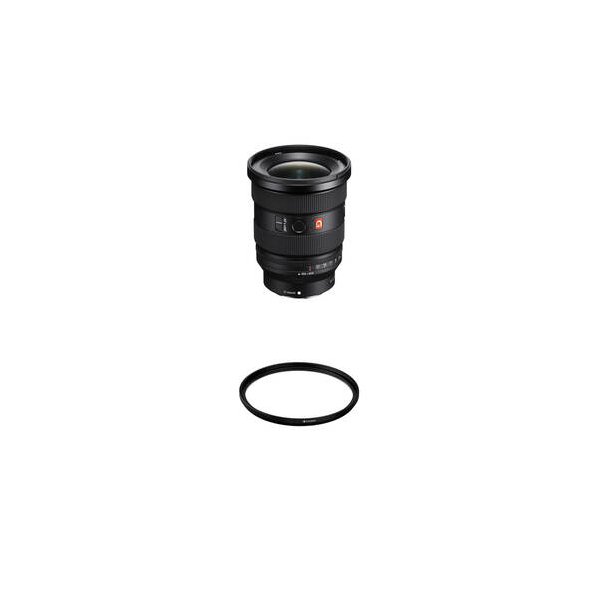
Sony FE 16-35mm f/2.8 GM II Lens (Sony E)
Sony
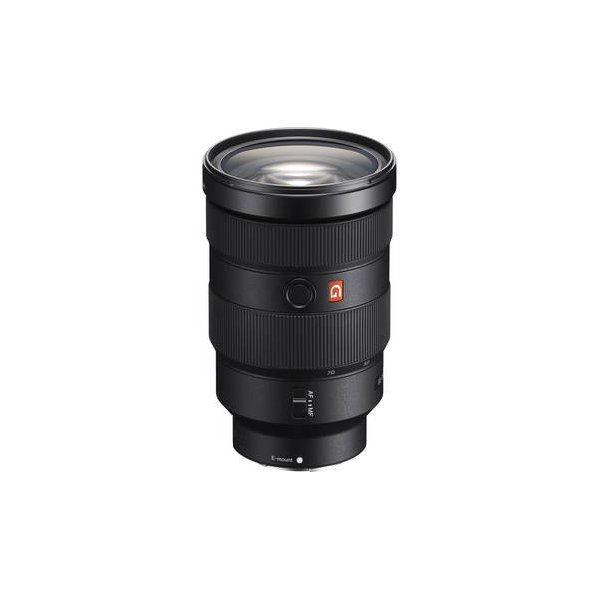
Sony FE 24-70mm f/2.8 GM II Lens (Sony E)
Sony
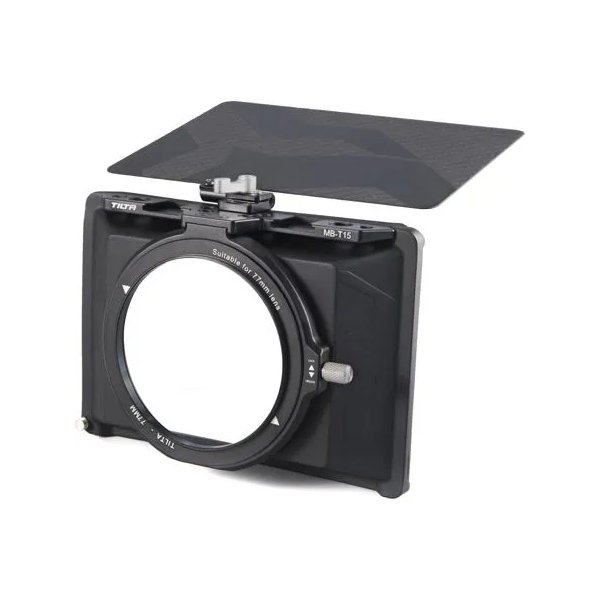
Tilta Mini Matte Box
Tilta
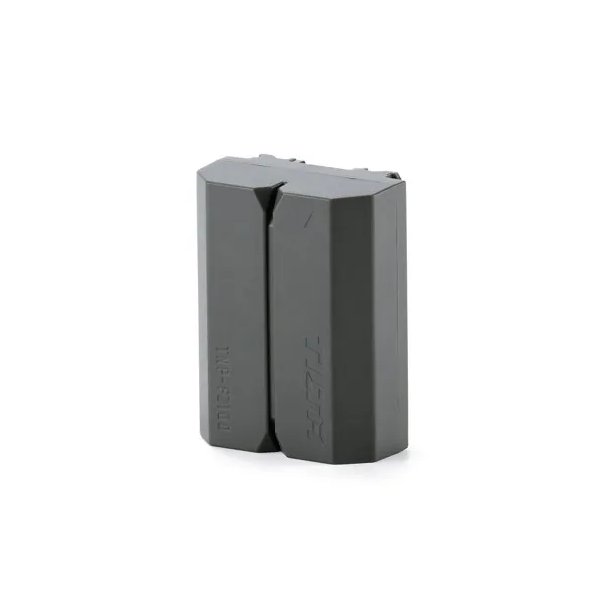
Tilta NP-FZ100 Lithium-ion Battery with USB-C - Green
Tilta
Related comparisons
The a7 V elevates video and AF with its new sensor and AI, while the a7 IV remains a strong, more affordable hybrid workhorse.
See full comparison a7 V (Alpha 7V) vs a7S IIIThe a7S III is the low-light video king; the a7 V is the versatile hybrid with superior resolution and AI-driven AF.
See full comparison