Technical specifications
- Sensor
- Full-Frame CMOS
- Sensor Size
- 35.6 x 23.8 mm
- Megapixels
- 12.1
- Mount
- Sony E
- Max Resolution
- 4K UHD (3840x2160)
- Max Frame Rate
- 240fps @ 1080p
- Codec
- XAVC S-I, XAVC HS, XAVC S, H.265, H.264
- Dynamic Range
- 15 stops
- ISO Range
- ISO 40–409600
- Log / Gamma
- HDR-HLG, Sony S-Log 2, Sony S-Log 3
- Autofocus
- Phase-detect, 759 points
- Stabilization
- Sensor-Shift, 5-Axis
- ND Filter
- No
- Ports
- 1x HDMI, 1x 1/8" / 3.5 mm TRS Stereo Headphone, 1x 1/8" / 3.5 mm TRS, 1x USB-C, 1x Sony Multi/Micro-USB Data/Remote Input/Output, 1x USB-C (USB 3.2 / 3.1 Gen 1) Data/Remote Input/Output (Shared with Power Input)
- Battery
- 1x NP-FZ100 Rechargeable Lithium-Ion, 7.2 VDC, 2280 mAh (Included)<br>• Approx. 510 Shots
- Weight
- 614g
- Dimensions
- 128.9 x 96.9 x 80.8 mm
- MSRP
- $3,499
Add your voice
Your ratings help other filmmakers choose the right camera.
Own it?
What do you use this for?
Field guide
Overview
The Sony α7S III (ILCE-7SM3) is a powerhouse full-frame mirrorless camera engineered specifically for high-end video production and low-light performance. Positioned as a professional-grade tool for cinematographers and content creators, it competes directly with cinema-line cameras by offering exceptional dynamic range and high-sensitivity performance. Its compact form factor makes it an ideal choice for run-and-gun documentary work, gimbal-mounted shots, and professional interviews where mobility is as critical as image quality.
The camera features a 12.1MP full-frame CMOS sensor, which is optimized for low-light performance and high-speed readout, minimizing rolling shutter. The manual highlights advanced capabilities such as internal 4K recording, support for various professional codecs like XAVC HS and XAVC S-I, and sophisticated autofocus features including real-time Eye AF for both humans and animals. It also supports advanced workflows with features like Log shooting, LUT management, and 16-bit RAW output via HDMI.
This camera is best suited for professional filmmakers, documentary shooters, and high-end content creators who require reliable, high-quality 4K footage in challenging lighting conditions. Its robust feature set, including dual card slots (CFexpress Type A/SD) and extensive customization options, makes it a versatile workhorse for a wide range of professional video productions.
Pros & Cons
Pros
Exceptional low-light performance due to the 12.1MP sensor, allowing for clean footage at high ISOs.
Dual card slots supporting both CFexpress Type A and SD (UHS-II) cards, providing flexible and reliable backup options.
Advanced autofocus system with real-time Eye AF for humans and animals, ensuring sharp focus in dynamic shooting scenarios.
Supports professional codecs like XAVC S-I (Intra) for high-quality, edit-friendly footage.
Highly customizable interface with extensive button mapping and 'My Menu' options for rapid setting changes on set.
Cons
12.1MP resolution is relatively low for high-end still photography compared to higher-resolution competitors.
CFexpress Type A cards are expensive and less common than Type B or standard SD cards.
The camera can become warm during extended 4K recording, requiring careful management of 'Auto Power OFF Temp.' settings.
Complex menu system can be overwhelming for beginners, requiring significant time to master for efficient operation.
Some advanced features, like certain RAW output options, require specific external recorders and cables, adding to the overall rig cost.
Best Settings
Narrative Filmmaking
Use XAVC S-I 4K at 24p for the highest quality, edit-friendly files. Set Picture Profile to S-Log3 for maximum dynamic range, and use the 'Display LUT' function to monitor a standard look while shooting.
Documentary / Run-and-Gun
Use XAVC S 4K at 60p for flexibility in post-production. Enable 'Real-time Eye AF' and set the focus area to 'Tracking: Zone' to keep subjects sharp while moving. Use 'Auto ISO' with a defined range to handle changing lighting conditions.
Interview & Talking Head
Shoot in 4K 24p or 30p. Use 'Face/Eye Prior. in AF' set to 'On' to ensure the subject's eyes remain in focus throughout the interview. Set audio recording to manual and monitor levels via the headphone jack.
Slow Motion
Use S&Q mode. For 4K slow motion, set the frame rate to 120fps (NTSC) or 100fps (PAL). Note that this may require a CFexpress Type A card for the highest bitrates.
Common Issues
Overheating during 4K recording
What's happening: The camera displays an overheating warning or shuts down during long 4K recording sessions. Why: High-quality 4K recording generates significant heat, especially in warm environments. Fix: Set [Auto Power OFF Temp.] to [High] in the Setup menu to allow the camera to operate at higher temperatures. Ensure the monitor is open to improve heat dissipation. Prevention: Use a tripod to avoid holding the camera, keep it out of direct sunlight, and turn it off when not actively recording.
Memory card errors
What's happening: The camera displays a 'Database file error' or 'Unable to use memory card' message. Why: This often occurs if the card was formatted on a computer or if data has become fragmented. Fix: Back up your data to a computer, then use the [Format] function within the camera's menu to re-initialize the card. Prevention: Always format memory cards in the camera rather than on a computer.
Autofocus not tracking correctly
What's happening: The camera struggles to track a subject or loses focus. Why: The focus mode or area settings may not be optimized for the subject's movement. Fix: Ensure [Focus Mode] is set to [Continuous AF] and [Focus Area] is set to [Tracking]. Adjust [AF Tracking Sensitivity] if the camera is too quick or too slow to switch subjects. Prevention: Regularly check your focus settings before starting a shoot to ensure they match the scene requirements.
Audio not recording or low volume
What's happening: No audio or very low audio levels in recorded movies. Why: The [Audio Rec Level] may be set too low, or an external microphone may not be properly connected. Fix: Check the [Audio Rec Level] in the menu and adjust it while monitoring the level meter. Ensure the microphone is securely connected to the 3.5mm jack. Prevention: Always perform a test recording and monitor audio levels with headphones before the main shoot.
FAQ
- Can the Sony α7S III shoot 4K at 120fps?
Yes, the Sony α7S III can record 4K at up to 120fps (NTSC) or 100fps (PAL) in the XAVC S or XAVC HS formats.
- What memory cards are compatible with the Sony α7S III?
The camera supports both CFexpress Type A memory cards and SD memory cards (UHS-I and UHS-II compatible). For high-bitrate recording like XAVC S-I, CFexpress Type A (VPG200 or higher) or high-speed SDXC V90 cards are recommended.
- Does the Sony α7S III have built-in ND filters?
No, the Sony α7S III does not have built-in ND filters. You will need to use external ND filters on your lenses.
- How do I update the firmware on the Sony α7S III?
You can update the firmware by downloading the update file to a memory card and using the 'Version' menu item in the 'Setup' tab to initiate the update process. Ensure the battery is charged to at least 51% before starting.
- Can I record 4K movies to an external recorder?
Yes, the Sony α7S III supports outputting RAW movies to an external RAW recorder via the HDMI Type A terminal.
- What is the maximum continuous recording time for movies?
The maximum continuous recording time for a single movie shooting session is approximately 13 hours, subject to battery and temperature limitations.
- How do I reset the Sony α7S III to factory settings?
You can reset the camera by navigating to MENU → (Setup) → [Reset/Save Settings] → [Setting Reset] → [Initialize] → [Enter].
- Does the Sony α7S III support 4-channel audio recording?
Yes, it supports 4-channel audio recording when using a compatible audio accessory attached to the Multi Interface Shoe.
Recommended Accessories
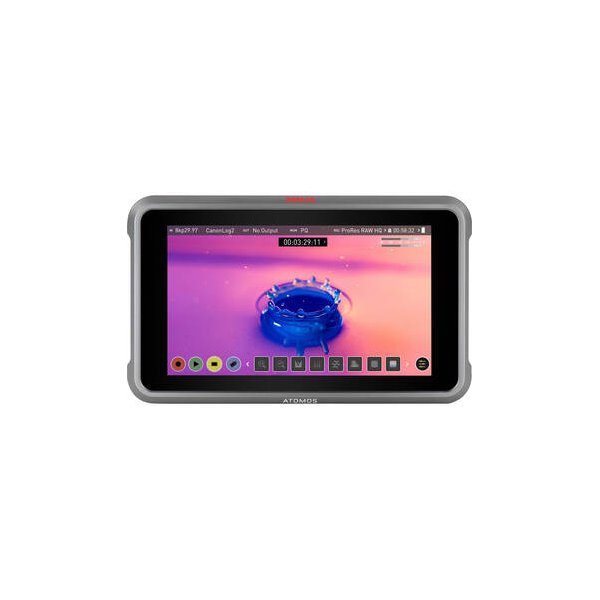
Atomos Ninja 5.2" 4K HDMI Recording Monitor
Atomos
Libec Rec/Stop Remote Control for Atomos Recorders/LANC Equipment
Libec
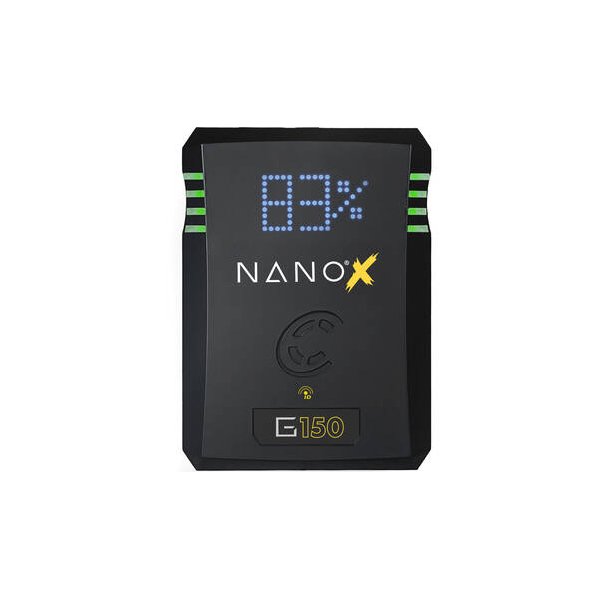
Core SWX NANO Micro 147Wh Lithium-Ion Battery (V-Mount)
Core SWX
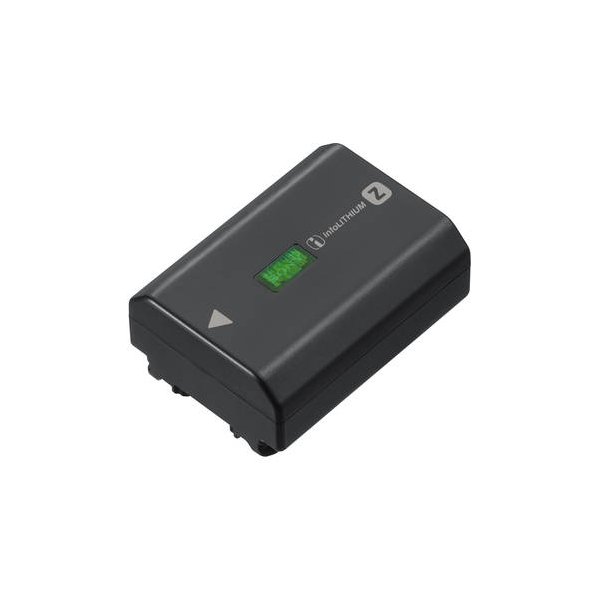
SmallRig NP-FZ100 Kit with 2 Batteries and 2-Bay USB Charger
SmallRig
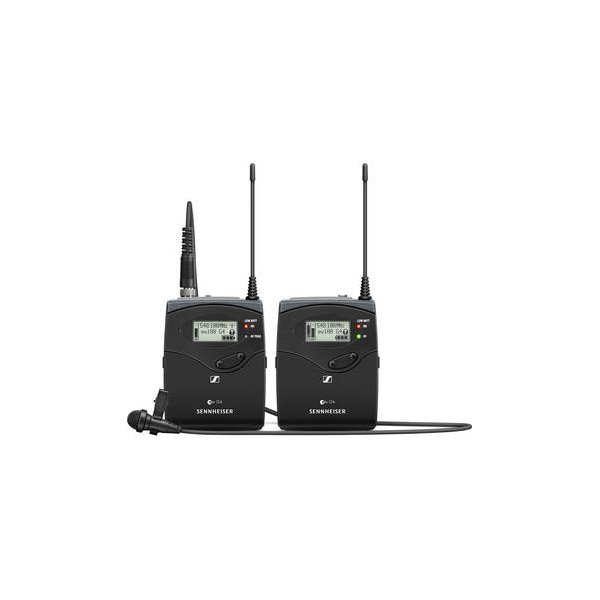
Sennheiser EW 112P G4 Camera-Mount Wireless Omni Lavalier Microphone System (A: 516 to 558 MHz)
Sennheiser
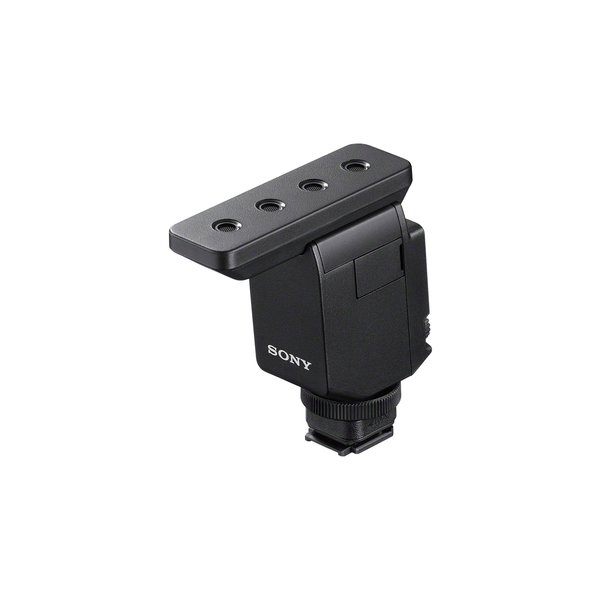
Sony ECM-B10 Compact Camera-Mount Digital Shotgun Microphone
Sony
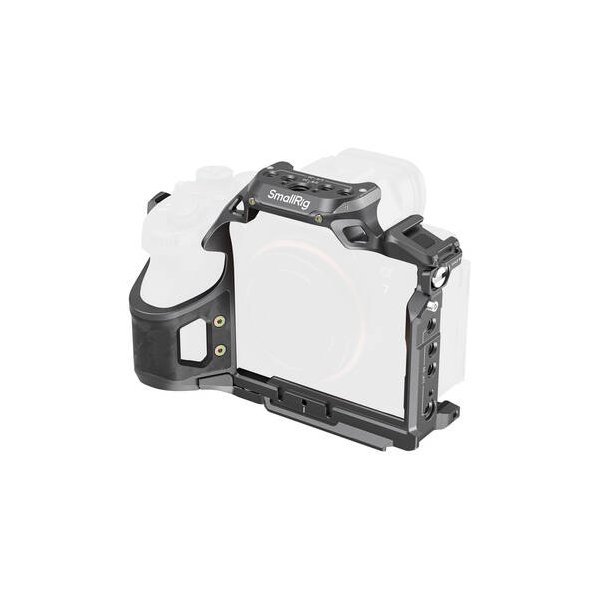
SmallRig Full Camera Cage for Select Sony Alpha Series Cameras
SmallRig
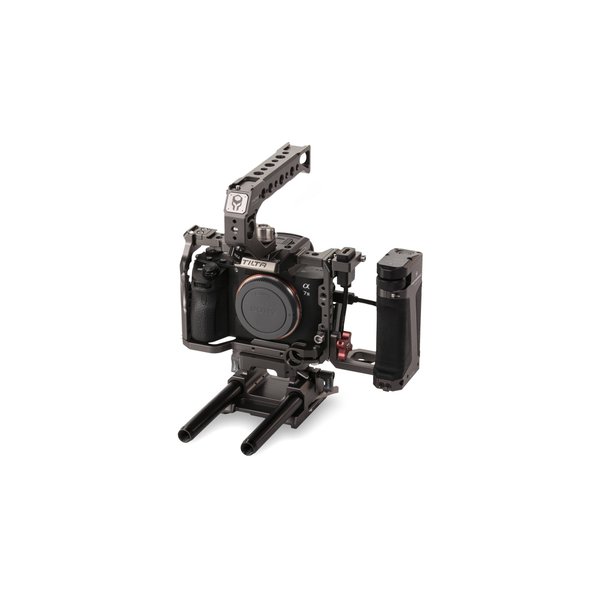
Tilta Sony a7/a9 Series Kit C (Tilta Gray)
Tilta
Related comparisons
The FX3 is a cinema-focused powerhouse; the a7S III is the ultimate hybrid for photo and video.
See full comparison a7S III vs FX6The FX6 is a dedicated cinema workhorse with pro features; the a7S III is a versatile hybrid mirrorless for compact, run-and-gun shoots.
See full comparison a7S III vs a7 V (Alpha 7V)The a7S III is the low-light video king; the a7 V is the versatile hybrid with superior resolution and AI-driven AF.
See full comparison a7S III vs a7 IVThe a7 IV is a hybrid powerhouse; the a7S III is a dedicated low-light video beast.
See full comparison a7S III vs Z6 IIIThe Nikon Z6 III wins for hybrid shooters needing internal 6K RAW and higher resolution; the Sony A7S III owns low-light video with its exceptional dynamic range.
See full comparison a7S III vs Canon EOS R5The Canon EOS R5 excels in resolution with 8K RAW; the Sony a7S III dominates low light and extended 4K video.
See full comparison