Technical specifications
- Sensor
- Full-Frame CMOS
- Sensor Size
- 35.7 x 23.8 mm
- Megapixels
- 61
- Mount
- Sony E
- Max Resolution
- 6K (7680x4320)
- Max Frame Rate
- 120fps @ 1080p
- Codec
- XAVC S-I, XAVC HS, XAVC S, H.265, H.264
- ISO Range
- ISO 50–102400
- Log / Gamma
- HDR-HLG, S Cinetone, Sony S-Log 2, Sony S-Log 3
- Autofocus
- Phase-detect, 693 points
- Stabilization
- Sensor-Shift, 5-Axis
- Ports
- 1x HDMI, 1x 1/8" / 3.5 mm TRS Stereo Headphone, 1x 1/8" / 3.5 mm TRS, 1x USB-C, 1x PC Flash Sync, 1x Sony Multi/Micro-USB (USB 2.0) Remote, 1x USB-C (USB 3.2 / 3.1 Gen 2) Data Output (Shared with Power Input)
- Battery
- 1x NP-FZ100 Rechargeable Lithium-Ion, 7.2 VDC, 2280 mAh (Included)<br>• Approx. 440 Shots
- Weight
- 723g
- Dimensions
- 131.3 x 96.9 x 82.4 mm
- MSRP
- $3,899
Add your voice
Your ratings help other filmmakers choose the right camera.
Own it?
What do you use this for?
Field guide
Overview
The Sony α7R V (ILCE-7RM5) is a high-resolution, full-frame mirrorless camera designed for professionals who demand extreme detail and advanced subject tracking. Positioned as a powerhouse for studio, landscape, and commercial work, it competes at the top of the high-resolution market. Its standout feature is the 61MP full-frame sensor, which, when paired with the latest BIONZ XR processor, enables sophisticated AI-based subject recognition that tracks humans, animals, birds, insects, cars, trains, and airplanes with remarkable precision.
Beyond its still-image prowess, the α7R V offers robust video capabilities, including 8K and 4K recording, and a highly flexible 4-axis multi-angle LCD monitor that is a game-changer for both stills and video. The camera also features advanced connectivity options, including high-speed USB-C, Wi-Fi, and FTP transfer capabilities, making it a versatile tool for studio-to-client workflows.
This camera is ideal for studio photographers, landscape artists, and high-end content creators who need the flexibility to crop heavily without losing detail. Its sophisticated autofocus system and high-resolution output make it a top-tier choice for demanding professional productions.
Pros & Cons
Pros
61MP full-frame sensor provides incredible detail for large-format printing and heavy cropping.
AI-based subject recognition tracks a wide variety of subjects, including insects and vehicles, with high reliability.
4-axis multi-angle LCD monitor offers superior flexibility for both high/low-angle shooting and self-portraits.
Supports high-bitrate XAVC S-I and XAVC HS 8K/4K recording for professional video workflows.
Dual card slots support both CFexpress Type A and SD (UHS-II) cards for flexible storage management.
Cons
8K recording and high-resolution shooting can lead to rapid heat buildup, potentially limiting continuous recording times.
Large 61MP files require significant storage space and powerful computer hardware for efficient post-processing.
The camera is not compatible with CFexpress Type B cards, limiting options for high-speed, high-capacity media.
Advanced features like 8K recording disable certain settings, such as APS-C/Super 35mm shooting, limiting creative flexibility.
The high-resolution sensor is less forgiving of camera shake, necessitating high-quality lenses and stable support.
Best Settings
Narrative Filmmaking
Use XAVC S-I 4K for high-quality intra-frame compression, which is easier to edit. Set Picture Profile to S-Log3 for maximum dynamic range, and use Gamma Display Assist to monitor the image correctly. Ensure 4-channel audio is set if using a compatible XLR adapter.
Documentary / Run-and-Gun
Use XAVC HS 4K for efficient file sizes. Enable 'Touch Tracking' for quick subject acquisition. Set 'Auto Power OFF Temp.' to 'High' to prevent premature shutdowns during long interviews or events.
Interview & Talking Head
Use 'Subject Recognition' set to 'Human' to ensure the eyes are always in focus. Set the audio recording level manually using the on-screen level meters to avoid clipping.
Slow Motion
Use S&Q mode. Note that slow-motion is not available in 8K. For 4K slow motion, ensure you are using a VPG200 or higher CFexpress Type A card to handle the higher bit rates.
Common Issues
Overheating during 8K/4K recording
What's happening: The camera stops recording or displays an overheating warning. Why: High-resolution video processing generates significant heat. Fix: Set [Auto Power OFF Temp.] to [High]. Allow the camera to cool down completely before resuming. Prevention: Use a tripod to avoid holding the camera, and keep it out of direct sunlight.
Memory card errors
What's happening: The camera displays a memory card error or cannot record. Why: The card may be incompatible, damaged, or formatted incorrectly. Fix: Format the card using the camera's [Format] function. If the error persists, try a different card. Prevention: Always format cards in the camera, not on a computer.
Autofocus not locking on eyes
What's happening: The camera fails to track the subject's eyes. Why: The subject may be too far, obscured, or the wrong recognition target is selected. Fix: Ensure [Subject Recog in AF] is [On] and the correct [Recognition Target] (e.g., Human, Animal) is selected. Prevention: Ensure the subject's face is well-lit and not obstructed by hair or glasses.
Audio not recording
What's happening: No sound is recorded in the movie file. Why: [Audio Recording] may be set to [Off]. Fix: Check MENU → (Shooting) → [Audio Recording] → [Audio Recording] and set it to [On].
FAQ
- Can the Sony α7R V shoot 4K at 120fps?
The manual indicates that the camera supports various frame rates, but specifically notes that slow-motion/quick-motion recording is not available with XAVC HS 8K. For other formats, check the S&Q settings menu for available frame rates.
- What memory cards does the Sony α7R V use?
The camera supports CFexpress Type A memory cards and SD memory cards (UHS-I, UHS-II compatible). CFexpress Type B cards are not supported.
- How do I clean the image sensor on the Sony α7R V?
Go to MENU → (Setup) → [Setup Option] → [Anti-dust Function] → [Sensor Cleaning]. Ensure the battery is charged to at least 51% before starting.
- Does the Sony α7R V overheat?
The camera may stop recording to protect itself if the internal temperature rises. You can set [Auto Power OFF Temp.] to [High] to allow for longer recording times, but be aware of the camera's surface temperature.
- Can I use my old A-mount lenses on the Sony α7R V?
Yes, you can use A-mount lenses with a compatible Mount Adaptor (LA-EA3, LA-EA4, or LA-EA5). Functionality varies by adapter and lens type.
- How do I reset the Sony α7R V to factory settings?
Go to MENU → (Setup) → [Reset/Save Settings] → [Setting Reset] → [Initialize]. Note that this will reset all settings to default.
- Does the Sony α7R V support USB streaming?
Yes, you can connect the camera to a computer via USB and use it for livestreaming. Set the USB Connection Mode to [USB Streaming] in the menu.
- How do I update the firmware on the Sony α7R V?
You can check the current version in MENU → (Setup) → [Setup Option] → [Version]. If a new version is available, you can update it using a memory card containing the firmware file.
Recommended Accessories
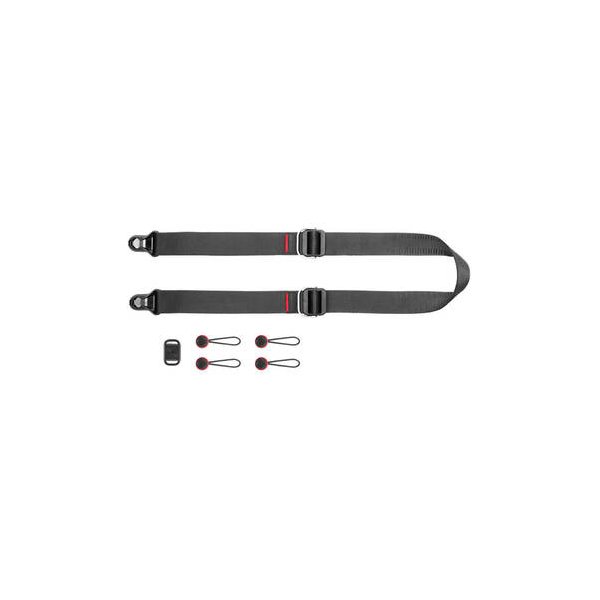
Peak Design SlideLITE Camera Strap SLL-1 (Black)
Peak Design
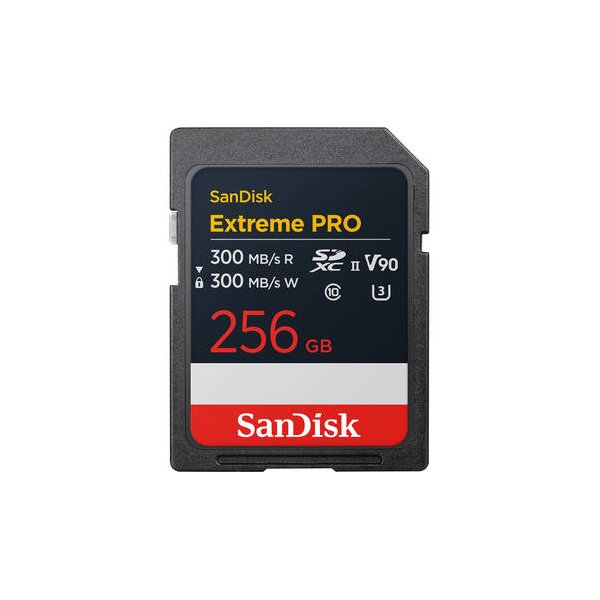
SanDisk 128GB Extreme PRO UHS-II SDXC Memory Card
SanDisk
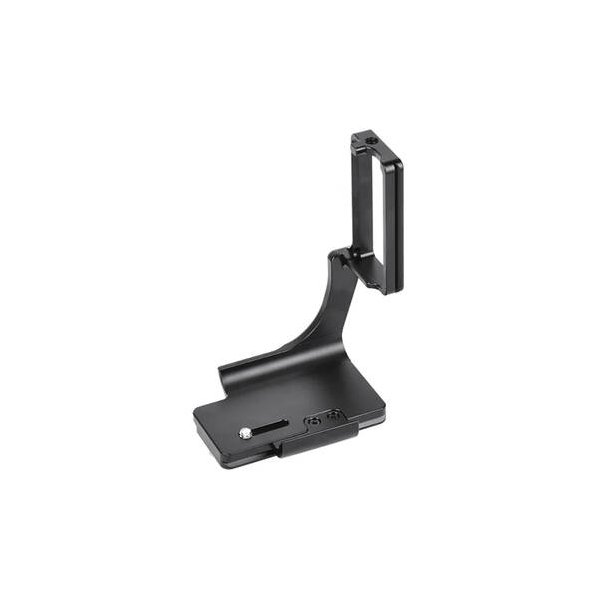
SmallRig Foldable L-Bracket for Sony a7 IV, a7R V & a7S III
SmallRig
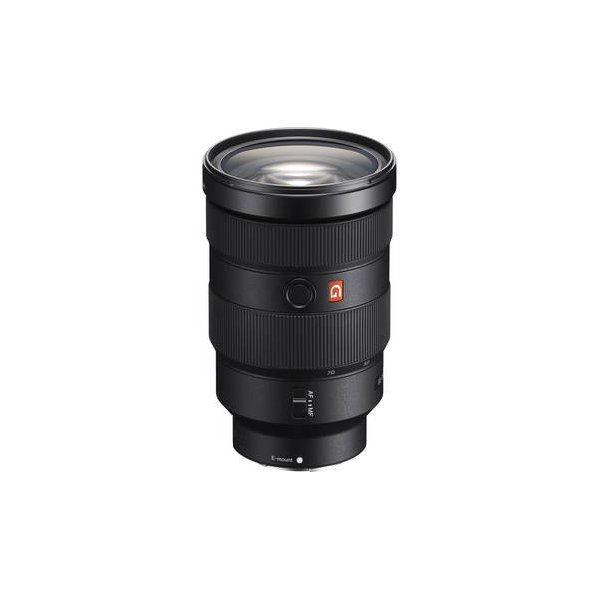
Sony FE 24-70mm f/2.8 GM II Lens (Sony E)
Sony
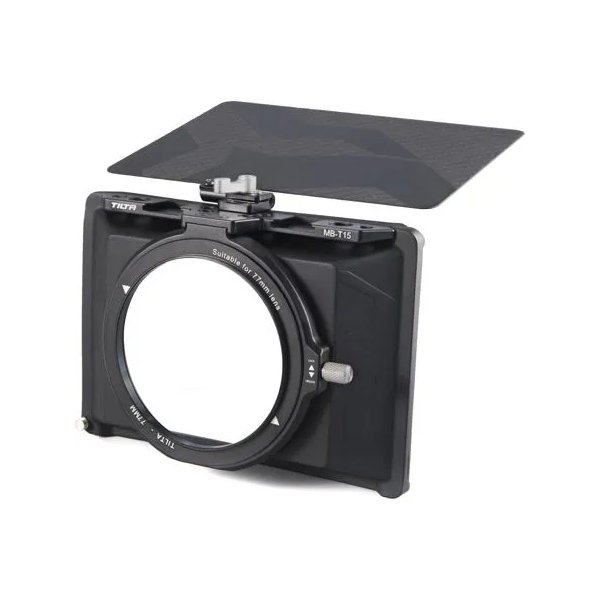
Tilta Mini Matte Box
Tilta
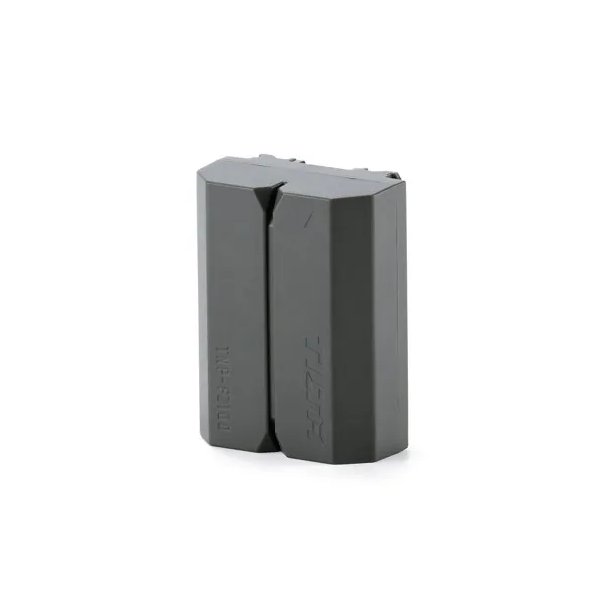
Tilta NP-FZ100 Lithium-ion Battery with USB-C - Green
Tilta
Related comparisons
The Nikon Z8 excels for hybrid video/stills, while the Sony a7R V dominates for ultra-high-resolution photography.
See full comparison a7R V vs GFX100 IIThe GFX100 II delivers unparalleled medium format resolution; the a7R V offers high-res full-frame with superior AF and versatility.
See full comparison