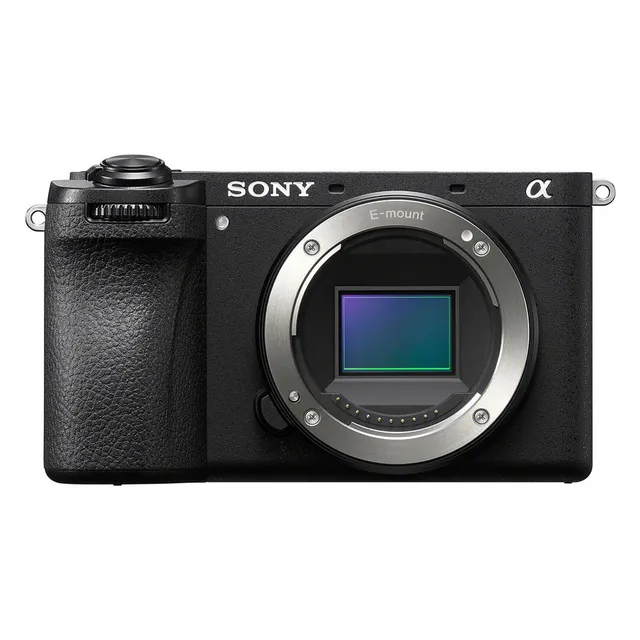
Technical specifications
- Sensor
- APS-C CMOS
- Sensor Size
- 23.3 x 15.5 mm
- Megapixels
- 26
- Mount
- Sony E
- Max Resolution
- 4K UHD (3840x2160)
- Max Frame Rate
- 120fps @ 4K UHD
- Codec
- XAVC S-I, XAVC HS, XAVC S
- ISO Range
- ISO 50–102400
- Log / Gamma
- HDR-HLG, S Cinetone, Sony S-Log 3
- Autofocus
- Phase-detect, 759 points
- Stabilization
- Sensor-Shift, 5-Axis
- Ports
- 1x Micro-HDMI, 1x 1/8" / 3.5 mm TRS Stereo Headphone, 1x 1/8" / 3.5 mm TRS, 1x USB-C, 1x USB-C Data Output (Shared with Power Input)
- Battery
- 1x NP-FZ100 Rechargeable Lithium-Ion (Included)<br>• Approx. 550 Shots
- Weight
- 411g
- Dimensions
- 122 x 69 x 75.1 mm
- MSRP
- $1,399
Add your voice
Your ratings help other filmmakers choose the right camera.
Own it?
What do you use this for?
Field guide
Overview
The Sony α6700 (ILCE-6700) is a powerful, compact APS-C mirrorless camera designed for both high-end stills and serious video production. It sits at the top of Sony's APS-C lineup, offering a sophisticated feature set that bridges the gap between enthusiast photography and professional cinema workflows. With its advanced subject recognition autofocus and robust video capabilities, it is a compelling choice for creators who need a lightweight, versatile tool that doesn't compromise on performance.
What makes the α6700 particularly interesting is its integration of high-end features like 4K video recording, advanced subject recognition, and a highly customizable interface, all packed into a portable body. The camera is built for those who need a reliable, all-in-one solution for run-and-gun documentary work, vlogging, or high-quality content creation where portability is paramount.
Whether you are a filmmaker looking for a B-cam that matches your full-frame cinema cameras, or a content creator needing a reliable, high-performance camera for interviews and vlogs, the α6700 offers a comprehensive suite of tools. Its extensive customization options, including the ability to assign frequently used functions to buttons and dials, make it a highly adaptable camera for any production environment.
Pros & Cons
Pros
Advanced subject recognition autofocus automatically tracks eyes and subjects, significantly improving hit rates for fast-moving subjects.
Highly customizable interface allows for assigning frequently used functions to buttons and dials, streamlining the workflow on set.
Compact and lightweight body makes it ideal for run-and-gun documentary work and vlogging.
Supports 4K video recording with advanced features like Log shooting and LUT support for professional color grading.
Touch panel functionality allows for intuitive focus control and menu navigation, which is essential for quick adjustments.
Cons
The camera may become warm during long periods of 4K recording, which can lead to automatic power-off to protect the internal components.
The small body size can make it difficult to handle with larger, heavier lenses, potentially requiring a cage or grip for better balance.
The menu system is extensive and can be overwhelming for beginners, requiring time to learn and customize effectively.
Some advanced features, like certain high-frame-rate modes, may have limitations or crop the sensor, affecting the field of view.
The battery life can be limited when using the monitor at high brightness or during intensive continuous shooting, necessitating spare batteries.
Best Settings
Narrative Filmmaking
Use the 'Movie' mode on the Still/Movie/S&Q dial. Set the file format to XAVC S-I 4K for high-quality Intra compression. Use a Picture Profile (like S-Log3) for maximum dynamic range, and enable 'Display LUT' to monitor the look on set. Set the frame rate to 24p for a cinematic look.
Documentary / Run-and-Gun
Use 'Intelligent Auto' or 'Aperture Priority' for quick adjustments. Enable 'Subject Recognition AF' to ensure your subject stays in focus. Use the 'Touch Tracking' function to quickly select and track subjects on the fly. Set the 'SteadyShot' to 'Active' for smoother handheld footage.
Interview & Talking Head
Use 'Manual Exposure' to lock in your settings. Enable 'Subject Recognition AF' with 'Recognition Target' set to 'Human' to keep the subject's eyes in sharp focus. Use an external microphone connected to the 3.5mm jack and monitor audio levels using the 'Audio Rec Level' setting.
Slow Motion
Set the Still/Movie/S&Q dial to 'S&Q'. Select 'S&Q Motion' and set the frame rate to 120fps (or 100fps in PAL) for smooth slow-motion playback. Note that sound is not recorded in S&Q mode.
Common Issues
Overheating during 4K recording
What's happening: The camera turns off automatically during long 4K recording sessions. Why: The internal temperature has risen due to continuous high-performance processing. Fix: Turn the power off and wait for the camera to cool down. Set [Auto Power OFF Temp.] to [High] in the menu to allow for longer recording times. Prevention: Keep the camera out of direct sunlight and turn it off when not in use.
Memory card error
What's happening: The camera displays a 'Memory Card Error' or 'Database file error'. Why: The memory card may be incompatible, damaged, or the database file is corrupted. Fix: Try formatting the card using the [Format] option in the camera menu. If the error persists, try a different, compatible SD card. Prevention: Always format new cards in the camera and avoid removing the card while the access lamp is lit.
Autofocus not locking on
What's happening: The camera struggles to focus on the subject. Why: The subject may have poor contrast, be in low light, or be moving too fast for the current settings. Fix: Ensure [Subject Recog in AF] is set to [On] and the correct [Recognition Target] is selected. If using manual focus, use [Peaking Display] or [Focus Magnifier] to assist. Prevention: Use a faster shutter speed and ensure the subject is within the focus area.
Audio not recording
What's happening: No sound is recorded in the movie file. Why: [Audio Recording] may be set to [Off]. Fix: Go to MENU → (Shooting) → [Audio Recording] and set [Audio Recording] to [On]. Prevention: Check your audio settings before starting a recording session.
FAQ
- Can the Sony α6700 shoot 4K at 120fps?
The Sony α6700 supports high frame rate recording, but please note that 4K 120p/100p recording is not supported. You can record at high frame rates in HD resolution for slow-motion effects.
- What memory card does the Sony α6700 use?
The Sony α6700 supports SD memory cards (UHS-II compatible). For high-bitrate movie recording, use SDXC V60 or V90 cards depending on the format and bit rate.
- Does the Sony α6700 overheat?
During long periods of 4K recording, the camera and battery may become warm. This is normal, but if the temperature rises too high, the camera may turn off automatically to protect itself. You can set [Auto Power OFF Temp.] to [High] to allow for longer recording times.
- How do I clean the image sensor on the Sony α6700?
You can use the built-in sensor cleaning function by going to MENU → (Setup) → [Setup Option] → [Sensor Cleaning]. After the sensor vibrates, turn off the camera, detach the lens, and use a commercially available blower to remove dust.
- Can I use a smartphone as a remote for the Sony α6700?
Yes, you can use the Creators' App on your smartphone to control the camera, including remote shooting and transferring images. You need to pair the camera with your smartphone via Bluetooth first.
- How do I reset the Sony α6700 to factory settings?
You can reset the camera by going to MENU → (Setup) → [Reset/Save Settings] → [Setting Reset] → [Initialize]. This will reset all settings to their defaults, but your recorded images will be retained.
- Does the Sony α6700 have built-in ND filters?
No, the Sony α6700 does not have built-in ND filters. You will need to use external ND filters on your lenses to control exposure in bright conditions.
- Can I record audio in 4 channels on the Sony α6700?
Yes, you can record 4-channel audio if you attach a compatible audio accessory that supports 4-channel and 24-bit audio recording to the Multi Interface Shoe.
Recommended Accessories
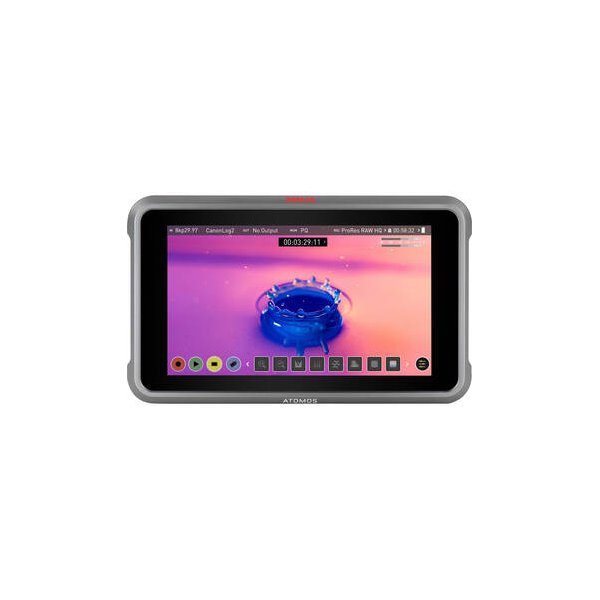
Atomos Ninja 5.2" 4K HDMI Recording Monitor
Atomos
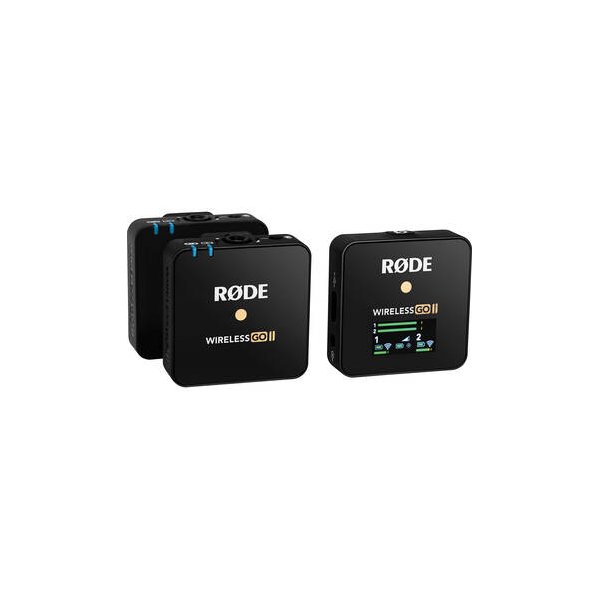
RODE Wireless GO II TX Transmitter/Recorder for Wireless GO II System (2.4 GHz, Black)
RODE
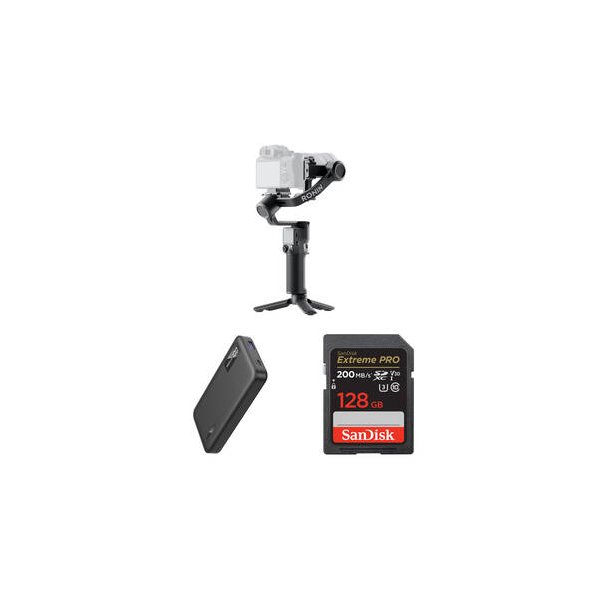
DJI RS 3 Mini Gimbal Stabilizer
DJI
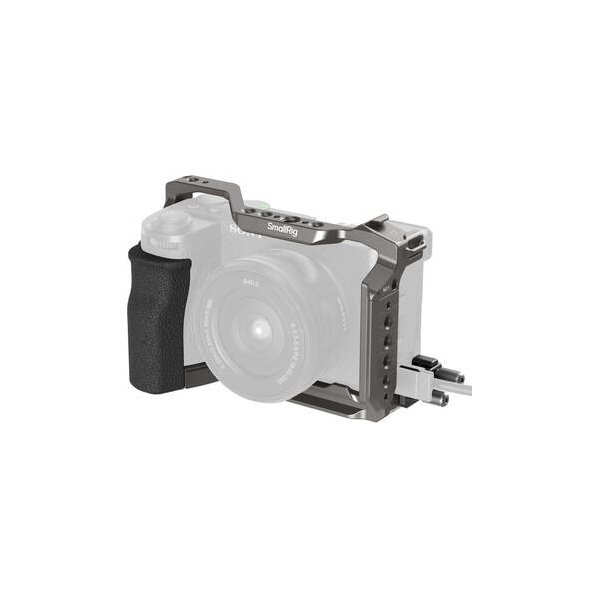
SmallRig Full Camera Cage Kit for Sony a6700
SmallRig
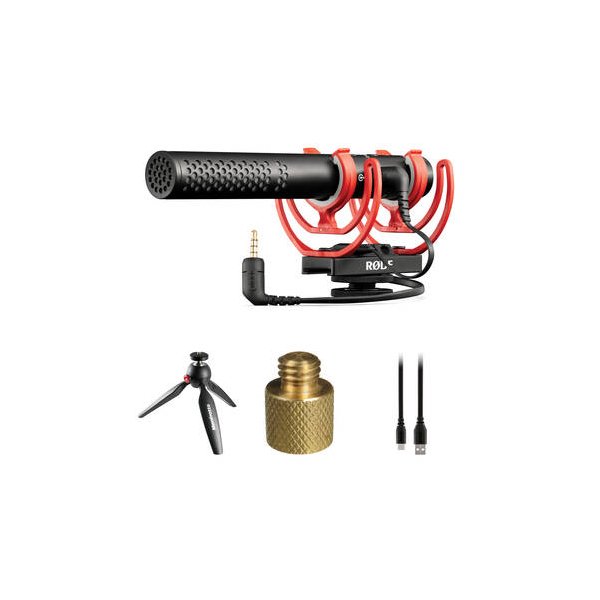
RODE VideoMic NTG Hybrid Analog/USB Camera-Mount Shotgun Microphone
RODE
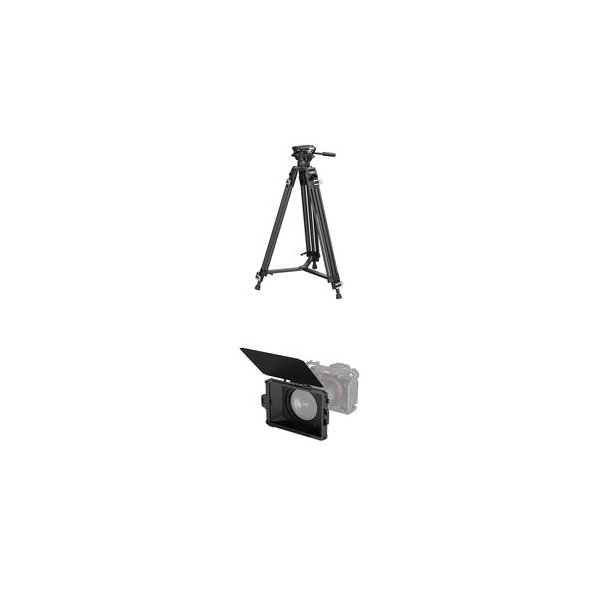
SmallRig Mini Matte Box Lite
SmallRig
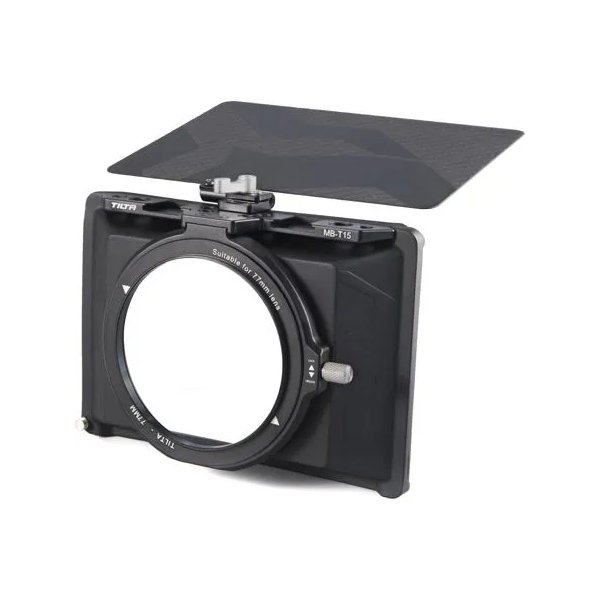
Tilta Mini Matte Box
Tilta
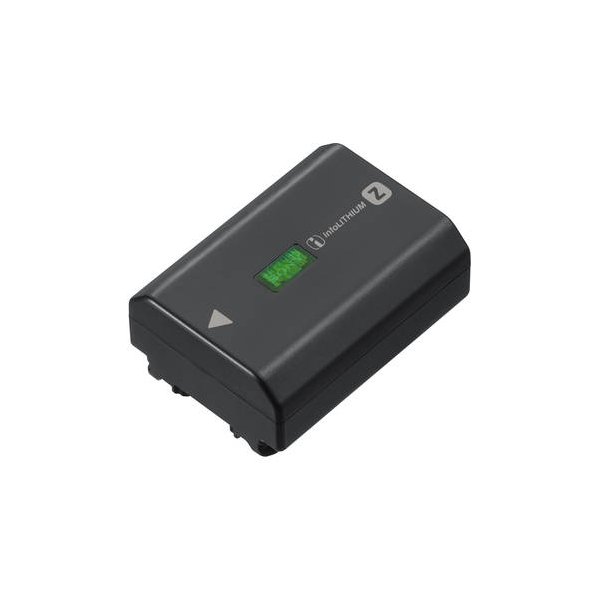
SmallRig NP-FZ100 Kit with 2 Batteries and 2-Bay USB Charger
SmallRig
Related comparisons
The a6700 excels as a hybrid shooter, while the FX30 is a dedicated cinema camera with superior image quality.
See full comparison a6700 vs X-H2SThe X-H2S excels for professional video with ProRes and 6.2K; the A6700 wins for compact hybrid shooting with AI AF.
See full comparison a6700 vs Osmo Pocket 3The Osmo Pocket 3 excels in ultra-portable, gimbal-stabilized content; the a6700 offers professional versatility with interchangeable lenses.
See full comparison a6700 vs ZrThe Nikon Zr is a full-frame cinema powerhouse with RAW codecs; the Sony a6700 is a compact, high-frame-rate APS-C hybrid.
See full comparison a6700 vs X-S20The Fujifilm X-S20 offers 6K video and 240fps 1080p; the Sony a6700 provides superior autofocus and pro codecs.
See full comparison