Technical specifications
- Sensor
- Full-Frame BSI
- Sensor Size
- 36 x 24 mm
- Megapixels
- 61
- Mount
- L-Mount
- Max Resolution
- 4K UHD (3840x2160)
- Max Frame Rate
- 120fps @ 1080p
- Codec
- H.264, CinemaDNG
- ISO Range
- ISO 6–102400
- Autofocus
- Phase-detect, 49 points
- Stabilization
- Digital (Video Only)
- ND Filter
- No
- Ports
- 1x Micro-HDMI, 1x 1/8" / 3.5 mm TRS, 1x USB-C Input/Output, 1x 1/8" / 3.5 mm Remote Input (Shared with Audio Input), 1x USB-C (USB 3.2 / 3.1 Gen 1) Data Input/Output (Shared with Power Input)
- Battery
- 1x BP-51 Rechargeable Lithium-Ion, 7.2 VDC, 1200 mAh (Included)<br>• Approx. 240 Shots
- Weight
- 375g
- Dimensions
- 112.6 x 69.9 x 45.3 mm
- MSRP
- $2,499
Add your voice
Your ratings help other filmmakers choose the right camera.
Own it?
What do you use this for?
Field guide
Overview
The Sigma fp L is a unique, ultra-compact full-frame mirrorless camera that occupies a niche space between high-end cinema tools and minimalist street photography rigs. By utilizing a 61-megapixel back-illuminated Bayer CMOS sensor, it offers exceptional resolution in a body that is remarkably small, making it an intriguing choice for cinematographers who need a lightweight 'Director's Viewfinder' or a secondary camera that doesn't compromise on image fidelity. Its modular design and L-Mount compatibility allow it to integrate into a wide variety of professional workflows, from high-end studio stills to specialized video production.
What sets the fp L apart is its lack of a mechanical shutter, relying entirely on an electronic shutter to achieve its compact form factor and silent operation. The manual highlights its robust feature set, including advanced video capabilities like CinemaDNG recording, internal crop zoom, and a comprehensive suite of color modes that allow for significant in-camera creative control. It also features a unique 'Director's Viewfinder' mode, which simulates the field of view of various professional cinema cameras, making it an essential tool for pre-production planning.
This camera is best suited for experienced filmmakers and photographers who value portability without sacrificing resolution. It is particularly well-suited for documentary work, travel photography, and as a specialized tool for cinematographers who need to quickly preview framing for different cinema camera systems. While its form factor is a major advantage, users should be prepared for the specific operational requirements of an electronic-shutter-only system.
Pros & Cons
Pros
Extremely compact and lightweight body makes it ideal for gimbal work and travel.
High-resolution 61MP sensor provides incredible detail for both stills and high-end video.
Director's Viewfinder mode is a game-changer for pre-production, simulating various cinema camera sensors.
Supports CinemaDNG recording for high-quality, raw video workflows.
Modular design allows for extensive customization with optional accessories like the EVF-11.
Cons
Electronic shutter only can lead to rolling shutter distortion when shooting fast-moving subjects.
Lack of a mechanical shutter limits flash sync speed to 1/15 sec or slower.
The small body can lead to overheating during extended high-bitrate recording sessions.
No internal mechanical image stabilization, relying on electronic stabilization which has limitations.
The minimalist design lacks a dedicated grip, which can make handling with larger lenses difficult without optional accessories.
Best Settings
Narrative Filmmaking
Use CinemaDNG format for maximum dynamic range and color grading flexibility. Set the frame rate to 23.98fps or 24fps for a cinematic look. Use a 180-degree shutter angle to maintain natural motion blur. Always use an external SSD for recording to ensure stable bitrates.
Documentary / Run-and-Gun
Switch to MOV format with GOP compression to save storage space while maintaining high quality. Use 'Auto' ISO with a set limit to ensure exposure consistency in changing light. Enable 'Face/Eye Detection AF' to keep subjects sharp without constant manual focus adjustments.
Interview & Talking Head
Set the camera to a fixed ISO (e.g., 400) for the cleanest image. Use a custom white balance to ensure consistent skin tones. If using an external monitor, ensure HDMI output is set to 'Clean' to avoid recording menu overlays.
Slow Motion
Select 100fps or 119.88fps in the frame rate menu. Note that this may limit resolution or require specific media (SSD) for reliable recording. Ensure your shutter speed is adjusted accordingly (e.g., 1/200 or 1/250) to maintain proper motion cadence.
Common Issues
Overheating during prolonged use
What's happening: The camera displays a warning icon and may shut down automatically. Why: Extended high-resolution or high-bitrate recording generates significant heat in the compact body. Fix: Turn the camera off and wait at least 10 minutes for it to cool down. Prevention: Use an external power source like the AC adapter SAC-7P to reduce internal battery heat, and avoid recording in direct sunlight.
Rolling shutter distortion
What's happening: Fast-moving subjects appear skewed or 'jello-like' in the footage. Why: The electronic shutter reads the sensor line-by-line, which is slower than a mechanical shutter. Fix: Use a faster shutter speed or avoid rapid panning. Prevention: Use a mechanical shutter camera for high-speed action if possible, or keep camera movements smooth and controlled.
Recording stops unexpectedly
What's happening: Movie recording terminates before the expected time. Why: The memory card may be too slow for the selected bit rate, or the camera has reached its thermal limit. Fix: Check the 'BIT RATE AND COMPATIBLE MEDIA' table in the manual to ensure your media is fast enough. Prevention: Use high-speed UHS-II SD cards or a reliable external SSD for high-bitrate recording.
Autofocus hunting
What's happening: The camera struggles to lock focus on the subject. Why: The subject may be in low light, or the lens is not compatible with the current AF mode. Fix: Ensure the lens is set to 'AF' and the camera is in the correct focus mode (AF-S or AF-C). Prevention: Use the 'Focus Limiter' to restrict the search range if the subject distance is known.
FAQ
- Does the Sigma fp L have a mechanical shutter?
No, the Sigma fp L is not equipped with a mechanical shutter. It uses an electronic shutter to control the image sensor, which allows for silent operation but requires caution when shooting fast-moving subjects to avoid distortion.
- Can the Sigma fp L record raw video?
Yes, the Sigma fp L supports CinemaDNG recording. This format provides raw video data, which is excellent for professional color grading, though it requires significant storage space and compatible media.
- What memory cards are compatible with the Sigma fp L?
The camera supports SD, SDHC, and SDXC memory cards, including UHS-II standards. For high-bitrate video recording, an external SSD connected via USB 3.0 is recommended.
- How do I use the Sigma fp L as a webcam?
Set the CINE/STILL switch to 'CINE', connect the camera to your computer via USB, and set the [USB mode] to [Video Class (UVC)]. This allows the camera to be recognized as a standard webcam by your computer.
- What is the maximum flash sync speed for the Sigma fp L?
Due to the electronic shutter, the flash sync speed is limited to 1/15 sec or less. If the image quality is set to DNG or DNG+JPEG with 14-bit depth, the sync speed is further limited to 1/10 sec or less.
- Does the Sigma fp L support internal image stabilization?
The camera does not have mechanical in-body image stabilization. It offers electronic stabilization for video, but this is not available at all frame rates and cannot be used simultaneously with lens-based optical stabilization.
- Can I use my existing lenses on the Sigma fp L?
The Sigma fp L uses the L-Mount. You can use any L-Mount lens natively. With the optional Sigma MC-21 Mount Converter, you can also use Sigma SA mount or Canon EF mount lenses.
- How do I update the firmware on the Sigma fp L?
Firmware updates can be performed by downloading the latest file from the official Sigma website and following the instructions provided in the [Firmware Update] menu within the camera's system settings.
Recommended Accessories
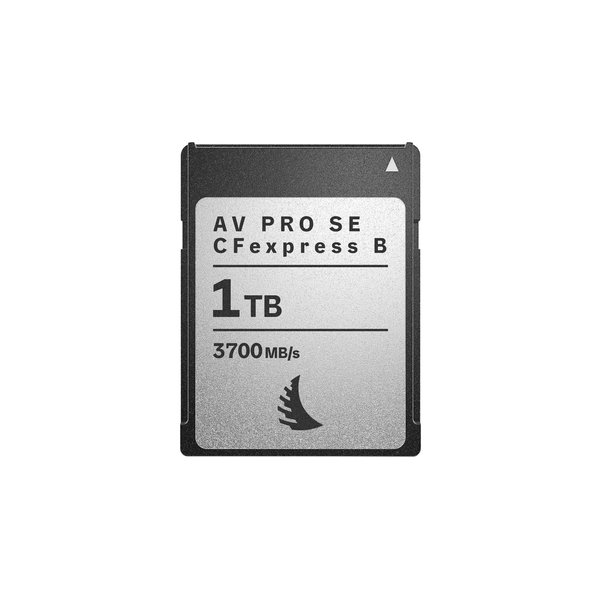
Angelbird 1TB AV PRO SE CFexpress v4 Type B Memory Card
Angelbird
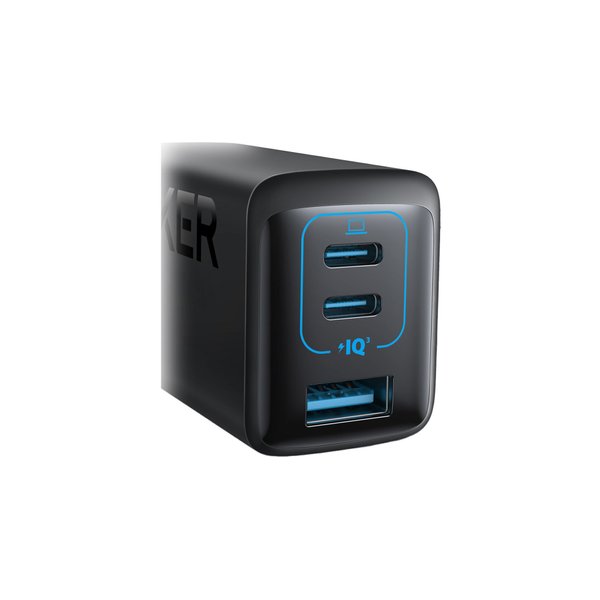
Anker PowerPort III 65W 3-Port USB Wall Charger
Anker
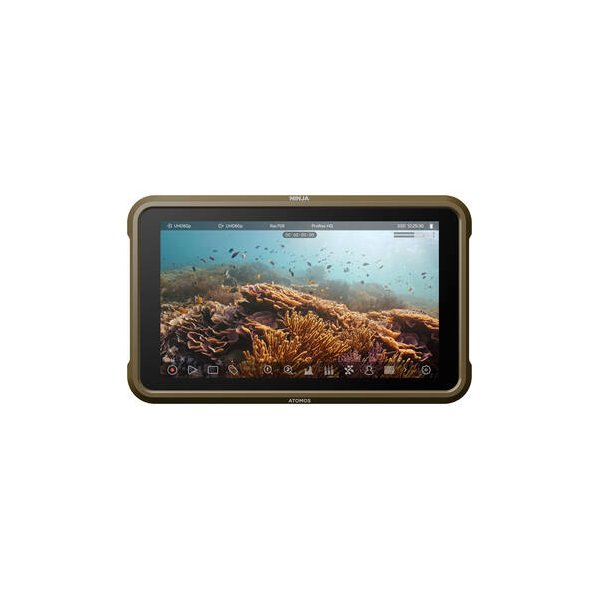
Atomos Ninja V 5" 4K HDMI Recording Monitor
Atomos
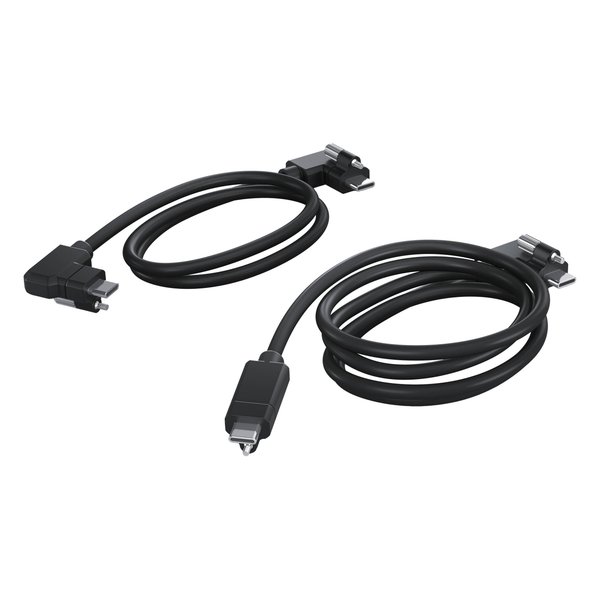
Blackmagic Design USB Cable Set for PYXIS Monitor
Blackmagic

PORTKEYS BM5 Monitor Camera Control Cable for Select LANC Cameras (15.75")
PORTKEYS
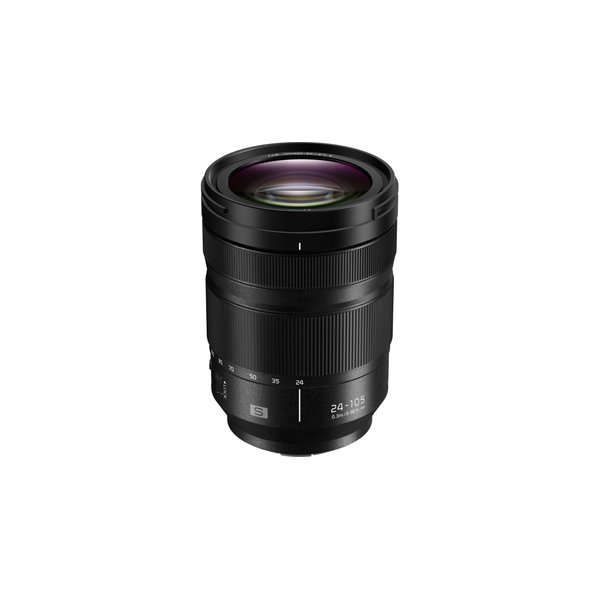
Panasonic LUMIX S 24-105mm f/4 Macro O.I.S. Lens
Panasonic
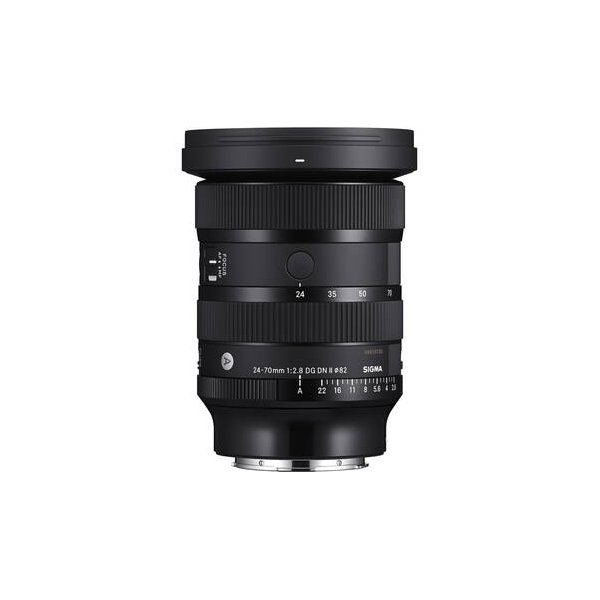
Sigma 24-70mm f/2.8 DG DN II Art Lens (Sony E)
Sigma
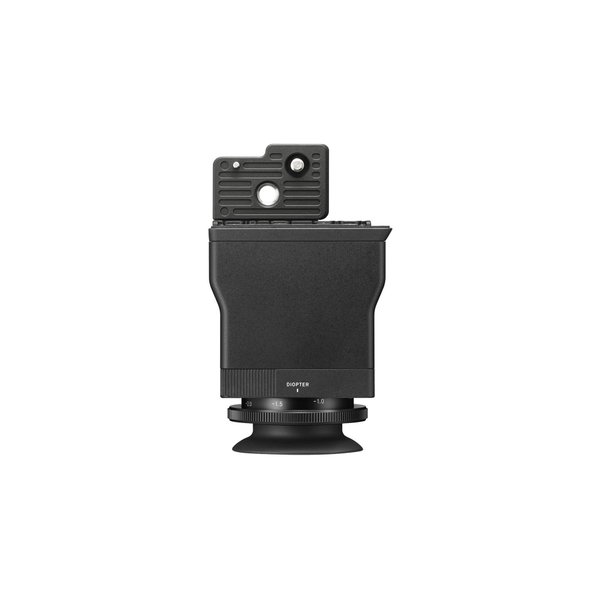
Sigma LVF-11 LCD Viewfinder
Sigma
Related comparisons
The Sigma fp L excels in modular raw video, while the Sony a7 IV dominates as a versatile hybrid with superior AF and stabilization.
See full comparison fp L vs Pocket Cinema Camera 6KThe BMPCC 6K is a cinema workhorse for narrative, while the Sigma fp L offers a compact full-frame hybrid solution.
See full comparison fp L vs LUMIX BS1HThe BS1H is a cinema-focused box camera for multi-cam setups, while the fp L is a compact, high-resolution hybrid shooter.
See full comparison