Technical specifications
- Sensor
- 35 mm full-frame CMOS sensor
- Sensor Size
- 35.6 x 23.8 mm
- Megapixels
- 24.2
- Max Resolution
- 6000x4000
- Max Frame Rate
- 180 fps (FHD)
- Codec
- MP4 (H.264, H.265), MOV (H.264, H.265, Apple ProRes)
- Dynamic Range
- 14+ stops
- ISO Range
- ISO 100–51200
- Log / Gamma
- V-Log, HLG, Cinelike D2, Cinelike V2, Like709
- Autofocus
- Phase Hybrid AF
- Stabilization
- 5-axis in-body image stabilization, Dual I.S. 2, 5-Axis Hybrid Image Stabilizer (video)
- Ports
- USB-C 3.2 Gen 2, HDMI Type A, 2.5mm remote jack, 3.5mm stereo mini jack (Mic/Line), 3.5mm stereo mini jack (Headphones), XLR (via DMW-XLR1 adapter)
- Battery
- DMW-BLK22
- Weight
- 740g
- Dimensions
- 134.3 mm x 102.3 mm x 90.1 mm
- MSRP
- $2,199.99
- Released
- 2023
Add your voice
Your ratings help other filmmakers choose the right camera.
Own it?
What do you use this for?
Field guide
Overview
The Panasonic Lumix S5IIx is a powerhouse hybrid camera that firmly establishes itself as a top-tier tool for serious filmmakers and content creators. Positioned as a more video-centric sibling to the S5II, the 'x' model brings professional-grade features like internal ProRes recording and external SSD support, making it a formidable competitor against other full-frame mirrorless cameras in the sub-$2,500 market. It is designed for those who need a reliable, high-performance camera that can handle demanding production workflows without breaking the bank.
What sets the S5IIx apart is its robust video feature set, which includes support for 6K resolution, high frame rate recording, and advanced monitoring tools like waveform and vector scopes. The inclusion of a built-in cooling fan is a standout capability, ensuring that long-form recording sessions remain stable and reliable. The camera also offers extensive connectivity options, including USB-C for external SSD recording and HDMI output for RAW data, providing a level of flexibility usually reserved for dedicated cinema cameras.
This camera is an excellent choice for independent filmmakers, documentary shooters, and solo content creators who require a versatile, high-quality imaging tool. Whether you are shooting narrative projects, talking-head interviews, or run-and-gun documentary footage, the S5IIx provides the professional tools necessary to achieve a cinematic look with ease.
Pros & Cons
Pros
Internal Apple ProRes recording provides a professional-grade codec for high-quality post-production workflows.
Direct recording to external SSDs via USB-C allows for longer recording times and easier file management.
Built-in cooling fan ensures reliable performance during long-form video recording sessions.
Advanced monitoring tools like waveform and vector scopes are built-in, reducing the need for external monitors.
Supports 6K resolution, offering significant flexibility for cropping and reframing in post.
Cons
High frame rate recording (120fps) may involve sensor cropping, which can affect your lens choice and field of view.
The camera can become warm during extended use, which is a trade-off for its high-performance capabilities.
Some advanced video features are not available when using APS-C lenses, limiting lens versatility.
The complexity of the menu system may require a learning curve for users transitioning from simpler camera systems.
Requires specific high-speed SD cards (V90) for certain high-bitrate recording modes, increasing the total cost of ownership.
Best Settings
Narrative Filmmaking
Use the [MOV] file format for maximum editing flexibility. Set the picture profile to [V-Log] to maximize dynamic range for color grading. Use [Manual Exposure Mode] to maintain consistent lighting throughout your scene.
Documentary / Run-and-Gun
Set the recording mode to [P] or [A] for quick adjustments. Enable [Continuous AF] with [Full Area AF] to ensure your subject stays sharp while moving. Use [Auto ISO] with a set upper limit to maintain exposure in changing light.
Interview & Talking Head
Use [Manual Exposure Mode] to lock in your lighting. Set the [Photo Style] to [Standard] or [Natural] for a clean, ready-to-use look. Ensure [Sound Rec Level Disp.] is enabled to monitor your audio levels in real-time.
Slow Motion
Switch to [S&Q] mode. Select a high frame rate (e.g., 60fps or 120fps) and set the recording quality to a high-bitrate [MOV] setting. Note that audio is not recorded in S&Q mode.
Common Issues
Recording Stops Unexpectedly
What's happening: The camera stops recording video before you intend it to. Why: This is often due to the card's writing speed being insufficient for the selected recording quality or the camera reaching a thermal limit. Fix: Ensure you are using a V90-rated SD card for high-bitrate modes. If the camera is overheating, allow it to cool down. Prevention: Use a high-speed card and monitor the thermal management settings.
Autofocus Hunting
What's happening: The camera struggles to lock focus on the subject. Why: This can occur in low-light conditions or when the subject lacks contrast. Fix: Use the [AF Assist Light] in low light or switch to [Manual Focus] with [Focus Peaking] enabled. Prevention: Ensure your subject has sufficient contrast and lighting.
Audio Distortion
What's happening: The recorded audio sounds distorted or crackling. Why: The input levels are set too high, causing clipping. Fix: Adjust the [Sound Rec Level Adj.] to a lower value and enable the [Sound Rec Level Limiter]. Prevention: Always monitor audio levels using headphones before and during recording.
FAQ
- Can the Panasonic Lumix S5IIx record 4K at 120fps?
Yes, the Panasonic Lumix S5IIx supports high frame rate recording. Please refer to the recording quality list in the manual to select the appropriate settings for 4K or FHD at 120fps.
- What memory cards are compatible with the Panasonic Lumix S5IIx?
The camera supports SD, SDHC, and SDXC memory cards. It is recommended to use UHS-II Video Speed Class 90 (V90) cards for high-bitrate recording.
- Does the Panasonic Lumix S5IIx have a cooling fan?
Yes, the Panasonic Lumix S5IIx features a built-in cooling fan to prevent overheating during long recording sessions.
- Can I record directly to an external SSD with the Panasonic Lumix S5IIx?
Yes, the Panasonic Lumix S5IIx allows recording directly to a compatible external SSD connected via the USB-C port.
- Is the Panasonic Lumix S5IIx weather-sealed?
The camera is designed to be splash-resistant, offering protection against minimal moisture and dust. However, it is not fully waterproof.
- How do I update the firmware on the Panasonic Lumix S5IIx?
You can check and update the firmware via the [Setup] ([Others]) menu. Download the latest firmware from the official Panasonic support website and save it to the root directory of your memory card.
- Does the Panasonic Lumix S5IIx support RAW video output?
Yes, the Panasonic Lumix S5IIx supports the output of RAW video data via HDMI to compatible external recorders.
- Can I use APS-C lenses on the Panasonic Lumix S5IIx?
Yes, the camera is compatible with L-Mount APS-C lenses. Note that the angle of view will be equivalent to 1.5x the focal length, and some features like High Resolution Mode may be unavailable.
Recommended Accessories
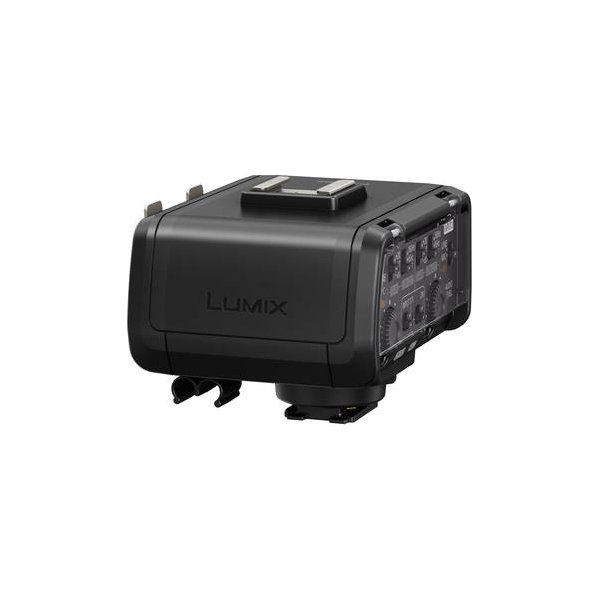
LanParte Cable Adapter for Panasonic DMW-XLR1 Microphone Adapter
LanParte
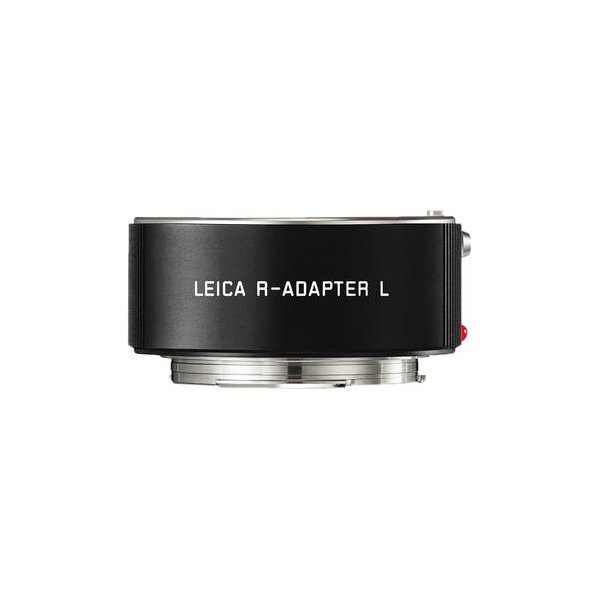
Leica Summilux-SL 50mm f/1.4 ASPH. Lens
Leica
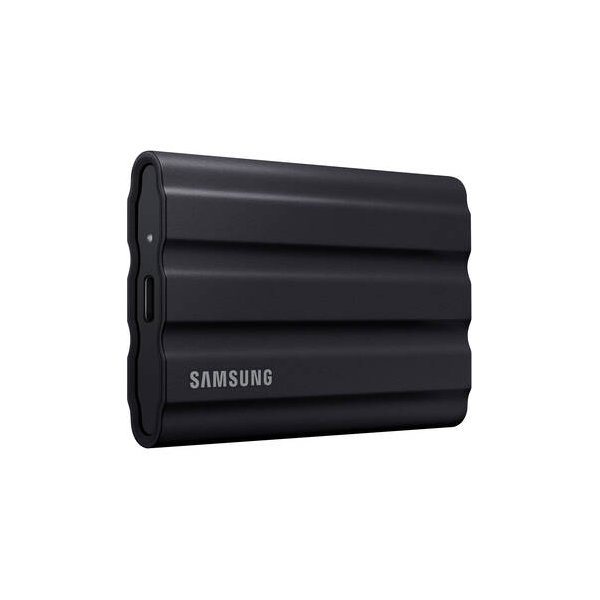
Samsung 2TB T7 Shield Portable SSD (Black)
Samsung
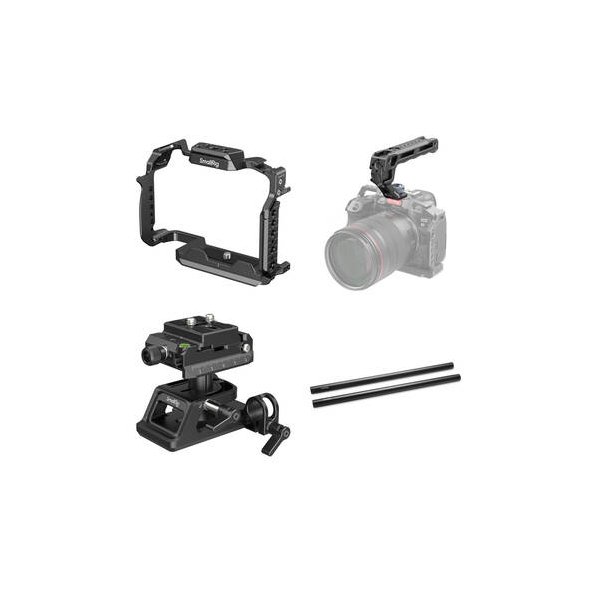
SmallRig Camera Cage Kit with Top Handle for Select Panasonic Lumix Cameras
SmallRig
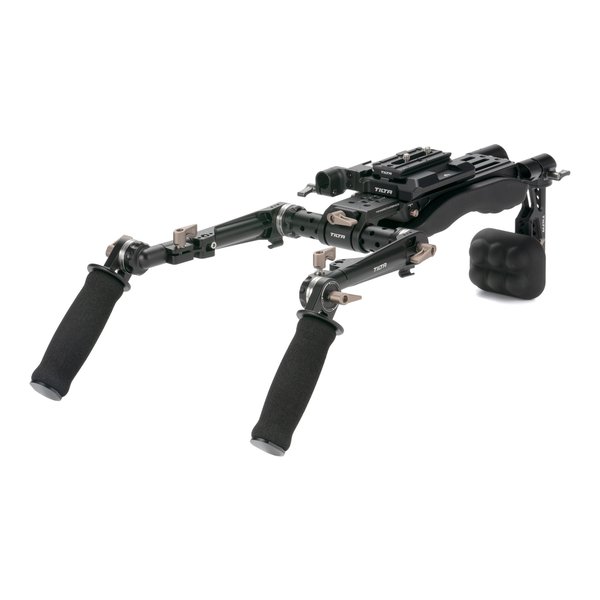
Tilta Lightweight Shoulder Rig (Black)
Tilta