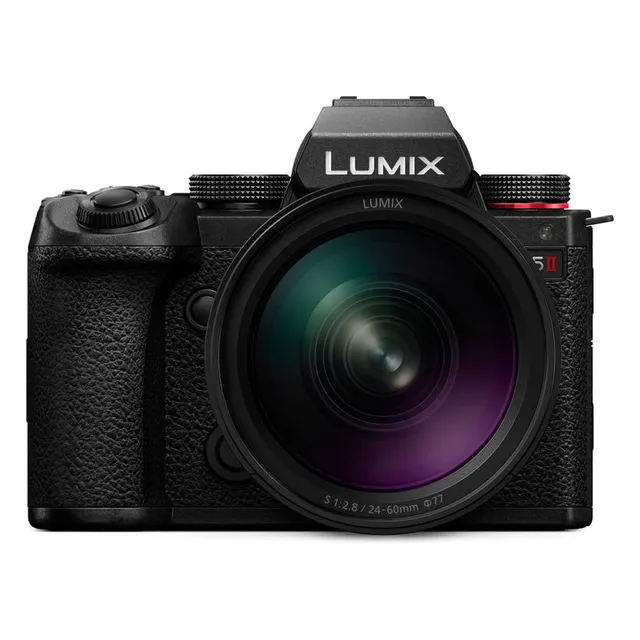
Technical specifications
- Sensor
- Full-Frame CMOS
- Sensor Size
- 35.6 x 23.8 mm
- Megapixels
- 24.2
- Mount
- L-Mount
- Max Resolution
- 5K (5952x3968)
- Max Frame Rate
- 100fps @ 1080p
- Codec
- ProRes, H.265, H.264
- Dynamic Range
- 14+ stops (V-Log)
- ISO Range
- ISO 50–204800
- Log / Gamma
- Panasonic V-Gamut, V-Log
- Autofocus
- Phase-detect, 779 points
- Stabilization
- Sensor-Shift, 5-Axis
- Ports
- 1x HDMI, 1x 1/8" / 3.5 mm TRS Stereo Headphone, 1x 1/8" / 3.5 mm TRS, 1x USB-C Input/Output, 1x USB-C Data Input/Output (Shared with Power Input)
- Battery
- 1x Rechargeable Lithium-Ion, 7.2 VDC, 2200 mAh (Included)<br>• Approx. 370 Shots
- Weight
- 658g
- Dimensions
- 134.4 x 102.4 x 90.2 mm
- MSRP
- $1,997.99
Add your voice
Your ratings help other filmmakers choose the right camera.
Own it?
What do you use this for?
Field guide
Overview
The Panasonic Lumix S5II is a powerhouse hybrid mirrorless camera that marks a significant leap forward for the L-Mount system, primarily due to the introduction of phase detection autofocus. Designed for both serious photographers and dedicated videographers, it bridges the gap between high-end cinema tools and portable, run-and-gun mirrorless bodies. It competes directly with other full-frame hybrids by offering a robust feature set that includes internal 6K recording, advanced image stabilization, and a cooling fan for extended shooting sessions.
What makes the S5II particularly compelling is its focus on reliability and professional-grade video tools. The manual highlights features like the 5-Axis Hybrid Image Stabilizer, which combines in-body and in-lens stabilization, and the inclusion of a cooling fan to manage thermal performance during demanding video tasks. It also supports advanced workflows with features like V-Log recording, LUT library support, and professional-grade audio options via optional XLR adapters.
This camera is an excellent choice for documentary filmmakers, content creators, and hybrid shooters who need a dependable, all-in-one solution. Its weather-sealed, splash-resistant body makes it suitable for challenging field conditions, while its extensive customization options allow it to be tailored to specific production needs, whether that is narrative filmmaking, talking-head interviews, or high-speed action.
Pros & Cons
Pros
Phase detection AF provides significantly improved focus reliability compared to previous contrast-only systems
Active cooling fan allows for extended video recording times without thermal shutdowns
Dual I.S.2 system offers up to 6.5 stops of stabilization, essential for handheld shooting
Internal 6K and 4K 10-bit 4:2:2 recording provides high-quality footage for professional color grading
Splash-resistant design provides peace of mind for outdoor and documentary work
Cons
High frame rate recording (above 60p) and certain resolutions may result in sensor cropping
The cooling fan intake and outlet must not be obstructed, limiting some mounting options
Using APS-C lenses limits the available resolution and disables High Resolution mode
The camera consumes power even when turned off, requiring battery removal for long-term storage
Complex menu system requires significant time to master for full customization
Best Settings
Narrative Filmmaking
Use [MOV] format for maximum editing flexibility. Set [Photo Style] to [V-Log] for maximum dynamic range, and use [Luminance Level] at [16-255] or [0-255] depending on your post-production workflow. Enable [Time Code] for multi-camera synchronization.
Documentary / Run-and-Gun
Use [MP4] for easier file management. Set [Continuous AF] to [MODE1] for reliable tracking. Enable [Wind Noise Canceller] if using the built-in microphone, and keep [Image Stabilizer] set to [Normal] for handheld stability.
Interview & Talking Head
Use [MOV] at 4K 24p or 30p. Set [Photo Style] to [Natural] or [Standard] for a ready-to-use look. Use [Sound Rec Level Adj.] to manually set audio levels, ensuring they peak around -12dB to -6dB.
Slow Motion
Use [S&Q] mode. Select a high frame rate (e.g., 60fps or 120fps) and set the [Rec Quality] to a compatible format. Note that audio is not recorded in S&Q mode.
Common Issues
Camera Overheating
What's happening: The camera displays a warning or stops recording due to high temperatures. Why: Continuous high-resolution video recording or high ambient temperatures can cause the internal temperature to rise. Fix: Ensure the cooling fan is not obstructed. If the warning appears, stop recording and allow the camera to cool down. Prevention: Use the [Thermal Management] setting to [HIGH] if you need longer recording times, though the camera body will become hotter.
Audio Distortion
What's happening: Recorded audio sounds distorted or has crackling noise. Why: The input level is too high for the microphone. Fix: Enable [Sound Rec Level Limiter] or manually adjust the [Sound Rec Level Adj.] to a lower value. Prevention: Always monitor audio levels using headphones and the on-screen level display.
Autofocus Hunting
What's happening: The camera struggles to lock focus or hunts for focus. Why: The subject may lack contrast, or the focus mode is not suited to the subject's movement. Fix: Switch to [AFC] for moving subjects or [AFS] for static ones. Ensure [AF Detection Setting] is [ON] for human/animal detection. Prevention: Use [Focus Limiter] to restrict the focus range to the area where your subject is located.
Card Access Errors
What's happening: The camera displays a memory card error or cannot record. Why: The card may be incompatible, corrupted, or not formatted correctly. Fix: Format the card using the [Card Format] option in the [Setup] menu. If the error persists, try a different, compatible SD card. Prevention: Always format new cards in the camera before use and avoid removing the card while the access light is on.
FAQ
- Does the Panasonic Lumix S5II have a cooling fan?
Yes, the Lumix S5II features a built-in cooling fan to manage heat during extended video recording sessions. It is important not to obstruct the fan inlet or outlet.
- Can the Panasonic Lumix S5II record 6K video?
Yes, the camera can record video with a maximum resolution of 6K (5952x3968) in the MOV format.
- What memory cards are compatible with the Panasonic Lumix S5II?
The camera supports SD, SDHC, and SDXC memory cards. It is compatible with UHS-I/UHS-II UHS Speed Class 3 and UHS-II Video Speed Class 90 standards.
- Is the Panasonic Lumix S5II weather-sealed?
The camera is designed to be splash-resistant, offering protection against moisture and dust. However, this does not guarantee that damage will not occur if subjected to direct contact with water.
- Can I use APS-C lenses on the Panasonic Lumix S5II?
Yes, you can use APS-C lenses, but the image area will be cropped, and certain functions like High Resolution mode will be unavailable.
- How do I update the firmware on the Panasonic Lumix S5II?
You can check and update the firmware via the [Firmware Version] option in the [Setup] ([Others]) menu. You must download the firmware file to the root directory of an SD card first.
- Does the Panasonic Lumix S5II support V-Log?
Yes, setting the [Photo Style] to [V-Log] enables Log recording for professional post-production workflows.
- Can I charge the battery inside the Panasonic Lumix S5II?
Yes, you can charge the battery inside the camera using the supplied AC adaptor and USB connection cable.
Recommended Accessories
Atomos Ninja 5.2" 4K HDMI Recording Monitor
Atomos
DJI RS 4 Pro Gimbal Stabilizer Combo
DJI
Panasonic DMW-BLK22 Lithium-Ion Battery (7.2V, 2200mAh)
Panasonic
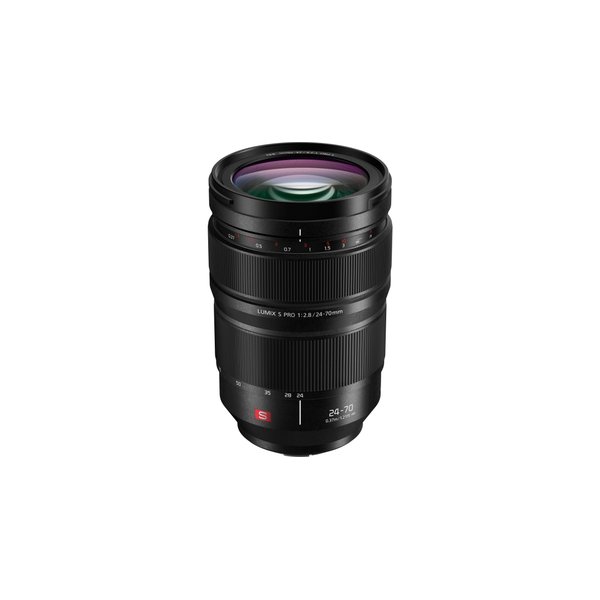
Panasonic LUMIX S PRO 24-70mm f/2.8 Lens
Panasonic
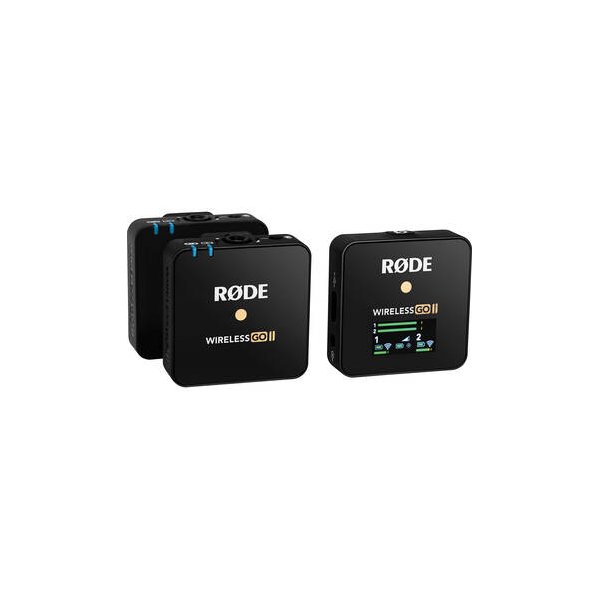
RODE Wireless GO II TX Transmitter/Recorder for Wireless GO II System (2.4 GHz, Black)
RODE
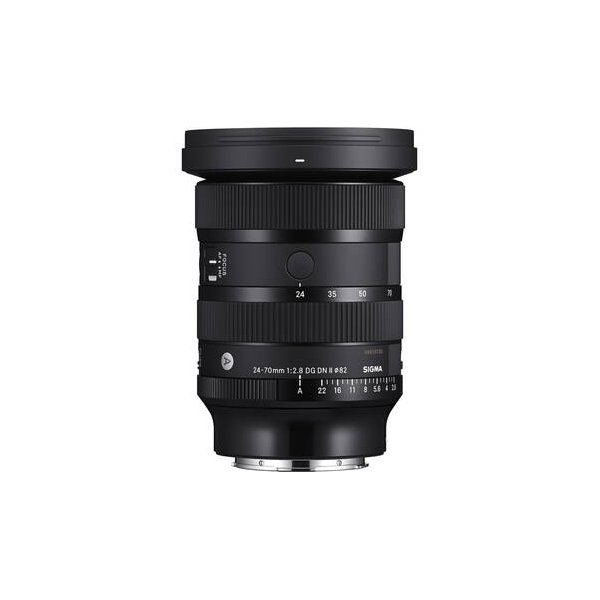
Sigma 24-70mm f/2.8 DG DN II Art Lens (Sony E)
Sigma
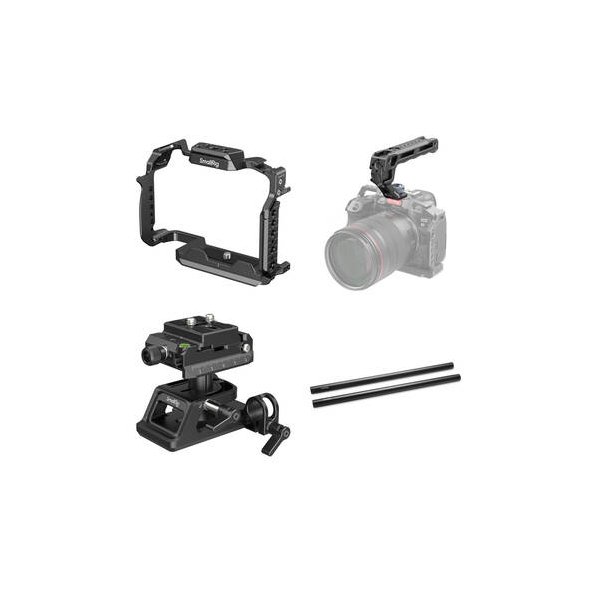
SmallRig Camera Cage Kit with Top Handle for Select Panasonic Lumix Cameras
SmallRig
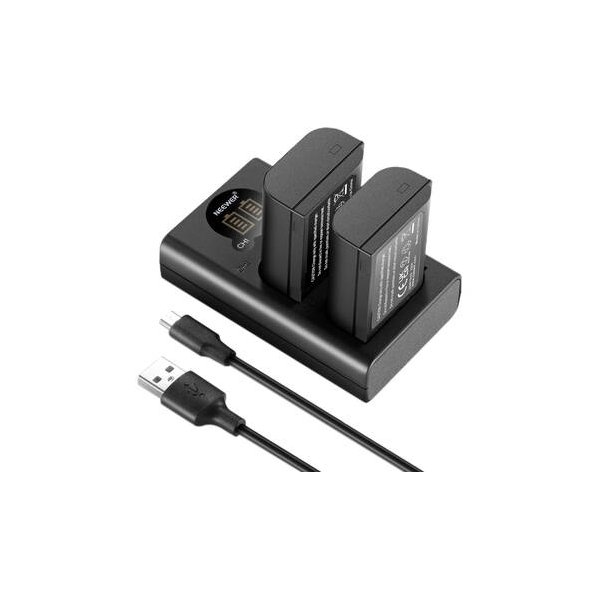
Watson DMW-BLK22 Lithium-Ion Battery Pack (2250mAh)
Watson
Related comparisons
The S5 IIX adds internal ProRes and external SSD recording over the S5 II, making it the clear choice for serious video work.
See full comparison LUMIX S5 II vs a7 IVThe LUMIX S5 II is a video powerhouse with 6K and ProRes; the a7 IV offers higher resolution stills and superior AF.
See full comparison LUMIX S5 II vs LUMIX BS1HThe BS1H excels in multi-camera studio setups; the S5 II is a versatile hybrid for run-and-gun filmmakers.
See full comparison LUMIX S5 II vs X-H2SThe Fujifilm X-H2S dominates for speed and internal ProRes, while the LUMIX S5 II offers superior full-frame image quality and robust PDAF.
See full comparison