Technical specifications
- Sensor
- Full-Frame CMOS
- Sensor Size
- 35.6 x 23.8 mm
- Megapixels
- 24.2
- Mount
- L-Mount
- Max Resolution
- 5952 x 3968
- Max Frame Rate
- 6K 24p, 5.9K 30p, 4K DCI/UHD 60p, FHD 240p
- Codec
- H.264, H.265/HEVC, Apple ProRes RAW, Blackmagic RAW
- Dynamic Range
- 14 Stops
- ISO Range
- ISO 100–51200
- Log / Gamma
- Panasonic V-Gamut, Panasonic V-Log
- Autofocus
- 225 AF points
- Stabilization
- None
- ND Filter
- No
- Ports
- 1x BNC (3G-SDI), 1x HDMI 2.0, 1x 1/8" / 3.5 mm TRS Stereo Mic/Line Input on Camera Body, 1x 1/8" / 3.5 mm TRS Stereo Headphone Output on Camera Body, 1x Weipu SF610/S2 (12VDC), 1x USB-C (USB 3.2 / 3.1 Gen 1) Control/Data/Video, 1x BNC (Timecode) Data Input/Output, 1x BNC (Genlock) Data Input/Output, 1x RJ45 (LAN) Control/Monitor/Video Input/Output, 1x 2.5 mm Sub-Mini (LANC) Control
- Battery
- Panasonic AG-VBR Series
- Weight
- 585g
- Dimensions
- 93 x 93 x 78 mm
- MSRP
- $3,499
Add your voice
Your ratings help other filmmakers choose the right camera.
Own it?
What do you use this for?
Field guide
Overview
The Panasonic Lumix DC-BS1H is a unique, box-style cinema camera designed for modular, multi-camera, and remote-production workflows. Unlike traditional mirrorless cameras, it lacks a built-in monitor, viewfinder, or grip, making it a specialized tool for DPs and production houses who need to integrate a full-frame sensor into complex rigs, gimbals, or drone setups. It competes directly with other box-style cinema cameras by offering a high-end, full-frame sensor in a compact, highly customizable form factor.
Revealed by the manual, the BS1H is built for professional connectivity, featuring dedicated SDI and HDMI outputs, Genlock, and Time Code (TC IN/OUT) for seamless synchronization in multi-camera environments. It also supports PoE+ (Power over Ethernet) for power and control, which is a massive advantage for studio or remote-controlled setups. The camera is built around a 35mm full-frame CMOS sensor, capable of 6K resolution, and supports a wide range of professional codecs including MOV and MP4, with advanced features like V-Log and HLG recording.
This camera is ideal for cinematographers and content creators working on high-end productions, live streaming, or remote-controlled camera operations. It is particularly well-suited for productions that require a small footprint without sacrificing image quality, such as multi-camera interviews, live events, or specialized cinematography where a traditional camera body would be too bulky.
Pros & Cons
Pros
Full-frame 6K sensor provides exceptional image quality and dynamic range for high-end production.
Professional I/O including Genlock and Time Code (TC IN/OUT) makes it perfect for multi-camera sync.
PoE+ support allows for power and control over a single Ethernet cable, simplifying complex studio setups.
Compact, box-style design is highly adaptable for gimbals, drones, and custom rig configurations.
Supports simultaneous HDMI and SDI output, providing flexibility for monitoring and recording.
Cons
No built-in monitor or viewfinder requires an external monitor for all operations, adding to the rig weight.
Not dust or splash resistant; requires careful handling in harsh production environments.
Requires specific Panasonic batteries (AG-VBR series) or external power, limiting off-the-shelf power options.
The camera automatically shuts off if it detects an incompatible PoE+ device, which can interrupt a live shoot.
HDMI RAW output disables the internal recording to SD cards, forcing reliance on external recorders.
Best Settings
Narrative Filmmaking
Use [MOV] file format for maximum editing flexibility. Set [Photo Style] to [V-Log] to maximize dynamic range for post-production color grading. Use [4K/10bit/422/10-I] for the highest quality internal recording.
Documentary / Run-and-Gun
Use [MP4] for easier file management. Set [Continuous AF] to [MODE2] to ensure the camera maintains focus during standby and recording. Enable [Zebra Pattern] (ZEBRA1+2) to monitor exposure levels in changing light.
Interview & Talking Head
Use [4K/10bit/72M/30p] for a balance of quality and file size. Set [Metering Mode] to [Center-weighted] to prioritize the subject's face. Use [Sound Rec Level Adj.] to manually set audio levels for consistent, clean sound.
Slow Motion
Use [Variable Frame Rate] (VFR) in [MOV] mode. Note that audio is not recorded in VFR mode. For high-quality slow motion, use [High Frame Rate Video] settings (e.g., [FHD/120p/420/10-L]) which allows for both AF and audio recording.
Common Issues
Recording Stops Unexpectedly
What's happening: Recording stops before the card is full. Why: This is often due to the card's write speed being insufficient for the selected [Rec Quality] or the camera overheating. Fix: Use a card that meets the required Speed Class (e.g., V90 for 400 Mbps). If overheating, wait for the camera to cool down. Prevention: Always check the required bit rate for your chosen quality and use high-speed, reliable cards.
No Image on External Monitor
What's happening: The external monitor is black or shows no signal. Why: The [Info Display (HDMI/SDI)] setting might be incorrect, or the camera is in a mode that disables output. Fix: Press [MENU/SET], [Q.MENU], and [Fn3] simultaneously to reset the [Info Display (HDMI/SDI)] to [AUTO]. Prevention: Verify your output settings in the [IN/OUT] menu before starting your shoot.
Autofocus is Hunting or Slow
What's happening: The camera struggles to lock focus on the subject. Why: The subject may be low-contrast, or the [Continuous AF] settings are not optimized for the scene. Fix: Switch to [MF] and use the focus ring, or adjust [AF Custom Setting(Video)] to change the [AF Sensitivity]. Prevention: Use [1-Area] AF mode for precise control in difficult lighting.
Audio is Distorted or Too Quiet
What's happening: Recorded audio is clipping or barely audible. Why: The [Sound Rec Level Adj.] is set incorrectly, or the [Sound Rec Gain Level] is not matched to the microphone. Fix: Adjust [Sound Rec Level Adj.] manually in the [Audio] menu. If using a line-level source, ensure [Mic Socket] is set to [LINE]. Prevention: Always perform a sound check and monitor levels using headphones before recording.
FAQ
- Can the Panasonic Lumix DC-BS1H record 6K video?
Yes, the DC-BS1H is capable of recording video with a maximum resolution of 6K (5952x3968). This is available in the [MOV] file format.
- Does the Panasonic Lumix DC-BS1H have a built-in monitor?
No, the DC-BS1H does not have a built-in monitor. You must connect an external monitor via HDMI or SDI, or use the 'LUMIX Tether' software on a PC to view the recording screen.
- What type of memory cards does the Panasonic Lumix DC-BS1H support?
The camera supports SD, SDHC, and SDXC memory cards. It is recommended to use cards compliant with UHS Speed Class 3 and Video Speed Class 90 for high-bitrate recording.
- Can I power the Panasonic Lumix DC-BS1H using Ethernet?
Yes, the camera is PoE+ (IEEE 802.3at compliant) compatible. You can connect it to a PoE+ compatible switching hub or injector to supply power.
- Is the Panasonic Lumix DC-BS1H weather-sealed?
No, the camera is not dust resistant, splash resistant, or waterproof. You should avoid using it in places with excessive dust, sand, or where water can come into contact with the unit.
- Can I output RAW video from the Panasonic Lumix DC-BS1H?
Yes, 12-bit RAW Video Data can be output via HDMI to a compatible external recorder. Note that when this is enabled, internal recording to cards is disabled.
- Does the Panasonic Lumix DC-BS1H support time code synchronization?
Yes, the camera features a [TC IN/OUT] terminal for time code synchronization with external devices. You can synchronize the camera's time code with an external device or vice versa.
- What is the maximum recording time for the Panasonic Lumix DC-BS1H?
The recording time depends on the card capacity and battery life. For 4K (MP4/MOV) on an SDXC card, a new file is created if the continuous recording time exceeds 3 hours and 4 minutes or the file size exceeds 96 GB.
Recommended Accessories
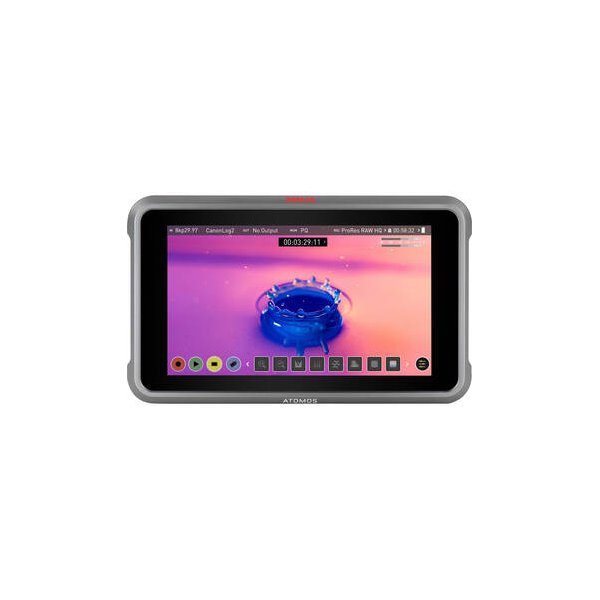
Atomos Ninja 5.2" 4K HDMI Recording Monitor
Atomos
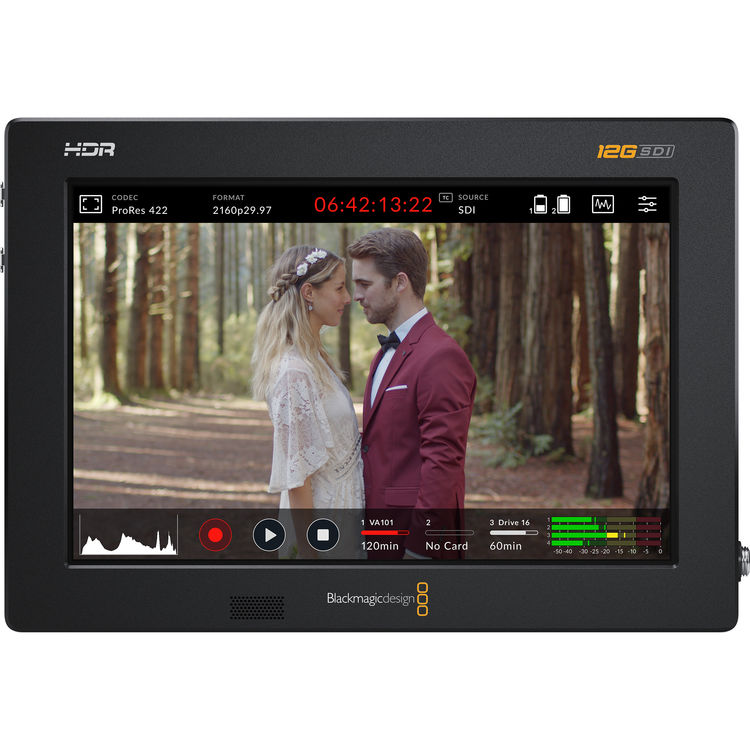
Blackmagic Design Video Assist 7" 12G-SDI/HDMI HDR Recording Monitor
Blackmagic
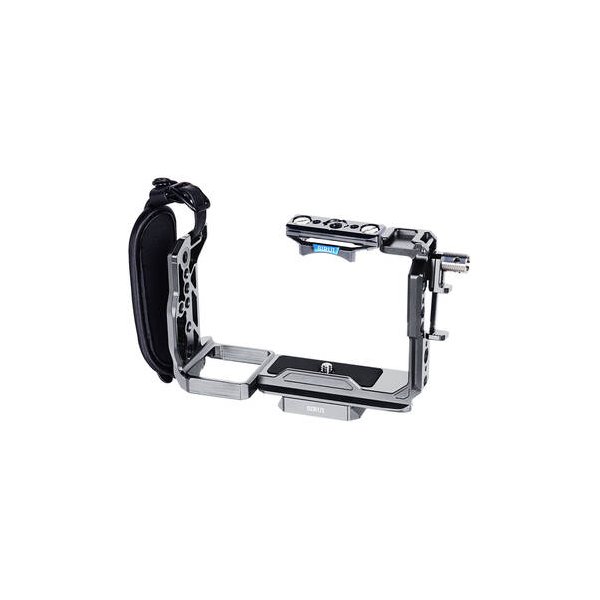
SmallRig 4183B Camera Cage for Sony FX30 and FX3
SmallRig
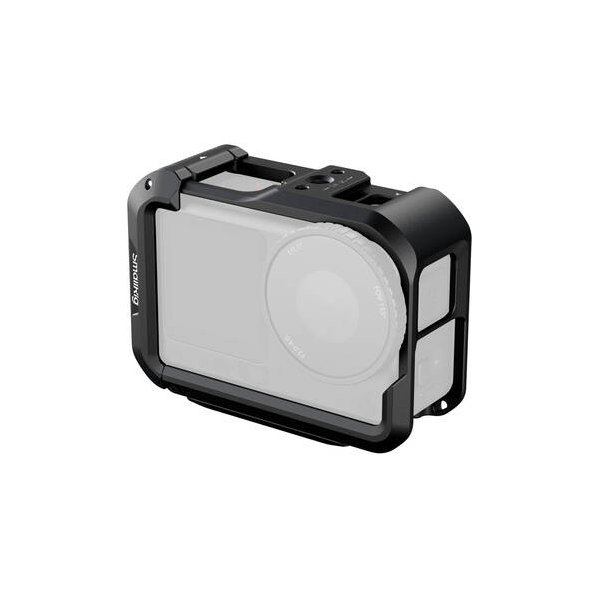
SmallRig HawkLock Full Camera Cage for Nikon ZR
SmallRig
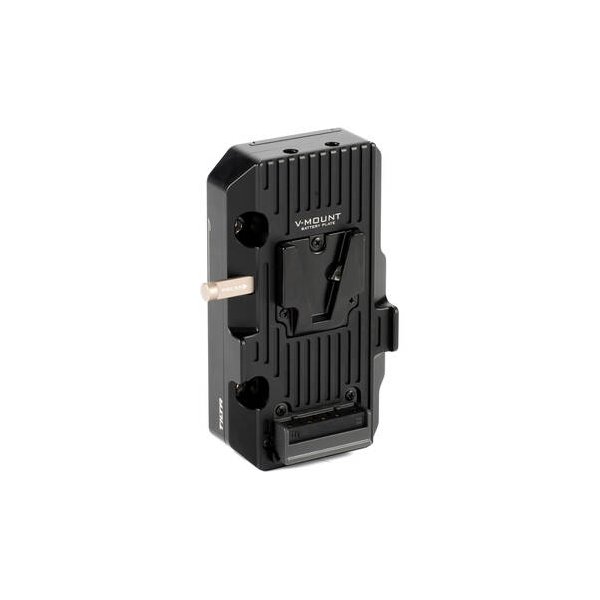
TVLogic V-Mount Battery Plate for Select Monitors
TVLogic
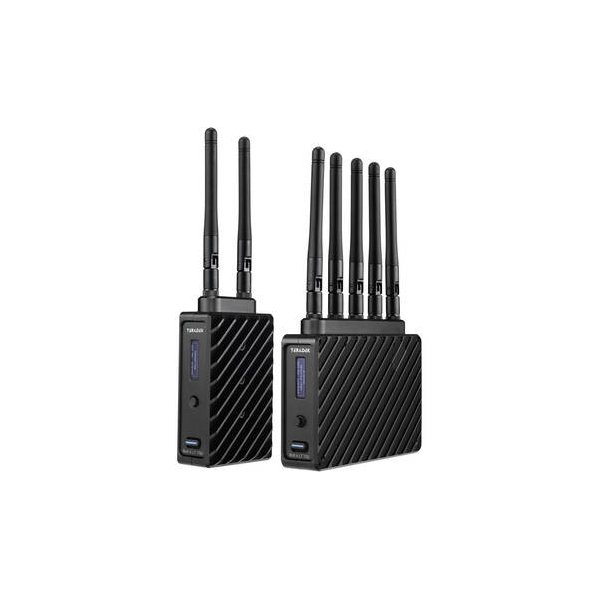
Teradek Bolt 6 LT 1500 3G-SDI/HDMI Wireless RX/TX Deluxe Kit (V-Mount)
Teradek
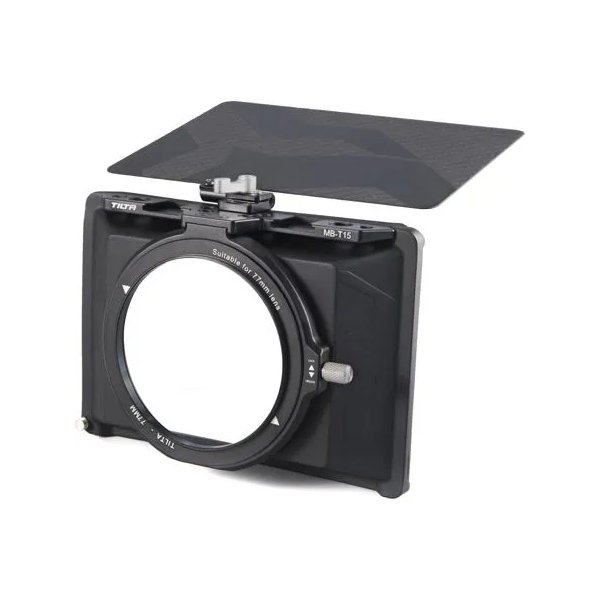
Tilta Mini Matte Box
Tilta
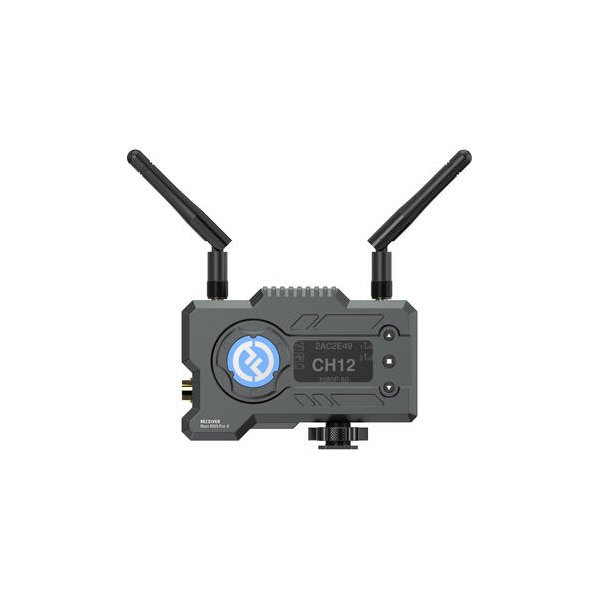
Hollyland Mars 400S PRO SDI/HDMI Wireless Video Receiver
Hollyland
Related comparisons
The BS1H excels in multi-camera studio setups; the S5 II is a versatile hybrid for run-and-gun filmmakers.
See full comparison LUMIX BS1H vs fp LThe BS1H is a cinema-focused box camera for multi-cam setups, while the fp L is a compact, high-resolution hybrid shooter.
See full comparison