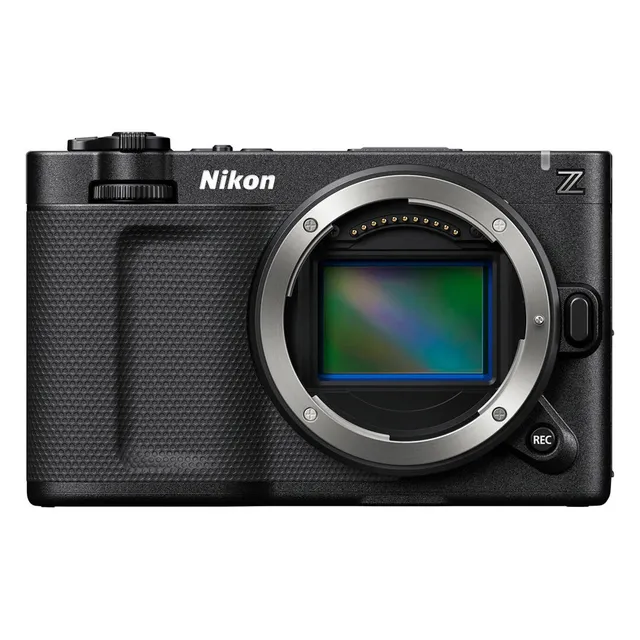
Technical specifications
- Sensor
- Full-Frame CMOS
- Sensor Size
- 35.9 x 23.9 mm
- Megapixels
- 24.5
- Mount
- Nikon Z
- Max Resolution
- 6K (6048x3402)
- Max Frame Rate
- 240fps @ 1080p
- Codec
- ProRes, H.265, H.264
- Dynamic Range
- 15 Stops
- ISO Range
- ISO 100–64000
- Log / Gamma
- Nikon N-Log, REDWideGamutRGB
- Autofocus
- Hybrid AF with subject detection
- Stabilization
- Sensor-Shift, 5-Axis
- ND Filter
- None (built-in)
- Ports
- 1x Micro-HDMI, 1x 1/8" / 3.5 mm TRS Stereo Mic/Line, 1x 1/8" / 3.5 mm TRS Stereo Headphone, 1x USB-C, 1x USB-C (USB 3.2 / 3.1 Gen 2) Data Output (Shared with Power Input)
- Battery
- Nikon EN-EL15c
- Weight
- 540g
- Dimensions
- 133 x 80.5 x 48.7 mm
- MSRP
- $5,995
Add your voice
Your ratings help other filmmakers choose the right camera.
Own it?
What do you use this for?
Field guide
Overview
The Nikon ZR is a high-performance, full-frame mirrorless camera designed for professional cinematographers and hybrid shooters who demand both high-end video capabilities and robust still photography performance. Positioned as a versatile workhorse, it competes directly with other professional-grade mirrorless systems by offering internal RAW recording, advanced subject detection, and a comprehensive suite of professional video tools. Its compact, weather-sealed body makes it an excellent choice for run-and-gun documentary work, while its extensive connectivity options ensure it fits seamlessly into complex studio or broadcast workflows.
What sets the ZR apart is its deep integration of professional video formats, including N-RAW, R3D, and ProRes RAW, all recorded internally. The camera features a sophisticated autofocus system with advanced subject detection for people, animals, birds, and vehicles, ensuring sharp focus even in challenging conditions. With support for 32-bit float audio recording and HLG/N-Log tone modes, it provides the dynamic range and audio fidelity required for high-end production environments.
This camera is ideal for filmmakers who need a reliable, all-in-one solution for narrative projects, interviews, and fast-paced documentary production. Its ability to handle high-bitrate RAW video internally, combined with its robust build and extensive custom control options, makes it a powerful tool for creators who require professional-grade output without the bulk of a dedicated cinema camera.
Pros & Cons
Pros
Internal 12-bit RAW recording (N-RAW, R3D, ProRes RAW) eliminates the need for bulky external recorders, simplifying the rig.
Advanced subject detection (people, animals, birds, vehicles) provides reliable autofocus performance across diverse shooting scenarios.
32-bit float audio recording offers massive dynamic range, significantly reducing the risk of clipping during unpredictable audio capture.
Dual card slots (CFexpress Type B/XQD and microSD) provide flexible backup and overflow options for critical shoots.
Extensive custom control options, including assignable buttons and lens rings, allow for a highly personalized workflow on set.
Cons
High-speed frame rates like 4K120 (or equivalent high-speed modes) often come with significant sensor crops, limiting wide-angle lens utility.
The camera can become hot during extended high-bitrate recording, potentially triggering thermal warnings or automatic shutdowns.
RAW video recording disables several useful features, including Active D-Lighting, electronic VR, and certain in-camera editing tools.
The reliance on specific high-speed CFexpress cards for maximum performance adds significant cost to the total system investment.
Complex menu structures for advanced network and professional video settings may require a steep learning curve for new users.
Best Settings
Narrative Filmmaking
- File Type: ProRes 422 HQ 10-bit (MOV) or N-RAW 12-bit (NEV) for maximum grading flexibility.
- Tone Mode: N-Log for maximum dynamic range.
- Frame Rate: 23.976p for a cinematic look.
- Audio: 32-bit float enabled to protect against unexpected volume spikes.
Documentary / Run-and-Gun
- File Type: H.265 10-bit (MOV) for a balance of quality and file size.
- Tone Mode: SDR or HLG depending on delivery requirements.
- Focus: AF-C with Subject-tracking AF enabled.
- Vibration Reduction: Sport mode for handheld stability while maintaining natural movement.
Interview & Talking Head
- Picture Profile: Standard or Portrait for natural skin tones.
- Focus: Single-point AF or Wide-area AF (S) locked on the subject's eye.
- Audio: External mic input with manual gain control; use the attenuator if the environment is loud.
Slow Motion
- Frame Rate: 1920x1080; 29.97p x4 (slow-motion) or 23.976p x5 (slow-motion).
- Note: Sound is not recorded in slow-motion modes, and electronic VR is disabled.
Common Issues
Camera Overheating
What's happening: The camera displays a high-temperature warning or shuts down during extended recording. Why: High-bitrate recording and high ambient temperatures generate significant heat. Fix: Allow the camera to cool down. Use the 'High' setting for 'Auto temperature cutout' in the setup menu to extend recording time, though the body may become hot. Prevention: Use a tripod to avoid holding the hot camera, and avoid direct sunlight during long shoots.
Autofocus Hunting
What's happening: The camera struggles to lock focus on the subject. Why: The subject may lack contrast, or the focus point may be placed on a complex background. Fix: Switch to a different AF-area mode, such as Single-point AF, or use the multi selector to manually position the focus point on a high-contrast area of the subject. Prevention: Ensure the subject detection settings (People, Animal, etc.) match your current subject.
Audio Distortion
What's happening: Recorded audio sounds clipped or distorted. Why: Input levels are set too high for the source. Fix: Check the audio input sensitivity in the video recording menu. If the levels are in the red, reduce the sensitivity or enable the Attenuator. Prevention: Always perform a sound check before recording and monitor levels using headphones.
Wireless Connection Failures
What's happening: The camera fails to connect to a computer or smart device. Why: Network profiles may be incorrect, or the camera may be in Airplane mode. Fix: Ensure 'Airplane mode' is set to OFF in the network menu. Verify that the camera and the device are on the same network and that the SSID/password are correct. Prevention: Keep network profiles updated and ensure the camera is not overheating, as wireless transmission is interrupted when the camera is hot.
FAQ
- Can the Nikon ZR record RAW video internally?
Yes, the Nikon ZR supports internal recording of N-RAW 12-bit, R3D 12-bit, and ProRes RAW HQ 12-bit formats directly to the memory card.
- What memory cards are compatible with the Nikon ZR?
The Nikon ZR features dual slots: one for CFexpress (Type B) or XQD cards, and one for microSD cards. For high-speed recording, CFexpress Type B cards with a minimum write speed of 250 MB/s are recommended.
- Does the Nikon ZR support 32-bit float audio?
Yes, the Nikon ZR supports 32-bit float audio recording when using compatible video file types like N-RAW, R3D, or ProRes RAW HQ, providing superior dynamic range for audio.
- Can I use the Nikon ZR for live streaming?
Yes, the Nikon ZR supports USB streaming (UVC/UAC). By setting the USB connection to 'USB streaming (UVC/UAC)' in the network menu, you can connect the camera to a computer via USB for use with streaming software.
- Does the Nikon ZR have built-in ND filters?
No, the Nikon ZR does not feature built-in ND filters. You will need to use external screw-on or matte box-mounted ND filters to control exposure in bright conditions.
- How do I update the firmware on the Nikon ZR?
You can update the firmware by downloading the file from the Nikon Download Center to a memory card, via the SnapBridge app on a smart device, or directly through the camera using the Nikon Imaging Cloud service.
- Is the Nikon ZR weather-sealed?
The Nikon ZR is designed with a robust, weather-sealed body, though users should still exercise caution in extreme environments to prevent moisture or dust ingress.
- Can I use F-mount lenses on the Nikon ZR?
Yes, you can use F-mount lenses on the Nikon ZR by using the optional FTZ II or FTZ mount adapter. Note that some features may have restrictions depending on the specific lens used.
Recommended Accessories
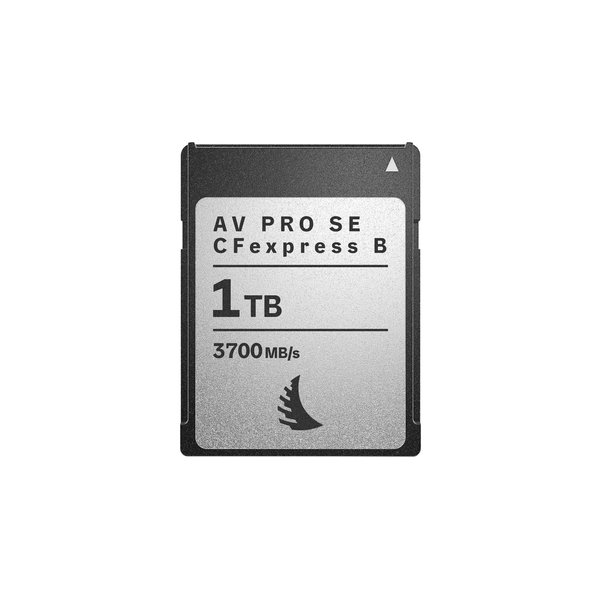
Angelbird 1TB AV PRO SE CFexpress v4 Type B Memory Card
Angelbird
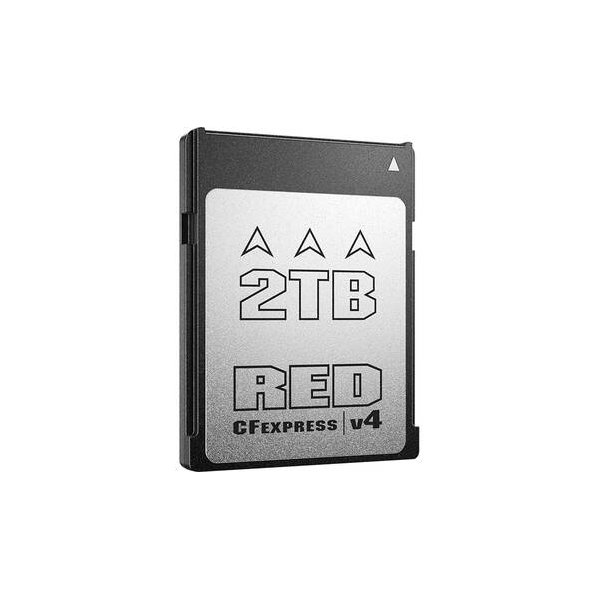
RED DIGITAL CINEMA 1TB PRO CFexpress v4 Type B Memory Card
RED
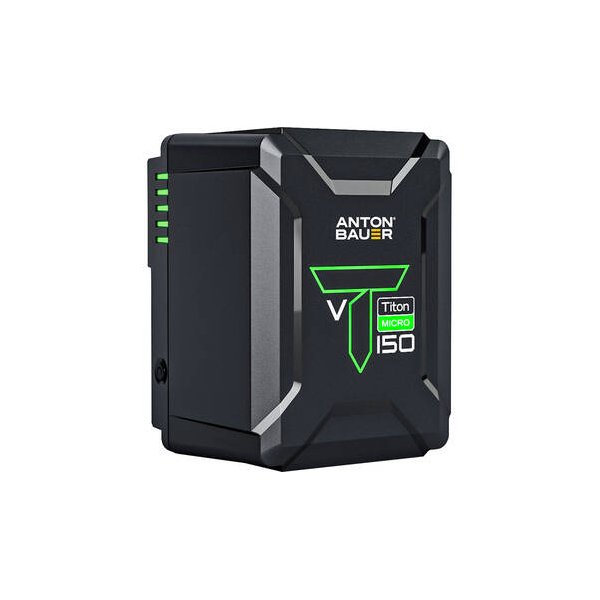
Anton/Bauer Titon Micro 90 V-Mount Lithium-Ion Battery
Anton/Bauer
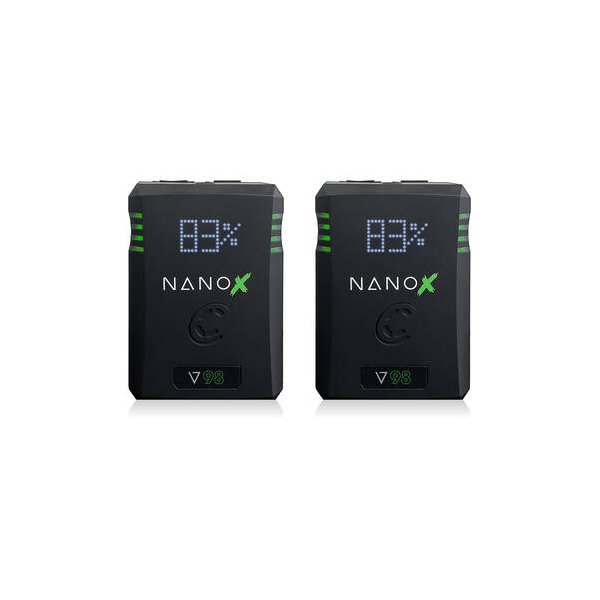
Core SWX NANO X V98 Micro 98Wh Li-Ion Battery (V-Mount)
Core SWX
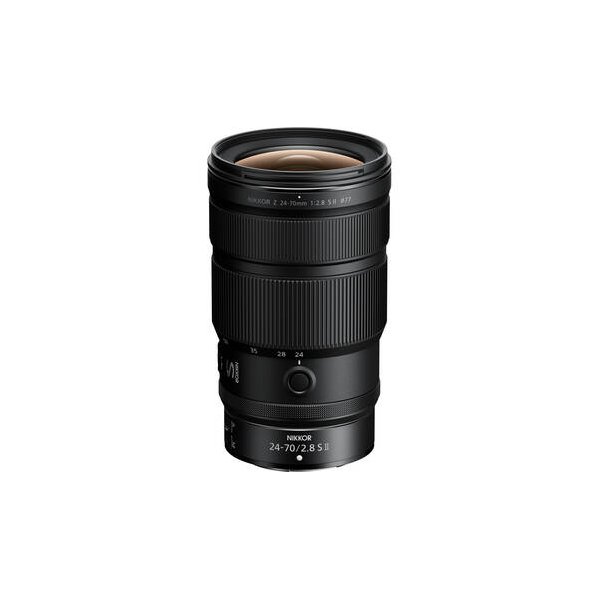
Nikon NIKKOR Z 24-70mm f/2.8 S Lens
Nikon
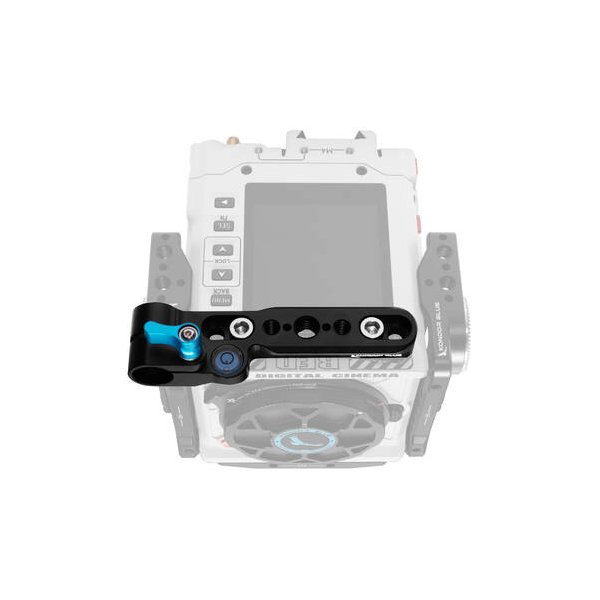
RED DIGITAL CINEMA KOMODO Outrigger Handle
RED
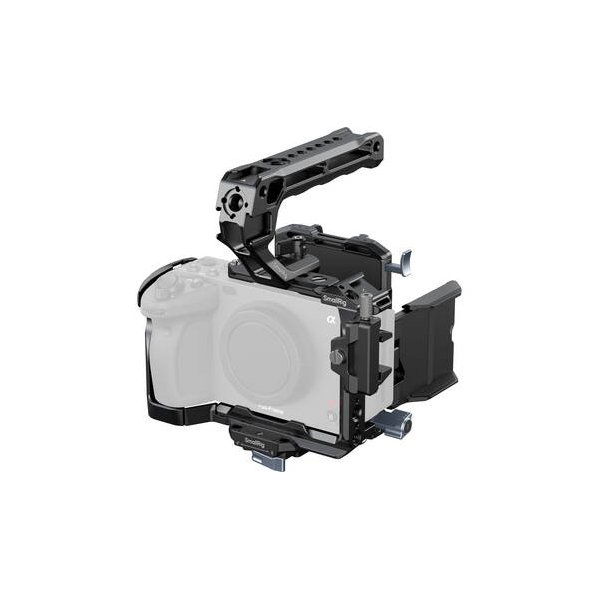
SmallRig Advanced Camera Cage Kit for Nikon ZR
SmallRig
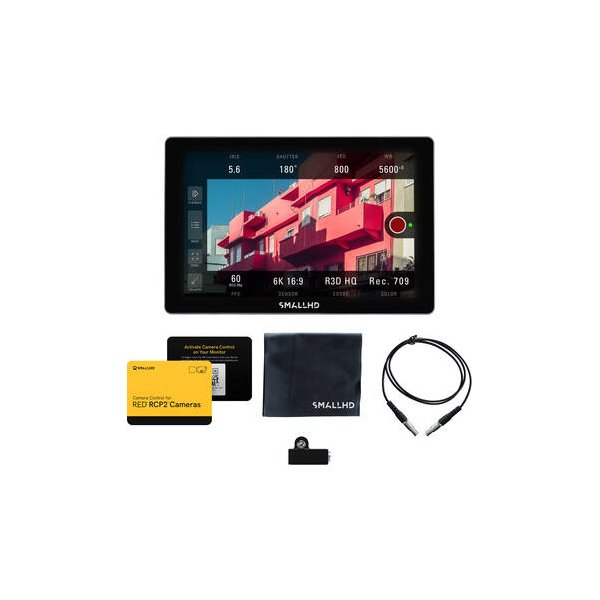
SmallHD Cine 7 Touchscreen On-Camera Monitor (L-Series)
SmallHD
Related comparisons
The Nikon Zr is a full-frame cinema powerhouse with RAW codecs; the Sony a6700 is a compact, high-frame-rate APS-C hybrid.
See full comparison Zr vs EOS C50The Canon EOS C50 offers 6.9K open-gate RAW and superior AF, while the Nikon Zr brings RED's R3D NE codec and IBIS.
See full comparison Zr vs ZfThe Nikon Zf is a retro-styled hybrid for stills and video; the Nikon Zr is a dedicated cinema camera with advanced RAW.
See full comparison