Technical specifications
- Sensor
- Full-Frame CMOS
- Sensor Size
- 35.9 x 23.9 mm
- Megapixels
- 24.5
- Mount
- Nikon Z
- Max Resolution
- 4K UHD (3840x2160)
- Max Frame Rate
- 120fps @ 1080p
- Codec
- H.265
- Dynamic Range
- 14+ stops
- ISO Range
- ISO 50–204800
- Log / Gamma
- N-Log, HLG, Picture Controls, Standard, Neutral, Flat, Monochrome
- Autofocus
- Phase-detect, 273 points
- Stabilization
- Sensor-Shift, 5-Axis
- ND Filter
- None
- Ports
- 1x Micro-HDMI, 1x 1/8" / 3.5 mm TRS Stereo Headphone, 1x 1/8" / 3.5 mm TRS, 1x USB-C, 1x USB-C Data Output (Shared with Power Input)
- Battery
- 1x EN-EL15c Rechargeable, 7 VDC, 2280 mAh (Included)
- Weight
- 630g
- Dimensions
- 144 x 103 x 49 mm
- MSRP
- $1,999
Add your voice
Your ratings help other filmmakers choose the right camera.
Own it?
What do you use this for?
Field guide
Overview
The Nikon Z f is a masterclass in blending heritage aesthetics with modern mirrorless performance. Designed for photographers who appreciate the tactile experience of classic film cameras, it features dedicated physical dials for shutter speed, ISO, and exposure compensation. While it leans into a retro design language, it is a thoroughly modern tool, sharing the same core imaging DNA as Nikon's high-performance Z-series cameras. It is a compelling choice for street photographers, enthusiasts, and hybrid shooters who want a camera that looks as good as the images it produces.
Under the hood, the Z f is a powerhouse, offering a 24.5MP full-frame sensor that delivers excellent low-light performance and dynamic range. The manual highlights its robust video capabilities, including 4K UHD recording at up to 60p, 10-bit H.265 internal recording, and support for N-Log and HLG profiles. The inclusion of a fully articulating monitor with self-portrait mode makes it surprisingly versatile for vloggers and content creators, while the advanced subject detection autofocus system ensures that modern performance isn't sacrificed for the sake of style.
This camera is ideal for street photographers, travel documentarians, and filmmakers who need a compact, reliable, and highly capable system. Its combination of physical controls and advanced features makes it a joy to use for those who prefer a hands-on approach to their craft, whether they are shooting stills or high-quality video content.
Pros & Cons
Pros
Dedicated physical dials for shutter speed, ISO, and exposure compensation provide a tactile, intuitive shooting experience.
Advanced subject detection autofocus (people, animals, vehicles) ensures high hit rates for fast-moving subjects.
Robust video specs including 4K 60p, 10-bit H.265 internal recording, and N-Log/HLG support for professional color grading.
Fully articulating monitor with self-portrait mode is excellent for solo creators and vloggers.
Dual card slots (SD and microSD) provide flexible storage options for backup or overflow.
Cons
The use of a microSD slot alongside a standard SD slot is a frustrating limitation for professional workflows requiring dual full-sized cards.
4K 60p video recording forces a DX (APS-C) crop, limiting the wide-angle capabilities of your full-frame lenses.
The retro-inspired body lacks a deep grip, which can make it feel less secure with larger, heavier telephoto lenses.
The camera can become hot during extended video recording, potentially triggering automatic shutdown if the temperature limit is reached.
The reliance on physical dials means some settings are not as quickly adjustable as they would be on a modern, button-heavy interface.
Best Settings
Narrative Filmmaking
Use H.265 10-bit (MOV) with N-Log for maximum dynamic range and color grading flexibility. Set frame rate to 24p for a cinematic look. Use Manual (M) mode to lock shutter speed to 1/48s (or 1/50s) to maintain the 180-degree shutter rule.
Documentary / Run-and-Gun
Use H.265 10-bit (MOV) in SDR or HLG for a faster turnaround. Enable Auto ISO with a set maximum sensitivity to handle changing light conditions. Use Wide-area AF (C1/C2) with Subject Detection set to Auto to ensure the camera tracks subjects reliably without constant manual intervention.
Interview & Talking Head
Shoot in 4K 30p for a crisp, standard look. Use Manual (M) mode with a fixed ISO (e.g., 800) and a shutter speed of 1/60s. Set Microphone Sensitivity to Manual and monitor levels to ensure audio doesn't peak. Use Single-point AF on the subject's eye.
Slow Motion
Select 1920x1080; 120p in the video menu. Note that this is limited to 1080p resolution. Ensure your shutter speed is at least 1/250s to avoid motion blur in the slowed footage.
Common Issues
Camera Overheating
What's happening: The camera displays a temperature warning or shuts down during extended video recording or high-speed burst shooting. Why: Internal components generate heat, and high ambient temperatures or continuous operation can exceed the camera's thermal limits. Fix: Turn the camera off and wait for it to cool down. You can set the [Auto temperature cutout] in the setup menu to [High] to allow for longer operation before shutdown. Prevention: Use a tripod to avoid holding the hot camera, and avoid direct sunlight during long recording sessions.
Autofocus Hunting
What's happening: The camera struggles to lock focus or hunts back and forth. Why: The subject may lack contrast, be too small, or the lighting may be insufficient for the phase-detection system. Fix: Ensure the subject is not dominated by regular geometric patterns. Use [Starlight view (photo Lv)] for low-light shooting or switch to manual focus if the subject is particularly difficult. Prevention: Use a lens with a wider maximum aperture and ensure the focus point is placed on a high-contrast area of the subject.
Memory Card Write Errors
What's happening: Recording stops unexpectedly or the camera is slow to write files. Why: The memory card may be too slow for the selected frame rate or bit rate. Fix: Use a UHS Speed Class 3 or better SD card. For high frame rate 4K video, ensure the card has a transfer rate of at least 250 MB/s. Prevention: Always format your memory cards in the camera before use to ensure optimal file system compatibility.
Wireless Connection Failures
What's happening: The camera fails to connect to a smartphone or computer via Wi-Fi or Bluetooth. Why: Interference, incorrect network settings, or multiple devices attempting to connect simultaneously. Fix: Turn the camera off and on again. Ensure [Airplane mode] is set to [OFF] in the network menu. If connecting to a computer, ensure the Wireless Transmitter Utility is updated. Prevention: Avoid using the camera in areas with heavy wireless traffic and ensure only one device is attempting to connect at a time.
FAQ
- Can the Nikon Z f shoot 4K at 60fps?
Yes, the Nikon Z f can record 4K UHD video at 60p. However, note that selecting 3840x2160 at 60p or 50p fixes the image area to the DX crop.
- What memory cards does the Nikon Z f use?
The Nikon Z f features dual card slots: one for SD (UHS-II compliant) and one for microSD (UHS-I compliant) memory cards.
- Does the Nikon Z f have built-in image stabilization?
Yes, the Nikon Z f features 5-axis image sensor shift vibration reduction (VR) built into the camera body.
- Can I use F-mount lenses on the Nikon Z f?
Yes, you can use F-mount NIKKOR lenses on the Nikon Z f by using an optional FTZ II or FTZ mount adapter.
- Does the Nikon Z f support N-Log recording?
Yes, the Nikon Z f supports N-Log recording when H.265 10-bit (MOV) is selected as the video file type and N-Log is chosen as the tone mode.
- How do I enable self-portrait mode on the Nikon Z f?
Simply rotate the monitor to the self-portrait position. This automatically triggers self-portrait mode, which displays a mirror image of the view through the lens.
- Can the Nikon Z f be powered via USB?
Yes, the Nikon Z f supports USB power delivery. You can power the camera or charge the battery using an optional EH-8P or EH-7P AC adapter connected via the USB-C port.
- Is the Nikon Z f weather-sealed?
The manual emphasizes keeping the camera dry and avoiding humid environments, as water inside the camera can cause irreparable damage. It is not explicitly rated for weather sealing.
Recommended Accessories
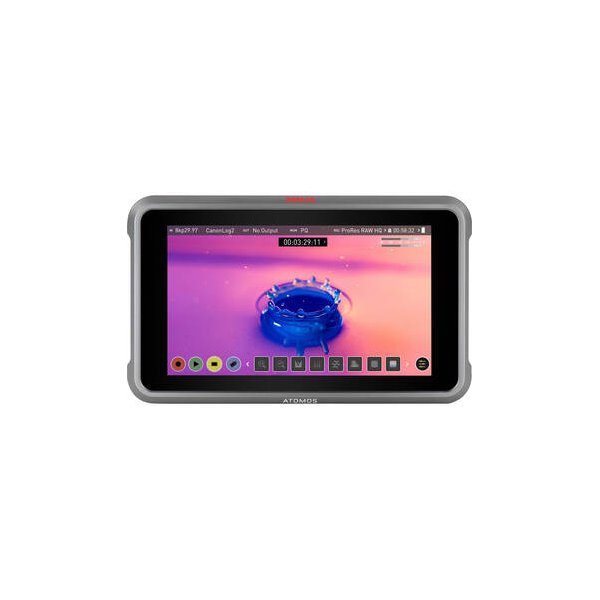
Atomos Ninja 5.2" 4K HDMI Recording Monitor
Atomos
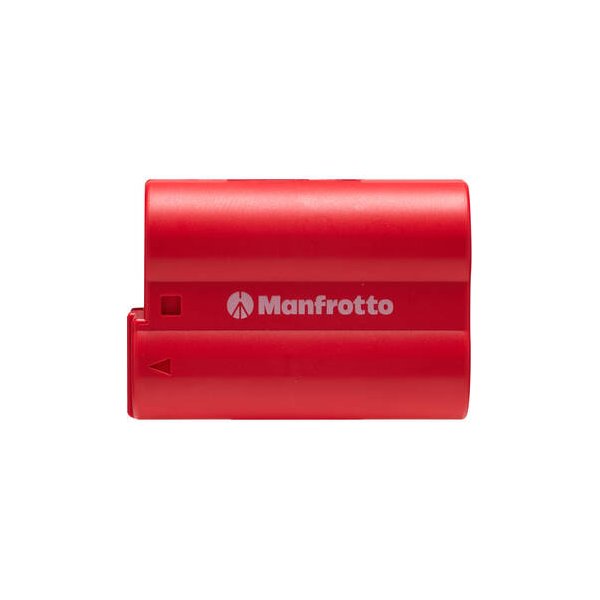
Nikon EN-EL15c Lithium-Ion Battery (2280mAh)
Nikon
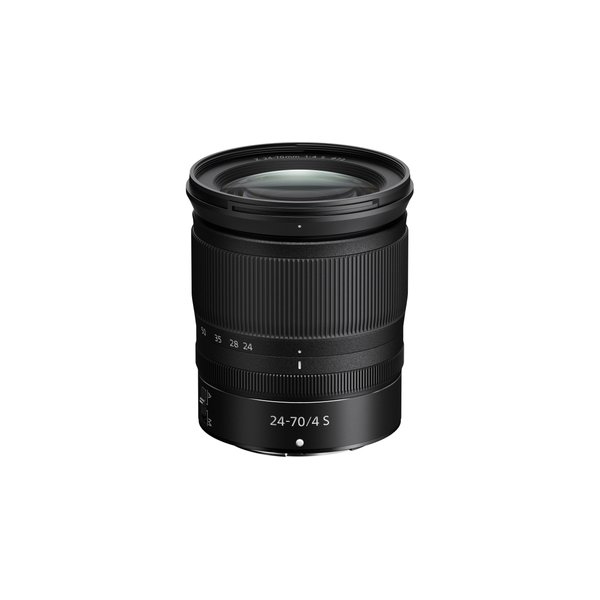
Nikon NIKKOR Z 24-70mm f/4 S Lens
Nikon
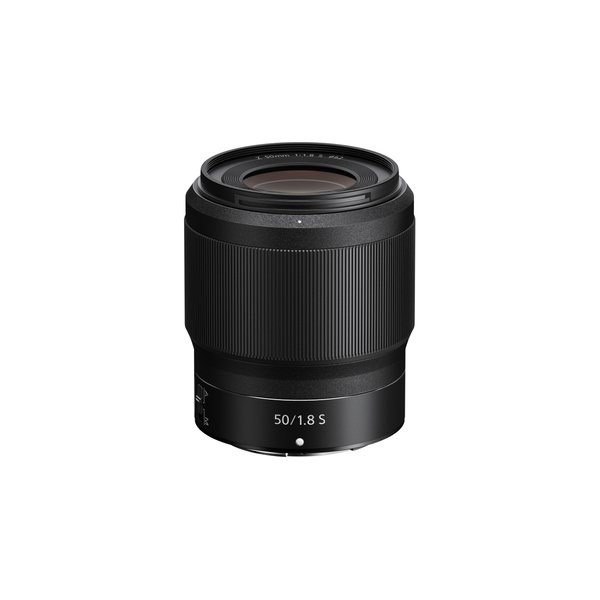
Nikon NIKKOR Z 50mm f/1.8 S Lens
Nikon
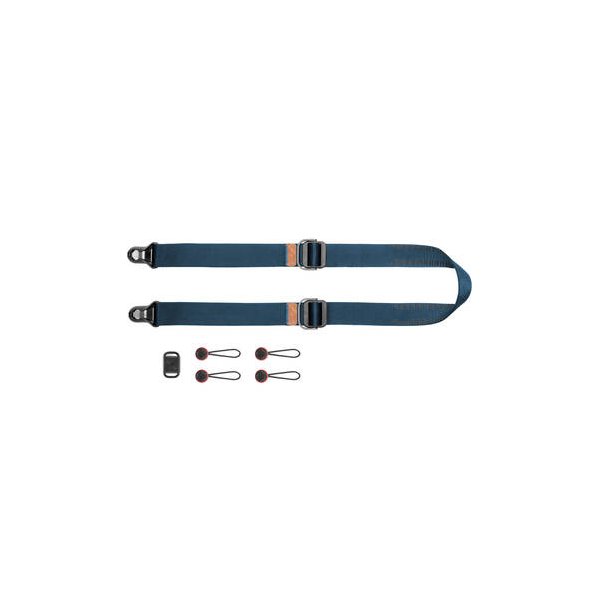
Peak Design Slide Lite Camera Strap (Black)
Peak Design
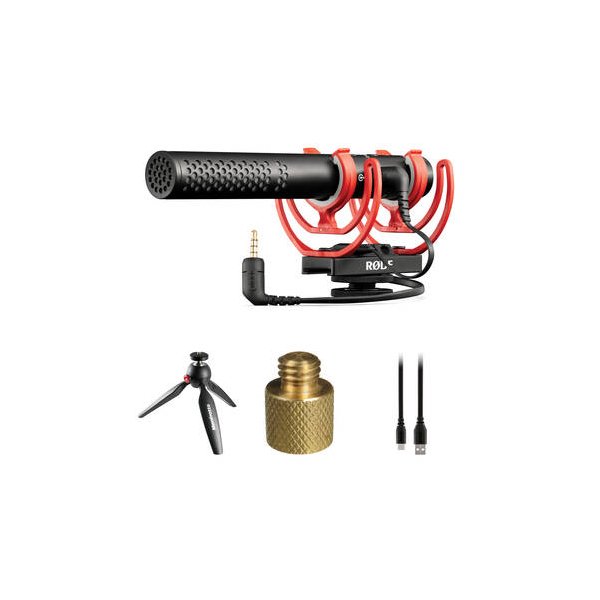
RODE VideoMic NTG Hybrid Analog/USB Camera-Mount Shotgun Microphone
RODE

SmallHD Cable Clips for FOCUS 5" or FOCUS OLED 5.5" (3-Pack)
SmallHD
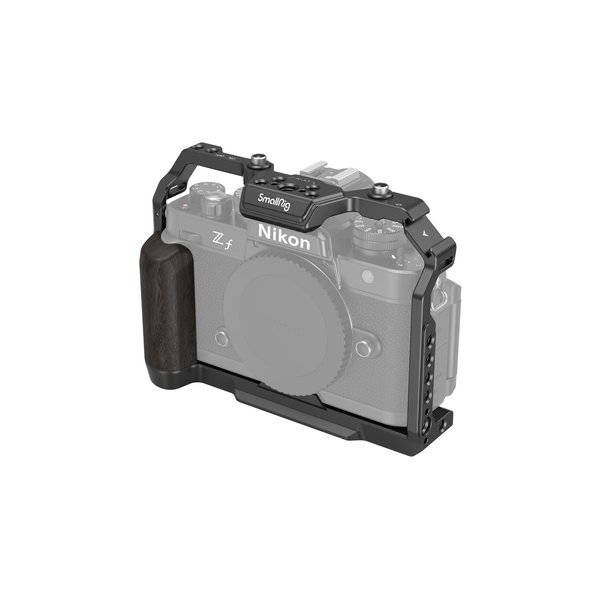
SmallRig Camera Cage for Nikon Zf
SmallRig