Technical specifications
- Sensor
- Full-Frame CMOS
- Sensor Size
- 35.9 x 23.9 mm
- Megapixels
- 45.7
- Mount
- Nikon Z
- Max Resolution
- 6K (8256x4644)
- Max Frame Rate
- 120fps @ 4K UHD
- Codec
- ProRes, H.265, H.264
- ISO Range
- ISO 32–102400
- Log / Gamma
- HDR-HLG
- Autofocus
- Phase-detect, 493 points
- Stabilization
- Sensor-Shift, 5-Axis
- ND Filter
- No
- Ports
- 1x HDMI, 1x 1/8" / 3.5 mm TRS Stereo Headphone, 1x 1/8" / 3.5 mm TRS, 1x USB-C, 1x Nikon 10-Pin Remote, 1x USB-C Data
- Battery
- 1x EN-EL15c Rechargeable Lithium-Ion, 7 VDC, 2280 mAh (Included)<br>• Approx. 340 Shots
- Weight
- 820g
- Dimensions
- 144 x 118.5 x 83 mm
- MSRP
- $3,999.95
Add your voice
Your ratings help other filmmakers choose the right camera.
Own it?
What do you use this for?
Field guide
Overview
The Nikon Z 8 is a powerhouse of a mirrorless camera, effectively serving as a more compact, travel-friendly sibling to the flagship Z 9. It is designed for high-end professionals and serious enthusiasts who need top-tier performance—like 8K video and high-speed burst shooting—without the bulk of a full-sized integrated vertical grip. It competes directly with other high-resolution, high-speed hybrids, offering a robust, weather-sealed body that feels like a true workhorse in the field.
What makes the Z 8 particularly compelling is its sensor-shield mechanism, which protects the image sensor from dust during lens changes, and its extensive video capabilities, including internal 12-bit N-RAW and ProRes RAW recording. The camera also features a highly capable autofocus system with subject detection for people, animals, and vehicles, making it incredibly versatile for everything from wildlife to fast-paced sports and narrative filmmaking.
This camera is an excellent choice for cinematographers and photographers who demand a single-body solution for both high-resolution stills and professional-grade video. Whether you are shooting a documentary, a commercial project, or high-speed action, the Z 8 provides the reliability and feature set required for demanding production environments.
Pros & Cons
Pros
Internal 12-bit N-RAW and ProRes RAW recording eliminates the need for external recorders, streamlining the production workflow.
The sensor shield protects the image sensor from dust and debris during lens changes, which is a massive advantage for field work.
High-speed frame capture up to 120 fps (in JPEG) allows for capturing split-second action that other cameras might miss.
Dual card slots (CFexpress Type B/XQD and SD UHS-II) provide flexible backup and overflow options for critical shoots.
Advanced subject detection (people, animals, vehicles) is highly effective, reducing the cognitive load on the operator during fast-paced shooting.
Cons
High-speed frame capture (C120) is limited to JPEG format, which restricts the ability to perform heavy color grading in post.
Recording RAW video is not supported on SD cards, forcing the use of more expensive CFexpress Type B media.
The camera can become warm during extended 8K or high-frame-rate video recording, which may trigger thermal warnings.
HLG and N-Log modes have higher minimum ISO requirements (ISO 800), which can limit low-light flexibility compared to SDR.
The lack of an integrated vertical grip means you will need to purchase the MB-N12 battery pack separately if you need extended battery life or vertical controls.
Best Settings
Narrative Filmmaking
Use N-RAW 12-bit (NEV) or ProRes RAW HQ 12-bit (MOV) for maximum dynamic range and post-production flexibility. Set the tone mode to N-Log to preserve highlight and shadow detail. Use a manual shutter speed (180-degree rule) and set ISO to the base of 800 for N-Log.
Documentary / Run-and-Gun
Use H.265 10-bit (MOV) in SDR mode for a balance of high quality and manageable file sizes. Enable Auto ISO with a set maximum sensitivity to handle changing lighting conditions. Use Wide-area AF (L) with subject detection set to Auto to ensure the camera tracks subjects reliably.
Interview & Talking Head
Use 4K at 24p or 30p for a cinematic look. Set the Picture Control to Neutral for a flatter starting point if not using N-Log. Ensure microphone sensitivity is set manually to avoid the noise floor of the auto-gain, and use the attenuator if the environment is loud.
Slow Motion
Use 4K 120p for smooth slow motion. Note that this may involve a crop depending on the settings; check the manual for specific crop factors. Ensure you are using a high-speed CFexpress card to handle the data rate.
Common Issues
Camera Overheating
What's happening: The camera displays a high-temperature warning or shuts down during extended video recording. Why: High ambient temperatures or prolonged use of high-bitrate/high-resolution video modes can cause internal heat buildup. Fix: Stop recording and allow the camera to cool down. Ensure you are not in direct sunlight. Prevention: Use a lower frame rate or resolution if 8K is not required, and avoid keeping the camera in a hot environment.
Shutter Release Disabled
What's happening: The shutter button will not fire. Why: This is often due to a full memory card, a locked card, or the camera being in a mode where the shutter is restricted (e.g., Bulb/Time in S mode). Fix: Check the memory card status, ensure it is not write-protected, and verify your shooting mode settings. Prevention: Regularly format your cards and check your settings before starting a shoot.
Autofocus Hunting
What's happening: The camera struggles to lock focus on the subject. Why: Low contrast, complex patterns, or subjects smaller than the focus point can confuse the AF system. Fix: Switch to a different AF-area mode or use manual focus with focus peaking to confirm sharpness. Prevention: Use the AF subject detection options to prioritize the correct subject type (people, animals, or vehicles).
FAQ
- Can the Nikon Z 8 record 8K video?
Yes, the Nikon Z 8 can record 8K UHD video at 30p, 25p, and 24p. It supports various formats including N-RAW and ProRes RAW.
- Does the Nikon Z 8 have a sensor shield?
Yes, the Nikon Z 8 features a sensor shield that closes when the camera is powered off to protect the image sensor from dust and debris during lens changes.
- What memory cards are compatible with the Nikon Z 8?
The Nikon Z 8 has dual slots: one for CFexpress (Type B) or XQD cards, and one for SD (UHS-II compliant) cards.
- Can I charge the Nikon Z 8 battery via USB?
Yes, the Nikon Z 8 supports battery charging via the USB Power Delivery connector using compatible adapters like the EH-7P or EH-8P.
- Does the Nikon Z 8 support N-Log recording?
Yes, the Nikon Z 8 supports N-Log recording when using N-RAW or ProRes RAW formats, as well as with H.265 10-bit (MOV) files.
- What is the maximum frame rate for the Nikon Z 8?
The Nikon Z 8 can reach up to 120 fps in high-speed frame capture mode (C120), though this is limited to JPEG format.
- Is the Nikon Z 8 weather-sealed?
The Nikon Z 8 is designed for professional use and features a robust, weather-sealed body, though it should still be protected from extreme conditions.
- Can I use my old F-mount lenses on the Nikon Z 8?
Yes, you can use F-mount NIKKOR lenses on the Nikon Z 8, but you will need the optional FTZ or FTZ II mount adapter.
Recommended Accessories
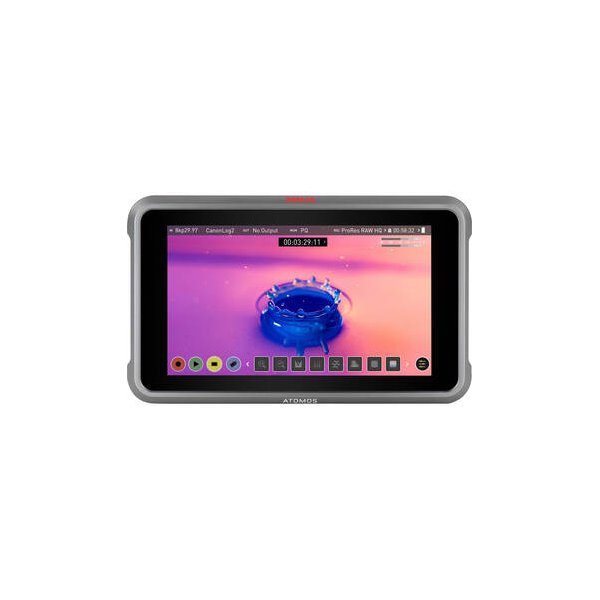
Atomos Ninja 5.2" 4K HDMI Recording Monitor
Atomos
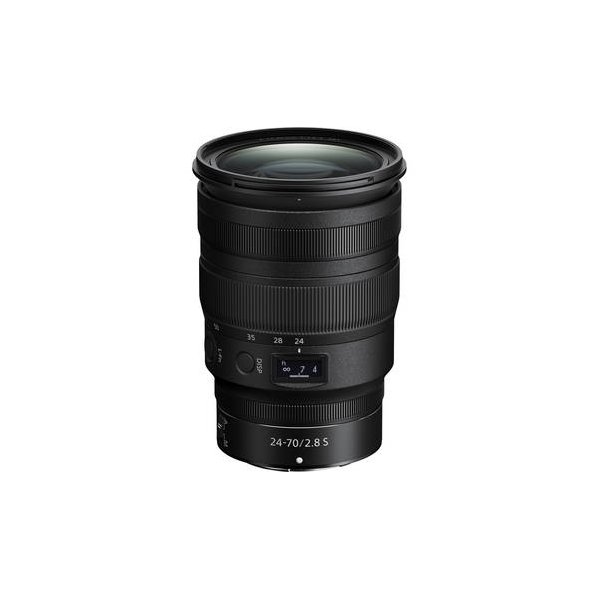
Nikon NIKKOR Z 24-70mm f/2.8 S II Lens (Nikon Z)
Nikon
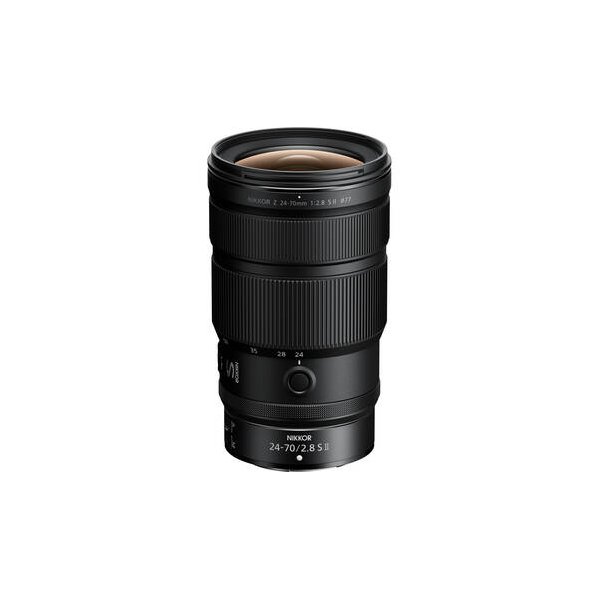
Nikon NIKKOR Z 24-70mm f/2.8 S Lens
Nikon
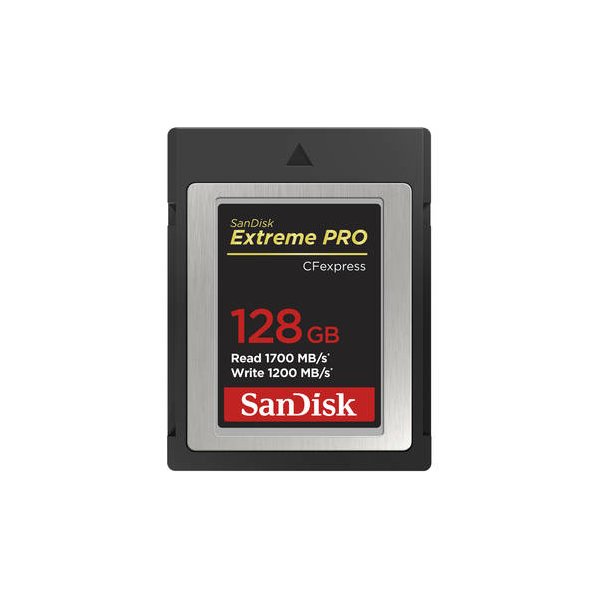
SanDisk 512GB Extreme PRO CFexpress Type B Memory Card
SanDisk
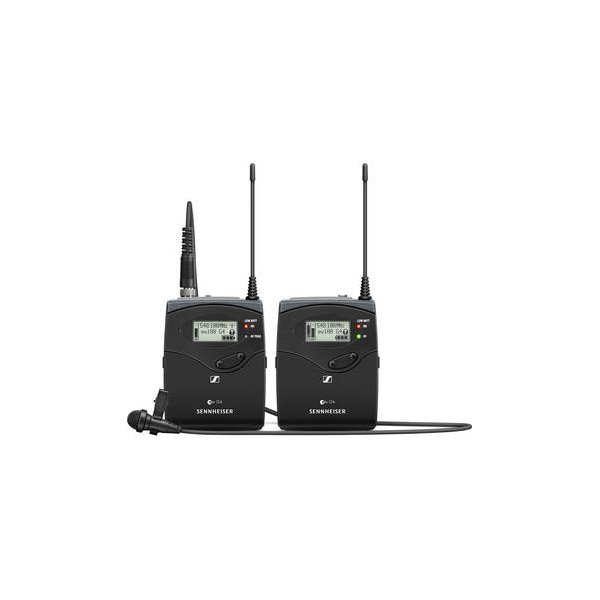
Sennheiser EW 112P G4 Camera-Mount Wireless Omni Lavalier Microphone System (A: 516 to 558 MHz)
Sennheiser
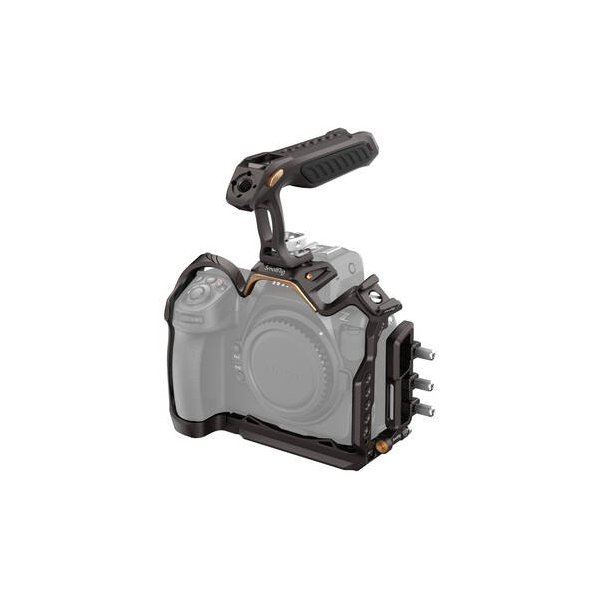
SmallRig Camera Cage for Nikon Z8
SmallRig
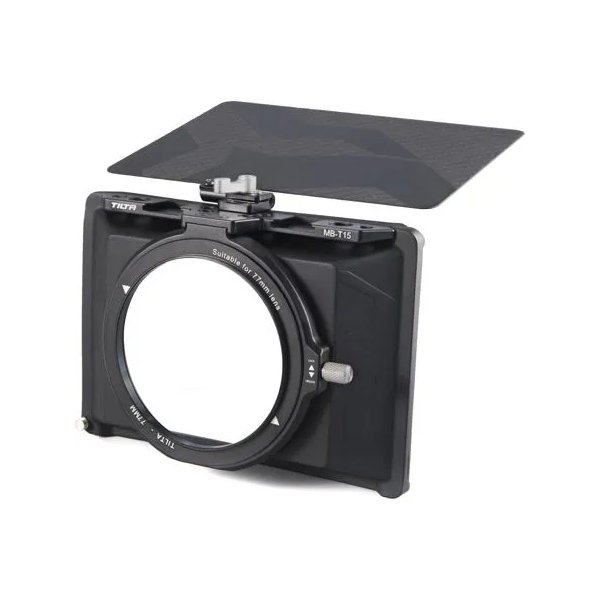
Tilta Mini Matte Box
Tilta
Related comparisons
The Nikon Z8 excels for hybrid video/stills, while the Sony a7R V dominates for ultra-high-resolution photography.
See full comparison Z8 vs Z9The Z8 delivers flagship performance in a compact body; the Z9 offers unmatched battery life and robust build for demanding productions.
See full comparison Z8 vs EOS R5 Mark IIThe Nikon Z8 excels with internal RAW and a stacked sensor, while the Canon R5 Mark II offers Canon's renowned color science and Dual Pixel AF.
See full comparison