Technical specifications
- Sensor
- (Full-Frame) Partially Stacked CMOS
- Sensor Size
- 35.9 x 23.9 mm
- Megapixels
- 24.5
- Mount
- Nikon Z
- Max Resolution
- 6K (6048x3404)
- Max Frame Rate
- 240fps @ 1080p
- Codec
- ProRes, H.265, H.264
- ISO Range
- ISO 50–204800
- Log / Gamma
- HDR-HLG, Nikon N-Log
- Autofocus
- Phase-detect, 299 points
- Stabilization
- Sensor-Shift, 5-Axis
- Ports
- 1x HDMI, 1x 1/8" / 3.5 mm TRS Stereo Headphone, 1x 1/8" / 3.5 mm TRS, 1x USB-C, 1x Nikon DC2 Data, 1x USB-C Data Output (Shared with Power Input)
- Battery
- 1x EN-EL15c Rechargeable Lithium-Ion (Included)<br>• Approx. 360 Shots
- Weight
- 670g
- Dimensions
- 138.5 x 101.5 x 74 mm
- MSRP
- $2,499.95
Add your voice
Your ratings help other filmmakers choose the right camera.
Own it?
What do you use this for?
Field guide
Overview
The Nikon Z6III arrives as a highly capable hybrid powerhouse, positioning itself as a serious contender for both professional stills photographers and video-centric creators. It bridges the gap between high-speed action performance and high-end video production, offering a robust feature set that feels right at home in a professional kit. With its 24.5MP sensor and advanced autofocus capabilities, it is designed to handle everything from fast-paced sports to cinematic narrative work, making it a versatile workhorse for those who need one camera to do it all.
What truly sets the Z6III apart is its sophisticated video architecture. It supports internal 12-bit N-RAW and ProRes RAW HQ recording, providing immense flexibility for color grading in post-production. The inclusion of N-Log and HLG tone modes, combined with professional-grade audio controls and timecode support, signals that Nikon is taking the needs of serious filmmakers seriously. The vari-angle monitor and high-resolution electronic viewfinder further enhance the shooting experience, ensuring that framing and focus are precise, even in challenging conditions.
This camera is an excellent choice for documentary filmmakers, wedding videographers, and content creators who require a reliable, high-performance tool that doesn't compromise on image quality. Whether you are shooting in a controlled studio environment or out in the field, the Z6III offers the reliability and technical depth required for demanding productions.
Pros & Cons
Pros
Internal 12-bit N-RAW and ProRes RAW HQ recording provides massive latitude for professional color grading workflows.
High-speed frame capture up to 120 fps (C120) is a game-changer for capturing fleeting moments in sports or wildlife.
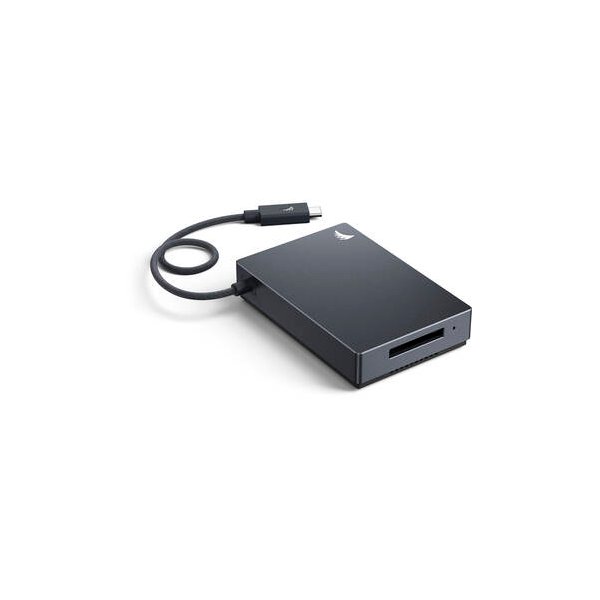
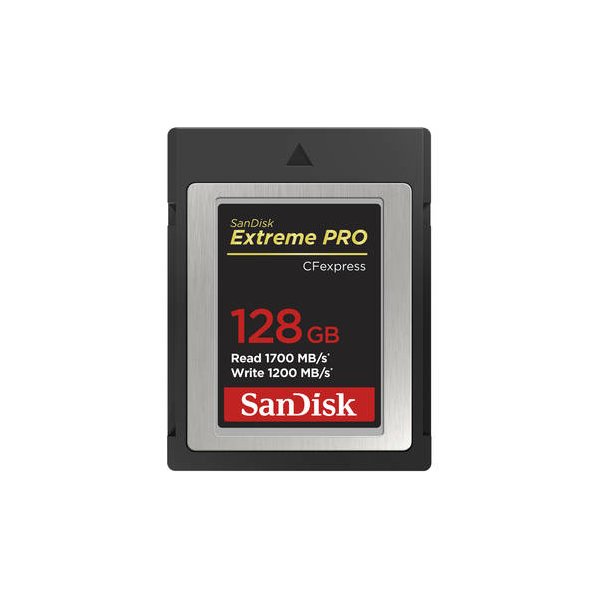
Dual card slots (CFexpress Type B/XQD and SD UHS-II) offer flexible backup and overflow options for critical shoots.
Comprehensive audio suite including line input, attenuator, and frequency response settings allows for professional sound capture without external preamps.
Vari-angle monitor provides excellent versatility for low-angle or self-shot interview setups.
Cons
High-speed frame capture + (C30/C60/C120) is restricted to JPEG/HEIF format, limiting raw editing potential for those bursts.
RAW video recording is not supported on SD cards, necessitating investment in expensive CFexpress Type B media.
HLG tone mode introduces visible noise in the monitor and viewfinder, which can make critical focus and exposure assessment difficult.
The camera can overheat during extended high-resolution video recording, which may force an unexpected shutdown.
RAW video files cannot be edited in-camera, requiring a high-performance computer and compatible software for any review or adjustment.
Best Settings
Narrative Filmmaking
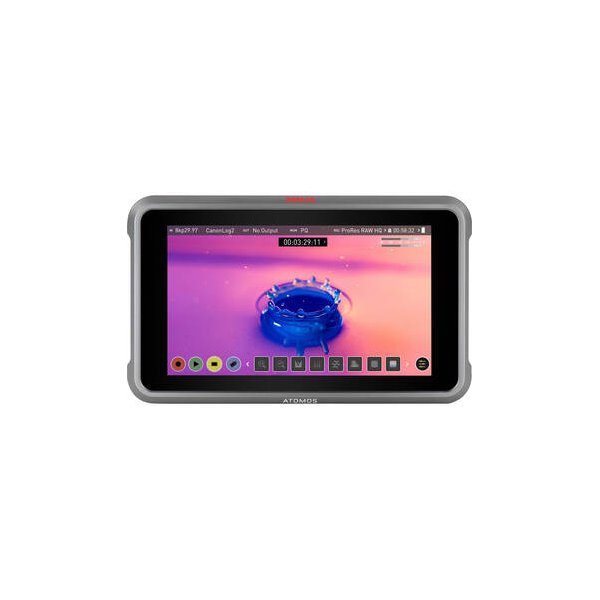
Use N-RAW 12-bit (NEV) or ProRes RAW HQ for maximum dynamic range. Set Tone Mode to N-Log to preserve highlight and shadow detail. Use a manual shutter speed (180-degree rule) and set ISO to the base sensitivity for the cleanest image. Always use an external monitor if possible to utilize the N-Log View Assist for accurate contrast previewing.
Documentary / Run-and-Gun
Shoot in H.265 10-bit (MOV) with SDR or HLG tone mode for a balance of quality and file size. Enable Auto ISO with a defined maximum sensitivity to handle changing light conditions. Use the vari-angle screen for low-profile shooting and ensure Wind Noise Reduction is set to ON if using the built-in microphone.
Interview & Talking Head
Set the camera to 4K 24p or 30p in H.265 10-bit. Use a fixed ISO (e.g., 800) to ensure consistent exposure. Connect a professional microphone via the 3.5mm jack, set Audio Input Selection to External Mic, and manually adjust input sensitivity to keep levels out of the red.
Slow Motion
Select 1920x1080; 120p or 100p frame rates. Note that sound is not recorded in slow-motion mode. Avoid using Electronic VR or Hi-Res Zoom as these are disabled in this mode.
Common Issues
Camera Overheating
What's happening: The camera displays a high-temperature warning (K) and may shut down during extended video recording or high-speed burst shooting. Why: High ambient temperatures or prolonged use of high-bitrate recording modes cause the internal circuitry to exceed safe operating temperatures. Fix: Turn the camera off and allow it to cool down completely before resuming shooting. Prevention: Avoid direct sunlight, use an external power source to reduce internal battery heat, and keep the monitor flipped out to improve airflow.
Wireless Connection Drops
What's happening: Wi-Fi or Bluetooth connections to smart devices or computers are interrupted, often accompanied by a rapidly flashing connection indicator. Why: The camera is overheating, which automatically disables wireless transmission to protect the hardware. Fix: Wait for the camera to cool down, then attempt to reconnect. Prevention: Keep the camera out of hot environments and avoid using wireless features while the camera is already warm from heavy shooting.
Shutter Release Disabled
What's happening: The camera refuses to take a photo or start recording. Why: This is often caused by a full memory card, a locked SD card, or a conflict with specific shooting modes (e.g., trying to use flash in silent mode). Fix: Check the memory card status, ensure the write-protect switch is in the correct position, and verify that you are not in a restricted mode like HDR or silent mode. Prevention: Regularly format your cards in-camera and check your shooting mode settings before starting a session.
Audio Distortion
What's happening: Recorded audio sounds clipped or distorted. Why: The input sensitivity is set too high for the environment, or the audio signal from a line-level device is too strong. Fix: Enable the Attenuator in the video recording menu or manually lower the Audio Input Sensitivity. If using a line-level device, ensure the input is set to 'Line' and not 'External Mic'. Prevention: Always perform a sound check with headphones before recording to ensure levels are peaking correctly.
FAQ
- Can the Nikon Z6III shoot 4K at 120fps?
Yes, the Nikon Z6III supports 4K UHD recording at 120p and 100p. Note that when these frame rates are selected, the image area is fixed to DX format.
- What memory cards are compatible with the Nikon Z6III?
The camera features dual slots supporting CFexpress (Type B), XQD, and SD (UHS-II) cards. For high-speed frame capture and RAW video, CFexpress Type B cards with a minimum write speed of 250 MB/s are highly recommended.
- Does the Nikon Z6III support internal RAW video recording?
Yes, it supports internal 12-bit N-RAW and ProRes RAW HQ recording. These formats require high-speed CFexpress or XQD cards and cannot be recorded to SD cards.
- How do I power the Nikon Z6III for long video shoots?
You can use the optional EH-8P AC adapter with the UC-E25 USB cable for continuous power delivery. Alternatively, the MB-N14 power battery pack can be used to extend battery life significantly.
- Can I use my old F-mount lenses on the Nikon Z6III?
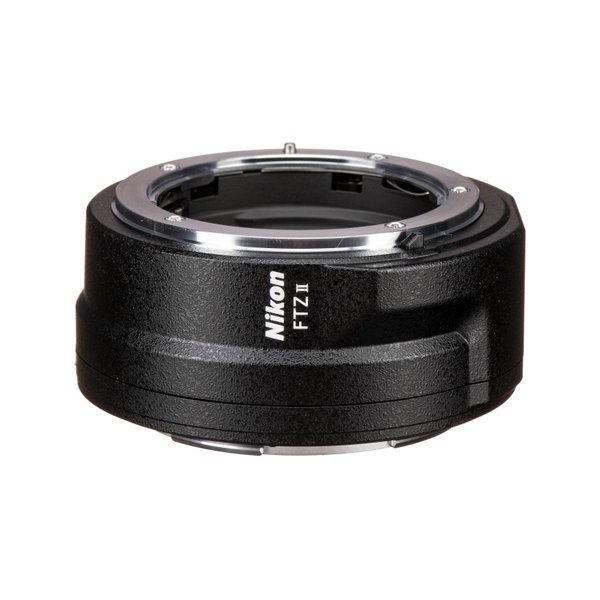
Yes, F-mount NIKKOR lenses can be used with the Nikon Z6III, but you will need a mount adapter. Note that some restrictions may apply depending on the specific lens.
- What is the maximum recording time for a single video clip?
Each video can be up to 125 minutes in length. However, recording may end earlier if the camera's internal temperature rises or if the memory card capacity is reached.
- Does the Nikon Z6III have built-in image stabilization?
Yes, it features 5-axis image sensor shift vibration reduction (VR) built into the camera body.
- How do I clean the image sensor on the Nikon Z6III?
The camera has a built-in 'Clean image sensor' function in the setup menu that vibrates the sensor to remove dust. For stubborn particles, manual cleaning or professional service is recommended.
Recommended Accessories
Angelbird 512GB AV PRO SE CFexpress v4 Type B Memory Card
Angelbird
SanDisk 512GB Extreme PRO CFexpress Type B Memory Card
SanDisk
Atomos Ninja 5.2" 4K HDMI Recording Monitor
Atomos
Nikon FTZ II Mount Adapter
Nikon
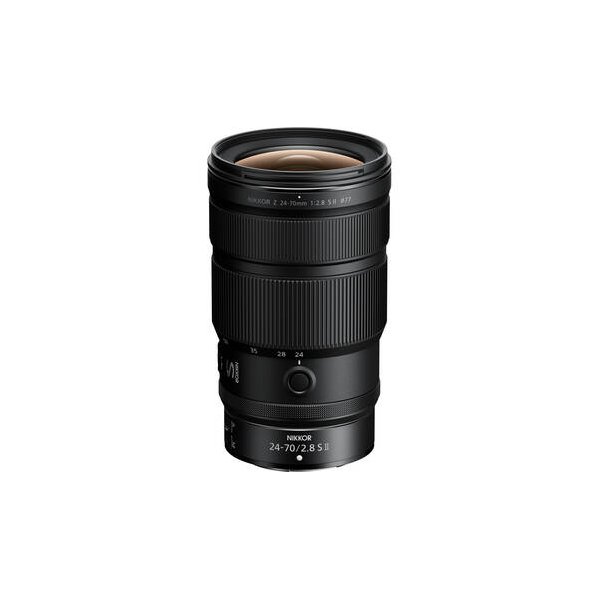
Nikon NIKKOR Z 24-70mm f/2.8 S Lens
Nikon
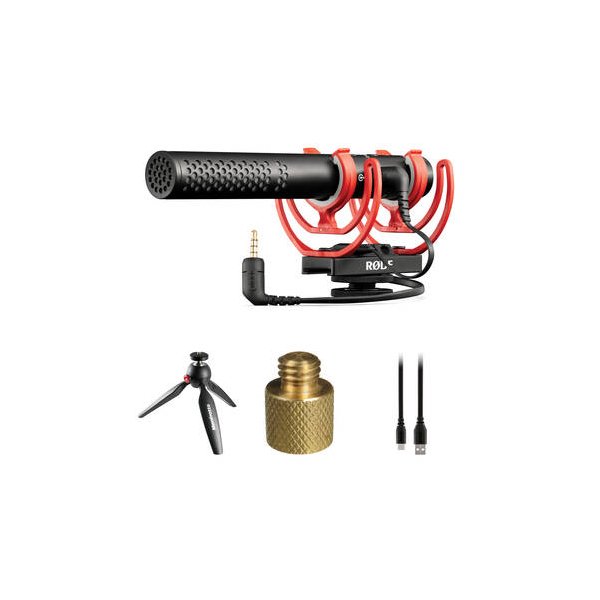
RODE VideoMic NTG Hybrid Analog/USB Camera-Mount Shotgun Microphone
RODE
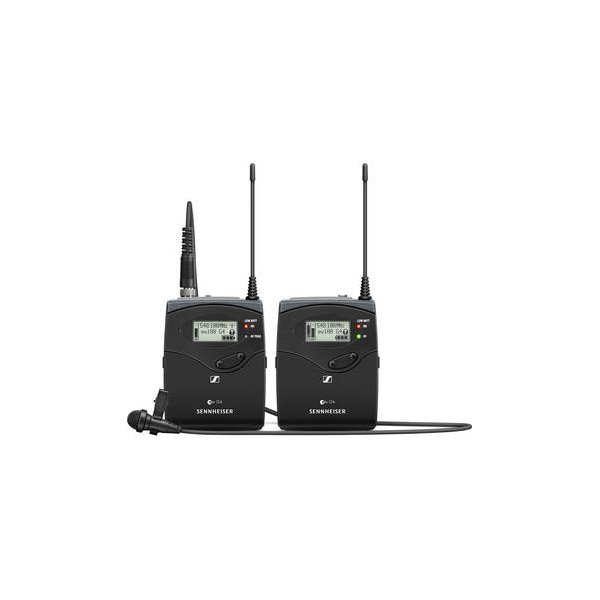
Sennheiser EW 112P G4 Camera-Mount Wireless Omni Lavalier Microphone System (A: 516 to 558 MHz)
Sennheiser
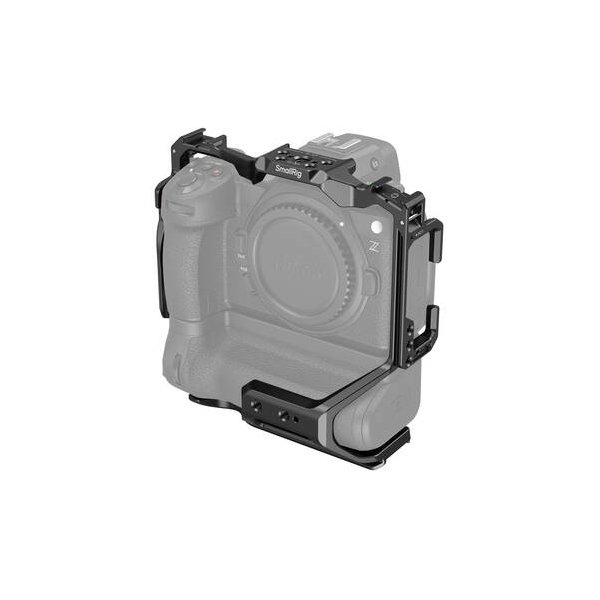
SmallRig Camera Cage for Nikon Z6 III
SmallRig
Related comparisons
The Nikon Z6 III wins for hybrid shooters needing internal 6K RAW and higher resolution; the Sony A7S III owns low-light video with its exceptional dynamic range.
See full comparison Z6 III vs ZfThe Z6 III is a video powerhouse with internal 6K RAW; the Zf offers retro charm and solid stills performance.
See full comparison Z6 III vs a7 IVThe Nikon Z6 III dominates for serious video production with 6K RAW; the Sony a7 IV excels as a high-resolution hybrid workhorse.
See full comparison Z6 III vs EOS R6 Mark IIThe Canon R6 Mark II excels in AF and ergonomics; the Nikon Z6 III dominates with internal RAW and higher frame rates.
See full comparison