Technical specifications
- Sensor
- 1/2"
- Megapixels
- 72
- Max Resolution
- 8K (360 Mode), 4K (Single-Lens Mode)
- Max Frame Rate
- 8K 30fps, 5.7K 60fps, 4K 100fps, 4K 60fps (Single-Lens), 2.7K 120fps (Me Mode)
- Codec
- H.264, H.265
- ISO Range
- ISO 100–6400
- Log / Gamma
- Active HDR, Standard
- Stabilization
- Integrated 6-Axis Gyroscope
- Ports
- USB Type-C
- Battery
- 2290 mAh
- Weight
- 203g
- Dimensions
- 123.6 x 46 x 37.6 mm
- MSRP
- $499.99
Add your voice
Your ratings help other filmmakers choose the right camera.
Own it?
What do you use this for?
Field guide
Overview
The Insta360 X4 is a powerhouse in the 360-degree action camera market, pushing the envelope with 8K30fps recording capabilities. Designed for creators who need total coverage without the hassle of traditional framing, it serves as a versatile tool for everything from high-octane sports to immersive vlogging. Its dual-lens design allows for seamless 360-degree capture, while the inclusion of a dedicated Single-Lens Mode makes it a surprisingly capable wide-angle action camera as well.
What really sets the X4 apart is its focus on usability and durability. The manual highlights the importance of the Thermo Grip Cover for long-form 8K recording, a necessary addition given the thermal demands of such high-resolution capture. With features like AI-powered reframing, Deep Track, and a robust suite of shooting modes, it is clearly built for those who want to spend less time worrying about camera angles and more time capturing the action.
Pros & Cons
Pros
8K30fps resolution provides incredible detail for 360-degree immersive content.
Single-Lens Mode offers a convenient way to shoot traditional wide-angle action footage up to 4K60fps.
PD fast charging gets the battery to 80% in just 26 minutes, minimizing downtime on set.
AI-powered reframing and Deep Track features significantly reduce the time required for post-production.
Waterproof up to 33ft (10m) without a case, making it ready for most weather and water conditions out of the box.
Cons
High-resolution 8K recording generates significant heat, requiring the Thermo Grip Cover for extended use.
Lens Guards are not designed for underwater use, requiring removal before submerging the camera.
The Thermo Grip Cover is not compatible with several key accessories like the Invisible Dive Case or Cold Shoe.
Requires specific exFAT formatted microSD cards (UHS-I, V30 or above) to ensure reliable recording.
Non-official USB cables may cause compatibility issues during file transfer or firmware updates.
Best Settings
Narrative Filmmaking
Use 360 Mode at 8K30fps for maximum flexibility in post-production reframing. Ensure you are using the Thermo Grip Cover if shooting long takes to manage heat. Use Manual mode to lock your Shutter Speed and ISO to maintain consistent exposure across the 360-degree field.
Documentary / Run-and-Gun
Use Active HDR in 360 Mode for stabilized, high-dynamic-range footage in bright, outdoor conditions. Enable QuickCapture to start recording instantly from a powered-off state, ensuring you never miss a moment.
Interview & Talking Head
Switch to Single-Lens Mode at 4K30fps or 4K60fps for a traditional wide-angle look. Use the 'Direction Focus' audio mode to prioritize the subject's voice and minimize ambient noise.
Slow Motion
Use Single-Lens Mode at 4K60fps or 2.7K120fps (in Me Mode) to capture smooth, high-frame-rate action that can be slowed down in post-production.
Common Issues
Camera Overheating
What's happening: The camera feels hot to the touch during extended 8K recording. Why: High-resolution 8K capture is power-intensive and generates significant heat. Fix: Use the official Thermo Grip Cover to manage surface temperature. Prevention: Avoid recording in high-temperature environments for extended periods and ensure the camera has adequate ventilation.
Stitching Issues in 360 Footage
What's happening: The final 360-degree image shows visible seams or alignment errors. Why: The camera settings do not match the physical state of the lens (e.g., Lens Guards installed but mode set to 'No Lens Guards'). Fix: Swipe down to the Shortcut Menu and ensure the 'Lens Guards Mode' is set correctly to match your current setup (Standard, Premium, or No Lens Guards). Prevention: Always verify the Lens Guards setting immediately after attaching or removing the guards.
Connection Failures with Insta360 App
What's happening: The camera fails to pair or maintain a connection with the smartphone app. Why: Permissions issues, Wi-Fi interference, or outdated firmware. Fix: Ensure the app has GPS, Bluetooth, and local network permissions enabled. On Android, disable 'WLAN+' or auto-switch Wi-Fi features. If it still fails, 'forget' the camera's Wi-Fi network in your phone settings and reconnect. Prevention: Keep both the camera firmware and the app updated to the latest versions.
File Transfer Errors
What's happening: The computer or phone does not recognize the camera when connected via USB. Why: Using a non-official cable or failing to select the correct USB mode. Fix: Use the official Type-C cable provided with the camera. Ensure you select 'USB Drive Mode' on the camera screen after connecting. Prevention: Always use the official cable for data transfers to avoid compatibility issues.
FAQ
- Can the Insta360 X4 record in 8K?
Yes, the Insta360 X4 can record 360-degree video at up to 8K30fps. Because this resolution requires significant power and generates heat, it is recommended to use the Thermo Grip Cover for long recording sessions.
- Is the Insta360 X4 waterproof?
The Insta360 X4 is waterproof up to 33ft (10m) without a dive case. However, you must remove the Lens Guards before using the camera in water, as they are not designed for underwater use.
- What type of memory card does the Insta360 X4 require?
You should use exFAT format microSD cards with speed classes of UHS-I and V30 or above. The camera supports a maximum storage capacity of 1TB.
- How do I update the firmware on the Insta360 X4?
You can update the firmware via the Insta360 app by connecting the camera and following the on-screen prompts. Alternatively, you can download the firmware file from the official website and copy it to the root directory of the microSD card while the camera is in USB mode.
- Can I use the Insta360 X4 for underwater filming?
Yes, but you must remove the Lens Guards first. For the best stitching results and to increase depth protection to 164ft (50m), it is recommended to use the official X4 Invisible Dive Case.
- How long does it take to charge the Insta360 X4 battery?
Using official power accessories, the Insta360 X4 can charge to 80% in 26 minutes and 100% in 42 minutes. Standard charging times are 38 minutes for 80% and 55 minutes for a full charge.
- What is the purpose of the Thermo Grip Cover on the Insta360 X4?
The Thermo Grip Cover is designed to reduce the camera's surface temperature during long 8K recording sessions. It makes the camera more comfortable to hold when it gets hot from high-resolution processing.
- Can I use the Insta360 X4 in Single-Lens Mode?
Yes, the Insta360 X4 features a dedicated Single-Lens Mode. This allows you to record wide-angle videos from one lens at up to 4K60fps, effectively turning it into a traditional action camera.
Recommended Accessories
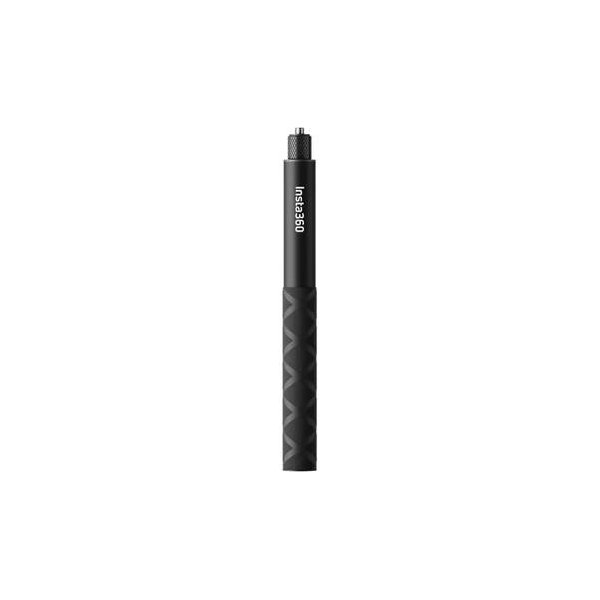
Insta360 2-in-1 Invisible Selfie Stick + Tripod for X3, X4, X5, GO 2, ONE X2, ONE R, ONE X
Insta360
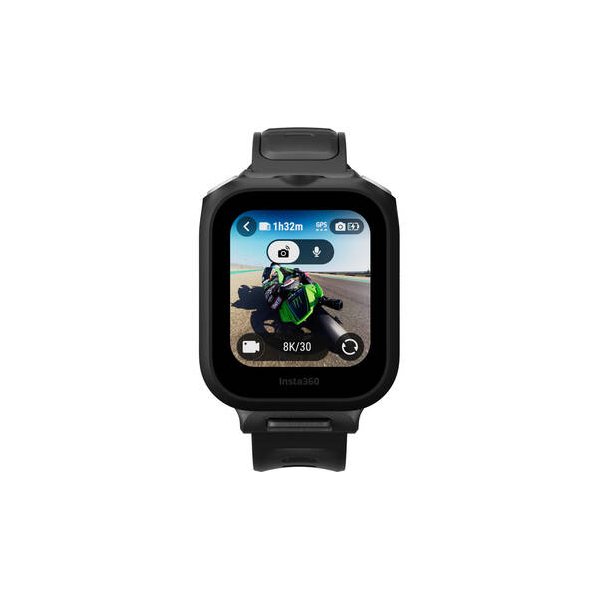
Insta360 GPS Smart Remote for ONE Series Cameras
Insta360

Insta360 Invisible Dive Case for X4
Insta360
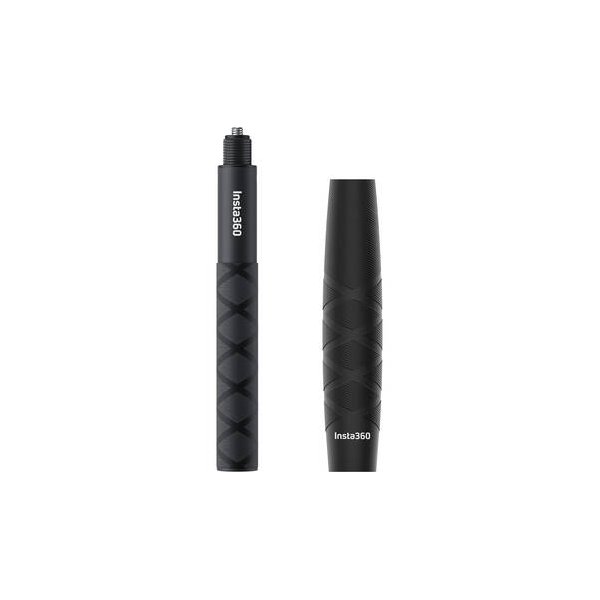
Insta360 Invisible Selfie Stick (44.9", Black)
Insta360
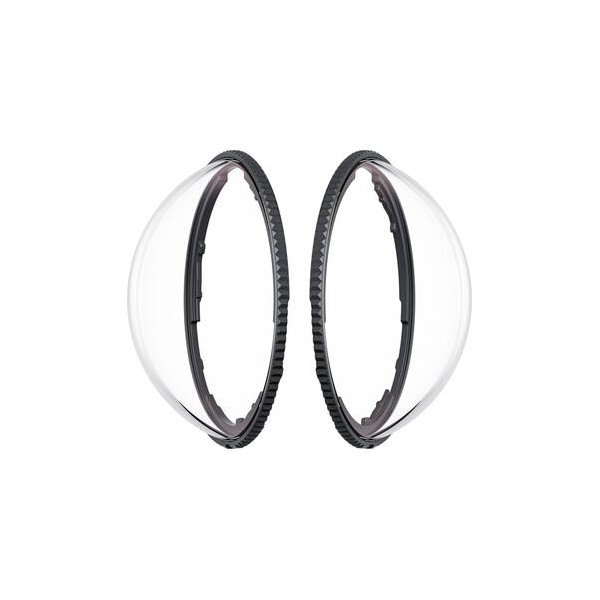
Insta360 Standard Lens Guard Set for X4
Insta360
SanDisk 512GB Extreme UHS-I microSDXC Memory Card with SD Adapter
SanDisk
Related comparisons
The Osmo Action 6 Pro excels in traditional action footage with its larger sensor, while the Insta360 X4 dominates immersive 360-degree capture.
See full comparison Insta360 X4 vs HERO 13 BlackThe HERO 13 Black excels in traditional action footage with high frame rates; the Insta360 X4 dominates immersive 360-degree capture.
See full comparison