Technical specifications
- Sensor
- 1/1.9 inch CMOS
- Sensor Size
- 6.3 x 5.5 mm
- Megapixels
- 27.6
- Max Resolution
- 6K
- Max Frame Rate
- 5.3K 120fps, 4K 240fps, 2.7K 480fps
- Codec
- H.265 (HEVC)
- ISO Range
- ISO 100–6400
- Stabilization
- HyperSmooth 7.0
- Ports
- USB-C
- Battery
- GoPro Enduro Battery (enhanced capacity)
- Weight
- 154g
- Dimensions
- 71.8 x 50.8 x 33.6 mm
- MSRP
- $499.99
Add your voice
Your ratings help other filmmakers choose the right camera.
Own it?
What do you use this for?
Field guide
Overview
The GoPro HERO13 Black continues the legacy of the world's most recognizable action camera, positioning itself as the go-to tool for creators who need to capture high-stakes, immersive footage in environments where traditional cameras simply cannot survive. It is designed for everyone from extreme sports athletes to casual vloggers who need a rugged, waterproof, and highly versatile imaging device that fits in a pocket. It competes directly with other action-focused cameras by offering a unique combination of 5.3K resolution, advanced stabilization, and a massive ecosystem of mounts and accessories.
What makes the HERO13 Black particularly interesting is its deep integration with the GoPro Quik app and its sophisticated 'Power Tools' suite, which includes features like HindSight and Scheduled Capture. These tools allow for a more calculated approach to shooting, ensuring you never miss the action even if you aren't actively recording. The camera also features a highly versatile 8:7 sensor, which provides a massive canvas for reframing content for different social media platforms without sacrificing quality.
This camera is an ideal companion for anyone documenting high-motion activities, travel, or outdoor adventures. Whether you are mounting it to a helmet for a mountain bike run, using it as a high-quality webcam, or setting it up for a long-term time-lapse, the HERO13 Black offers the reliability and image quality required for professional-grade social media content and documentary-style B-roll.
Pros & Cons
Pros
5.3K resolution at 60fps provides massive detail and flexibility for cropping in post-production.
HyperSmooth stabilization is industry-leading, effectively eliminating the need for a mechanical gimbal in most scenarios.
The 8:7 sensor aspect ratio is a game-changer for creators who need to output both vertical 9:16 and horizontal 16:9 content from the same shot.
Waterproof to 33ft (10m) without a housing, making it ready for surf, snow, and rain right out of the box.
HindSight feature captures up to 30 seconds of video before you press the shutter, ensuring you never miss the 'big play'.
Cons
High-resolution and high-frame-rate shooting in warm environments can lead to thermal shutdowns if airflow is restricted.
The camera is not waterproof when the side door is removed or open, which is necessary for charging or using external power.
Requires specific high-performance microSD cards (Class A2 V30, UHS-3 or higher) to avoid recording errors.
The touch screen can be difficult to operate when wet, requiring reliance on physical buttons and menu navigation.
Using non-GoPro batteries can significantly limit performance and void the warranty, forcing reliance on proprietary power accessories.
Best Settings
Narrative Filmmaking
Use the 5.3K 8:7 resolution at 24fps or 30fps to maximize dynamic range and flexibility. Set the Protune profile to 'Log' to ensure maximum color grading potential in post-production. Use the 'Linear' digital lens to avoid the fisheye look, and keep HyperSmooth set to 'On' for stable, cinematic handheld shots.
Documentary / Run-and-Gun
Shoot in 4K 16:9 at 60fps for a balance of resolution and fluid motion. Enable 'AutoBoost' for HyperSmooth to handle unpredictable camera movement. Use the 'Wide' digital lens to capture the full context of the scene, and keep the camera in 'Standard' color profile for a natural, ready-to-share look.
Interview & Talking Head
Use 4K 16:9 at 30fps. Set the digital lens to 'Linear' to keep the subject's face undistorted. Ensure 'Audio Tuning' is set to 'Voice' to prioritize vocal clarity over ambient background noise. If using an external mic, ensure the correct 'External Mic' setting (Standard, Powered, or Line In) is selected in the audio menu.
Slow Motion
For extreme slow motion, use the 'Burst Slo-Mo' preset. Note that this captures short clips at very high frame rates (up to 400fps at 720p) to allow for 13x slow-motion playback. For standard slow motion, shoot at 4K 120fps, which allows for 4x slow-motion playback at 30fps.
Common Issues
Camera Overheating
What's happening: The camera displays a temperature icon and shuts down. Why: High-resolution/high-frame-rate recording in warm environments or lack of airflow causes the camera to hit its thermal limit. Fix: Let the camera sit and cool down. Switch to a lower resolution or frame rate. Prevention: Avoid using the GoPro Quik app while recording, and try to keep the camera in a well-ventilated area.
Choppy Playback on Computer
What's happening: Footage skips or stutters during playback on a computer. Why: The computer may not support HEVC files or lacks the minimum hardware requirements for the software being used. Fix: Download the latest version of the GoPro Player for Mac or Windows from gopro.com/apps. Prevention: Ensure your computer meets the minimum system requirements for high-bitrate 5.3K/4K video editing.
SD Card Errors
What's happening: The camera reports an SD card error or fails to save files. Why: This can be caused by electrostatic discharge or a card that is too slow/degraded. Fix: Restart the camera to allow it to attempt a file repair. If the issue persists, reformat the card via the camera's menu (Preferences > Reset > Format SD Card). Prevention: Use only recommended, high-quality A2 V30/UHS-3 cards and reformat them regularly.
Battery Draining Quickly
What's happening: The battery life is significantly shorter than expected. Why: High-power features like GPS, wireless connections, and high-frame-rate recording are active. Fix: Turn off GPS, wireless connections, and the front screen when not needed. Lower the screen brightness. Prevention: Use the 'QuikCapture' feature to ensure the camera is only on when actively recording.
FAQ
- Can the GoPro HERO13 Black shoot 4K at 120fps?
Yes, the GoPro HERO13 Black supports 4K recording at 120fps. This high frame rate is ideal for capturing fast-action shots and creating fluid 4x slow-motion footage in post-production.
- What memory card does the GoPro HERO13 Black use?
The GoPro HERO13 Black requires a microSD card rated Class A2 V30, UHS-3, or higher. Using a lower-rated card can lead to recording errors or degraded performance.
- Is the GoPro HERO13 Black waterproof?
Yes, the GoPro HERO13 Black is waterproof to 33ft (10m) as long as the side door is locked and sealed. For deeper dives, you can use the optional Protective Housing to go down to 196ft (60m).
- How do I update the firmware on my GoPro HERO13 Black?
You can update your camera using the GoPro Quik app on your smartphone or by visiting gopro.com/update to perform a manual update. Always ensure your battery is charged and the SD card is inserted before starting the update process.
- Can I use non-GoPro batteries in the HERO13 Black?
While non-GoPro batteries may physically fit, they can significantly limit the camera's performance and may void your warranty. It is highly recommended to use the official GoPro Enduro battery for maximum performance and safety.
- What is the maximum resolution of the GoPro HERO13 Black?
The GoPro HERO13 Black can capture video at a maximum resolution of 5.3K. This resolution provides 91% more detail than 4K, making it excellent for high-quality productions.
- How do I reset my GoPro HERO13 Black if it freezes?
If your camera becomes unresponsive, press and hold the Mode button for 10 seconds to force a restart. This will not delete your settings or media.
- Does the GoPro HERO13 Black support external microphones?
Yes, the GoPro HERO13 Black supports external microphones. You can configure the input type (Standard, Powered, or Line In) in the audio settings menu to ensure compatibility with your specific microphone.
Recommended Accessories
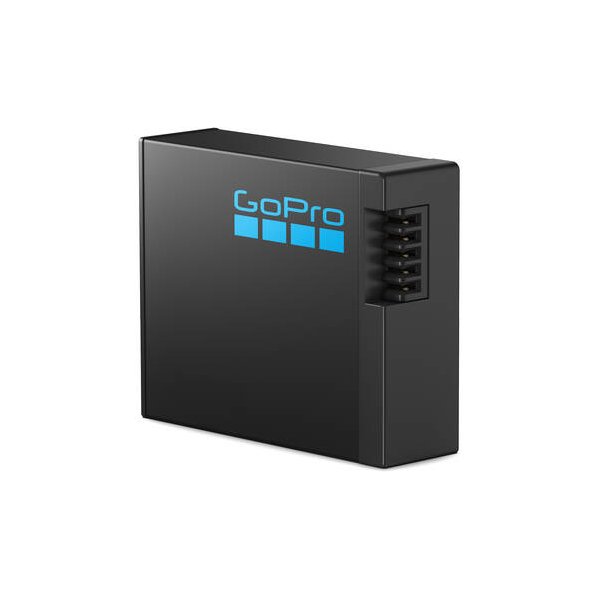
GoPro Dual-Battery Charger with Two Enduro Batteries for HERO13 Black
GoPro
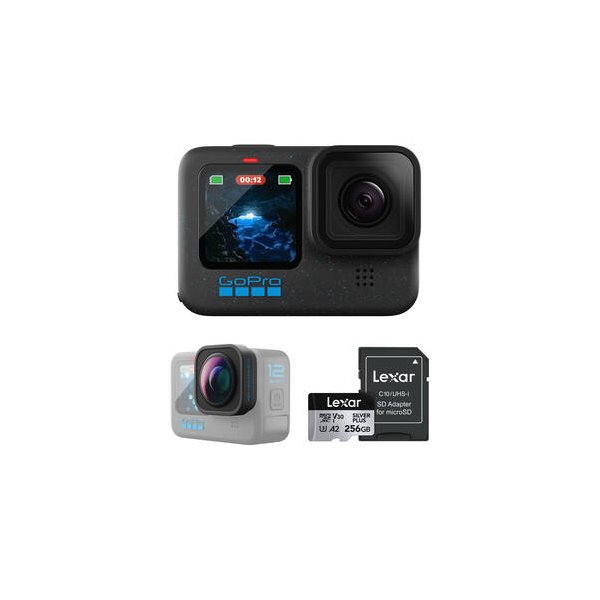
GoPro Max Lens Mod 2.0 for HERO13/12
GoPro
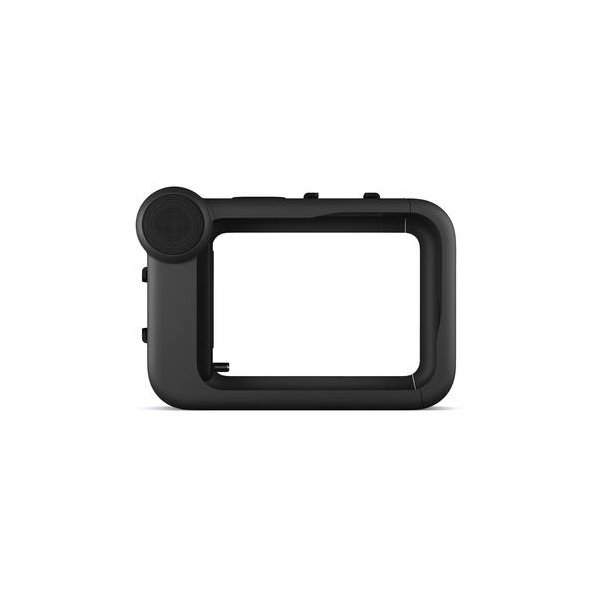
GoPro Media Mod for HERO9/HERO10/HERO11/HERO12/HERO13 Black
GoPro
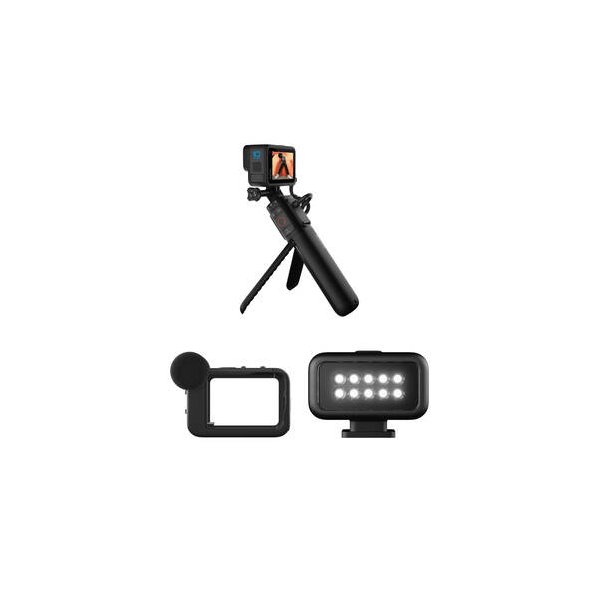
GoPro Volta Battery Grip for Select HERO Black Cameras
GoPro
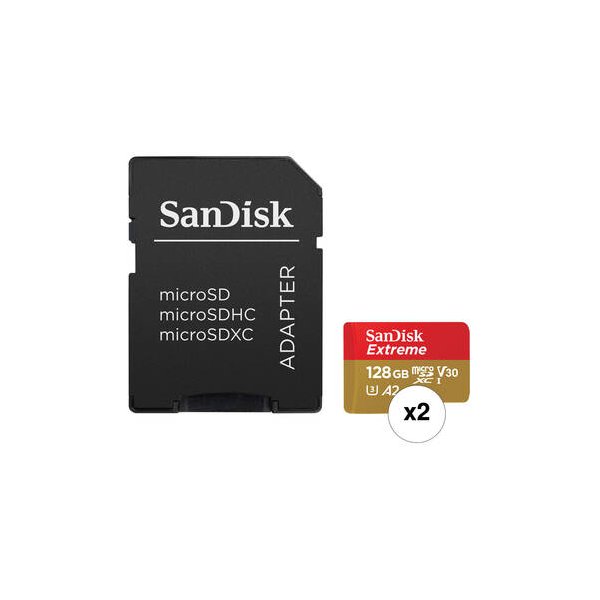
SanDisk 512GB Extreme UHS-I microSDXC Memory Card with SD Adapter
SanDisk
Related comparisons
The HERO 13 Black excels in traditional action footage with high frame rates; the Insta360 X4 dominates immersive 360-degree capture.
See full comparison HERO 13 Black vs Osmo Action 5 ProGoPro HERO 13 Black leads with 6K and HyperSmooth 7.0; DJI Osmo Action 5 Pro's full capabilities are yet to be detailed.
See full comparison