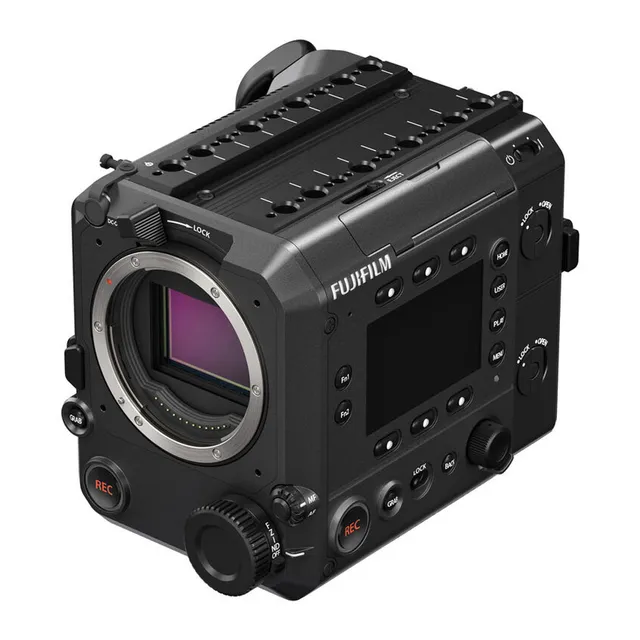
Technical specifications
- Sensor
- Large Format CMOS
- Sensor Size
- 43.8 x 33.9 mm
- Megapixels
- 102
- Mount
- FUJIFILM G
- Max Resolution
- 6K (8192x4320)
- Max Frame Rate
- 59.94fps @ 4K DCI
- Codec
- ProRes, H.265
- Dynamic Range
- 14 Stops
- ISO Range
- ISO 100–25600
- Log / Gamma
- FUJIFILM F-Log2, FUJIFILM F-Log2 C
- Autofocus
- Contrast-detect AF
- Stabilization
- OIS (lens), DIS (camera)
- ND Filter
- 2–7 stop (variable)
- Ports
- 1x BNC (12G-SDI), 1x HDMI 2.1, 1x 1/8" / 3.5 mm TRRS Headphone/Mic Headphone, 1x 1/8" / 3.5 mm TRS, 1x LEMO 4-Pin, 1x LEMO 2-Pin, 1x 2.5 mm Sub-Mini (Remote), 1x BNC (Timecode) Input/Output, 1x BNC (Genlock), 1x 12-Pin (Lens Control), 1x RJ45 (Ethernet)
- Battery
- NP-W235, V-Mount
- Weight
- 2000g
- Dimensions
- 110.8 x 138.2 x 176.8 mm
- MSRP
- $16,499.95
- Released
- 2025
Add your voice
Your ratings help other filmmakers choose the right camera.
Own it?
What do you use this for?
Field guide
Overview
The Fujifilm GFX ETERNA 55 is a specialized digital filmmaking camera that brings large-format aesthetics to a dedicated cinema-centric body. Designed for high-end production, it bridges the gap between traditional cinema cameras and the GFX system, offering a unique sensor size that provides a distinct look compared to standard Super 35 or full-frame sensors. It is a robust, modular system that prioritizes professional workflow, featuring a detachable LCD monitor, a dedicated handle, and extensive connectivity options including SDI, HDMI, and Genlock.
What makes the ETERNA 55 particularly interesting is its focus on a streamlined, professional interface. The camera utilizes side monitors for quick setting adjustments, allowing the operator to manage frame rates, ISO, shutter, and ND filters without diving into complex menus. It supports advanced features like Frame.io Camera to Cloud integration, remote recording via web browser, and internal recording to both CFexpress Type B and SD cards, making it a versatile tool for both studio and location work.
This camera is aimed at cinematographers and production houses looking for the specific depth-of-field and rendering characteristics of the GFX sensor in a professional video workflow. It is well-suited for narrative filmmaking, high-end commercials, and documentary projects where image quality and reliable, professional-grade connectivity are paramount.
Pros & Cons
Pros
Large-format sensor provides a unique, cinematic look that distinguishes it from standard full-frame or Super 35 cameras
Built-in electronic variable ND filter (0.6 to 2.1) allows for precise exposure control without needing external filters
Professional connectivity including SDI, HDMI, Genlock, and TC IN/OUT for seamless integration into multi-camera studio environments
Dual-sided monitors with dedicated buttons allow for rapid setting changes without obstructing the main LCD view
Frame.io Camera to Cloud integration enables immediate proxy uploads for faster post-production workflows
Cons
W235 battery mode significantly restricts functionality, disabling SDI, HDMI, and external SSD support
Large sensor size and high-resolution output may lead to increased data management and storage costs compared to smaller formats
The camera is not designed for handheld use without the handle and proper rigging, increasing the overall footprint
Requires specific G-mount or PL-mount lenses, limiting the use of common full-frame or EF-mount glass without adapters
High power consumption (up to 49W) necessitates robust power solutions like V-mount batteries for extended shooting
Best Settings
Narrative Filmmaking
Use the ProRes codec for maximum post-production flexibility. Set the project frame rate to 23.98 or 24 fps. Utilize F-Log2 for the widest dynamic range, and apply a custom LUT via the LUT SETTING menu to monitor the intended look on set.
Documentary / Run-and-Gun
Set the camera to H.265 422 Long GOP to balance file size and quality. Enable the electronic variable ND filter to quickly adapt to changing lighting conditions. Use the 'MULTI' AF mode with subject detection enabled to ensure critical focus on subjects in unpredictable environments.
Interview & Talking Head
Use the 4ch audio recording setting with an external XLR microphone adapter for professional-grade audio. Set the iris to a fixed aperture for consistent depth of field, and use the 'AREA' AF mode to lock focus on the subject's eyes.
Slow Motion
Set the recording frame rate higher than the project frame rate (e.g., 59.94P recording for a 23.98P project). Note that high-speed recording may require specific memory card speeds (V90 or CFexpress) to avoid dropped frames.
Common Issues
Recording Stops Unexpectedly
What's happening: The camera stops recording during a take. Why: The write speed of the memory card may be too slow for the selected bitrate or codec. Fix: Check the memory card compatibility list on the Fujifilm website. Ensure you are using a card with the required Video Speed Class (e.g., V90 for 720 Mbps). Prevention: Always format your cards in-camera before a shoot and use recommended media.
Camera Unresponsive
What's happening: The camera does not respond to button presses or dial rotations. Why: The controls may be locked, or the camera has encountered a temporary software error. Fix: Check the lock switch position. If it is unlocked, remove the battery, wait a few seconds, and reinsert it. Prevention: Use the lock switch intentionally to prevent accidental setting changes during operation.
Overheating Warnings
What's happening: The camera displays a temperature warning or shuts down. Why: The internal temperature has exceeded safe operating limits, often due to high-resolution recording or high ambient temperatures. Fix: Turn the camera off and allow it to cool down. Ensure the air intakes and exhaust vents are not obstructed. Prevention: Use the cooling fan settings (AUTO1 or AUTO2) to manage internal heat during long recording sessions.
FAQ
- What memory cards does the Fujifilm GFX ETERNA 55 use?
The camera features two slots: Slot 1 is for CFexpress Type B cards, and Slot 2 is for SD, SDHC, or SDXC cards. Both UHS-I and UHS-II bus interfaces are supported for SD cards.
- Can the Fujifilm GFX ETERNA 55 record to an external SSD?
Yes, the camera can save still images and movies to an external SSD connected via the USB-C port. You must select the SSD as the recording destination in the MEDIA REC SETTING menu.
- Does the Fujifilm GFX ETERNA 55 have built-in ND filters?
Yes, it features an electronic variable ND filter that ranges from 0.6 (ND4) to 2.1 (ND128). This can be adjusted via the ND filter menu or the multi-function dial.
- What is the maximum resolution of the Fujifilm GFX ETERNA 55?
The camera supports 8K resolution in various aspect ratios, including 8K 2.76:1, 8K 2.39:1, 8K 16:9, and 8K 17:9.
- Can I use PL-mount lenses on the Fujifilm GFX ETERNA 55?
Yes, the camera comes with a PL-mount adapter. You can replace the shim on the adapter to adjust the flange focal length as needed.
- How do I update the firmware on the Fujifilm GFX ETERNA 55?
Download the latest firmware from the official Fujifilm website to a memory card. Insert the card, press the MENU button, navigate to SET UP, select FIRMWARE UPDATE, and follow the on-screen instructions.
- What is W235 battery mode on the Fujifilm GFX ETERNA 55?
W235 battery mode is a restricted power state that occurs when the camera is powered only by the supplied NP-W235 battery. In this mode, SDI/HDMI outputs, the 12-pin lens connector, external SSDs, and network functions are disabled.
- Does the Fujifilm GFX ETERNA 55 support Frame.io?
Yes, it supports Frame.io Camera to Cloud. You can connect the camera to a network and upload files directly to the Frame.io platform.
Recommended Accessories
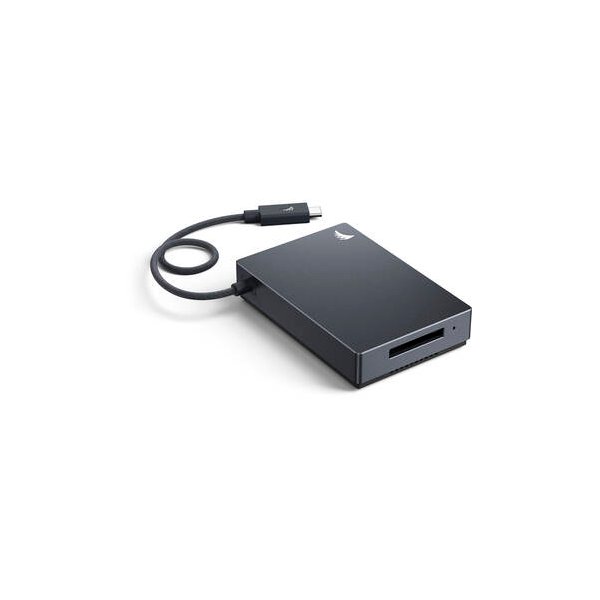
Angelbird 512GB AV PRO SE CFexpress v4 Type B Memory Card
Angelbird
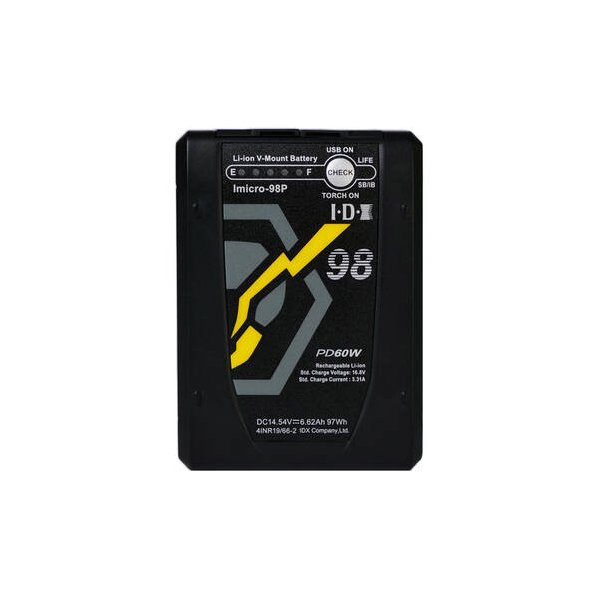
IDX System Technology CUE-J198 V-Mount Battery (190Wh)
IDX
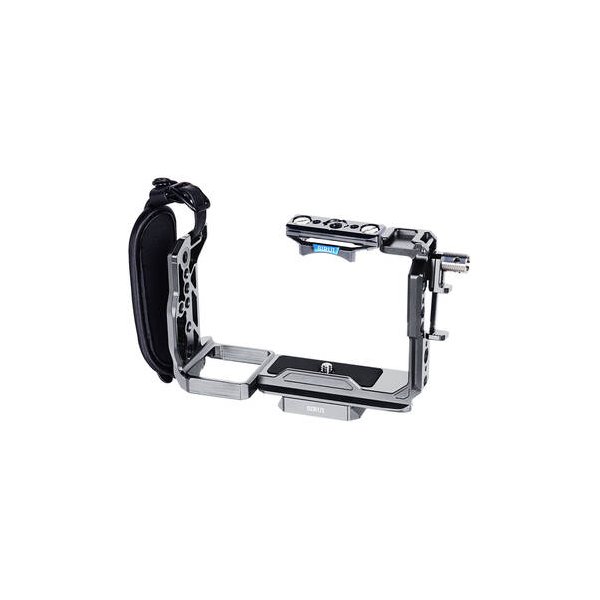
SmallRig 4183B Camera Cage for Sony FX30 and FX3
SmallRig
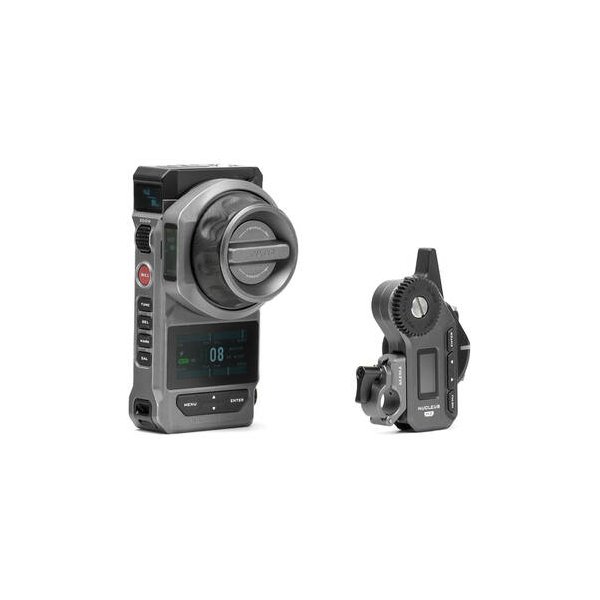
Tilta Nucleus-M II Ultimate Kit
Tilta
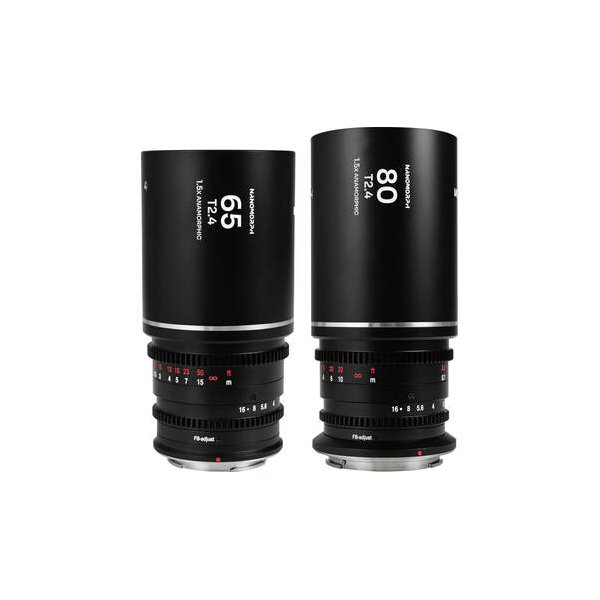
Venus Optics Laowa Nanomorph S35 Anamorphic Prime 3-Lens Bundle (FUJIFILM X, Silver Flare)
Venus Optics