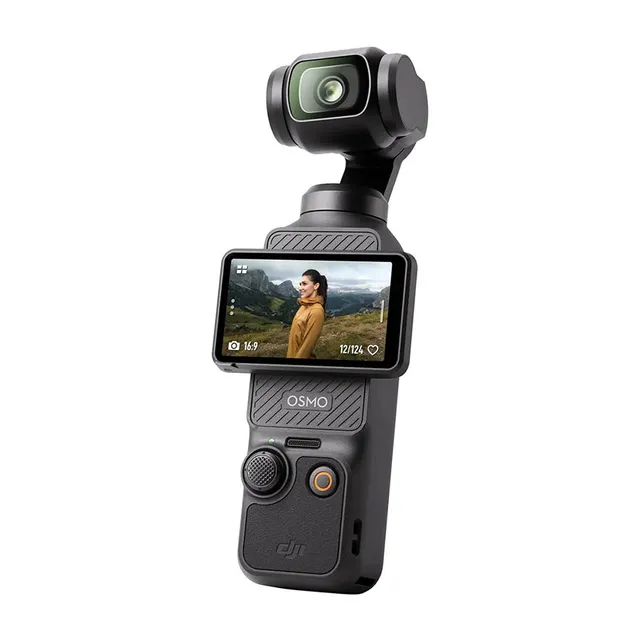
Technical specifications
- Sensor
- 1-inch CMOS
- Max Resolution
- 2.7K (3072x3072)
- Max Frame Rate
- 60fps @ 4K UHD
- Codec
- H.264
- Dynamic Range
- 10-bit
- ISO Range
- ISO 50–16000
- Log / Gamma
- D-Log M, HLG, Rec.709
- Autofocus
- Full-pixel PDAF
- Stabilization
- Integrated 3-Axis Gimbal
- Ports
- USB-C, 3.5mm audio (via external microphone adapter)
- Battery
- LiPo 1300 mAh
- Weight
- 179g
- Dimensions
- 139.7 x 42.2 x 33.5 mm
- MSRP
- $519
Add your voice
Your ratings help other filmmakers choose the right camera.
Own it?
What do you use this for?
Field guide
Overview
The DJI Osmo Pocket 3 is a unique, ultra-compact handheld gimbal camera that occupies a niche all its own. By pairing a 1-inch CMOS sensor with a 3-axis mechanical gimbal, it offers a level of stabilization and low-light performance that traditional action cameras simply cannot match. It is designed for vloggers, travel creators, and run-and-gun filmmakers who need professional-grade, stable footage without the bulk of a mirrorless camera rig.
What makes the Pocket 3 particularly compelling is its thoughtful design, featuring a rotatable touchscreen that acts as both a monitor and a power switch. The inclusion of 10-bit D-Log M color mode is a massive win for those who want to color grade their footage in post-production, providing a significantly larger dynamic range than standard profiles. It also features a built-in three-mic array for stereo sound, with the ability to connect external wireless transmitters like the DJI Mic 2 directly.
This camera is an ideal secondary body for professional cinematographers or a primary tool for solo content creators. Whether you are shooting high-quality travel vlogs, capturing behind-the-scenes content, or need a discreet camera for documentary work, the Pocket 3 provides a level of versatility and image quality that belies its pocketable size.
Pros & Cons
Pros
The 1-inch CMOS sensor provides excellent low-light performance and image quality compared to smaller-sensor action cameras.
3-axis mechanical gimbal stabilization delivers buttery-smooth footage that is superior to electronic image stabilization.
10-bit D-Log M color mode offers professional-grade dynamic range for advanced post-production color grading.
The rotatable touchscreen design allows for instant power-on and recording, ensuring you never miss a moment.
Direct integration with DJI Mic 2 transmitters simplifies audio workflows for solo interviews and vlogging.
Cons
The device is not water-resistant, making it unsuitable for wet weather or water-based activities without specialized protection.
ActiveTrack is unavailable in several key modes, including Panorama, Low-Light, and high-frame-rate Slow Motion.
The camera lacks built-in storage, requiring a high-speed UHS-I Speed Grade 3 microSD card for all recording.
The upper part of the unit can become hot during extended high-specification recording sessions, requiring careful handling.
Wind Noise Reduction is disabled when an external microphone is connected, limiting audio flexibility in windy conditions.
Best Settings
Narrative Filmmaking
Use 4K (16:9) at 24fps to achieve a cinematic motion cadence. Enable D-Log M color mode for maximum dynamic range and color grading flexibility in post. Set the gimbal to 'Standard' for smooth, natural movement.
Documentary / Run-and-Gun
Shoot in 4K (16:9) at 30fps for a versatile look. Enable 'Face Auto-Detect' to ensure your subject stays in focus. Use the built-in three-mic array with 'All' directional audio selected to capture ambient sound, or pair with a DJI Mic 2 for clear dialogue.
Interview & Talking Head
Use 4K (16:9) at 24fps or 30fps. Enable 'Product Showcase Mode' if you are demonstrating items close to the lens. Ensure the DJI Mic 2 is linked for high-quality audio, and use the 'Tilt Locked' gimbal mode to keep the framing consistent.
Slow Motion
For high-quality slow motion, use 4K at 100/120fps. Note that slow-motion videos do not include audio; the audio file is stored separately. Use this for capturing fast-action shots where detail is paramount.
Common Issues
Overheating during recording
What's happening: The camera stops shooting or becomes hot to the touch. Why: The ventilation area is covered or the camera is being used for extended high-specification recording. Fix: Allow the device to cool down. Ensure the ventilation area is not blocked. Prevention: Avoid holding the upper part of the camera for long periods and ensure proper airflow during long recording sessions.
Gimbal drift or misalignment
What's happening: The camera horizon is tilted or the gimbal is not centering correctly. Why: Human error or nearby magnetic interference. Fix: Perform a 'Gimbal Calibration' via the settings menu. Place the camera on a stable, flat surface during the process. Prevention: Keep the device away from strong magnetic sources and handle the gimbal with care to avoid impact damage.
Connection issues with DJI Mimo
What's happening: The app fails to connect to the camera. Why: Wi-Fi frequency conflicts or outdated firmware. Fix: Reset the connection by going to Settings > Wireless Connection > Reset Connection. Ensure both Wi-Fi and Bluetooth are enabled on your phone. Prevention: Keep the DJI Mimo app and camera firmware updated to the latest versions.
Audio recording issues
What's happening: Wind noise is excessive or external mics aren't working. Why: Wind Noise Reduction is disabled or the external mic is not properly linked. Fix: Check the audio parameters in the settings menu. Note that Wind Noise Reduction does not work when an external microphone is connected. Prevention: Use the built-in Wind Noise Reduction for internal mics, or use a dedicated windscreen for external microphones.
FAQ
- Can the DJI Osmo Pocket 3 shoot 4K at 120fps?
Yes, the DJI Osmo Pocket 3 supports 4K recording at 100fps and 120fps in Slow Motion mode.
- What type of memory card does the DJI Osmo Pocket 3 require?
The DJI Osmo Pocket 3 requires a microSD card with a UHS-I Speed Grade 3 rating. It supports cards up to 512 GB.
- Is the DJI Osmo Pocket 3 waterproof?
No, the DJI Osmo Pocket 3 is not water-resistant. You should avoid spilling liquid on it and do not use it in wet environments.
- How long does it take to charge the DJI Osmo Pocket 3 battery?
Using a compatible charger, it takes approximately 16 minutes to charge to 80% and 32 minutes to reach 100%.
- Can I use an external microphone with the DJI Osmo Pocket 3?
Yes, you can connect the DJI Mic, DJI Mic 2, or third-party digital USB-C microphones that support 48K/16bit audio.
- Does the DJI Osmo Pocket 3 have built-in storage?
No, the DJI Osmo Pocket 3 does not have built-in storage. You must insert a microSD card to record photos or videos.
- How do I activate the DJI Osmo Pocket 3?
You must activate the camera using the DJI Mimo app on your mobile device before first use. Ensure Wi-Fi and Bluetooth are enabled on your phone during the process.
- What is the purpose of D-Log M on the DJI Osmo Pocket 3?
D-Log M is a 10-bit color mode designed for professional color grading. It enlarges the dynamic range, allowing for better color-tuning in post-production.
Recommended Accessories
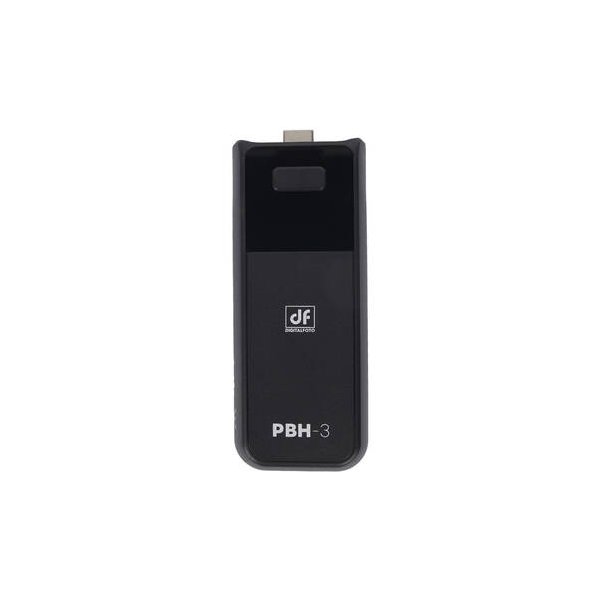
DJI Battery Handle for Osmo Pocket 3
DJI
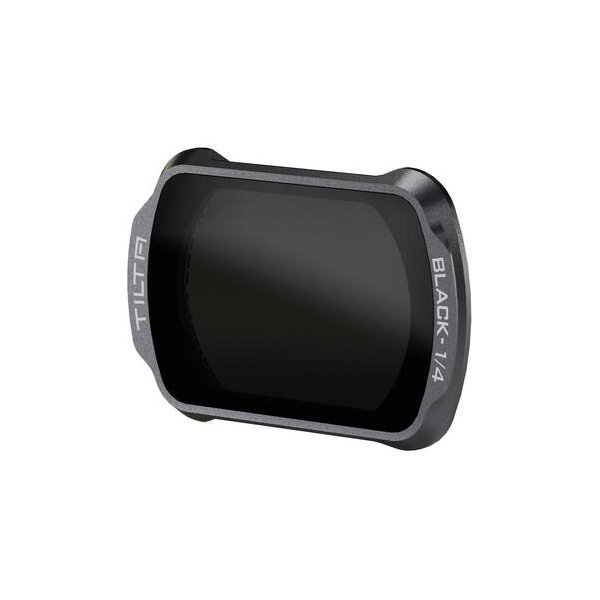
DJI Black Mist Filter for Osmo Pocket 3
DJI
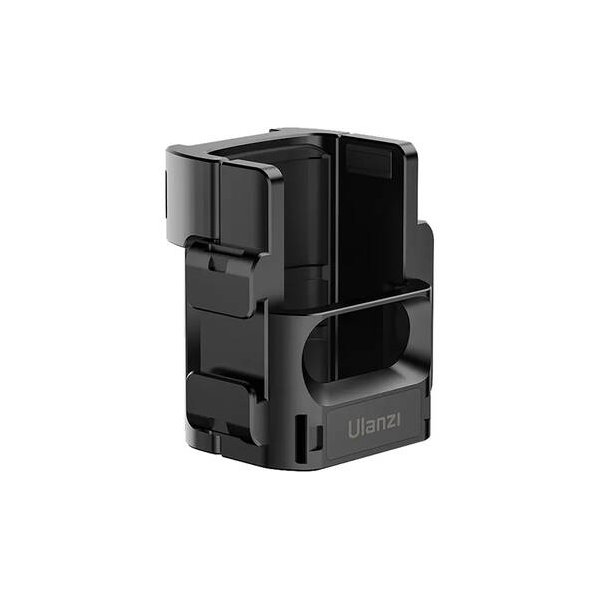
DJI Expansion Adapter for Osmo Pocket 3
DJI
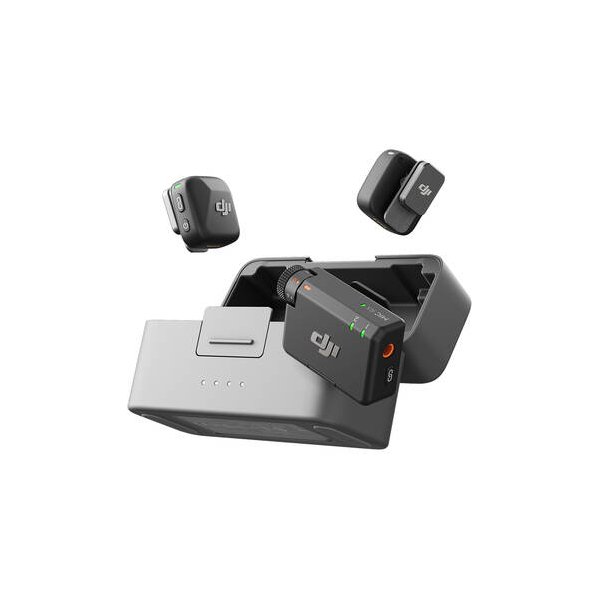
DJI Mic 2 Clip-On Transmitter/Recorder with Built-In Microphone (2.4 GHz, Shadow Black)
DJI
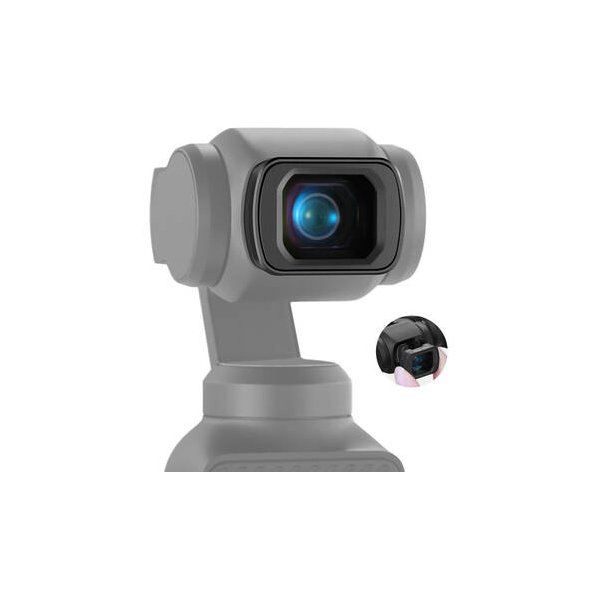
DJI Wide-Angle Lens for Osmo Pocket 3
DJI
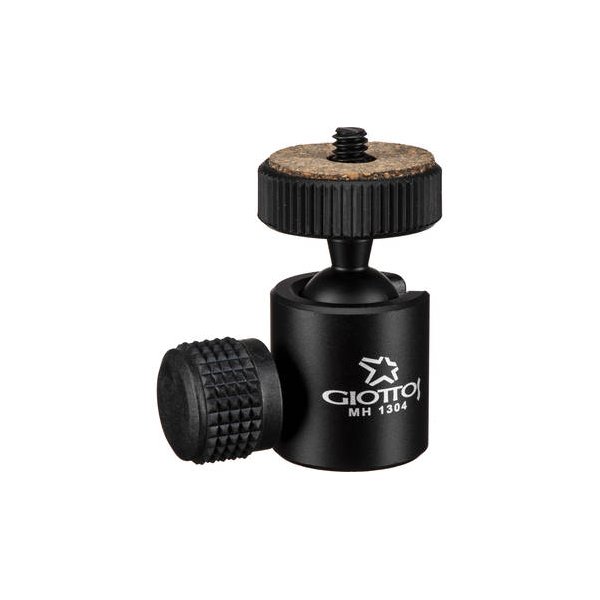
Oben MBH-11 Dual-Action Mini Ball Head with Arca-Style Quick Release Plate
Oben
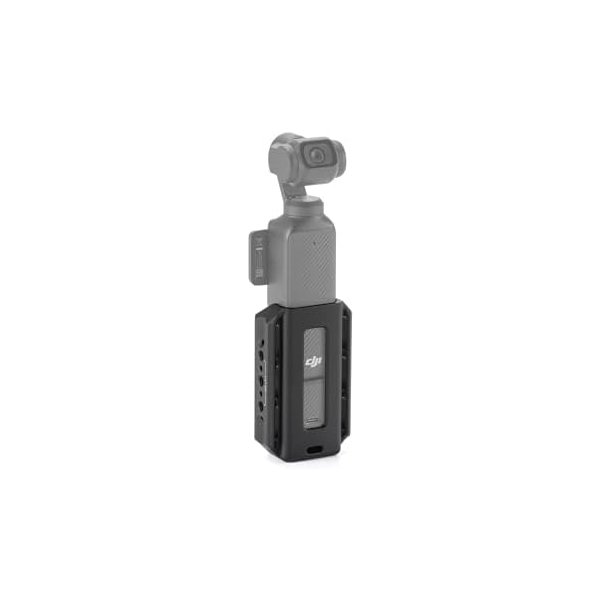
Tilta Accessory Mounting Expander for DJI Osmo Pocket 3 - Black
Tilta
Related comparisons
The Osmo Pocket 3 excels in ultra-portable, gimbal-stabilized content; the a6700 offers professional versatility with interchangeable lenses.
See full comparison Osmo Pocket 3 vs Osmo Action 6 ProThe Osmo Action 6 Pro is for rugged adventures; the Osmo Pocket 3 excels in stabilized, cinematic vlogging.
See full comparison