Technical specifications
- Sensor
- Full-Frame CMOS
- Sensor Size
- 36 x 24 mm
- Megapixels
- 45
- Mount
- Canon RF
- Max Resolution
- 6K (8192x4320)
- Max Frame Rate
- 120fps @ 4K DCI
- Codec
- Cinema RAW Light, XF-AVC, MP4 (H.264, H.265)
- ISO Range
- ISO 50–102400
- Log / Gamma
- Canon Log 3, HDR-HLG, HDR-PQ, Rec709, Rec2020
- Autofocus
- Phase-detect, 1053 points
- Stabilization
- Digital
- Ports
- 1x Micro-HDMI, 1x USB-C, 1x 1/8" / 3.5 mm TRS Stereo Headphone, 1x 1/8" / 3.5 mm TRS, 1x USB-C, 1x Canon N3 Remote, 1x DIN 1.0/2.3 Time Code, 1x USB-C (USB 3.2 / 3.1 Gen 2) Data Output (Shared with Power Input/Video Output)
- Battery
- 1x LP-E6NH Rechargeable Lithium-Ion, 7.2 VDC, 2130 mAh (Included)<br>• Approx. 220 Shots<br>or<br>1x LP-E6N Rechargeable Lithium-Ion (Not Included)<br>or<br>1x LP-E6 Rechargeable Lithium-Ion (Not Included)
- Weight
- 680g
- Dimensions
- 142.2 x 101.6 x 111.8 mm
- MSRP
- $4,499
Add your voice
Your ratings help other filmmakers choose the right camera.
Own it?
What do you use this for?
Field guide
Overview
The Canon EOS R5 C is a unique hybrid beast that bridges the gap between a high-resolution mirrorless stills camera and a dedicated cinema line tool. It is designed for the professional who needs a single body that can handle high-end photography and demanding video production without compromise. Unlike its R5 sibling, the R5 C features an active cooling fan, allowing for unlimited recording times in various formats, making it a direct competitor to dedicated cinema cameras like the Sony FX3 or Panasonic Lumix BS1H.
What sets the R5 C apart is its dual-personality operating system. By flipping a physical switch, the camera completely transforms its menu structure and button mapping between PHOTO and VIDEO modes. This ensures that cinematographers aren't digging through photography-centric menus while on set. It supports internal Cinema RAW Light recording, providing massive flexibility for color grading, alongside XF-AVC and MP4 options for more streamlined workflows.
This camera is an excellent choice for documentary filmmakers, solo operators, and production houses that need a compact, lightweight B-cam that matches the color science of larger Cinema EOS cameras. Its ability to output RAW over HDMI and its robust internal recording options make it a versatile workhorse for everything from corporate interviews to high-end narrative projects.
Pros & Cons
Pros
Active cooling fan allows for unlimited recording times, solving the overheating issues found in standard mirrorless bodies.
Dedicated physical switch to toggle between full-featured PHOTO and VIDEO operating systems.
Internal Cinema RAW Light recording provides professional-grade dynamic range and color grading flexibility.
Dual card slots (CFexpress Type B and SD) allow for simultaneous proxy recording or backup workflows.
Extensive assignable buttons (13 total) allow for deep customization of the camera's interface to match specific production needs.
Cons
The camera lacks In-Body Image Stabilization (IBIS), requiring reliance on lens-based stabilization or post-production software.
The internal battery (LP-E6NH) has limited capacity for a cinema camera, often requiring external power solutions for long shoots.
The active cooling fan adds a slight amount of bulk and requires careful handling to avoid obstructing the air vents.
High-bitrate recording modes require expensive CFexpress Type B media, increasing the total cost of ownership.
The camera's power consumption is high, and certain high-frame-rate or high-resolution modes may require external power sources to function.
Best Settings
Narrative Filmmaking
Use Cinema RAW Light (RAW ST or RAW LT) to maximize dynamic range for color grading. Set the base ISO to the lowest native setting for the cleanest image. Use the 24.00P system frequency to match standard cinema frame rates.
Documentary / Run-and-Gun
Record in XF-AVC (YCC422 10-bit) for a perfect balance of image quality and file size. Enable the 'Continuous AF' with 'Face Detection' to ensure subjects remain sharp during unpredictable movement. Use the 'Automatic' fan mode to keep the camera cool while minimizing noise.
Interview & Talking Head
Set the camera to 23.98P or 29.97P in XF-AVC. Use the 'Standard' light metering mode and monitor audio levels via the onscreen meter, ensuring peaks stay just to the right of the -18dB mark.
Slow Motion
Use the 'Slow & Fast Motion' recording mode. Note that this mode disables audio recording (unless using the S&F Clip/Audio WAV setting). Ensure you are using a V90-rated SD card or a CFexpress card, as high frame rates require high write speeds.
Common Issues
Camera Overheating Warning
What's happening: The camera displays a temperature warning icon. Why: The internal temperature has exceeded safe operating limits, usually due to high-bitrate recording in a hot environment. Fix: Ensure the fan is set to 'Always On' mode. If the warning turns red, stop recording and allow the camera to cool down. Prevention: Use the 'Automatic' fan mode in well-ventilated areas and avoid direct sunlight on the camera body.
Autofocus Hunting
What's happening: The camera struggles to lock focus or 'hunts' back and forth. Why: The subject may have low contrast, or the camera is set to a mode not optimized for the current subject. Fix: Switch to manual focus or adjust the 'AF Response' and 'AF Speed' settings in the menu to be less aggressive. Prevention: Use 'Face Detection' for human subjects and ensure the AF frame is positioned correctly over the subject.
Recording Stops Unexpectedly
What's happening: Recording stops and an error message appears. Why: The memory card's write speed is too slow for the selected video configuration. Fix: Check the card's speed class against the manual's requirements. Use a V90-rated SD card or a high-speed CFexpress card. Prevention: Always initialize your cards in-camera before a shoot to ensure optimal file system performance.
Audio Distortion
What's happening: Recorded audio sounds clipped or distorted. Why: The input gain is set too high for the microphone being used. Fix: Manually adjust the audio recording levels in the 'Audio Setup' menu. Aim for peaks around -18dB. Prevention: Use the microphone attenuator (MIC Att.) if you are recording loud sound sources.
FAQ
- Can the Canon EOS R5 C record internally in RAW?
Yes, the Canon EOS R5 C can record Cinema RAW Light internally to the CFexpress card slot. This provides high-quality RAW footage suitable for professional color grading workflows.
- Does the Canon EOS R5 C have built-in image stabilization?
No, the Canon EOS R5 C does not feature In-Body Image Stabilization (IBIS). You must rely on lens-based optical image stabilization or post-production stabilization software.
- What memory cards are required for the Canon EOS R5 C?
The camera uses both CFexpress Type B cards and SD cards. CFexpress cards are required for high-bitrate recording like RAW, while SD cards are used for proxy clips, photos, and lower-bitrate video.
- How do I switch between photo and video modes on the Canon EOS R5 C?
There is a physical power switch on the top of the camera body. You can toggle it between 'PHOTO' and 'VIDEO' to switch the camera's entire operating system and menu structure.
- Does the Canon EOS R5 C overheat?
The Canon EOS R5 C includes an active cooling fan, which is designed to prevent overheating during extended recording sessions. You can adjust the fan mode to 'Automatic' or 'Always On' depending on your needs.
- Can I use EF lenses on the Canon EOS R5 C?
Yes, you can use EF lenses by attaching a compatible Canon EF-EOS R Mount Adapter. The camera supports autofocus and other functions with many EF lenses.
- What is the maximum recording time for a single clip?
A single clip can be recorded continuously for up to 6 hours. After that, the camera will automatically create a new clip and continue recording.
- Does the Canon EOS R5 C support proxy recording?
Yes, you can simultaneously record a main clip to the CFexpress card and a smaller proxy clip to the SD card for easier offline editing.
Recommended Accessories
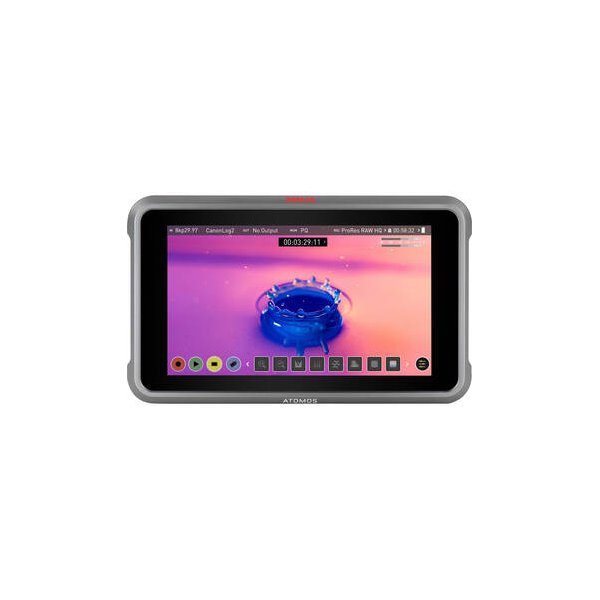
Atomos Ninja 5.2" 4K HDMI Recording Monitor
Atomos
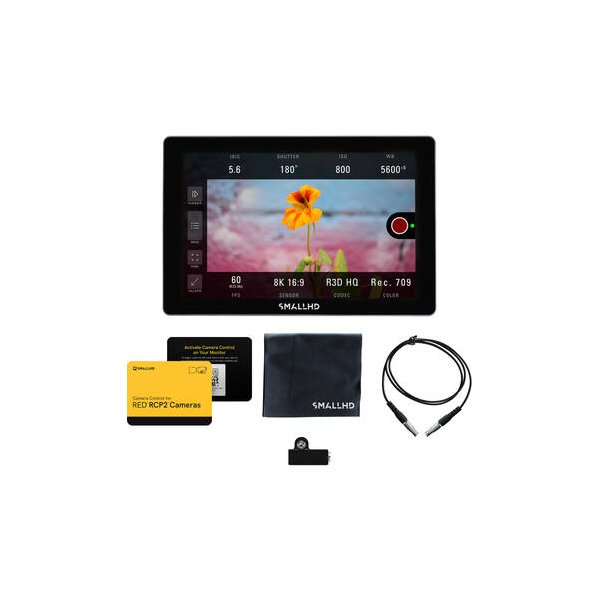
SmallHD INDIE 7 Touchscreen On-Camera Monitor
SmallHD
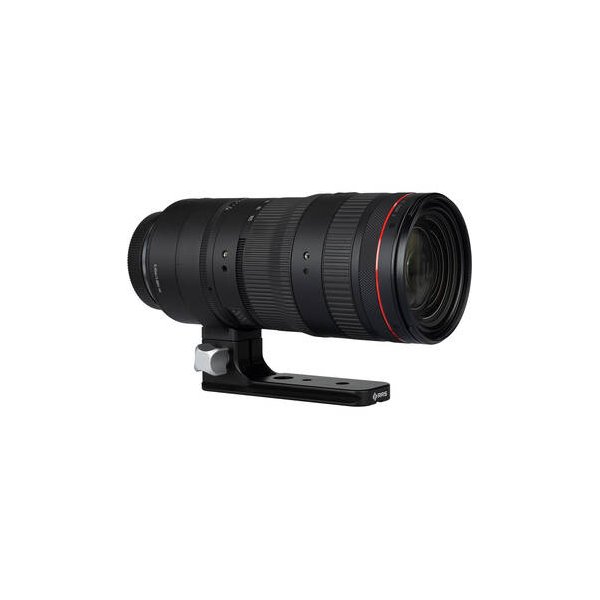
Canon RF 24-105mm f/2.8 L IS USM Z Lens (Canon RF)
Canon
Canon RF 24-70mm f/2.8 L IS USM Lens
Canon
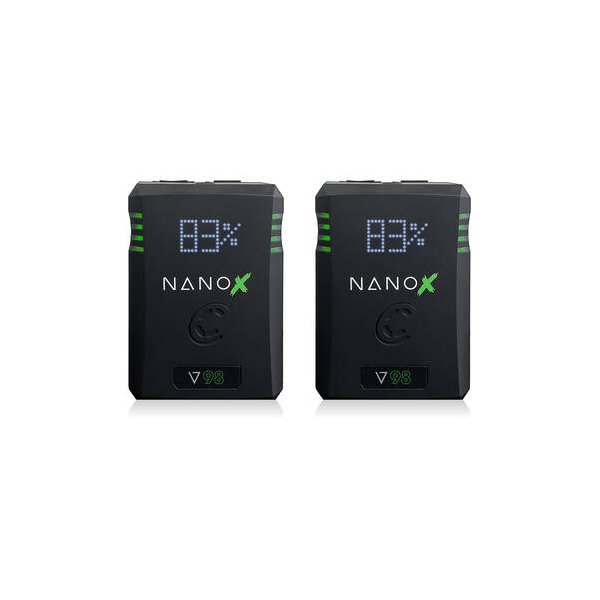
Core SWX NANO X V98 Micro 98Wh Li-Ion Battery (V-Mount)
Core SWX
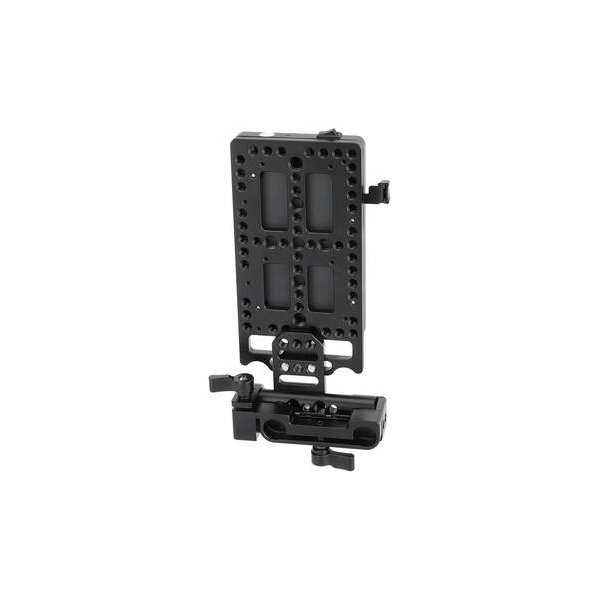
SmallRig V-Mount Battery Mount Plate Kit for 15mm LWS Rods
SmallRig
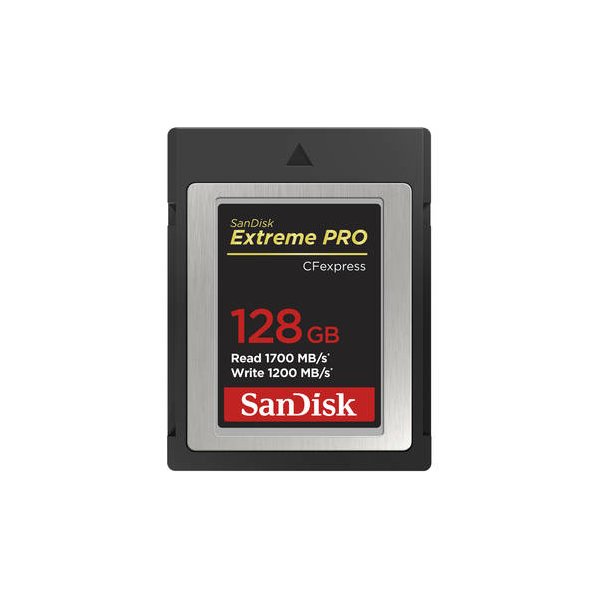
SanDisk 512GB Extreme PRO CFexpress Type B Memory Card
SanDisk
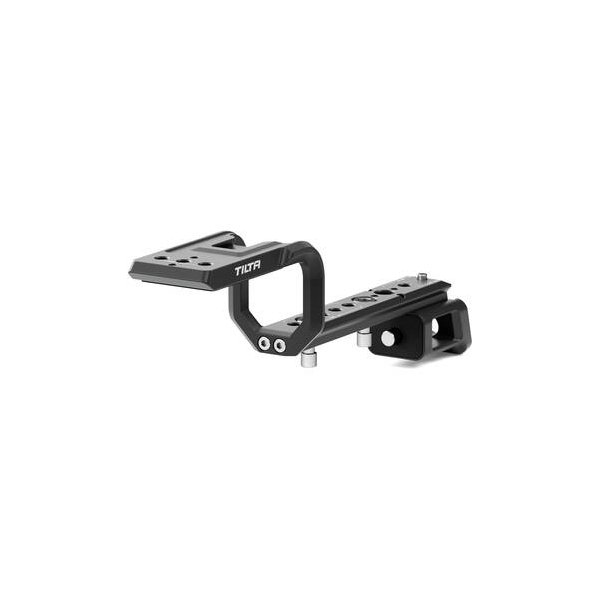
Sony XLR-H1 XLR Handle Unit
Sony
Related comparisons
The Canon R5 C excels with 8K RAW and stills, while the Sony FX3 dominates for run-and-gun with IBIS and superior low light.
See full comparison Canon EOS R5 C vs FX3AThe Canon R5 C offers 8K RAW and high-res stills, while the Sony FX3A excels in low light with superior stabilization and AF.
See full comparison Canon EOS R5 C vs EOS R5 Mark IIThe R5 Mark II excels for hybrid photo/video with IBIS, while the R5 C is a dedicated cinema workhorse with robust cooling and I/O.
See full comparison Canon EOS R5 C vs Canon EOS R5The Canon EOS R5 is a powerful hybrid for photo/video, while the R5 C is a dedicated cinema camera built for extended 8K recording.
See full comparison