Technical specifications
- Sensor
- Full-Frame BSI
- Sensor Size
- 36 x 24 mm
- Megapixels
- 45
- Mount
- Canon RF
- Max Resolution
- 6K (8192x4320)
- Max Frame Rate
- 240fps @ 1080p
- Codec
- H.265, H.264
- Dynamic Range
- 14 stops
- ISO Range
- ISO 50–102400
- Log / Gamma
- Canon Log 2, Canon Log 3, HDR-HLG, HDR-PQ, Rec709, Rec2020
- Autofocus
- Phase-detect, 1053 points
- Stabilization
- Sensor-Shift, 5-Axis
- ND Filter
- No
- Ports
- 1x HDMI, 1x 1/8" / 3.5 mm TRS Stereo Headphone, 1x 1/8" / 3.5 mm TRS, 1x USB-C, 1x Canon N3 Remote, 1x PC Flash Sync, 1x USB-C (USB 3.2 / 3.1 Gen 2) Data Input/Output (Shared with Power Input)
- Battery
- 1x LP-E6P Rechargeable Lithium-Ion (Included)<br>or<br>1x LP-E6NH Rechargeable Lithium-Ion (Not Included)<br>or<br>1x LP-E6N Rechargeable Lithium-Ion (Not Included)
- Weight
- 588g
- Dimensions
- 138.4 x 98.3 x 88.4 mm
- MSRP
- $3,999
Add your voice
Your ratings help other filmmakers choose the right camera.
Own it?
What do you use this for?
Field guide
Overview
The Canon EOS R5 Mark II is a powerhouse hybrid, designed for professionals who demand high-resolution stills and cinema-grade video in a single, robust body. Positioned as a direct competitor to high-end mirrorless systems, it leverages a 45-megapixel full-frame back-illuminated stacked CMOS sensor that delivers exceptional speed and image quality. It is a versatile tool for wedding photographers, documentary filmmakers, and high-end content creators who need to switch between demanding photo shoots and 8K video production without compromise.
Beyond its raw resolution, the R5 Mark II stands out for its advanced video capabilities, including internal 8K and 4K recording with multiple professional formats like XF-HEVC S and XF-AVC S. The inclusion of features like false color, waveform monitors, and custom picture profiles (including Canon Log 2 and 3) signals that this camera is built for serious production workflows. Its ability to handle high-frame-rate recording and dual-shooting (stills and movies simultaneously) makes it an incredibly efficient tool for fast-paced environments.
This camera is ideal for cinematographers and photographers who need a reliable, all-in-one solution. Whether you are shooting a feature-length documentary, a high-end commercial interview, or fast-action sports, the R5 Mark II provides the necessary tools to capture high-fidelity footage while maintaining a compact, weather-resistant form factor.
Pros & Cons
Pros
45MP stacked sensor provides a perfect balance of high resolution for stills and fast readout for reduced rolling shutter in video
Internal 8K and 4K recording with professional codecs like XF-HEVC S and XF-AVC S eliminates the need for external recorders
Advanced monitoring tools including false color and waveform monitors are built-in, essential for precise exposure on set
Dual card slots (CFexpress Type B and SD UHS-II) offer flexible backup and high-speed recording options
Dual Pixel CMOS AF provides reliable, high-performance autofocus for both stills and video
Cons
8K and 4K recording generate significant heat, which can lead to automatic shutdowns during extended sessions
High-frame-rate recording (119.88/239.76 fps) does not record audio, limiting its use for certain sound-dependent projects
The camera requires specific, high-performance CFexpress cards for the highest quality recording modes, adding to the total cost of ownership
The 1.6x crop factor when using RF-S/EF-S lenses or specific movie cropping modes limits the effective field of view of your lenses
Complex menu systems and extensive custom picture settings require a steep learning curve for those new to the Canon Cinema ecosystem
Best Settings
Narrative Filmmaking
Use the XF-HEVC S YCC422 10bit format for maximum color depth and flexibility in post-production. Set your Picture Style to Canon Log 3 to maximize dynamic range. Use a manual shutter speed (180-degree rule) and set the aperture to 1/8-stop increments for precise exposure control.
Documentary / Run-and-Gun
Set the camera to XF-AVC S YCC420 8bit for a balance of high quality and wide software compatibility. Enable 'Movie Digital IS' for handheld stability. Use 'Auto' ISO with a defined maximum limit to ensure you don't lose the shot in changing lighting conditions.
Interview & Talking Head
Record in 4K at 29.97 fps using the 'Fine' quality setting. Use the built-in waveform monitor to ensure skin tones are exposed correctly. If using an external microphone, set the audio to 'Manual' and monitor levels to peak around -12 dB.
Slow Motion
Enable 'High Frame Rate' to capture 119.88 fps (NTSC) or 100.00 fps (PAL). Note that audio is not recorded in this mode and the camera will output a file that plays back in slow motion at 29.97/25.00 fps.
Common Issues
Camera Overheating
What's happening: The camera displays a warning indicator or shuts down during extended 8K/4K recording. Why: High-resolution recording generates significant internal heat. Fix: Stop recording and allow the camera to cool down. Prevention: Use lower resolution settings for long takes, avoid direct sunlight, and use power-saving modes.
Slow Card Writing Speed
What's happening: An indicator appears on the screen during recording, and the camera stops recording automatically. Why: The card's write speed is insufficient for the selected bit rate. Fix: Format the card in-camera or switch to a faster card (CFexpress Type B). Prevention: Always test your cards by recording a few test clips before a shoot.
Autofocus Hunting
What's happening: The camera struggles to lock focus or hunts in low light. Why: The subject may be outside the focusing brightness range or the lens is not compatible with the current AF mode. Fix: Ensure the lens is set to AF and the subject has sufficient contrast. Check the focusing brightness range in the specs. Prevention: Use the Multi-controller to manually select the AF point if the camera is struggling with automatic selection.
Communication Errors with Accessories
What's happening: A 'Communication error' message appears when an accessory is attached to the multi-function shoe. Why: Dirty or wet contacts on the shoe or accessory. Fix: Reattach the accessory. If the error persists, clean the contacts with a dry, soft cloth. Prevention: Keep the shoe cover attached when no accessory is in use.
FAQ
- Can the Canon EOS R5 Mark II shoot 8K video?
Yes, the Canon EOS R5 Mark II supports internal 8K recording. You can record in various formats, including XF-HEVC S, depending on your system frequency settings. Note that 8K recording places a high load on the camera and may cause it to heat up.
- What memory cards does the Canon EOS R5 Mark II use?
The camera features two card slots. Card 1 is for CFexpress Type B cards, which are required for high-bitrate recording. Card 2 is for SDXC/SDHC/SD cards, which are compatible with UHS-II speeds.
- Does the Canon EOS R5 Mark II have built-in ND filters?
No, the Canon EOS R5 Mark II does not have built-in ND filters. You will need to use external screw-on or matte box-mounted ND filters to control exposure in bright conditions.
- Can I record audio while shooting high-frame-rate video on the Canon EOS R5 Mark II?
No, sound is not recorded when the High Frame Rate setting is enabled. The camera captures at high frame rates and plays back in slow motion at 29.97 or 25.00 fps.
- How do I prevent the Canon EOS R5 Mark II from overheating?
To manage heat, avoid direct sunlight, use the camera's power-saving settings, and consider reducing the movie recording size if you are shooting for extended periods. If the camera displays a temperature warning, you must stop recording and allow it to cool down.
- Is the Canon EOS R5 Mark II weather-sealed?
The camera is designed to be dust- and drip-resistant. However, it is not waterproof and should not be used underwater. Ensure all terminal covers and card slot doors are firmly closed to maintain this resistance.
- Can I use EF lenses on the Canon EOS R5 Mark II?
Yes, you can use Canon EF or EF-S lenses on the R5 Mark II by using a Mount Adapter EF-EOS R. The camera is fully compatible with these lenses through the adapter.
- What is the maximum continuous shooting speed of the Canon EOS R5 Mark II?
The camera can achieve up to 30 shots/sec using the electronic shutter. Mechanical shutter speeds vary based on the drive mode and settings, reaching up to 12 shots/sec in high-speed continuous shooting+ mode.
Recommended Accessories
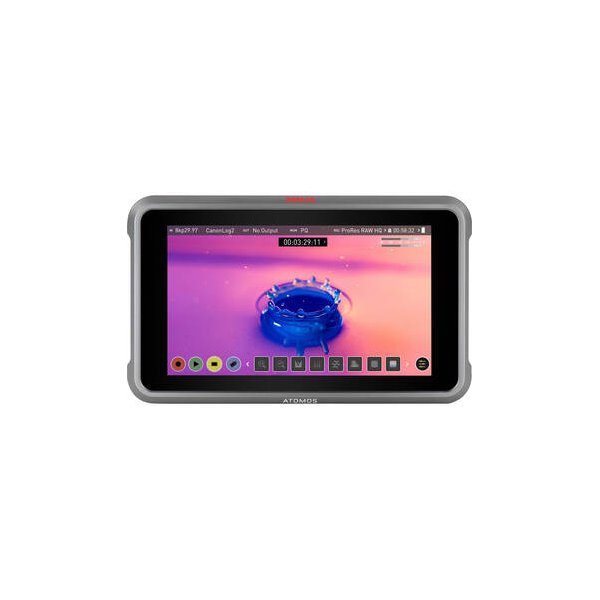
Atomos Ninja 5.2" 4K HDMI Recording Monitor
Atomos
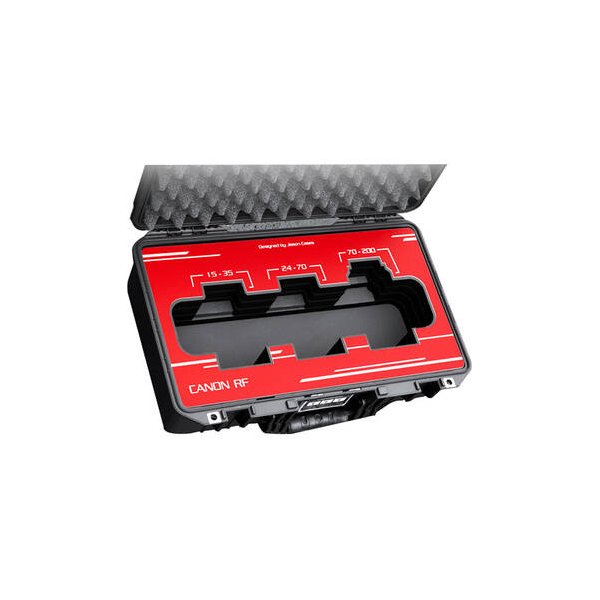
Canon RF 24-70mm f/2.8 L IS USM Lens
Canon
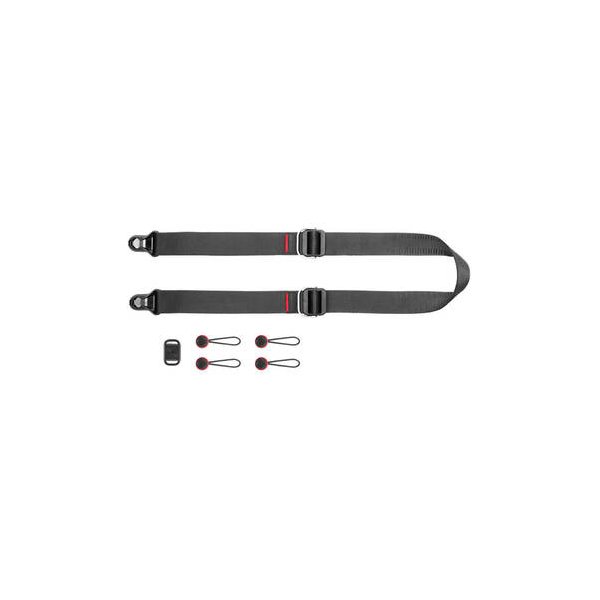
Peak Design SlideLITE Camera Strap SLL-1 (Black)
Peak Design
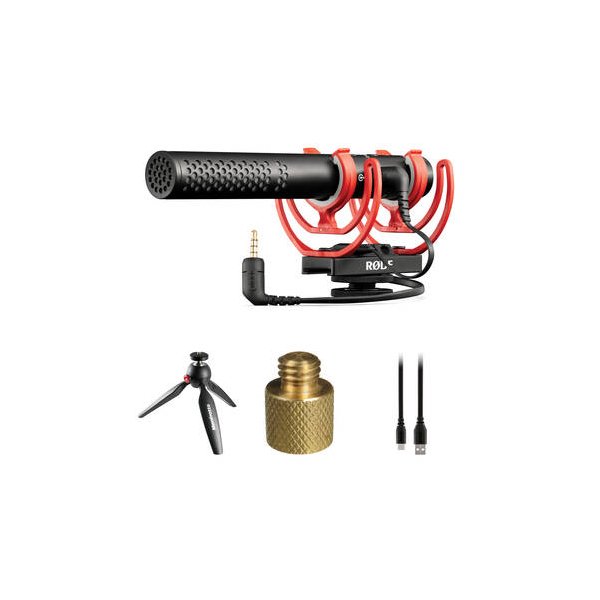
RODE VideoMic NTG Hybrid Analog/USB Camera-Mount Shotgun Microphone
RODE
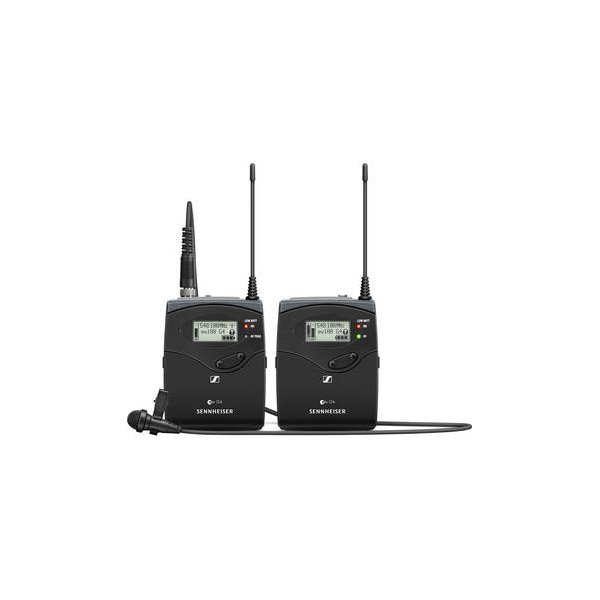
Sennheiser EW 112P G4 Camera-Mount Wireless Omni Lavalier Microphone System (A: 516 to 558 MHz)
Sennheiser
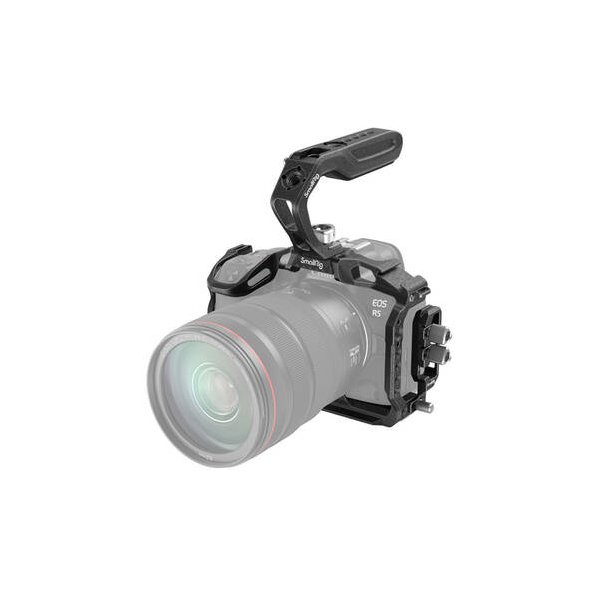
SmallRig Camera Cage for Canon EOS R5 C, R5, and R6
SmallRig
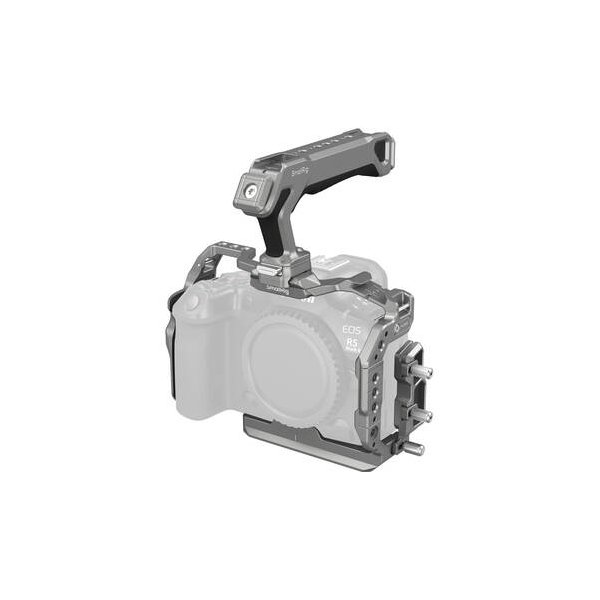
SmallRig Camera Cage for Canon EOS R5 Mark II
SmallRig
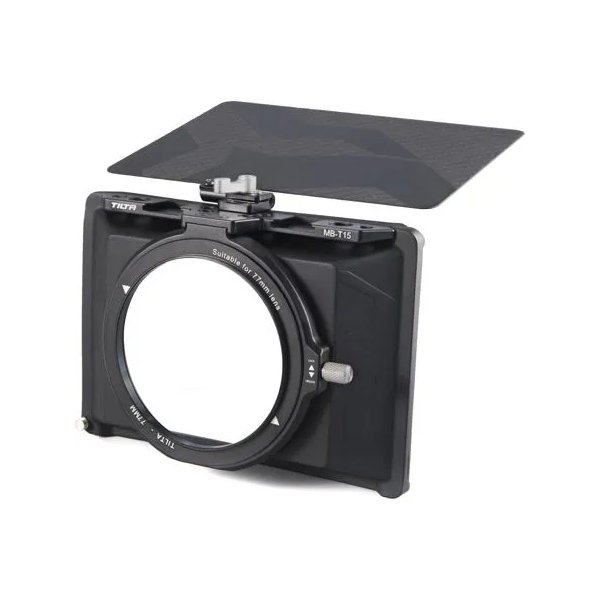
Tilta Mini Matte Box
Tilta
Related comparisons
The Nikon Z8 excels with internal RAW and a stacked sensor, while the Canon R5 Mark II offers Canon's renowned color science and Dual Pixel AF.
See full comparison EOS R5 Mark II vs Canon EOS R5 CThe R5 Mark II excels for hybrid photo/video with IBIS, while the R5 C is a dedicated cinema workhorse with robust cooling and I/O.
See full comparison EOS R5 Mark II vs a1The R5 Mark II offers 8K 60p and internal RAW for filmmakers; the A1 delivers speed, resolution, and dynamic range for hybrid shooters.
See full comparison