Technical specifications
- Sensor
- Full-Frame CMOS
- Sensor Size
- 36 x 24 mm
- Megapixels
- 34.2
- Mount
- Canon RF
- Max Resolution
- 6K (6960x4640)
- Max Frame Rate
- 59.94fps @ 6K
- Codec
- H.265, H.264
- Dynamic Range
- 16 Stops
- ISO Range
- ISO 100–102400
- Log / Gamma
- Canon Log 2, Canon Log 3, Hyper Gamma
- Autofocus
- Dual Pixel CMOS AF II
- Stabilization
- Lens optical IS, Digital IS
- Ports
- 1x HDMI, 2x XLR 3-Pin Mic/Line Input on Included Handle (+48 V Phantom Power), 1x 1/8" / 3.5 mm TRS Stereo Microphone Input on Camera Body (Plug-in Power), 1x 1/8" / 3.5 mm TRS Stereo Headphone, 1x USB-C, 1x 2.5 mm Sub-Mini (Remote) Control, 1x USB-C (Ethernet, UVC 1.5) (Shared with Power Input), 1x DIN 1.0/2.3 (Timecode) Input/Output, 1x Proprietary
- Battery
- Canon LP-E6, Canon LP-E6NH
- Weight
- 665g
- Dimensions
- 143 x 88 x 95 mm
Add your voice
Your ratings help other filmmakers choose the right camera.
Own it?
What do you use this for?
Field guide
Overview
The Canon EOS C50 is a compact, high-performance digital cinema camera designed to bridge the gap between professional cinema workflows and the agile, run-and-gun requirements of modern content creators. Positioned as a versatile tool for both narrative and documentary filmmakers, it offers a robust feature set that includes internal RAW recording, advanced autofocus capabilities, and a flexible modular design. Its ability to handle high-resolution data while maintaining a relatively small form factor makes it a compelling alternative to larger, more cumbersome cinema rigs.
What sets the C50 apart is its sophisticated internal processing, which supports a variety of professional codecs including Cinema RAW Light, XF-AVC, and XF-HEVC S. The camera also features a dual-slot recording system that allows for simultaneous recording of primary and proxy clips, streamlining post-production workflows. With its advanced subject detection and tracking, the C50 provides reliable autofocus performance, even in challenging shooting conditions, making it an excellent choice for solo operators and small crews.
Whether you are shooting high-end commercial work, documentary features, or corporate interviews, the EOS C50 offers the reliability and image quality expected from the Cinema EOS line. Its extensive customization options, including assignable buttons and user-defined menus, allow cinematographers to tailor the camera to their specific shooting style, ensuring that critical controls are always at their fingertips.
Pros & Cons
Pros
Internal Cinema RAW Light recording provides maximum flexibility for color grading without the need for external recorders
Dual card slots (CFexpress and SD) enable simultaneous recording of proxy clips, significantly speeding up offline editing workflows
Advanced subject detection and tracking autofocus technology ensures sharp focus on subjects, even in dynamic shooting environments
Modular design allows for a highly customizable configuration, from a minimal setup to a full cinema rig with handle and microphone holder
Comprehensive professional connectivity, including a dedicated Time Code terminal and HDMI output, fits seamlessly into professional production environments
Cons
CFexpress cards can become very hot during operation, requiring caution when removing them immediately after recording
The camera's sensor is larger than the APS-C format, which can lead to peripheral illumination fall-off or vignetting when using RF-S or EF-S lenses
Recording to the SD card is not possible when the bit rate exceeds 600 Mbps, limiting high-quality recording options to CFexpress cards
The camera's cooling fan, while effective, can be audible in quiet environments if not set to the appropriate mode
Some advanced features, such as certain simultaneous recording configurations, are restricted depending on the chosen recording format and sensor mode
Best Settings
Narrative Filmmaking
- Picture Profile: Canon Log 2 or Canon Log 3 for maximum dynamic range and post-production flexibility.
- Codec: Cinema RAW Light (RAW ST or RAW LT) for the highest image quality.
- Resolution/Frame Rate: 4K (4096x2160) at 24fps to maintain a cinematic look.
- Audio: 24-bit, 48kHz Linear PCM via XLR inputs for professional-grade sound.
Documentary / Run-and-Gun
- Picture Profile: BT.709 Wide DR for a ready-to-use look with good dynamic range.
- Codec: XF-AVC or XF-HEVC S (Long GOP) to balance image quality with manageable file sizes.
- Resolution/Frame Rate: 4K (3840x2160) at 23.98fps or 29.97fps.
- Focus: Continuous AF with Subject Detection enabled for reliable tracking of moving subjects.
Interview & Talking Head
- Picture Profile: Canon Log 3 for a clean, natural skin tone reproduction.
- Codec: XF-AVC (Intra-frame) for high-quality, easy-to-edit footage.
- Resolution/Frame Rate: 4K (3840x2160) at 23.98fps or 29.97fps.
- Audio: Manual audio level adjustment for both channels, using the handle unit's XLR inputs.
Slow Motion
- Recording Mode: Slow & Fast Motion.
- Resolution/Frame Rate: 4K (3840x2160) with a shooting frame rate of 60fps or higher (up to 120fps/180fps depending on sensor mode).
- Caveat: Audio is not recorded in this mode. Note that shooting frame rates exceeding 60fps may limit certain autofocus and magnification functions.
Common Issues
Card Access/Recording Errors
What's happening: The camera stops recording or displays an error message regarding the memory card. Why: This is often caused by a card that is full, has a slow write speed, or has corrupted file control information. Fix: Initialize the card using the camera's [Initialize Media] function (Menu > [Æ Recording/Media Setup] > [Initialize Media]). If the error persists, replace the card with a recommended model. Prevention: Regularly initialize cards using the camera, especially before important shoots, and avoid removing cards while the access indicator is illuminated.
Overheating/High Temperature Warnings
What's happening: The camera displays a temperature warning or shuts down. Why: Continuous high-resolution recording or high ambient temperatures can cause the internal temperature to rise. Fix: Ensure the cooling fan is set to [Automatic] or [Always On] in the [B System Setup] menu. If the camera shuts down, turn it off and allow it to cool down before resuming. Prevention: Avoid obstructing the air intake and exhaust vents. Use the camera in well-ventilated areas.
Autofocus Not Locking
What's happening: The camera fails to focus on the subject. Why: Autofocus may struggle with low-contrast subjects, repetitive patterns, or when using small apertures. Fix: Switch to manual focus using the lens switch or the [Focus Mode] setting in the [v Camera Setup] menu. Use the focus guide to assist with manual focusing. Prevention: Ensure the lens contacts are clean and the lens is correctly attached. Use subject detection to help the camera identify the main subject.
Audio Distortion
What's happening: Recorded audio is distorted or too quiet. Why: Incorrect audio input settings or improper gain levels. Fix: Check the input sensitivity switches on the handle unit. Adjust the audio recording levels manually using the dials on the handle unit or the [Audio Rec Level] menu setting. Prevention: Use headphones to monitor audio levels during recording and ensure the audio level meter stays within the appropriate range.
FAQ
- Can the Canon EOS C50 record RAW video internally?
Yes, the Canon EOS C50 supports internal recording of Cinema RAW Light files directly to CFexpress cards.
- What memory cards are compatible with the Canon EOS C50?
The camera uses both CFexpress Type B cards and SD cards (SD, SDHC, SDXC). CFexpress cards are required for higher bit rate recording.
- Does the Canon EOS C50 have built-in ND filters?
No, the manual does not list built-in ND filters as a feature of the Canon EOS C50.
- Can I record proxy clips on the Canon EOS C50?
Yes, you can simultaneously record 2K proxy clips to the SD card while recording the main video to the CFexpress card.
- How do I update the firmware on the Canon EOS C50?
You can update the firmware by downloading the latest file from the Canon website, saving it to the root directory of an SD card, and using the [Download Latest Firmware] option in the [B System Setup] menu.
- Is the Canon EOS C50 weather-sealed?
No, the manual explicitly states that the camera is not waterproof and should be protected from water, mud, and salt.
- Can the Canon EOS C50 be used as a webcam?
Yes, the camera features a Web Camera Function that allows it to be connected to a computer via a USB interface cable for use with compatible software.
- What is the maximum continuous recording time for a single clip on the Canon EOS C50?
A single clip can be recorded continuously for up to 6 hours. After this, a new clip is created automatically.
Recommended Accessories
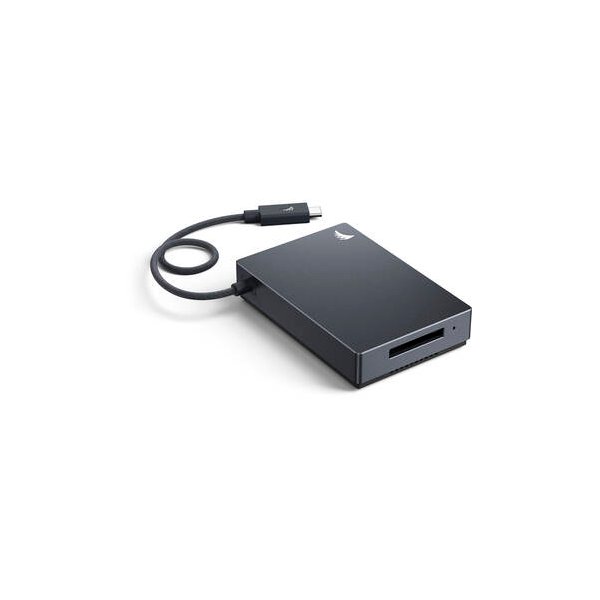
Angelbird 512GB AV PRO SE CFexpress v4 Type B Memory Card
Angelbird
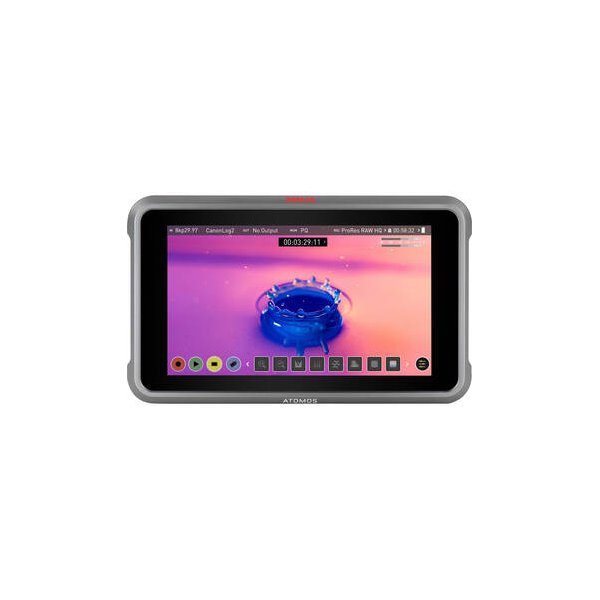
Atomos Ninja 5.2" 4K HDMI Recording Monitor
Atomos
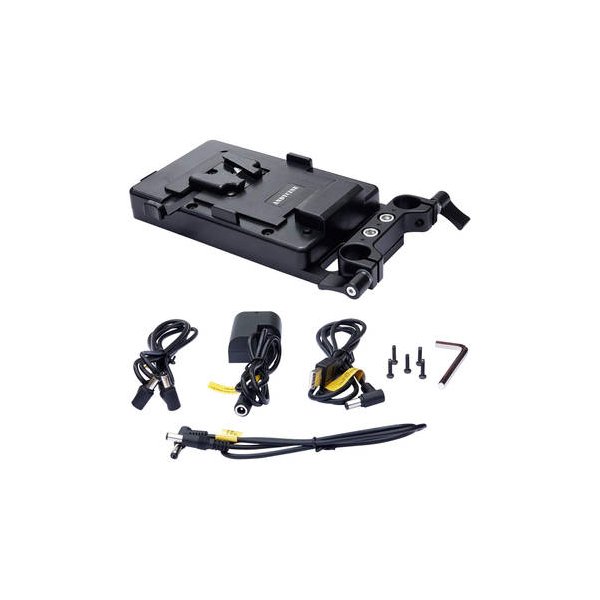
CAMVATE V-Mount Battery Plate Power Supply Splitter with Tilt-Adjustable 15mm Rod Mount
CAMVATE
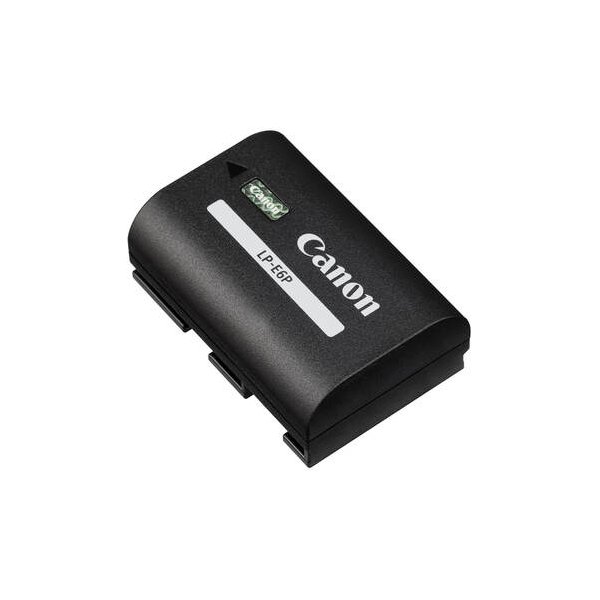
Canon LP-E6NH Lithium-Ion Battery (7.2V, 2130mAh)
Canon
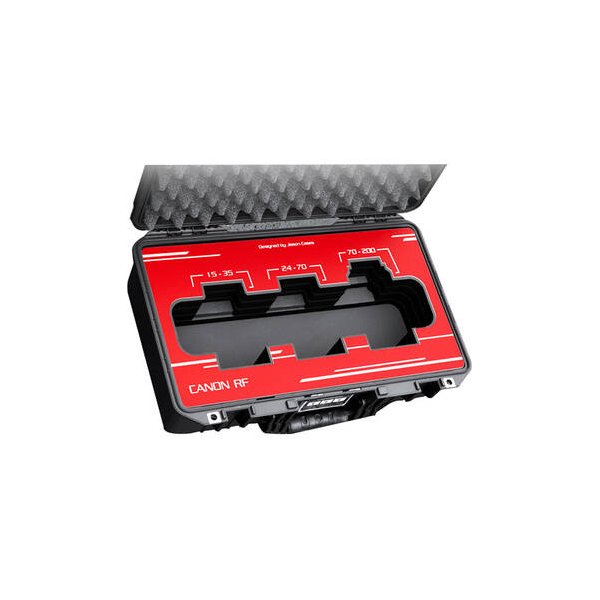
Canon RF 24-70mm f/2.8 L IS USM Lens
Canon
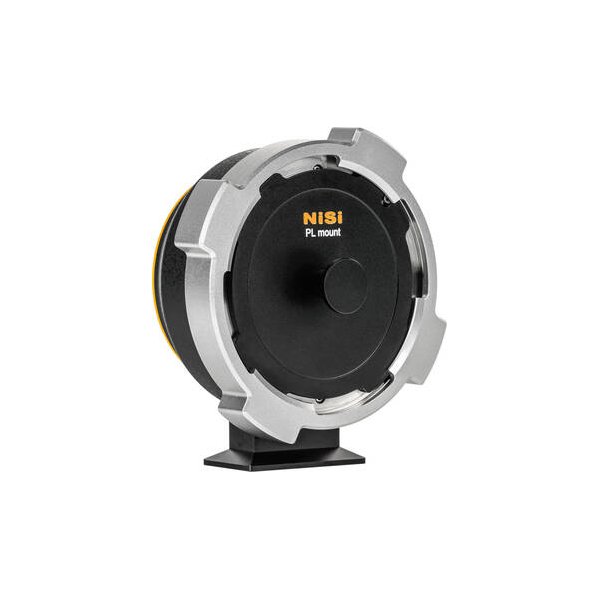
DZOFilm Octopus Lens Adapter (PL to Canon RF)
DZOFilm
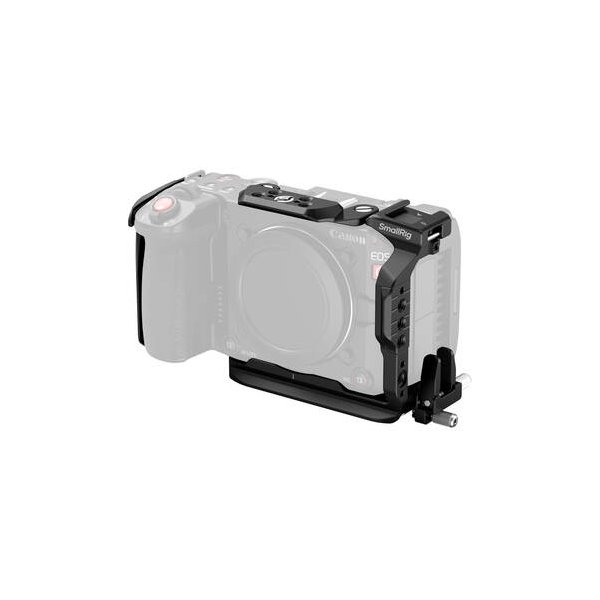
SmallRig Advanced Cage Kit for Canon EOS C50
SmallRig
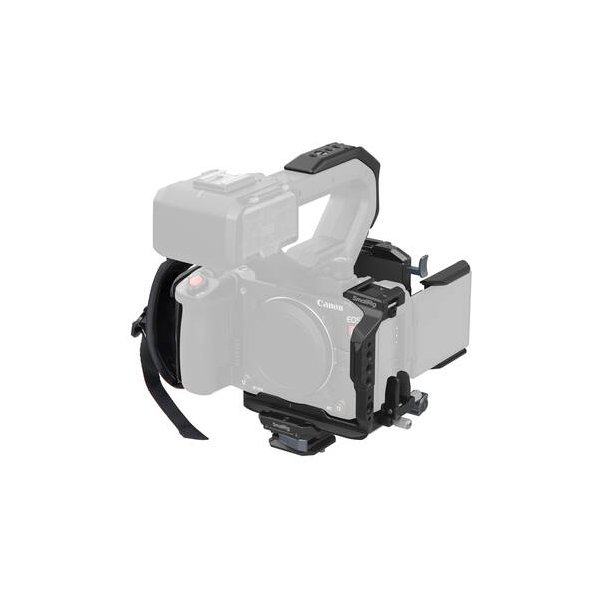
SmallRig Cage Kit for Canon EOS C50 with XLR Handle Extension
SmallRig
Related comparisons
The Canon EOS C50 delivers full-frame 8K for high-end productions; the Sony FX30 offers accessible APS-C 4K with excellent dynamic range.
See full comparison EOS C50 vs ZrThe Canon EOS C50 offers 6.9K open-gate RAW and superior AF, while the Nikon Zr brings RED's R3D NE codec and IBIS.
See full comparison EOS C50 vs Ronin 4DThe Canon EOS C50 offers traditional cinema flexibility; the DJI Ronin 4D delivers unparalleled integrated stabilization.
See full comparison