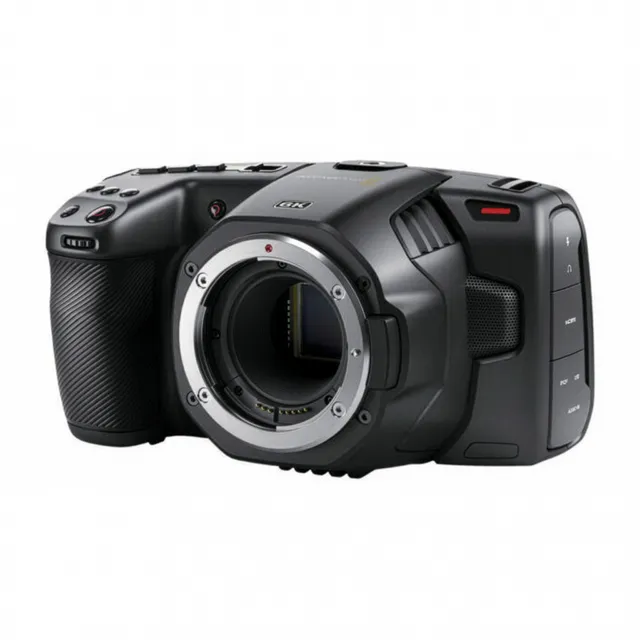
Technical specifications
- Sensor
- Super35 CMOS
- Sensor Size
- 23.1 x 12.99 mm
- Megapixels
- 21.2
- Mount
- Canon EF
- Max Resolution
- 6K (6144x3456)
- Max Frame Rate
- 120fps @ 2.7K
- Codec
- Blackmagic RAW, ProRes
- Dynamic Range
- 13 Stops
- ISO Range
- ISO 100–25600
- Log / Gamma
- Blackmagic Design Film, Rec.709
- Autofocus
- Contrast-based
- Stabilization
- None
- ND Filter
- 2–6 stop (3-position wheel)
- Ports
- 1x HDMI, 2x Mini XLR Mic/Line Input (+48 V Phantom Power), 1x 1/8" / 3.5 mm TRS Stereo Mic/Line, 1x 1/8" / 3.5 mm TRS Stereo Headphone, 1x Weipu SF610/S2 (12 to 20VDC), 1x USB-C (USB 3.2 / 3.1 Gen 1) Control (Shared with Video Output), 1x 1/8" / 3.5 mm (Timecode) Input (Shared with Mic/Line Input)
- Battery
- Sony L-Series
- Weight
- 2100g
- Dimensions
- 266.7 x 222.25 x 196.85 mm
- MSRP
- $1,995
Add your voice
Your ratings help other filmmakers choose the right camera.
Own it?
What do you use this for?
Field guide
Overview
The Blackmagic Pocket Cinema Camera (BMPCC) 6K is a powerhouse for independent filmmakers, offering a Super 35mm sensor and an EF lens mount that bridges the gap between high-end cinema cameras and compact, run-and-gun rigs. It is designed for those who prioritize image quality and dynamic range over consumer-friendly features like continuous autofocus or built-in stabilization. By utilizing the Blackmagic RAW codec, it provides a professional-grade workflow that allows for extensive color grading flexibility, making it a favorite for narrative projects, music videos, and high-end documentary work.
The camera stands out for its 13 stops of dynamic range and dual native ISO (400 and 3200), which allows for clean, cinematic images in both bright daylight and low-light environments. The inclusion of a 5-inch touchscreen interface simplifies complex menu navigation, while the USB-C expansion port enables direct recording to external SSDs, a critical feature for long-form productions. The 6K resolution provides significant cropping flexibility in post-production, allowing for reframing without losing detail.
This camera is best suited for cinematographers and filmmakers who have a dedicated post-production workflow and prefer manual control over their image. It is an excellent choice for productions where image fidelity is paramount, provided the user is prepared to manage the storage requirements of high-bitrate RAW files and the manual focus demands of a cinema-centric tool.
Pros & Cons
Pros
13 stops of dynamic range and dual native ISO (400/3200) provide exceptional image quality in varied lighting conditions.
Blackmagic RAW codec offers superior image quality with efficient file sizes and hardware acceleration.
EF lens mount allows for the use of a vast ecosystem of professional cinema and photography glass.
USB-C expansion port enables direct recording to high-capacity external flash disks, ideal for long-duration events.
Large 5-inch touchscreen interface makes menu navigation and framing significantly easier than on smaller mirrorless cameras.
Cons
Lack of continuous autofocus makes it difficult to use for solo operators filming fast-moving subjects.
The camera body is relatively large and lacks built-in sensor-shift stabilization, requiring external support or stabilized lenses.
High-resolution 6K files require significant storage space and powerful hardware for smooth post-production editing.
Battery life is limited; professional use almost always requires the optional battery grip or external power solutions.
The camera is not weather-sealed, making it risky for use in harsh or unpredictable outdoor environments.
Best Settings
Narrative Filmmaking
- Codec: Blackmagic RAW (Constant Bitrate 3:1 or 5:1) for maximum grading flexibility.
- Resolution: 6K (6144 x 3456) to allow for reframing in post.
- ISO: 400 (for daylight) or 3200 (for low light) to utilize the dual native ISO base points.
- Shutter: 180-degree shutter angle for natural motion blur.
Documentary / Run-and-Gun
- Codec: Blackmagic RAW (Constant Bitrate 8:1 or 12:1) to balance quality and storage space.
- Resolution: 4K DCI or Ultra HD to save space while maintaining high quality.
- Audio: XLR Mic input with phantom power enabled for professional shotgun microphones.
Interview & Talking Head
- Codec: ProRes 422 HQ for a ready-to-edit workflow without heavy grading.
- Resolution: Ultra HD (3840 x 2160).
- White Balance: Custom (CWB) set using a grey card for consistent skin tones.
Slow Motion
- Sensor Frame Rate: Set to 60fps (or higher depending on resolution) with 'Off Speed Frame Rate' enabled.
- Project Frame Rate: 24fps for a cinematic slow-motion effect.
- Note: Audio is not synced when 'Off Speed Frame Rate' is enabled.
Common Issues
Dropped Frames
What's happening: The camera displays a '!' indicator and the storage indicator turns red. Why: The write speed of your memory card or SSD is too slow for the selected resolution and codec. Fix: Switch to a faster CFast 2.0 card or a recommended high-speed SSD. Alternatively, lower the resolution or increase the compression ratio (e.g., move from 3:1 to 8:1). Prevention: Always use media from the Blackmagic Design recommended list.
Hot Pixels
What's happening: Small, bright, or colored pixels appear in the image, especially in dark areas. Why: CMOS sensors can develop hot pixels over time due to environmental factors. Fix: Use the 'Pixel Recalibration' feature in the setup menu. Put the lens cap on and run the calibration process. Prevention: Run pixel recalibration periodically if you notice hot pixels.
Audio Sync Issues
What's happening: Audio and video are out of sync. Why: This often occurs when 'Off Speed Frame Rate' is enabled. Fix: Ensure 'Off Speed Frame Rate' is disabled if you require perfect audio-video synchronization. Prevention: Avoid using off-speed recording for interviews or dialogue-heavy scenes.
Battery Drain
What's happening: The camera battery dies quickly. Why: The BMPCC 6K is power-intensive, especially when using high-brightness settings or external accessories. Fix: Use the optional Battery Grip or connect to external power via the 12V DC input. Prevention: Enable 'Auto Dim Display' in the setup menu to conserve power during inactivity.
FAQ
- Can the Blackmagic Pocket Cinema Camera 6K record to external drives?
Yes, the camera features a high-speed USB-C expansion port that allows you to record video directly to external USB-C flash disks. This is ideal for long-duration events.
- What is the dual native ISO of the Blackmagic Pocket Cinema Camera 6K?
The camera features a dual native ISO of 400 and 3200. This allows the sensor to be optimized for both low-light conditions and bright daylight.
- Does the Blackmagic Pocket Cinema Camera 6K have built-in ND filters?
The 6K Pro model includes built-in ND filters, while the 6K G2 and 4K models do not. Please check your specific model version.
- Can I use my EF lenses on the Blackmagic Pocket Cinema Camera 6K?
Yes, the Blackmagic Pocket Cinema Camera 6K G2 and 6K Pro models feature an active EF lens mount, making them compatible with a wide range of EF lenses.
- Does the Blackmagic Pocket Cinema Camera 6K support continuous autofocus?
No, the camera does not support continuous autofocus. It is designed for manual focus control, which is standard for professional cinema workflows.
- What memory cards are recommended for the Blackmagic Pocket Cinema Camera 6K?
The camera supports CFast 2.0 cards and high-speed UHS-II SD cards. For high-resolution and high-frame-rate recording, CFast 2.0 or external USB-C flash disks are recommended.
- Can I apply LUTs to the Blackmagic Pocket Cinema Camera 6K display?
Yes, you can load up to 10 3D LUTs (17 or 33 point) onto the camera to preview looks on the LCD touchscreen and HDMI output while shooting.
- How do I stabilize footage from the Blackmagic Pocket Cinema Camera 6K?
The camera records gyro data from its internal motion sensor. You can use this data in DaVinci Resolve to stabilize your clips using the 'camera gyro' stabilization mode.
Recommended Accessories
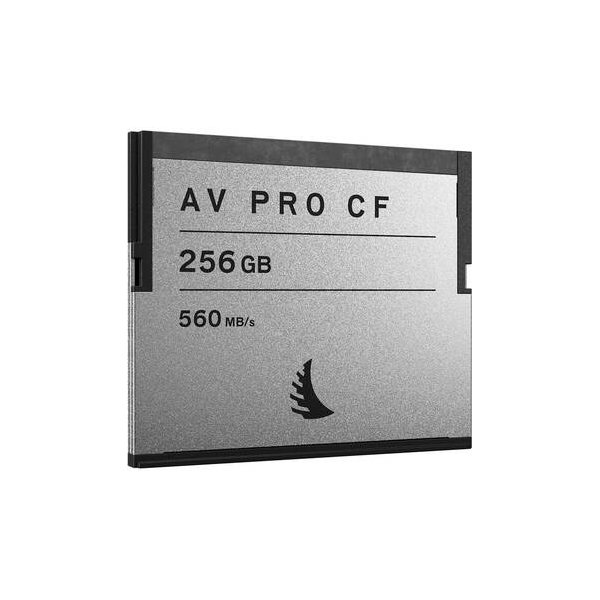
Angelbird 256GB AV Pro AR CFast 2.0 Memory Card
Angelbird
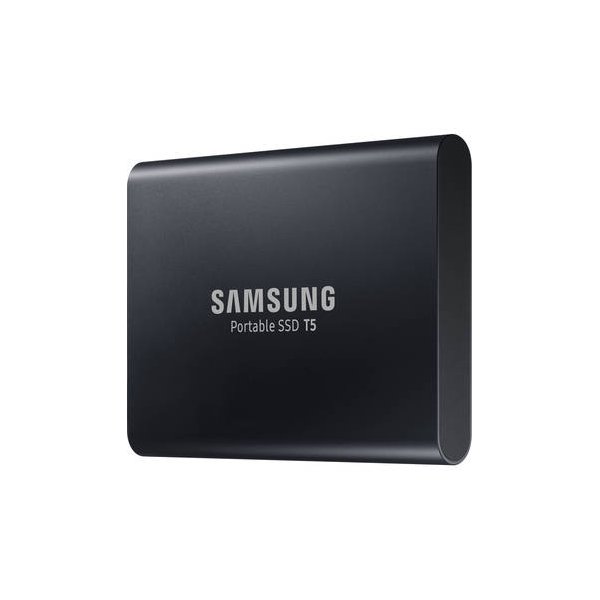
Samsung 2TB T7 Portable SSD (Titan Gray)
Samsung
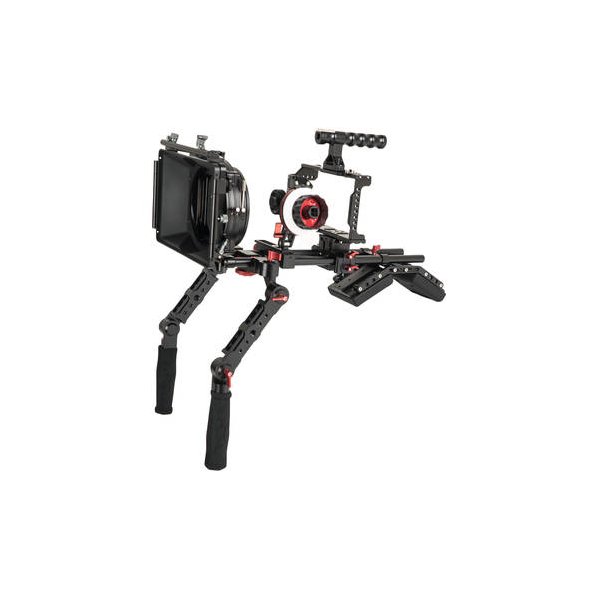
CAME-TV BMPCC Plus Camera Cage Rig with Matte Box and Follow Focus for BMPCC 6K/4K
CAME-TV
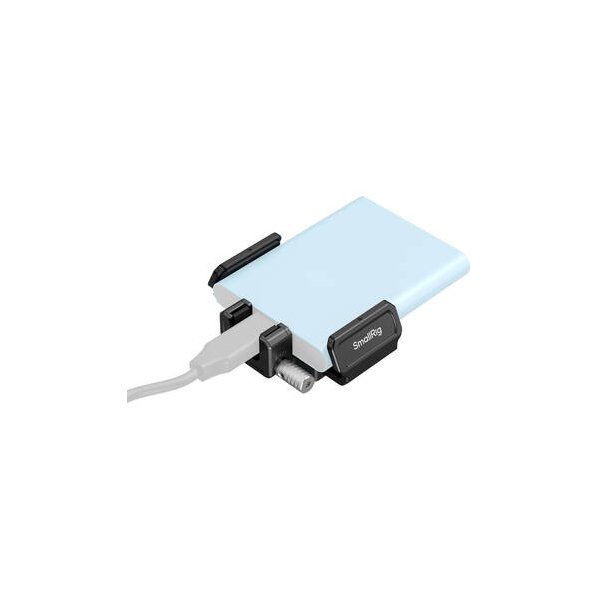
SmallRig Full Cage for Blackmagic Pocket Cinema Camera 6K/4K
SmallRig
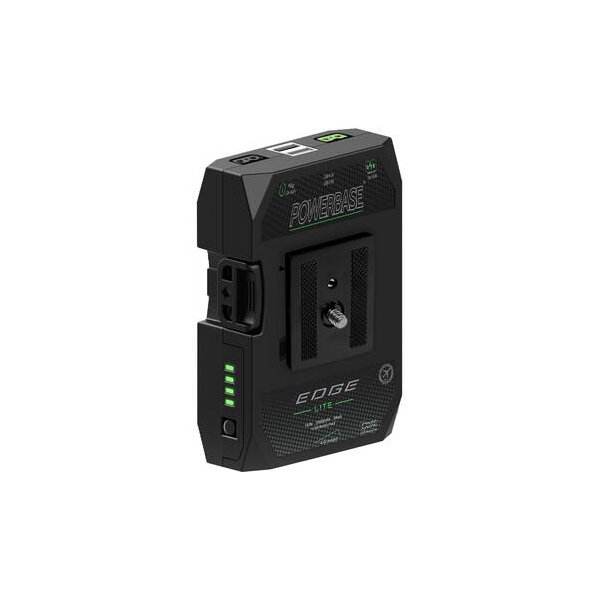
Core SWX Powerbase EDGE Battery Bundle for Blackmagic Pocket Camera 6K & 4K
Core SWX
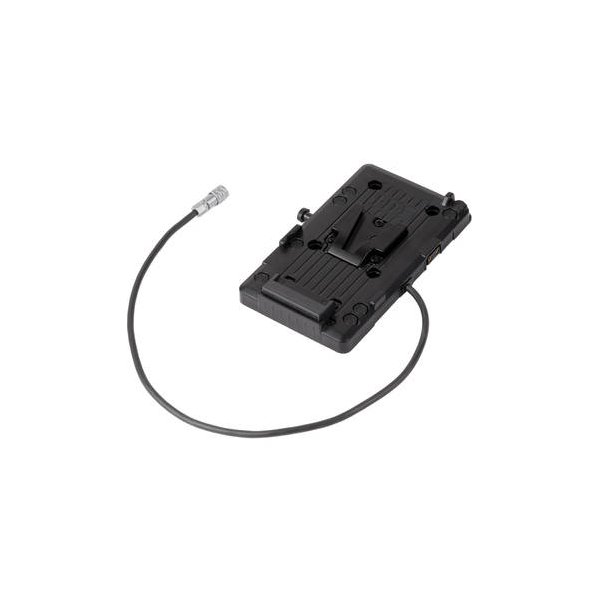
Hedbox V-Mount Battery Plate to BMPCC 4K/6K
Hedbox
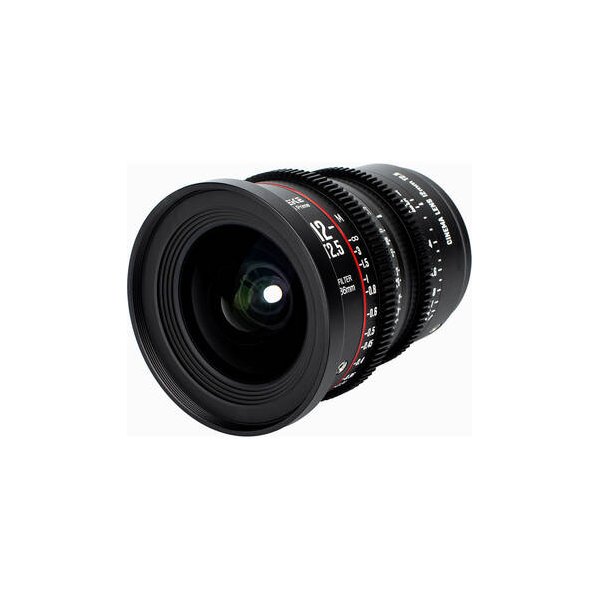
Meike 18mm T2.1 Super35 Cinema Prime Lens (EF Mount)
Meike
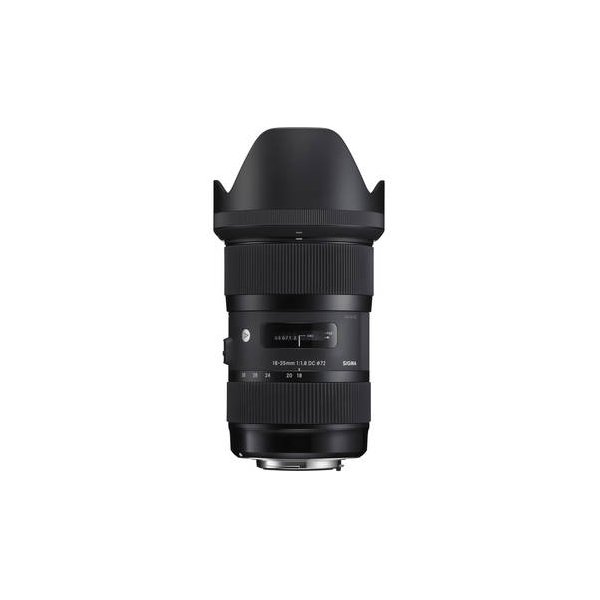
Sigma 18-35mm f/1.8 DC HSM Art Lens for Canon EF
Sigma
Related comparisons
The FX3 wins for run-and-gun; the BMPCC 6K owns narrative on a budget.
See full comparison Pocket Cinema Camera 6K vs Pocket Cinema Camera 6K ProThe BMPCC 6K Pro adds built-in NDs and better battery life to the original 6K's cinematic image.
See full comparison Pocket Cinema Camera 6K vs fp LThe BMPCC 6K is a cinema workhorse for narrative, while the Sigma fp L offers a compact full-frame hybrid solution.
See full comparison Pocket Cinema Camera 6K vs E2-S6The BMPCC 6K excels for cinematic BRAW workflows, while the Z Cam E2-S6 offers superior modularity and higher frame rates.
See full comparison Pocket Cinema Camera 6K vs Pyxis 6KThe Pyxis 6K offers full-frame imaging and L-Mount versatility, while the BMPCC 6K provides Super 35 and EF mount at a lower price.
See full comparison Pocket Cinema Camera 6K vs Cinema Camera 6KThe BMCC 6K offers full-frame imagery and L-Mount versatility; the BMPCC 6K provides Super 35 and ProRes for less.
See full comparison Pocket Cinema Camera 6K vs Pocket Cinema Camera 4KThe BMPCC 4K offers M4/3 versatility and higher HD frame rates; the BMPCC 6K delivers Super 35 6K resolution with an EF mount.
See full comparison