Technical specifications
- Sensor
- Super35 CMOS
- Sensor Size
- 23.1 x 12.99 mm
- Megapixels
- 21.2
- Mount
- Canon EF
- Max Resolution
- 6K (6144x3456)
- Max Frame Rate
- 120fps @ 2.7K
- Codec
- Blackmagic RAW, ProRes
- Dynamic Range
- 13 Stops
- ISO Range
- ISO 100–25600
- Log / Gamma
- Blackmagic RAW Film Log, Video
- Autofocus
- Contrast-detection
- Stabilization
- None
- ND Filter
- 2–6 stop (3-position wheel)
- Ports
- 1x HDMI, 2x Mini XLR Mic/Line Input (+48 V Phantom Power), 1x 1/8" / 3.5 mm TRS Stereo Mic/Line, 1x 1/8" / 3.5 mm TRS Stereo Headphone, 1x Weipu SF610/S2 (12 to 20VDC), 1x USB-C (USB 3.2 / 3.1 Gen 1) Control (Shared with Video Output), 1x 1/8" / 3.5 mm (Timecode) Input (Shared with Mic/Line Input)
- Battery
- Sony L-Series
- Weight
- 2100g
- Dimensions
- 266.7 x 222.25 x 196.85 mm
- MSRP
- $2,495
Add your voice
Your ratings help other filmmakers choose the right camera.
Own it?
What do you use this for?
Field guide
Overview
The Blackmagic Pocket Cinema Camera 6K Pro is a powerhouse for independent filmmakers and cinematographers who prioritize image quality and color science above all else. Positioned as a professional-grade tool in a compact form factor, it competes with high-end cinema cameras by offering a Super 35mm sensor, 13 stops of dynamic range, and dual native ISO (400 and 3,200). It is designed for those who want a cinematic look straight out of the camera, with the flexibility of Blackmagic RAW for deep post-production control.
What sets the 6K Pro apart is its integration of internal 2/4/6-stop ND filters, a massive upgrade for run-and-gun shooters who previously had to rely on external matte boxes or screw-on filters. The camera also features a high-brightness, tilting 5-inch LCD touchscreen, which is a significant improvement for monitoring in bright daylight. It supports recording to CFast 2.0, SD UHS-II cards, or directly to external USB-C flash disks, providing versatile media options for different production scales.
This camera is ideal for narrative filmmakers, documentary crews, and content creators who need a reliable, high-quality A-camera that can handle demanding lighting conditions. While it lacks the autofocus performance of some hybrid mirrorless competitors, its focus on manual control, professional audio inputs (mini-XLR), and industry-standard codecs makes it a staple for productions where image fidelity is the primary concern.
Pros & Cons
Pros
Internal 2/4/6-stop ND filters allow for shallow depth of field in bright daylight without external accessories.
Dual native ISO (400/3200) provides excellent low-light performance and clean images in varied lighting.
Blackmagic RAW codec offers superior image quality with efficient file sizes and powerful metadata support.
Tilting 5-inch LCD touchscreen is bright enough for outdoor use and improves ergonomics for low or high-angle shots.
Professional audio connectivity with mini-XLR inputs and 48V phantom power eliminates the need for external preamps.
Cons
Autofocus performance is not as reliable or fast as modern hybrid mirrorless cameras, making it less ideal for solo run-and-gun tracking.
The camera body is relatively large and heavy compared to standard mirrorless cameras, requiring a cage for professional rigging.
High-resolution and high-frame-rate recording (e.g., 6K 50fps) requires expensive CFast 2.0 cards or fast external SSDs to avoid dropped frames.
The screen can run warm at 100% brightness, and in ambient temperatures above 35ºC, it may automatically dim to prevent overheating.
Lack of continuous autofocus tracking makes it difficult to use for fast-paced action or gimbal work without a dedicated focus puller.
Best Settings
Narrative Filmmaking
- Codec: Blackmagic RAW (Constant Quality Q0 or Q5).
- Resolution: 6K (6144 x 3456) for maximum flexibility in post.
- Frame Rate: 24 fps (Project Frame Rate).
- Shutter: 180-degree shutter angle for natural motion blur.
- ISO: 400 (for daylight) or 3200 (for low light).
Documentary / Run-and-Gun
- Codec: ProRes 422 HQ for easier editing workflows.
- Resolution: 4K DCI or Ultra HD.
- Frame Rate: 23.98 or 25 fps.
- Audio: XLR Mic input with phantom power enabled for professional shotgun mics.
- Monitoring: Enable Zebra and False Color to ensure exposure is perfect on the fly.
Interview & Talking Head
- Codec: Blackmagic RAW (Constant Bitrate 8:1 or 12:1).
- Resolution: 6K or 4K.
- White Balance: Set manually using a grey card (AWB feature) to ensure consistent skin tones.
- Audio: XLR Line input for clean audio from a mixer.
Slow Motion
- Frame Rate: Set 'Off Speed Frame Rate' to 60 fps (or 120 fps in 2.8K windowed mode).
- Project Frame Rate: 24 fps.
- Note: Audio is not synced in off-speed recording modes.
Common Issues
Dropped Frames
What's happening: A flashing '!' indicator appears over the record button, and the time remaining indicator turns red. Why: The storage media (SD card or SSD) is too slow for the selected codec and resolution. Fix: Switch to a faster card (CFast 2.0 or high-speed UHS-II) or lower the recording resolution/codec. You can set the camera to 'Stop Recording' when dropped frames are detected in the record settings. Prevention: Always use recommended media from the Blackmagic support website and format cards in-camera.
Overheating / Screen Dimming
What's happening: The LCD screen brightness reduces automatically. Why: The camera is operating in high ambient temperatures (35ºC/95ºF or above) or at 100% screen brightness, triggering a safety feature to prevent overheating. Fix: Move to a cooler environment or reduce the screen brightness. Prevention: Avoid using 100% screen brightness in direct sunlight for extended periods.
Audio Levels Too Low
What's happening: Audio recorded via the 3.5mm input is extremely quiet. Why: You are likely using a microphone but have the input set to 'Line' level instead of 'Mic' level. Fix: Go to the Audio tab in the menu and ensure the channel source is set to '3.5mm Mic' or the appropriate XLR Mic setting. Prevention: Always verify your audio input settings before starting a take.
Phantom Power Damage
What's happening: Audio equipment is damaged after connecting to the XLR port. Why: Phantom power (+48V) was left on while connecting or disconnecting equipment that does not require it. Fix: Always turn off phantom power before disconnecting microphones. Wait a few minutes for the charge to discharge before plugging in new equipment. Prevention: Develop a habit of checking the '+48V' indicator in the audio menu before changing audio gear.
FAQ
- Can the Blackmagic Pocket Cinema Camera 6K Pro record to external SSDs?
Yes, the camera features a high-speed USB-C expansion port that allows you to record directly to external USB-C flash disks. This is ideal for long-duration recording, and the drive can be connected directly to a computer for post-production.
- What is the dual native ISO of the Blackmagic Pocket Cinema Camera 6K Pro?
The camera has a dual native ISO of 400 and 3,200. This allows the sensor to be optimized for both bright daylight and low-light conditions, ensuring clean footage with minimal noise.
- Does the Blackmagic Pocket Cinema Camera 6K Pro have built-in ND filters?
Yes, the 6K Pro model features internal neutral density (ND) filters. You can cycle through clear, 2, 4, and 6 stops of light reduction using the buttons on the back of the camera.
- Can I use my existing EF lenses on the Blackmagic Pocket Cinema Camera 6K Pro?
Yes, the 6K Pro and 6K G2 models feature an active EF lens mount, allowing you to use your favorite EF lenses with support for autofocus and auto exposure.
- What memory cards are recommended for the Blackmagic Pocket Cinema Camera 6K Pro?
For 6K, 4K DCI, and Ultra HD recording, we recommend using the fastest high-speed UHS-II SD cards available or CFast 2.0 media. For HD recording, UHS-I cards are sufficient.
- Does the Blackmagic Pocket Cinema Camera 6K Pro support gyro stabilization?
Yes, the camera automatically records motion sensor data. You can apply this data in DaVinci Resolve using the 'camera gyro' stabilization mode to stabilize your clips in post-production.
- Can I record LUTs directly into the footage on the Blackmagic Pocket Cinema Camera 6K Pro?
Yes, you can choose to 'bake in' a LUT to your footage by enabling the 'Record LUT to Clip' setting in the record menu. This is useful if you need to deliver footage directly to a client without time for grading.
- What is the maximum frame rate of the Blackmagic Pocket Cinema Camera 6K Pro?
The camera can record up to 50 fps in 6K (6144 x 3456) and up to 60 fps in 6K 2.4:1 or 4K DCI. It can reach 120 fps in 2.8K 17:9 windowed mode.
Recommended Accessories
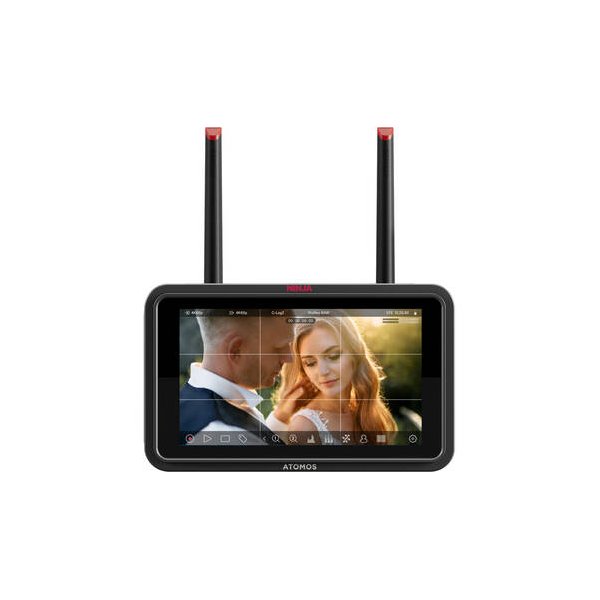
Atomos Ninja TX 5.2" HDMI/12G-SDI Wi-Fi-Enabled Camera Monitor/Recorder
Atomos
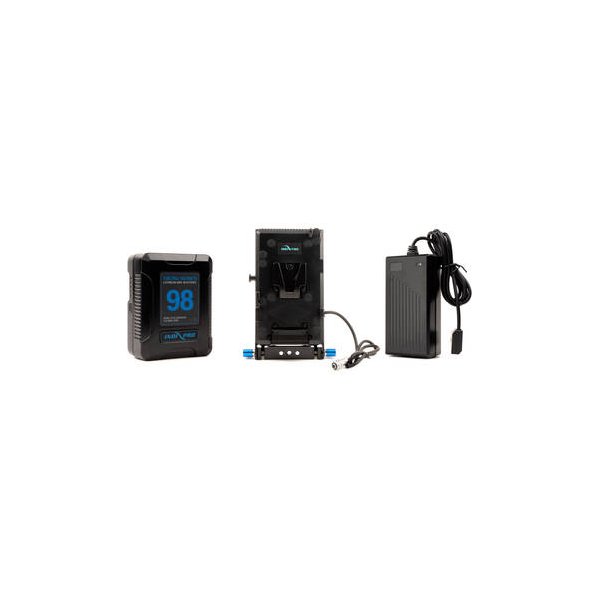
IndiPRO Tools 98Wh V-Mount Battery and Complete Power Kit for BMPCC 6K/4K
IndiPRO
Tilta Full Camera Cage V2 for Sony FX3 & FX30 (Black)
Tilta
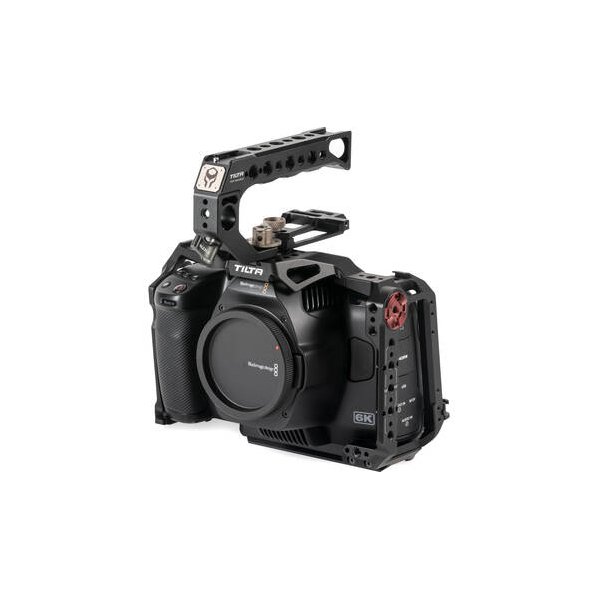
Tilta Full Camera Cage for BMPCC 6K Pro/G2/BMPCC 6K (Black)
Tilta
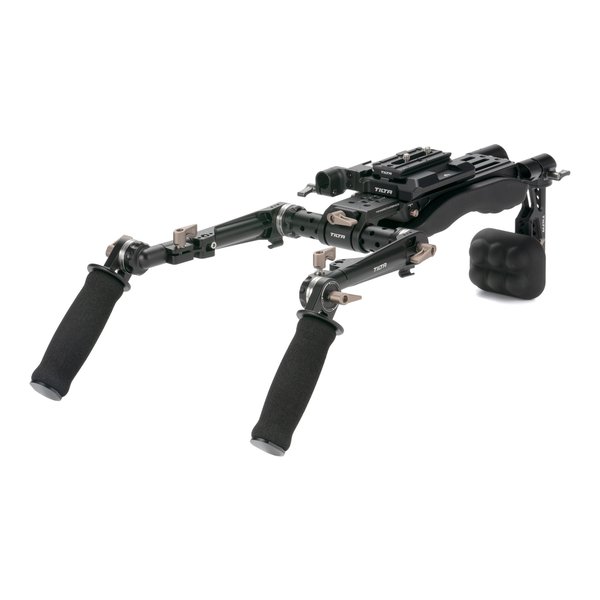
Tilta Lightweight Shoulder Rig (Black)
Tilta
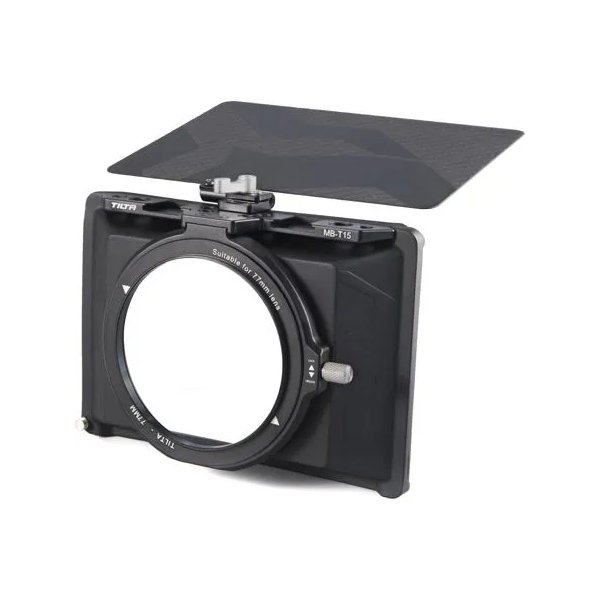
Tilta Mini Matte Box
Tilta
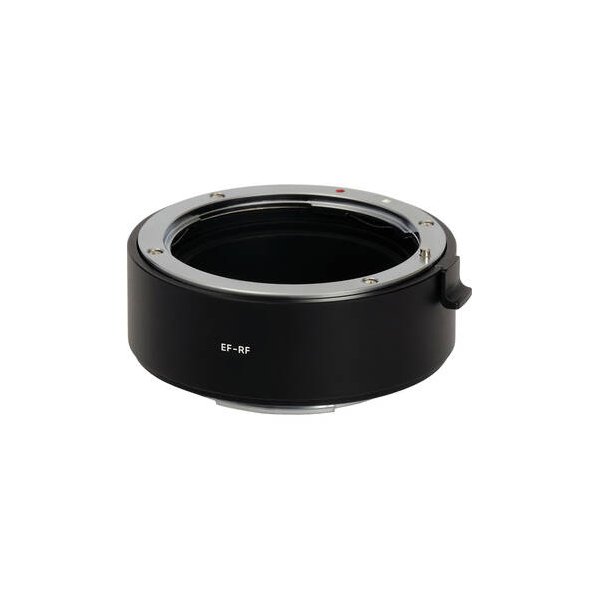
Urth Electronic Lens Mount Adapter for Canon EF/EF-S Lens to Nikon Z Camera Body
Urth