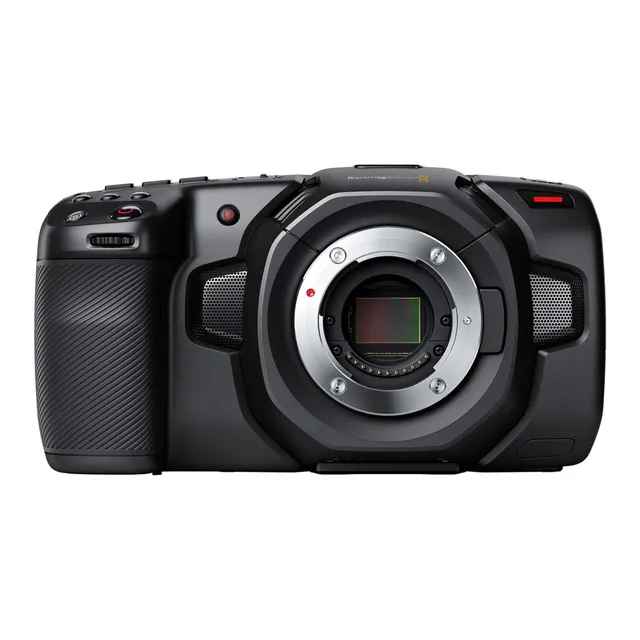
Technical specifications
- Sensor
- Four Thirds CMOS
- Sensor Size
- 18.96 x 10 mm
- Mount
- Micro Four Thirds
- Max Resolution
- 4K DCI (4096x2160)
- Max Frame Rate
- 120fps @ 1080p
- Codec
- Blackmagic RAW, ProRes
- Dynamic Range
- 13 Stops
- ISO Range
- ISO 100–25600
- Log / Gamma
- Film, Extended Video, Video
- Stabilization
- Lens-based (with compatible lenses)
- Ports
- 1x HDMI, 1x 1/8" / 3.5 mm TRS Stereo Mic/Line, 1x 1/8" / 3.5 mm TRS Stereo Headphone, 1x Mini XLR Mic/Line Input (+48 V Phantom Power), 1x Weipu SF610/S2, 1x USB-C (Shared with Video Output), 1x 1/8" / 3.5 mm (Timecode) Input (Shared with Mic/Line Input)
- Battery
- Canon LP-E6
- Weight
- 1393g
- Dimensions
- 292.1 x 190.5 x 152.4 mm
- MSRP
- $1,295
Add your voice
Your ratings help other filmmakers choose the right camera.
Own it?
What do you use this for?
Field guide
Overview
The Blackmagic Pocket Cinema Camera 4K (BMPCC 4K) remains a cornerstone for independent filmmakers who prioritize image quality and professional workflows over consumer-grade convenience. By packing a Micro Four Thirds sensor capable of 13 stops of dynamic range into a compact, ergonomic chassis, it bridges the gap between high-end cinema cameras and entry-level mirrorless bodies. It is a purpose-built tool for those who want to master color grading and RAW workflows without the prohibitive cost of larger cinema systems.
What sets the BMPCC 4K apart is its commitment to professional standards, including dual native ISO (400 and 3200) and the ability to record in Blackmagic RAW or Apple ProRes. The camera features a large 5-inch touchscreen that serves as the command center for almost all settings, from metadata entry to advanced monitoring tools like false color and focus assist. It is designed to be a 'pocket' cinema camera, but it is most effective when rigged out for narrative, documentary, or interview-style productions where you have the time to manage its power and storage requirements.
This camera is ideal for cinematographers and content creators who are ready to move beyond the limitations of standard mirrorless video. It is particularly well-suited for narrative shorts, music videos, and corporate interviews where the ability to pull detail from shadows and highlights in post-production is paramount. If you are looking for a camera that forces you to learn the craft of cinematography while delivering a truly cinematic look, the BMPCC 4K is a formidable choice.
Pros & Cons
Pros
13 stops of dynamic range provides massive latitude for color grading in post-production.
Dual native ISO (400 and 3200) allows for clean, low-noise images in both bright daylight and dim interiors.
Blackmagic RAW recording offers superior image quality with efficient file sizes and frame-by-frame metadata.
Large 5-inch touchscreen interface is intuitive and makes managing complex settings significantly faster than menu-diving.
USB-C expansion port allows for direct recording to high-capacity external SSDs, which is essential for long-form projects.
Cons
The camera lacks continuous autofocus tracking, making it difficult to use for run-and-gun subjects or gimbal work.
Battery life with the standard LP-E6 is very short; professional shoots will require external power solutions or a battery grip.
The lack of built-in ND filters means you must carry and manage external filters for outdoor shooting.
The fixed LCD screen can be difficult to view in bright sunlight, even at high brightness settings.
The camera body is not weather-sealed, requiring extra caution when shooting in harsh or dusty environments.
Best Settings
Narrative Filmmaking
Shoot in Blackmagic RAW (Constant Bitrate 8:1 or 12:1) to maximize dynamic range and flexibility in DaVinci Resolve. Use a project frame rate of 24fps with a 180-degree shutter angle for natural motion blur. Always use the native ISO (400 or 3200) to ensure the best signal-to-noise ratio.
Documentary / Run-and-Gun
Use ProRes 422 LT or Proxy to save space and simplify post-production. Enable 'False Color' to monitor exposure quickly, ensuring skin tones fall within the pink/green range. Use the 'Iris + Shutter' auto-exposure mode if lighting conditions are rapidly changing, but be aware of potential flicker.
Interview & Talking Head
Record in Blackmagic RAW 5:1 for high-quality archival footage. Set the white balance manually using a grey card rather than relying on presets. Use the mini-XLR input with phantom power enabled for professional-grade shotgun or lavalier microphones.
Slow Motion
Set the sensor frame rate to 60fps or 120fps (depending on resolution) while keeping the project frame rate at 24fps. Note that audio is not synced when using off-speed frame rates, so do not use this setting if you need to record dialogue.
Common Issues
Dropped Frames During Recording
What's happening: The camera stops recording or displays a warning about dropped frames. Why: The write speed of your SD card or USB-C drive is insufficient for the chosen codec and frame rate. Fix: Lower your resolution, frame rate, or switch to a more compressed codec like ProRes 422 Proxy. Ensure your media is on the Blackmagic-recommended list. Prevention: Always format your media in-camera before a shoot and test your drive's performance by recording a short clip.
Overheating in Bright Sunlight
What's happening: The LCD screen brightness dims automatically or the camera feels hot. Why: The camera is protecting its internal components from high ambient temperatures. Fix: Move the camera to a shaded area or use an external monitor to reduce the load on the internal screen. Prevention: Avoid using 100% screen brightness in direct sunlight for extended periods.
Audio Levels Too Low
What's happening: Recorded audio is extremely quiet or silent. Why: You may have a microphone connected to the 3.5mm input but have the camera set to 'Line' level instead of 'Mic' level. Fix: Go to the Audio Settings menu and ensure the input source matches your microphone type. Prevention: Always perform an audio check with headphones plugged into the camera's headphone jack before rolling.
Media Card 'Locked' Error
What's happening: The camera displays 'Locked' and refuses to record. Why: The physical write-protect switch on the SD card is in the 'lock' position. Fix: Remove the SD card and slide the plastic switch on the side of the card to the unlocked position. Prevention: Check the physical switch on your SD cards before inserting them into the camera.
FAQ
- Can the Blackmagic Pocket Cinema Camera 4K record to external SSDs?
Yes, the camera features a high-speed USB-C expansion port that allows you to record directly to compatible USB-C flash disks. This is ideal for long-duration recording, though note that the SD card slot becomes unavailable when a USB-C drive is connected.
- What is the dual native ISO of the Blackmagic Pocket Cinema Camera 4K?
The camera has a dual native ISO of 400 and 3,200. This means the sensor is optimized for both low-light and bright daylight conditions, providing cleaner footage with minimal noise at both ends of the spectrum.
- Does the Blackmagic Pocket Cinema Camera 4K have built-in ND filters?
No, the Blackmagic Pocket Cinema Camera 4K does not have internal ND filters. You will need to use external screw-on or matte box-mounted ND filters to control exposure in bright conditions.
- What type of battery does the Blackmagic Pocket Cinema Camera 4K use?
The camera uses a standard LP-E6 battery. For extended shooting, you can also power the camera via the included 12V DC power adapter or use a Blackmagic battery grip.
- Can I use my existing Micro Four Thirds lenses on the Blackmagic Pocket Cinema Camera 4K?
Yes, the camera features an active Micro Four Thirds lens mount, allowing you to use MFT lenses with support for electronic focus, iris control, and image stabilization.
- How do I update the internal software on the Blackmagic Pocket Cinema Camera 4K?
You can update the camera's software by connecting it to a computer via the USB-C port and running the Blackmagic Camera Setup utility application.
- Does the Blackmagic Pocket Cinema Camera 4K support continuous autofocus?
The camera supports single-point autofocus when you press the focus button, but it does not feature continuous autofocus tracking. It is best suited for manual focus or focus-pulling techniques.
- What is the maximum frame rate of the Blackmagic Pocket Cinema Camera 4K?
The camera can record up to 60fps in 4K DCI and up to 120fps in windowed HD modes. Refer to the manual's frame rate tables for specific codec and resolution combinations.
Recommended Accessories
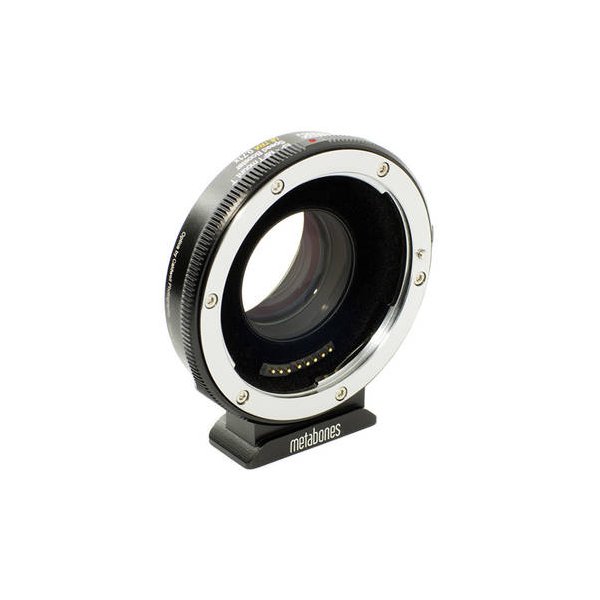
Metabones Speed Booster Ultra 0.71x Adapter for Leica R-Mount Lens to Micro Four Thirds-Mount Camera
Metabones
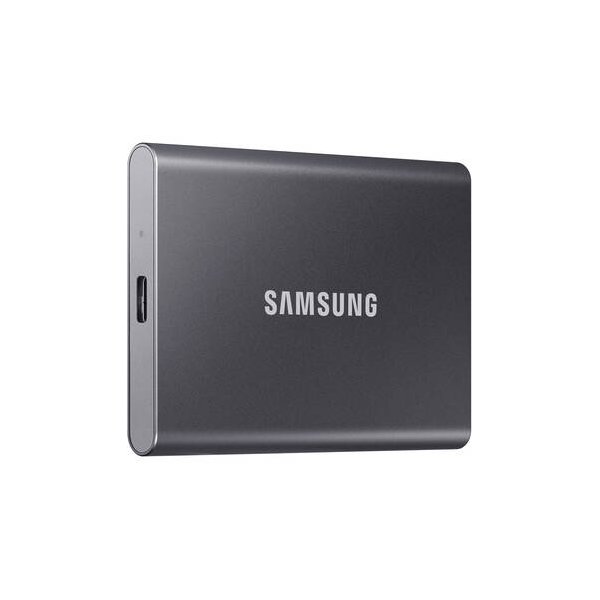
Samsung 1TB T5 Portable Solid-State Drive (Black)
Samsung
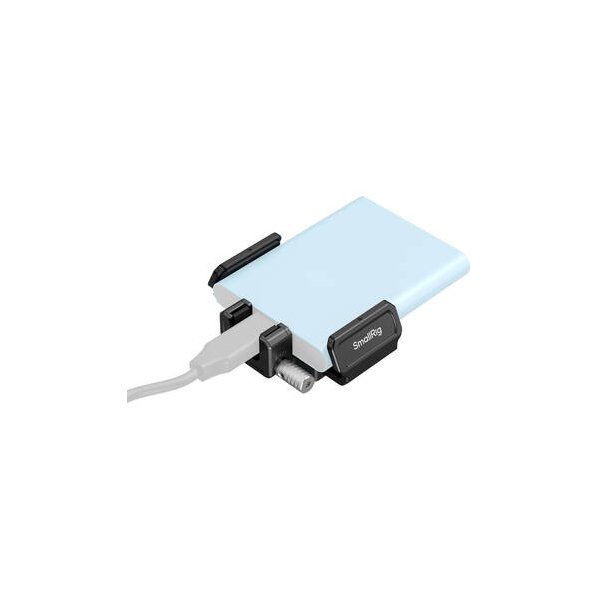
SmallRig Full Cage for Blackmagic Pocket Cinema Camera 6K/4K
SmallRig
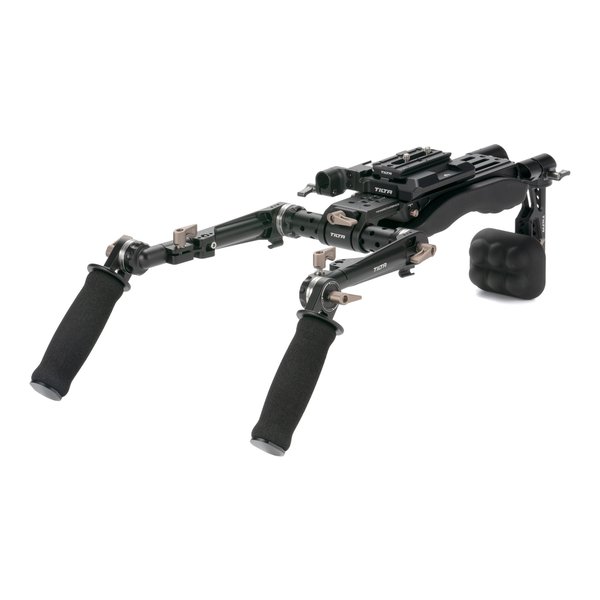
Tilta Lightweight Shoulder Rig (Black)
Tilta
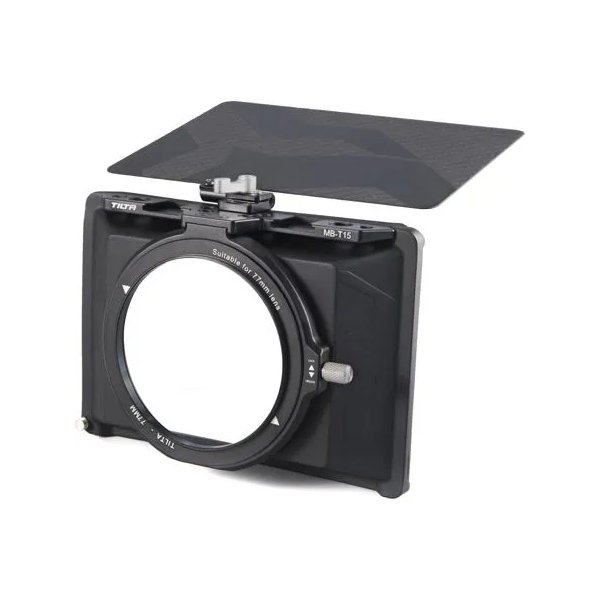
Tilta Mini Matte Box
Tilta