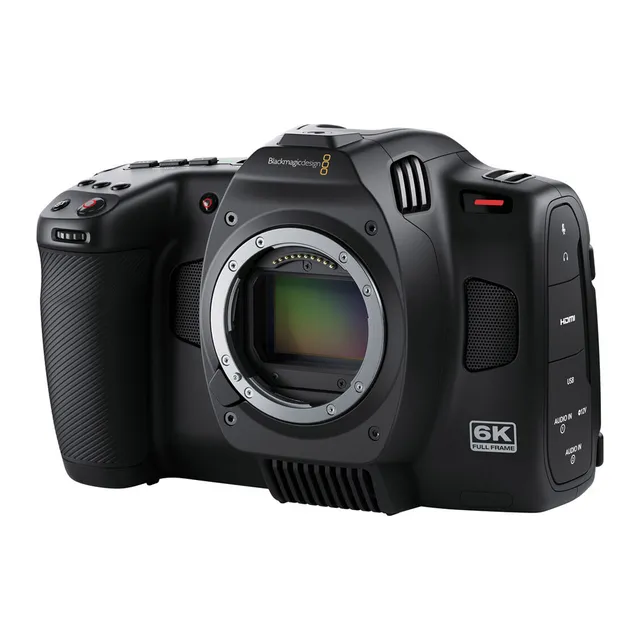
Technical specifications
- Sensor
- Full-Frame CMOS
- Sensor Size
- 36 x 24 mm
- Megapixels
- 24.6
- Mount
- L-Mount
- Max Resolution
- 6K (6048x4032)
- Max Frame Rate
- 120fps @ 1080p
- Codec
- Blackmagic RAW, H.264
- Dynamic Range
- 13 Stops
- ISO Range
- ISO 100–25600
- Log / Gamma
- Blackmagic Design Generation 5 Color Science (Film, Extended Video, Video)
- Stabilization
- Gyro stabilization (metadata for DaVinci Resolve)
- ND Filter
- Internal ND filters (Pro model only)
- Ports
- 1x HDMI, 2x Mini XLR Mic/Line Input (+48 V Phantom Power), 1x 1/8" / 3.5 mm TRS Stereo Mic/Line, 1x 1/8" / 3.5 mm TRS Stereo Headphone, 1x Proprietary (12 to 20VDC), 1x USB-C (USB 3.2 / 3.1 Gen 1) Video/Control Input/Output
- Battery
- Sony L-Series
- Weight
- 1200g
- Dimensions
- 179.8 x 122 x 94 mm
- MSRP
- $2,495
Add your voice
Your ratings help other filmmakers choose the right camera.
Own it?
What do you use this for?
Field guide
Overview
The Blackmagic Cinema Camera 6K is a powerhouse for filmmakers who demand high-end digital cinema quality in a compact, portable form factor. Built on the familiar Blackmagic Pocket Cinema Camera Pro platform, it features a full-frame 6K sensor that is three times larger than a Super 35 sensor, offering massive creative potential for those using full-frame or anamorphic glass. It is a direct competitor to high-end mirrorless cinema cameras, but it distinguishes itself by prioritizing raw, uncompressed image quality and a professional-grade workflow that integrates seamlessly with DaVinci Resolve.
What makes this camera truly stand out is its L-Mount versatility, allowing for a wide range of lens options, and its dual-native ISO (400 and 3,200) which provides exceptional performance in both bright daylight and low-light environments. The camera records dual streams—full-resolution Blackmagic RAW and small H.264 proxies—making it an ideal choice for remote collaboration and cloud-based editing workflows. It also includes advanced features like gyro-based stabilization data, which can be applied in post-production for incredibly smooth handheld shots.
This camera is best suited for independent filmmakers, documentary shooters, and content creators who want a 'cinema-first' experience. Whether you are shooting for YouTube, high-end commercials, or narrative film, the ability to record in 6K with the flexibility of Blackmagic RAW makes it a formidable tool for any production where image quality and post-production latitude are non-negotiable.
Pros & Cons
Pros
Full-frame 6K sensor provides a massive, cinematic look with large photosites for superior image quality.
Dual native ISO (400/3200) ensures clean, low-noise footage in both bright and dim lighting conditions.
Records simultaneous Blackmagic RAW and H.264 proxies, streamlining remote and cloud-based editing workflows.
L-Mount compatibility allows for a wide range of high-quality EF, PL, and native L-mount lenses.
Built-in gyro data recording allows for powerful, post-production stabilization in DaVinci Resolve.
Cons
The 1/4-20 top mounting point is not designed for heavy accessories; using a cage is mandatory for professional rigs.
High-resolution 6K recording requires fast CFexpress Type B cards, which can be a significant additional investment.
The camera lacks built-in ND filters, requiring external matte boxes or screw-on filters for outdoor shooting.
The LCD screen may automatically dim or reduce brightness in high ambient temperatures (35ºC/95ºF+) to prevent overheating.
Off-speed frame rates disable audio recording, which can be a workflow hurdle for some documentary projects.
Best Settings
Narrative Filmmaking
Use Blackmagic RAW at 3:1 or 5:1 compression for maximum grading latitude. Set dynamic range to 'Film' to preserve highlight and shadow detail. Use a 180-degree shutter angle for natural motion blur.
Documentary / Run-and-Gun
Use Blackmagic RAW 8:1 or 12:1 to balance file size and quality. Set dynamic range to 'Extended Video' for a finished look that requires minimal grading. Enable 'Auto' for vertical recording if shooting for social media.
Interview & Talking Head
Use 'Film' dynamic range for consistent skin tones. Set ISO to 400 or 3,200 (the native points) to ensure the cleanest signal. Use the 3.5mm or Mini XLR inputs with phantom power for professional audio.
Slow Motion
Enable 'Off Speed Recording' and set the sensor frame rate to 60fps or higher (up to 120fps in 1080 HD). Note that audio is not recorded when off-speed frame rates are active.
Common Issues
Dropped Frames
What's happening: A flashing '!' indicator appears on the record button and the timecode turns red. Why: The write speed of your CFexpress card or USB-C drive is too slow for the selected codec and resolution. Fix: Switch to a lower compression codec (e.g., 12:1) or a lower resolution. Ensure you are using media recommended by Blackmagic Design. Prevention: Always format your media in-camera before a shoot and use the data rate calculator on the Blackmagic website to verify your media's capability.
Hot Pixels
What's happening: Small, bright, or colored pixels appear in your footage, especially in dark areas. Why: CMOS sensors can develop hot pixels over time due to temperature and usage. Fix: Put the lens cap on and run the 'Pixel Recalibration' feature in the Setup menu. This takes about one minute. Prevention: Run this calibration periodically or whenever you notice persistent hot pixels.
Audio Levels Too Low
What's happening: Audio recorded via the 3.5mm input is extremely quiet. Why: You may have selected 'Line' level input for a microphone that requires 'Mic' level. Fix: Go to the Audio menu and ensure the input type matches your microphone (Mic vs. Line). Prevention: Always check your audio levels on the built-in meters before starting a take.
FAQ
- Can the Blackmagic Cinema Camera 6K record to external drives?
Yes, the camera features a high-speed USB-C expansion port that allows you to record directly to high-capacity USB-C flash disks. This is ideal for long-duration shoots where you need more storage than a CFexpress card can provide.
- What is the dual native ISO of the Blackmagic Cinema Camera 6K?
The camera has a dual native ISO of 400 and 3,200. This allows the sensor to be optimized for both bright daylight and low-light conditions, ensuring clean footage with minimal noise.
- Does the Blackmagic Cinema Camera 6K support anamorphic lenses?
Yes, the full-frame sensor allows you to use anamorphic lenses without cropping. The camera also includes anamorphic desqueeze options in the monitor settings to correct the preview image.
- How do I stabilize handheld footage on the Blackmagic Cinema Camera 6K?
The camera records gyro data from an internal motion sensor. You can use this data in DaVinci Resolve to stabilize your clips. Ensure optical image stabilization on your lens is turned off for the best results.
- Can I use my existing EF lenses with the Blackmagic Cinema Camera 6K?
The camera uses an L-Mount, which is highly adaptable. You can use EF lenses, PL cine lenses, and many others with the appropriate adapters.
- What memory cards does the Blackmagic Cinema Camera 6K use?
The camera uses CFexpress Type B cards. These are designed to support the high data rates required for 6K and 4K video recording.
- Does the Blackmagic Cinema Camera 6K have built-in ND filters?
No, the camera does not have built-in ND filters. You will need to use external ND filters, such as those in a matte box or screw-on filters, to control exposure in bright light.
- Can I record proxy files on the Blackmagic Cinema Camera 6K?
Yes, the camera automatically records small H.264 proxy files alongside your Blackmagic RAW files. These are automatically recognized by DaVinci Resolve for an efficient editing workflow.
Recommended Accessories
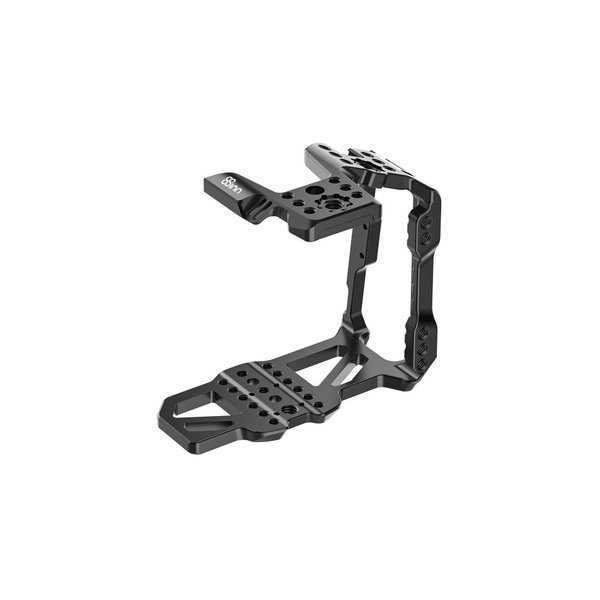
8Sinn Half Cage for Blackmagic Cinema Camera 6K
8Sinn
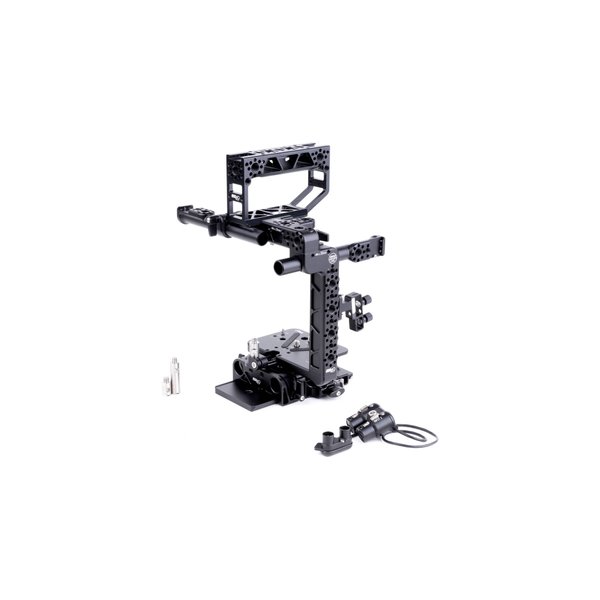
MID49 Base Cage Kit with Audio Breakout AB-6 for Select Blackmagic Cameras
MID49
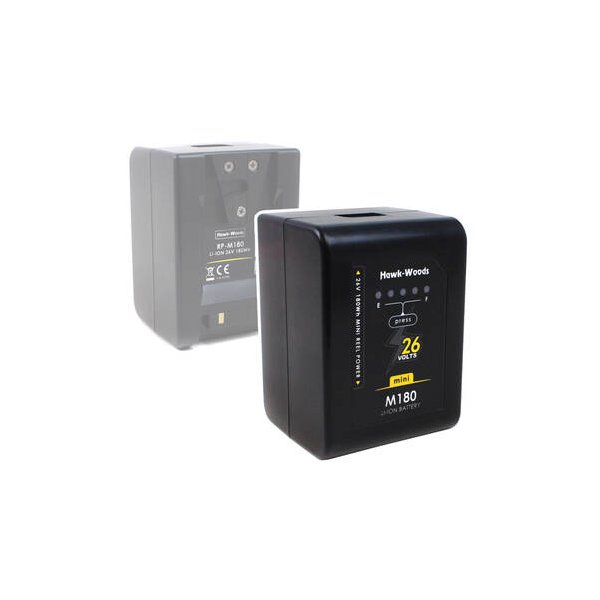
Hawk-Woods Mini Reel-Power 26V 90Wh V-Mount Battery
Hawk-Woods
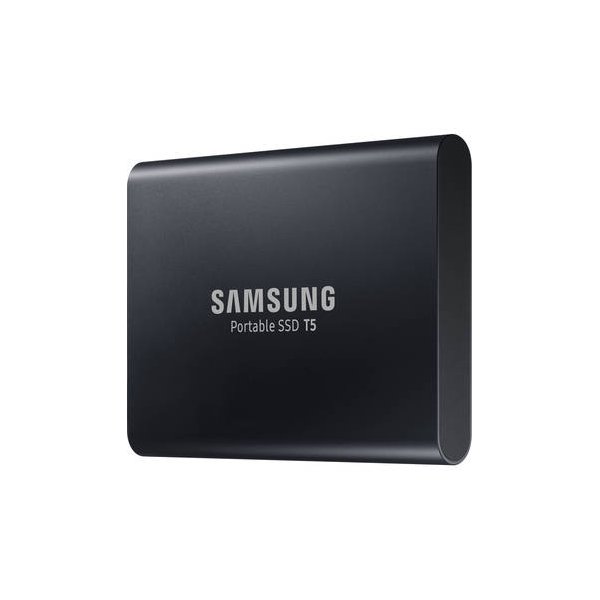
Samsung 2TB T7 Portable SSD (Titan Gray)
Samsung
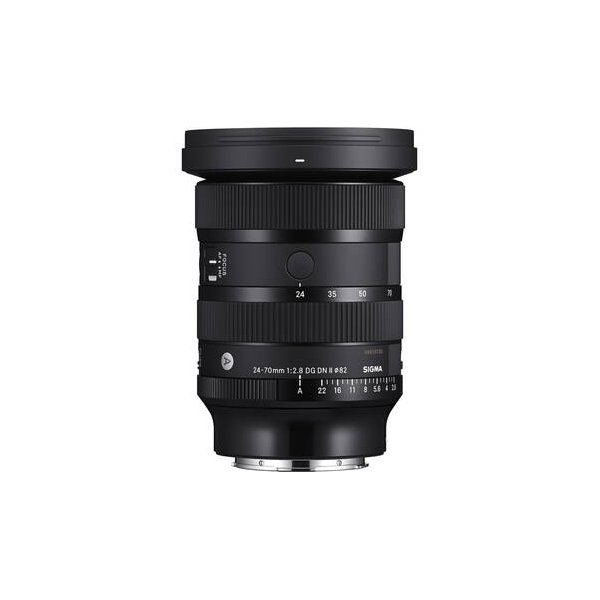
Sigma 24-70mm f/2.8 DG DN II Art Lens (Sony E)
Sigma
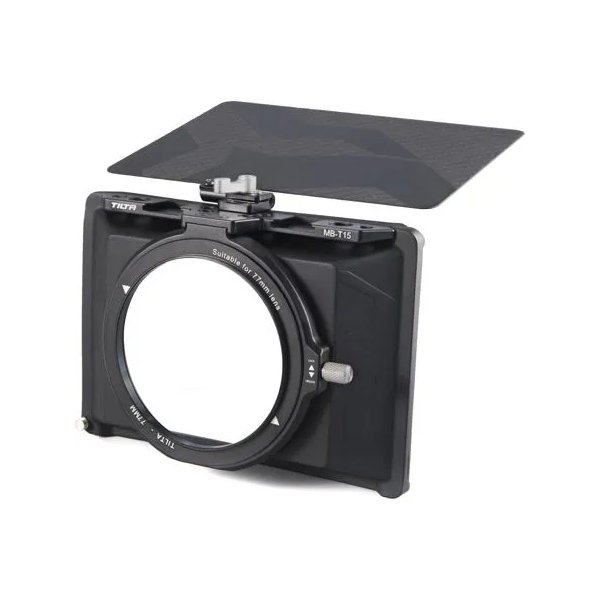
Tilta Mini Matte Box
Tilta
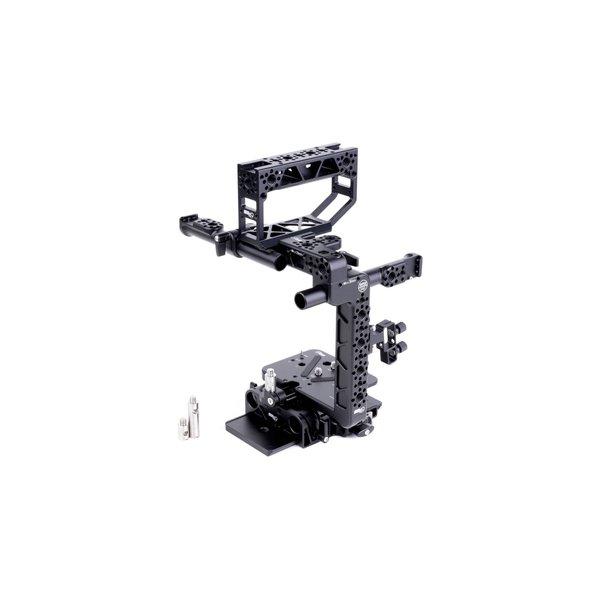
MID49 Base Kit for Blackmagic Cinema Camera 6K
MID49