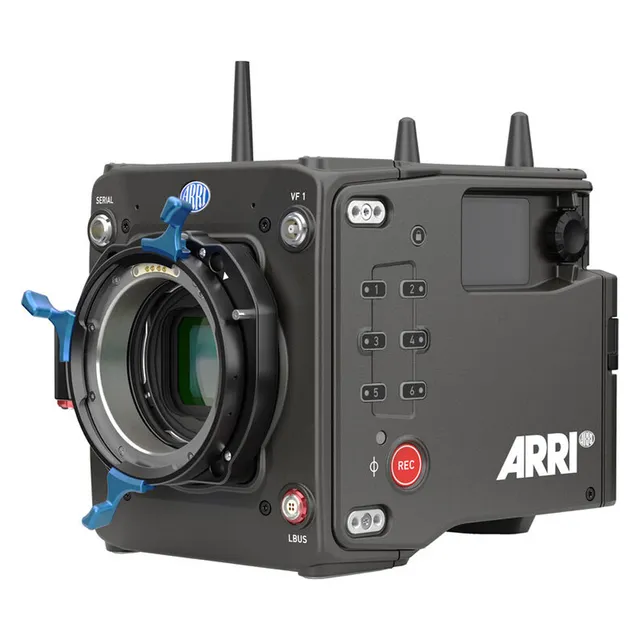
Technical specifications
- Sensor
- Super35 CMOS
- Sensor Size
- 27.99 x 19.22 mm
- Megapixels
- 14.58
- Mount
- Interchangeable Mount
- Max Resolution
- 4K UHD (4608x3164)
- Max Frame Rate
- 120fps @ 4K DCI
- Codec
- ProRes
- Dynamic Range
- 17 Stops
- ISO Range
- ISO 160–6400
- Log / Gamma
- ARRI Log C4, Rec 2100 HLG, Rec 2100 PQ, Rec709, Rec2020
- Stabilization
- Electronic
- ND Filter
- 2–6 stop (3-position wheel)
- Ports
- 1x BNC (12G-SDI), 1x BNC (12G-SDI) Input/Output, 1x 1/8" / 3.5 mm TRRS Headphone/Mic Headphone, 1x 6-Pin LEMO Line, 1x LEMO 8-Pin (20.5 to 33.6VDC), 2x CoaXPress Viewfinder, 1x LEMO 4-Pin Control Input/Output, 1x LEMO 4-Pin (Serial) Data Input/Output, 1x LEMO 5-Pin (Timecode) Input/Output, 1x LEMO 10-Pin (Ethernet) Control, 1x BNC (Sync) Input/Output, 1x USB-C Data Input/Output, 1x Pogo 5-Pin, 1x pogo 18-Pin
- Battery
- B-Mount
- Weight
- 2900g
- Dimensions
- 203 x 152.5 x 147 mm
- MSRP
- $80,000
Add your voice
Your ratings help other filmmakers choose the right camera.
Own it?
What do you use this for?
Field guide
Overview
The ARRI ALEXA 35 is a powerhouse 4K Super 35 camera that represents a significant leap forward in digital cinematography. Built around a brand-new sensor—the first from ARRI in 12 years—it delivers an impressive 2.5 stops of additional dynamic range and superior low-light performance. It is designed to be the ultimate all-rounder, functioning equally well as an A-camera on high-end narrative sets, a B-camera, or even on drones and gimbals thanks to its compact, mini-sized body.
What truly sets the ALEXA 35 apart is its deep level of creative control. The introduction of ARRI Textures allows cinematographers to bake specific grain and contrast characteristics directly into the footage, moving beyond the one-size-fits-all approach of previous generations. Combined with the new REVEAL Color Science, which includes LogC4 encoding and a wide-gamut native color space, the camera provides a robust foundation for both HDR and SDR workflows, ensuring that the increased dynamic range is fully preserved from capture through to post-production.
This camera is an essential tool for professional cinematographers and production houses that need to meet 4K mandates while maintaining the signature ARRI look. Its ability to work with a vast inventory of modern and vintage lenses, combined with a new ecosystem of bespoke accessories, makes it a highly versatile choice for any production scale, from lightweight setups to full-blown studio configurations.
Pros & Cons
Pros
2.5 stops more dynamic range compared to previous ALEXA models, providing exceptional highlight handling and shadow detail.
ARRI Textures allow for in-camera creative control over grain and contrast, baking a specific 'look' directly into ARRIRAW and ProRes files.
Enhanced Sensitivity Mode (EI 2560 to 6400) provides cleaner images in low-light conditions, making it a true high-ISO performer.
Smallest fully-featured ARRI production camera, making it highly adaptable for gimbal and drone work without sacrificing professional I/O.
REVEAL Color Science and LogC4 encoding offer a wide-gamut color space that is natively compatible with ACES and simplifies HDR/SDR mastering.
Cons
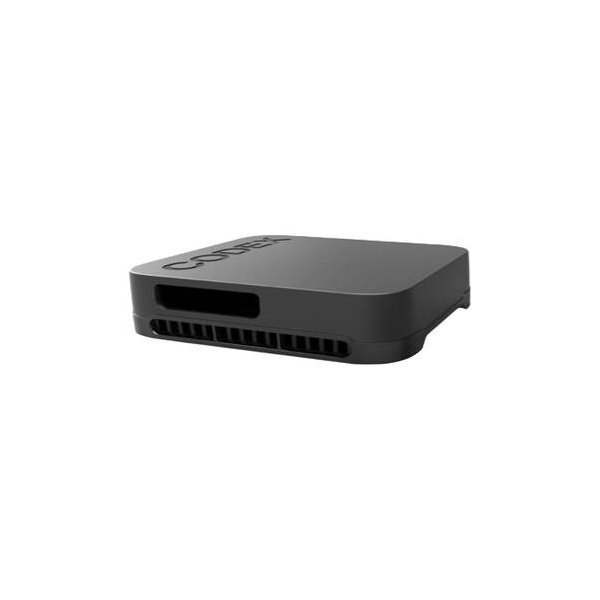
Recording media (Codex Compact Drives) can get extremely hot during extended operation, requiring careful handling to avoid burns.
The camera will automatically shut down at 19.5V, which may catch users off-guard if they are not monitoring power levels closely.
Changing between ARRIRAW and Apple ProRes codecs may require a full camera reboot, which can disrupt fast-paced workflows.
Surround View is not available in 4.6K 3:2 Open Gate or 4.6K 16:9 sensor modes, limiting framing flexibility in those specific resolutions.
Peaking is not supported on the SDI 2 output, which may complicate focus pulling for operators relying on that specific monitor feed.
Best Settings
Narrative Filmmaking
Use ARRIRAW for maximum post-production flexibility and the highest image quality. Set your Project Rate to 23.976p or 24p. Choose the K445 Default texture for a balanced, cinematic look that is forgiving on skin tones. Ensure your SDI outputs are set to 'Processed' to include frame lines and status overlays for the camera team.
Documentary / Run-and-Gun
Shoot in Apple ProRes 422 HQ to balance high quality with manageable file sizes. Enable the 'Rec Start Beeper' and 'Tally' to ensure you know exactly when you are recording. Use the side display for quick parameter adjustments without needing the MVF-2 attached. If shooting in low light, engage the Enhanced Sensitivity Mode (EI 2560+).
Interview & Talking Head
Set your White Balance manually using a gray card and the 'Auto WB' function to ensure accurate skin tones. Use the internal microphones for a scratch track, but route external professional audio through the AUDIO connector (6-pin LEMO) for primary recording. Set the audio control to 'Manual Gain + Limiter' to prevent clipping during unpredictable dialogue.
Slow Motion
Select a higher Sensor Frame Rate (e.g., 60fps or 120fps) while keeping your Project Rate at 23.976p or 24p. Note that the maximum frame rate is dependent on your sensor mode, codec, and the specific Codex Compact Drive model (1TB vs 2TB). Always check the 'Data Rates, Recording Times and Max. FPS' table in the appendix to ensure your media can handle the throughput.
Common Issues
Recording Media Overheating
What's happening: The recording media becomes hot to the touch during or after operation. Why: High data rates and extended operation in warm environments cause the drives to heat up. Fix: Allow the media to cool down before handling. Use protective gloves if necessary. Prevention: Do not cover the media door or apply labels/tape to the drive, as the metal surface is required for heat conduction.
Camera Shutting Down Unexpectedly
What's happening: The camera powers off during a shoot. Why: The camera will automatically switch off if the supply voltage drops to 19.5V. Fix: Check your power source and ensure you are using a valid input voltage (20.5V to 33.6V). Prevention: Monitor battery levels on the HOME screen and set appropriate battery warning thresholds in 'MENU > System > Power'.
Autofocus or Lens Data Issues
What's happening: Lens data is not being communicated or is inaccurate. Why: The lens mount contacts may be dirty, or the lens mount has been manually disabled. Fix: Check 'MENU > Lens & ECS > Enable Lens Mount' to ensure the contacts are enabled. Clean the contacts on both the lens and the mount. Prevention: Always keep the protective cap on the lens mount when a lens is not attached to prevent dust and debris from affecting the contacts.
Audio Clipping
What's happening: Audio levels are hitting the red marker on the meters. Why: The input signal is too hot for the current gain settings. Fix: Adjust the gain in 'MENU > Recording > Audio Recording > Ch 1/2/3/4 Gain' or switch to 'Manual Gain + Limiter' mode. Prevention: Use the reference tone feature to calibrate your audio levels before recording.
FAQ
- Can the ARRI ALEXA 35 shoot 4K at 120fps?
Yes, the ARRI ALEXA 35 can reach 120fps in certain sensor modes and recording resolutions. However, the maximum frame rate is dependent on the set Sensor Mode, the chosen Codec, and the capacity of the Codex Compact Drive (1TB or 2TB). Always consult the 'Data Rates, Recording Times and Max. FPS' table in the appendix for specific combinations.
- What memory card does the ARRI ALEXA 35 use?
The ARRI ALEXA 35 records onto Codex Compact Drives. These drives are available in 1TB and 2TB capacities and are designed for high-speed flash memory performance. They must be erased in-camera before first use to create the required ARRI UDF file system.
- How do I update the firmware on the ARRI ALEXA 35?
Firmware updates are performed using a USB-C memory stick. You must download the Software Update Package (SUP) from the ARRI website, unpack it, and copy the .swu file to the 'ARRI/ALEXA35/SUP' folder and the .lic file to the 'ARRI/ALEXA35/LICENSES' folder. Then, use the 'MENU > System > Update > Update Camera' path to initiate the process.
- Does the ARRI ALEXA 35 have built-in ND filters?
Yes, the ARRI ALEXA 35 features a built-in, motorized, and sealed filter stage for Full Spectrum Neutral Density (FSND) filters. It includes densities of 0.6, 1.2, and 1.8, plus an optical clear filter, which prevents infrared artifacts.
- Can I use PL mount lenses on the ARRI ALEXA 35?
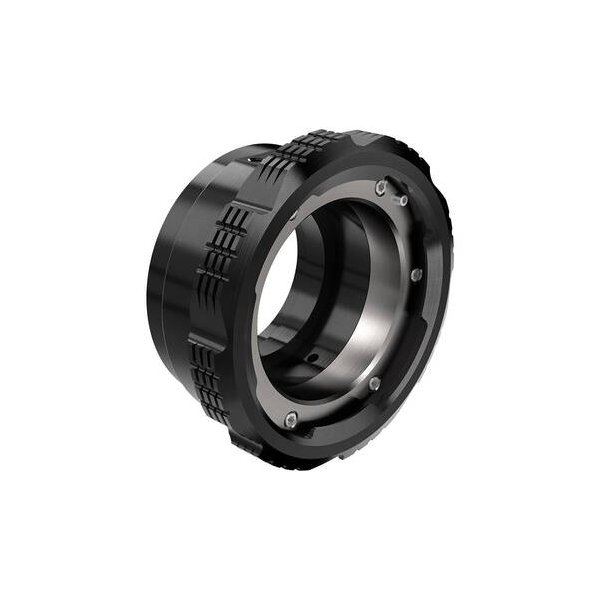
Yes, you can use PL mount lenses, but you must use an appropriate lens mount. The camera supports various mounts, including the PL Mount (LBUS) and PL Mount (Hirose), which are specifically optimized for the ALEXA 35 sensor to reduce internal reflections.
- What is the power input range for the ARRI ALEXA 35?
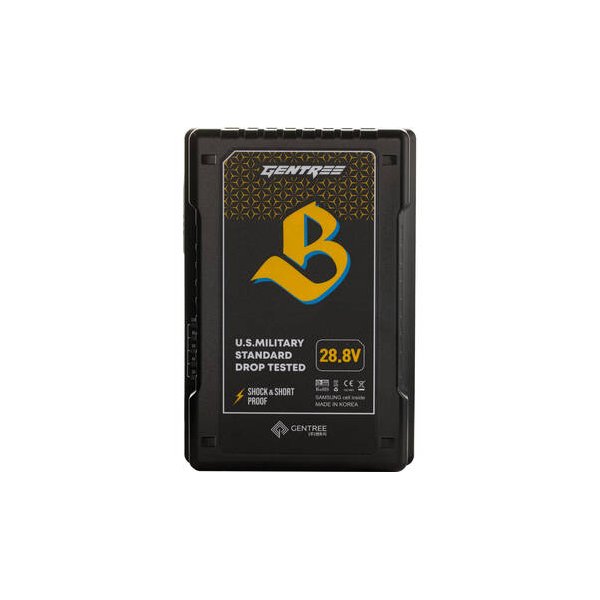
The ARRI ALEXA 35 accepts an input voltage range from 20.5 to 33.6 V DC. It is designed to be powered via the BAT input on the rear interface or the 8-pin LEMO PWR input.
- How do I activate False Color on the ARRI ALEXA 35?
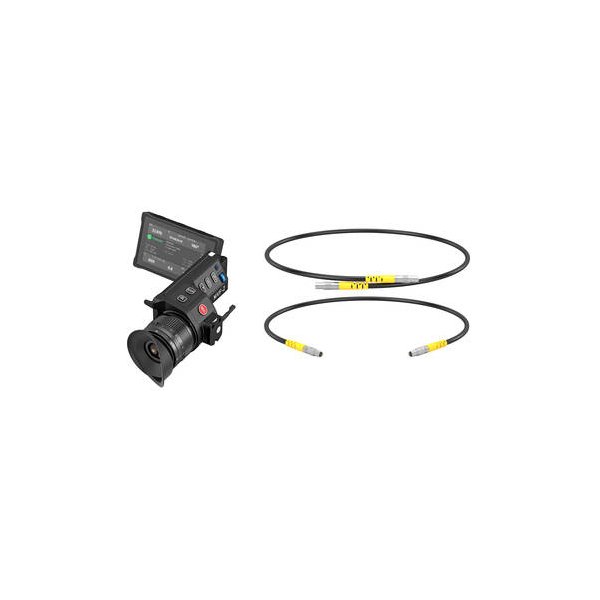
You can activate False Color by pressing the EXP button on the MVF-2 viewfinder. Alternatively, you can enable it through the camera menu for specific outputs by navigating to 'MENU > Monitoring > SDI > [Output] Processing > False Color'.
- What is the purpose of ARRI Textures on the ARRI ALEXA 35?
ARRI Textures allow cinematographers to fundamentally alter the camera's image processing before the ARRIRAW file is created. They define the grain volume, grain character, and perceived sharpness (contrast at different detail levels), allowing you to bake a specific look into your footage.